 GameWiki
GET YOUR BEARINGS
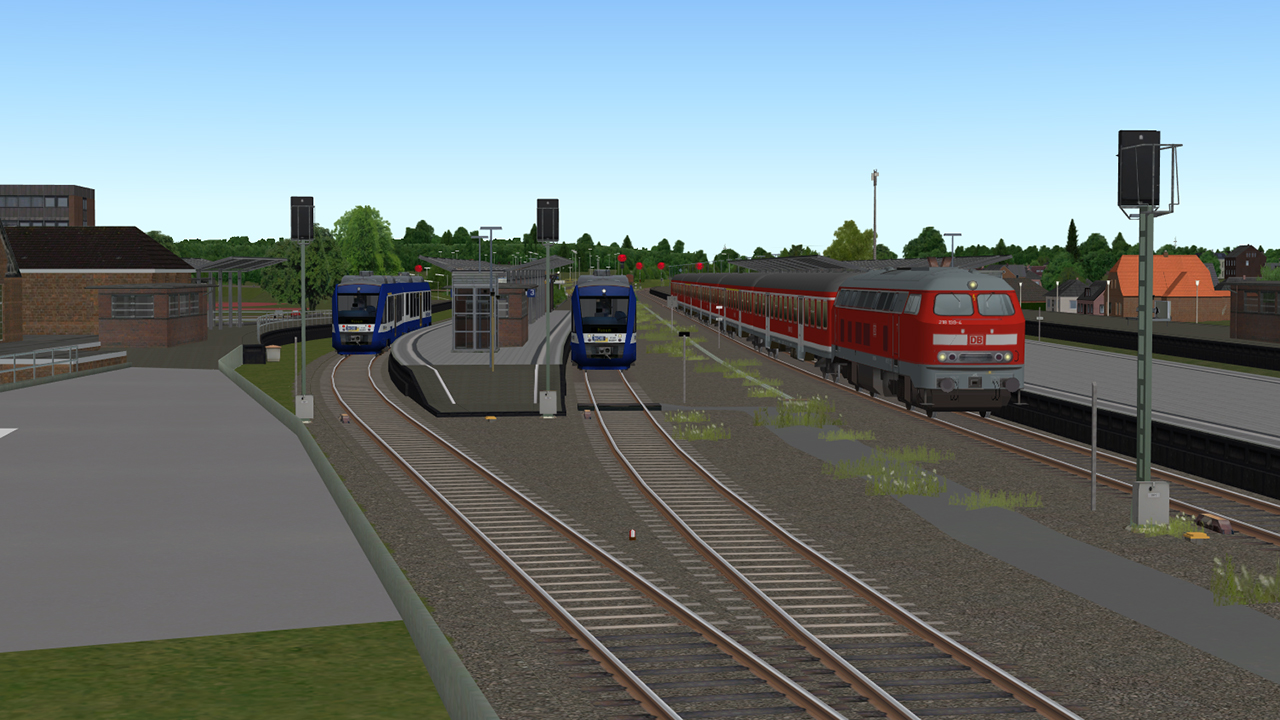
About ZUSI 3 - Aerosoft Edition
Zusi 3 – Aerosoft Edition places you in a virtual cab that aims for the highest realism in train‑driver operations. The simulation is used by hobbyists and also by railway companies for professional driver training, featuring authentic driving, braking and signalling systems.
The base package includes ten routes from different eras, together exceeding 500 km of track. It can be expanded with additional routes, vehicles and timetables, or by using the supplied editors to create and share custom content.
01 / THE GUIDE
Realistic Driving and Braking Dynamics
The physics model reproduces true‑to‑original driving and braking, taking tilt, air resistance and curve resistance into account. This creates a faithful representation of how a real train behaves under various conditions.
Control is possible via keyboard and mouse or through driver‑desk hardware, allowing players to choose the interface that best matches their setup while experiencing the same underlying dynamics.
- Test both input options on a short route to see which feels more natural for you.
- Begin with a lower realism assist level and raise it gradually as you become comfortable.
02 / THE GUIDE
Comprehensive Train Protection Systems
Zusi 3 simulates a wide range of protection systems—Indusi, PZB, LZB, GNT/ZUB, and ETCS—rendered with all functions relevant to the driver. Settings can be relaxed for beginners or set to full strictness for advanced training.
Additional safety features such as various Sifa and door‑protection systems are also modelled, ensuring that the cab environment reflects real‑world safety protocols.
- Start with relaxed protection settings to learn system cues, then increase strictness for a realistic challenge.
- Observe how different systems affect braking distances on the same track segment.
03 / THE GUIDE
Routes, Track Modules and Length
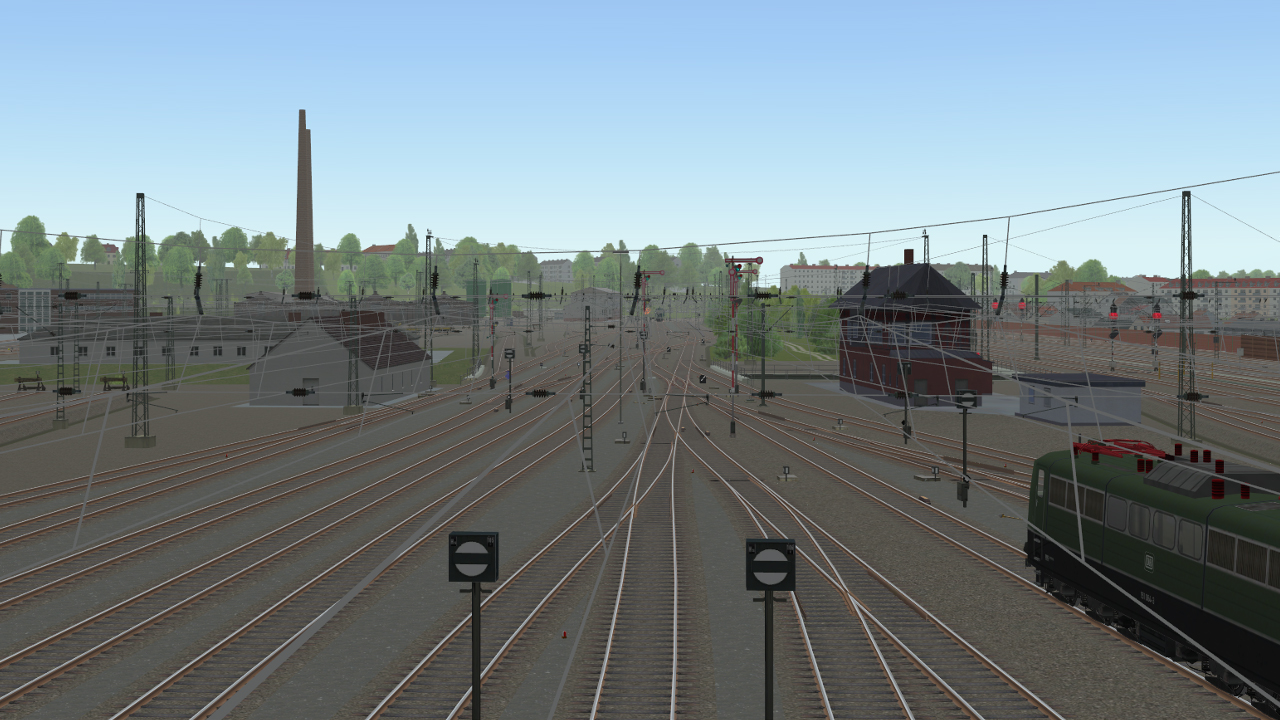
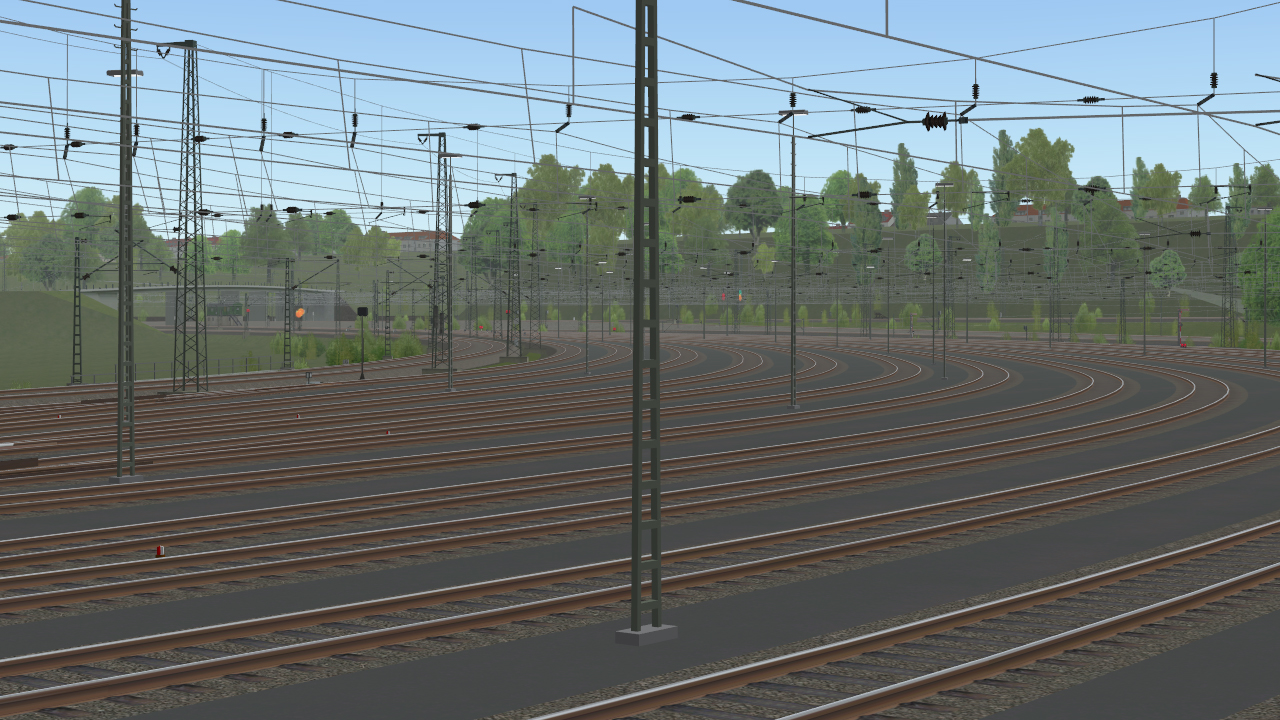
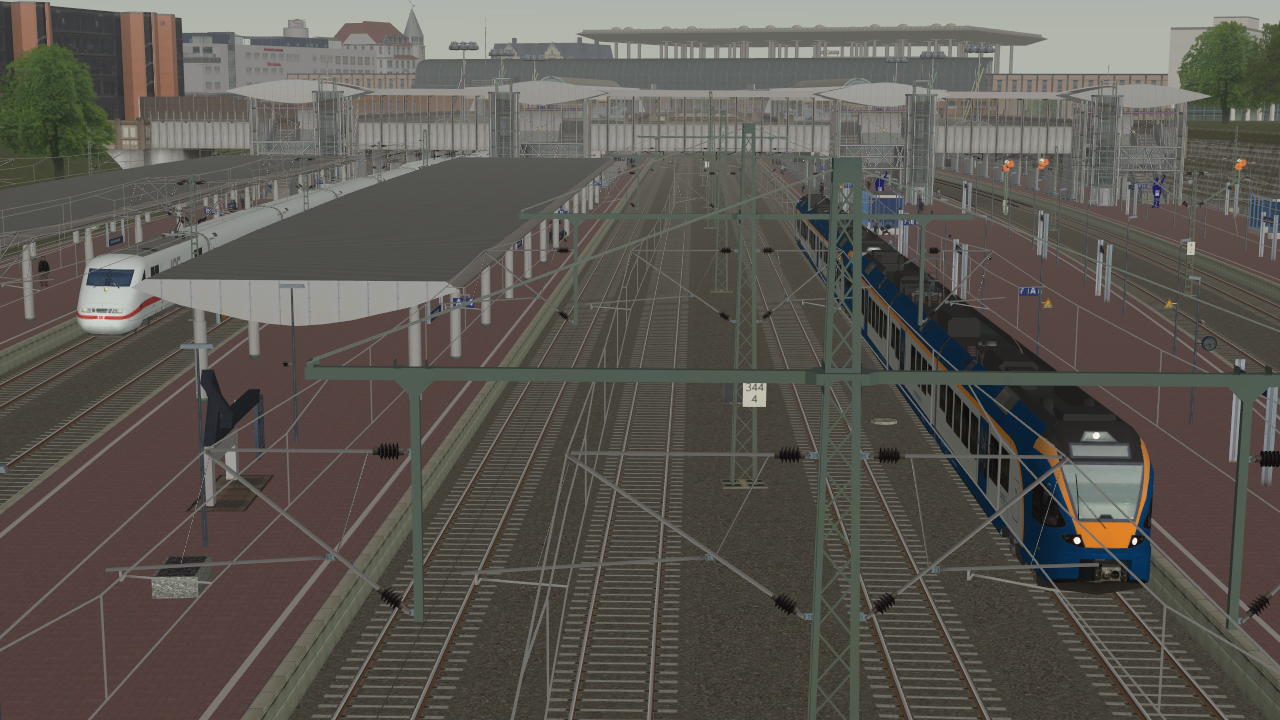
The edition ships with ten routes from various eras, including a Cologne–Düsseldorf line, together providing more than 500 km of track. Tracks are built in modules that can be merged to form larger networks for timetable scenarios.
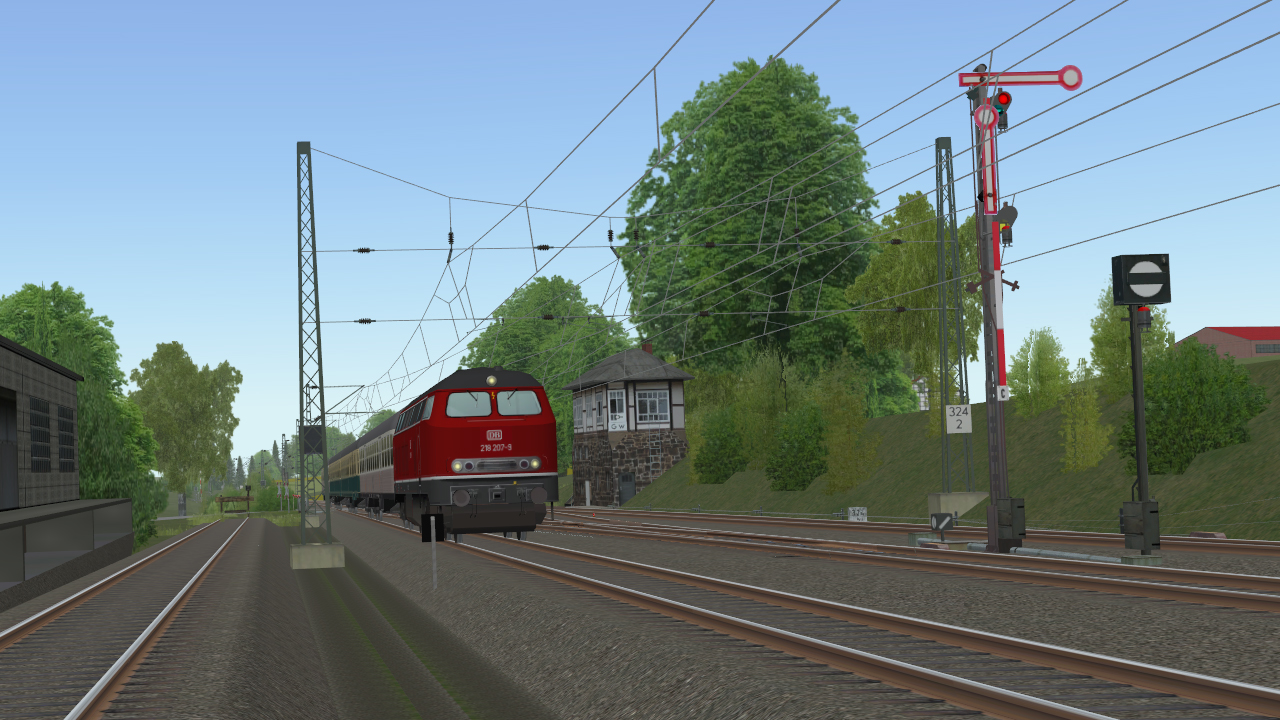
All German signalling systems are included, and the track geometry features exact superelevation even at points, delivering precise routing that matches real‑world railway standards.
- Explore routes from different periods to notice changes in signalling and track design.
- Use the modular system to experiment with custom network layouts before committing to a full scenario.
04 / THE GUIDE
Timetable Operation and Autopilot
Players drive within predefined timetables where hundreds of equal trains may run simultaneously, influencing each other's schedules. An autopilot controls all trains except the player's, allowing focus on a single cab while the network runs realistically.
A timetable preview shows each train, its vehicles and schedule, giving a clear overview before departure and helping players plan speed changes to stay on time.
- Review the timetable preview to plan speed adjustments that keep you on schedule.
- Watch how other AI trains react when you modify your braking points to understand network interdependence.
05 / THE GUIDE
Editors for Custom Content
Zusi 3 includes German‑language editors for creating timetables, vehicles, tracks and more. Users can download additional routes and assets, or build their own expansions and share them with the community.
Interfaces for geo‑data support precise track building, and the free Ziegler Tools can be requested directly from Aerosoft for further customization.
- Start with the built‑in editors to modify a simple timetable before attempting full route creation.
- Contact Aerosoft for Ziegler Tools if you need advanced geo‑data features.
COMMUNITY
Player discussion