 GameWiki
GET YOUR BEARINGS
About Zorbus
Zorbus is a fantasy‑themed, tile‑based roguelike where the player descends through a randomly generated dungeon to locate a portal to the mythical Zorbus and achieve demigodhood. The game runs turn‑based, features permadeath, and lets you recruit other creatures for assistance.
The dungeon feels alive with varied rooms, dynamic lighting, and intelligent denizens that fight, flee, and use items. Controls are configurable, and the display can be adjusted with different tile sizes, ASCII graphics, and font options.
01 / THE GUIDE
Living Dungeon
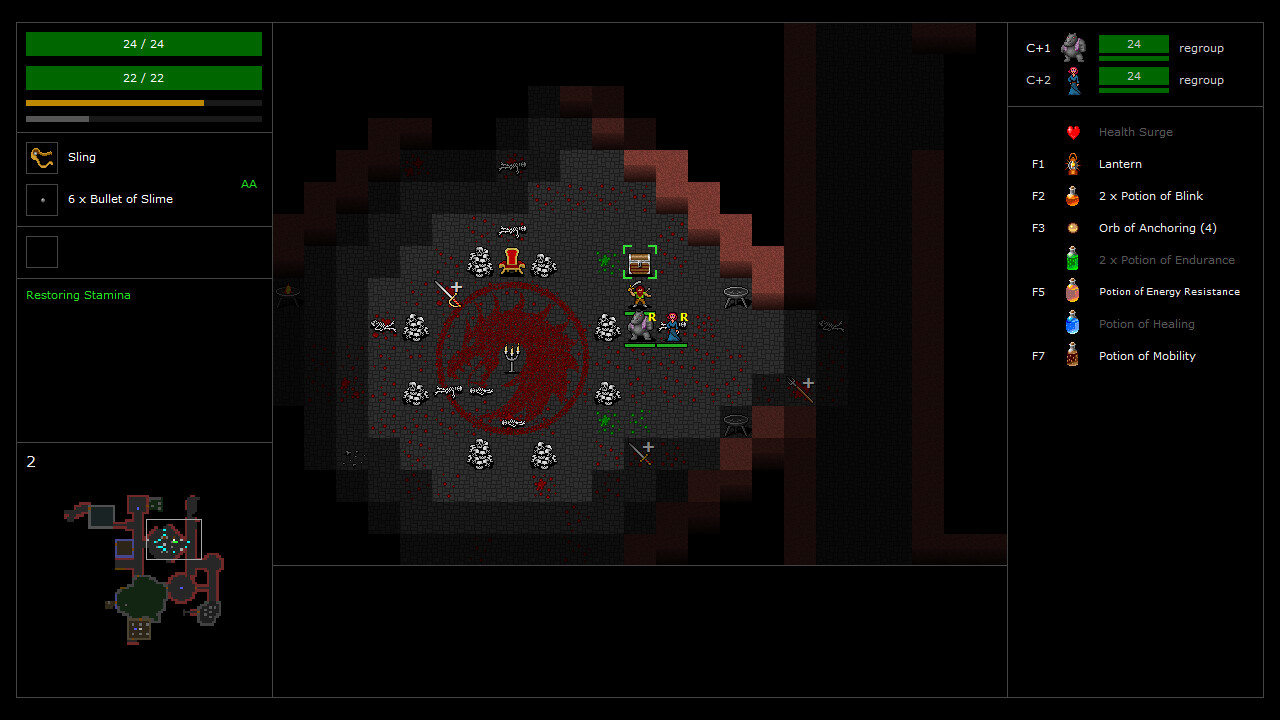
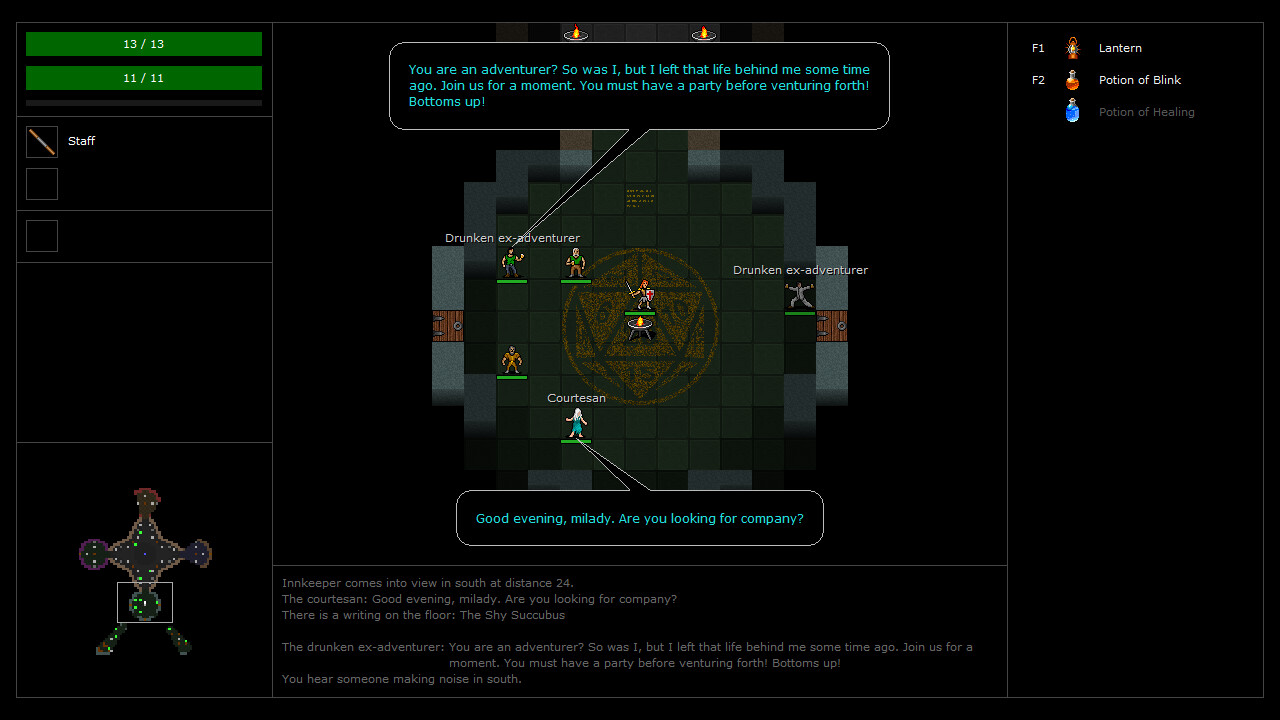
The dungeon is built with diverse rooms such as throne chambers, prisons, and hidden treasure caches, and the levels are connected to give a sense of purposeful exploration rather than empty corridors. Each run creates a new layout, keeping encounters fresh.
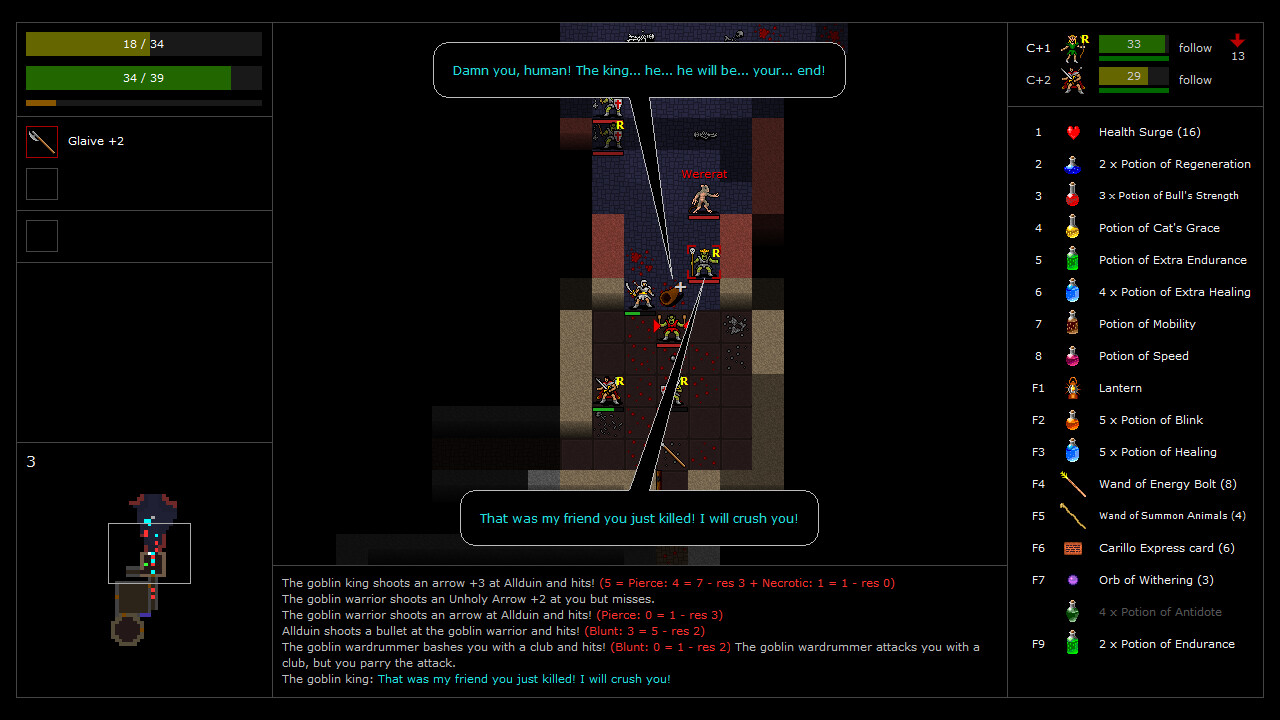
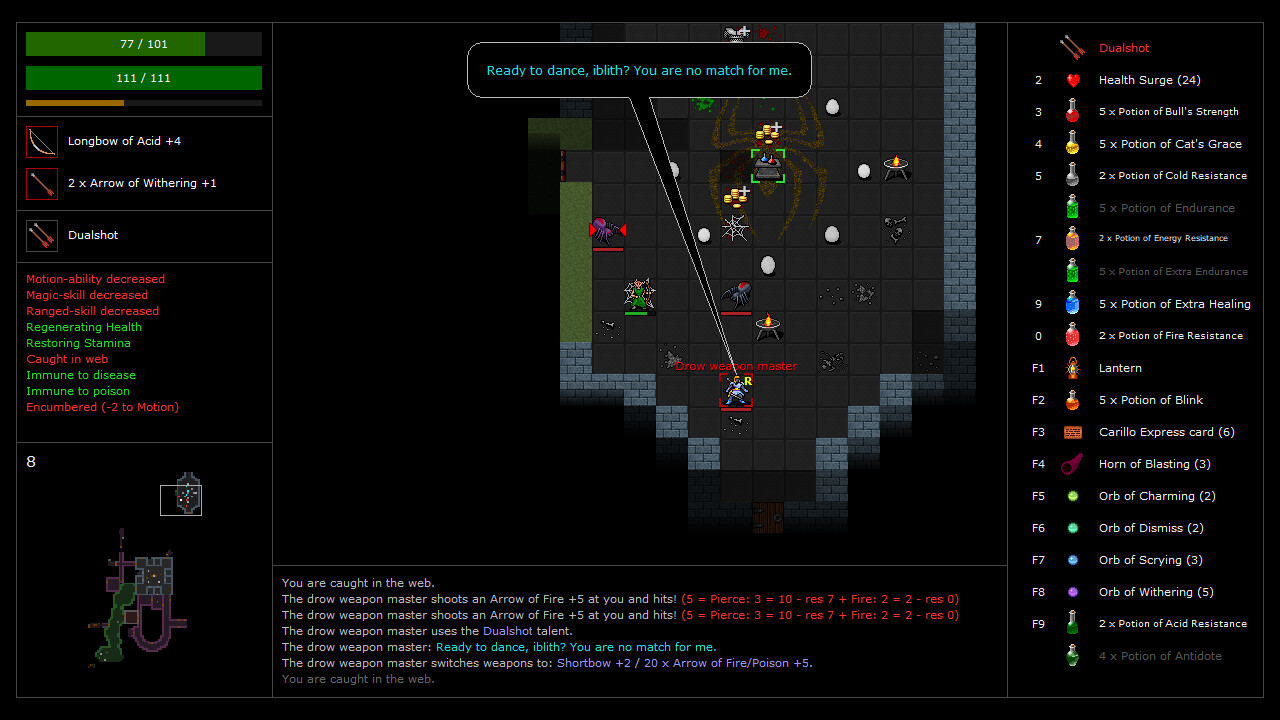
Creatures act intelligently: they fight each other, flee when threatened, and can gather allies. Many can pick up and use items, and they communicate through speech bubbles, reacting to both light and sound within the environment.
- Watch speech bubbles to anticipate creature actions before you engage.
- Notice how creatures change behavior when a light source is turned on or off.
02 / THE GUIDE
RPG Rule System
Zorbus uses a rule set loosely based on the d20 system of D&D 3rd edition. Characters have races and experience levels but no fixed classes, allowing flexible role development.
When a character levels up, the player point‑buys skills and talents, shaping abilities without predefined class constraints. This point‑buy system lets each run evolve uniquely.
- Plan skill point distribution to complement the abilities of recruited allies.
- Review talent descriptions each level to ensure they align with your current strategy.
03 / THE GUIDE
Controls & UI
Keybindings are configurable and the game supports mouse, keyboard, and controller input. A targeting system simplifies the use of ranged attacks and talents, while quickslots store usable items and talents for rapid access.
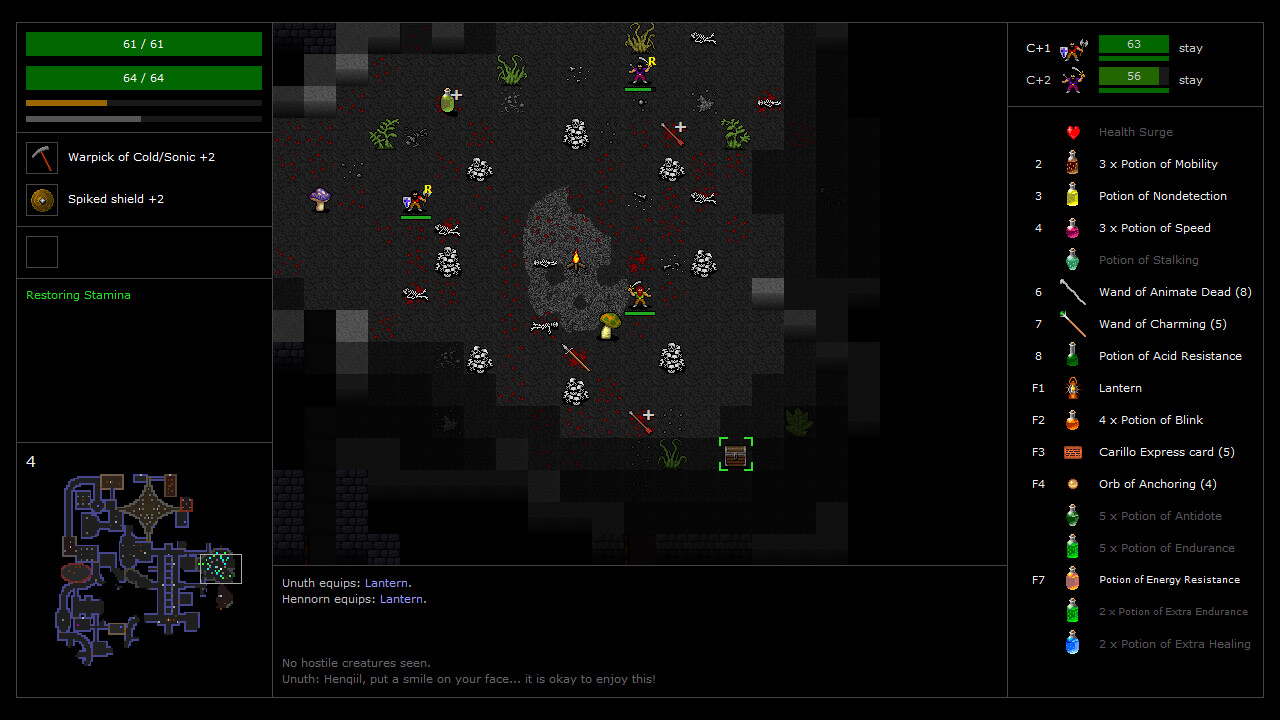
Display options include windowed or fullscreen modes, selectable tile sizes (32×32, 48×48, 64×64) or ASCII graphics, and adjustable fonts and text sizes, allowing players to tailor visual clarity.
- Assign frequently used items to quickslots to reduce menu navigation.
- Adjust tile size and font to improve readability on your monitor.
04 / THE GUIDE
Permadeath & Saving
Zorbus implements true permadeath: when a character dies, the campaign ends and a new game must be started. This creates high stakes for every decision made during a run.
Players may save at any point, but loading a save deletes the file, preventing reuse. This design encourages careful planning of when to create checkpoints.
- Save before entering high‑risk rooms to preserve progress without creating reusable backups.
- Use saves strategically to test different recruitment approaches.
05 / THE GUIDE
Visual & Audio Dynamics
Dynamic lighting is integral: light sources appear on furniture and in creature hands, and they can be lit or unlit. Some creatures possess darkvision, influencing how they navigate lit and unlit spaces.
Creatures also react to sound, adding an auditory layer to encounters. Light and sound together shape how enemies move and respond within the dungeon.
- Manipulate nearby light sources to influence creature positioning before combat.
- Listen for sound cues that indicate hidden threats.
COMMUNITY
Player discussion