 GameWiki
GET YOUR BEARINGS
About Zoo 2: Animal Park
Zoo 2: Animal Park places you in the role of a zoo director, blending daily animal care with tycoon‑style expansion. You interact with a range of species, from fierce tigers to gentle pandas, while managing the park’s growth.
The free‑to‑play Windows title features 3D graphics, breeding that can produce rare coat colors, quest lines with quirky characters, and regular events that add new challenges and rewards.
01 / THE GUIDE
Caring for Animals
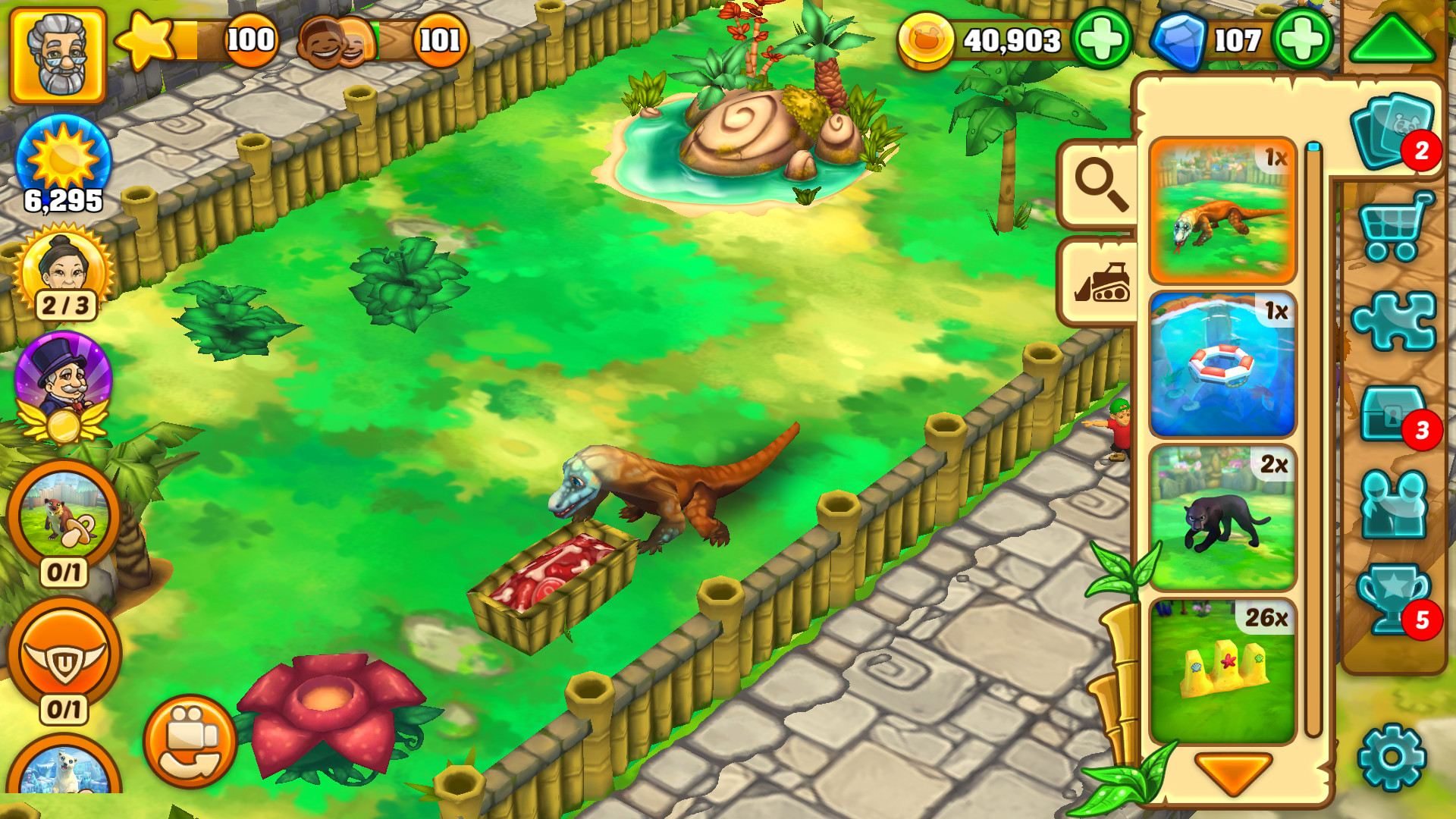
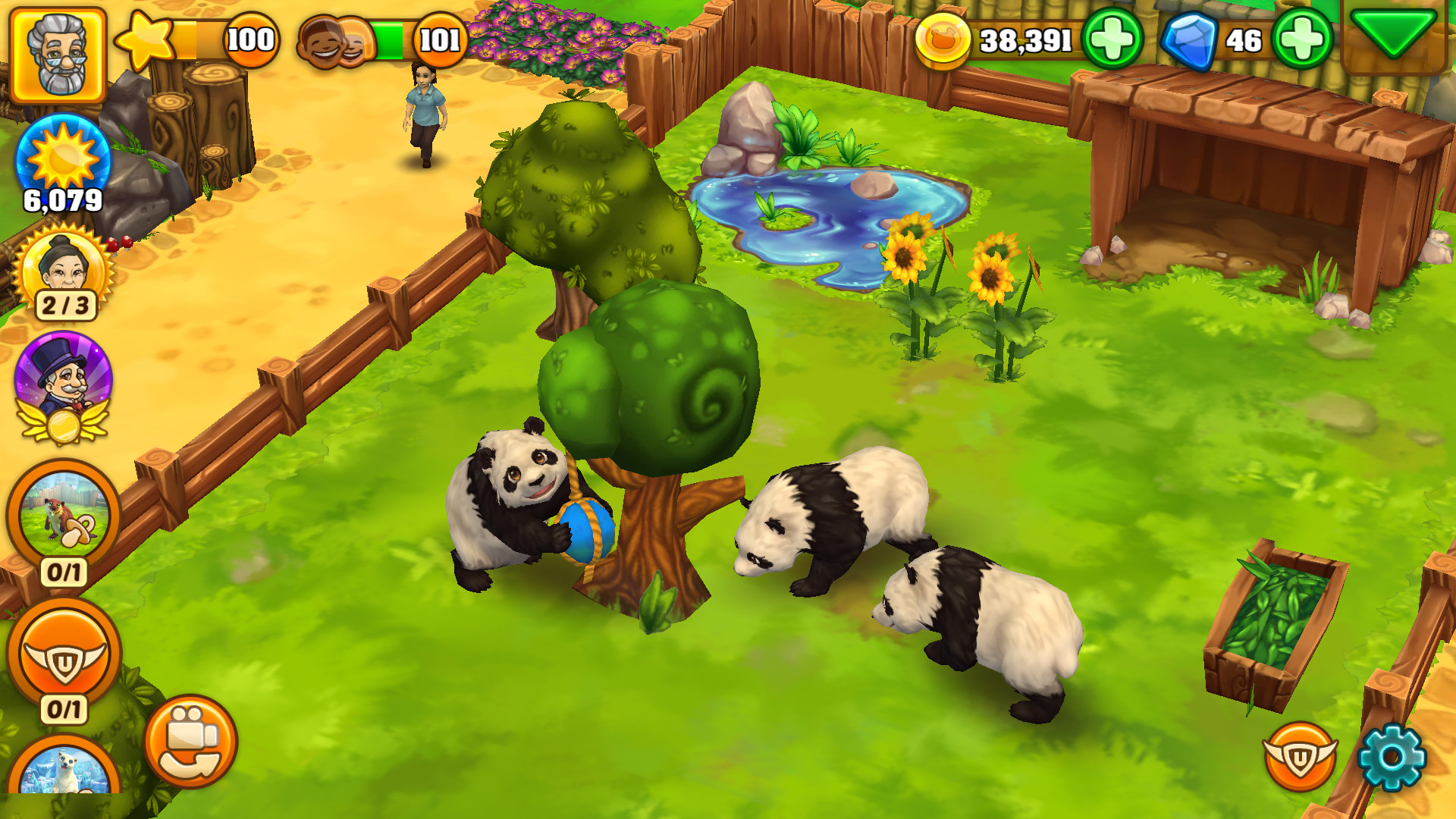
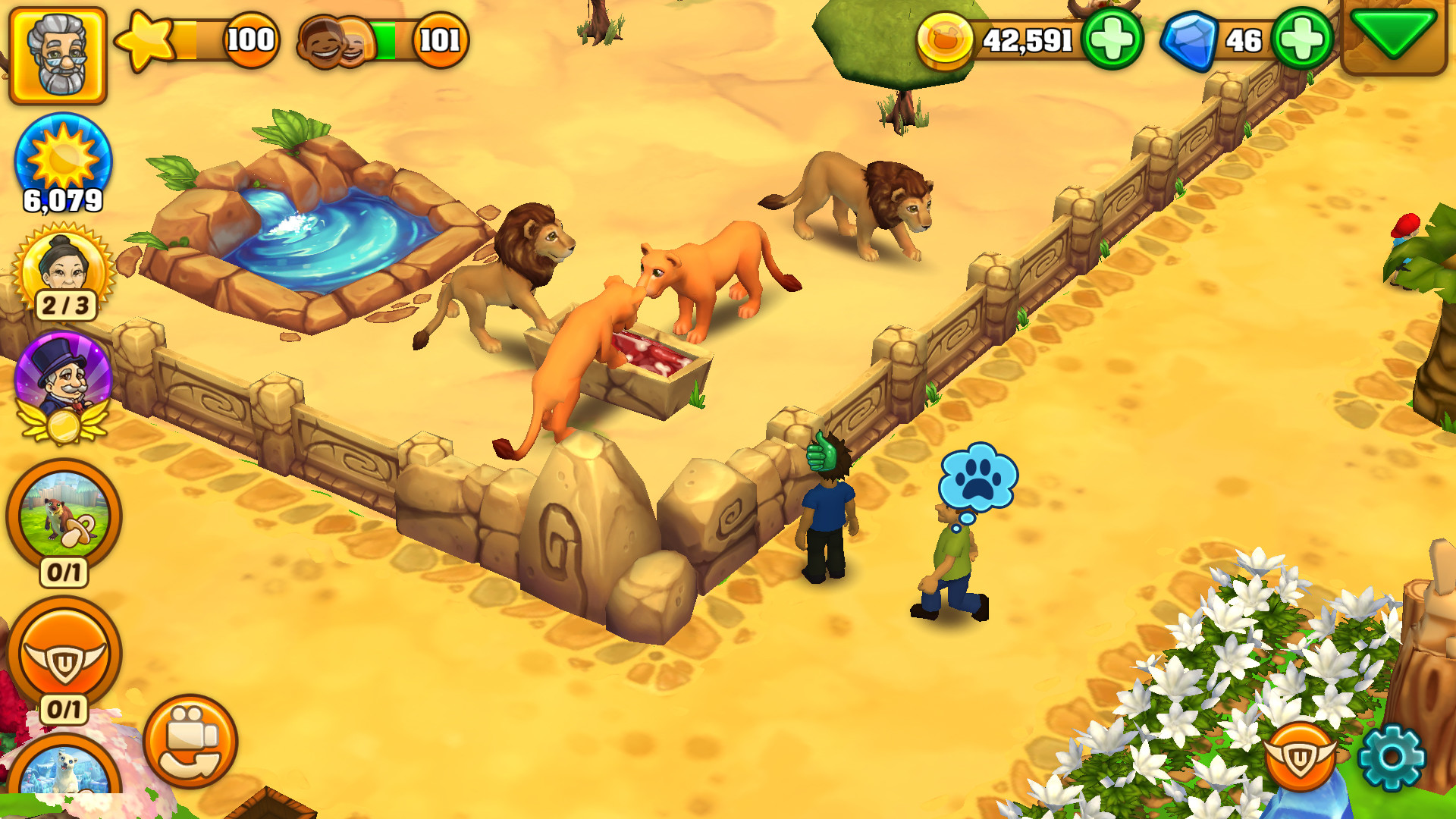
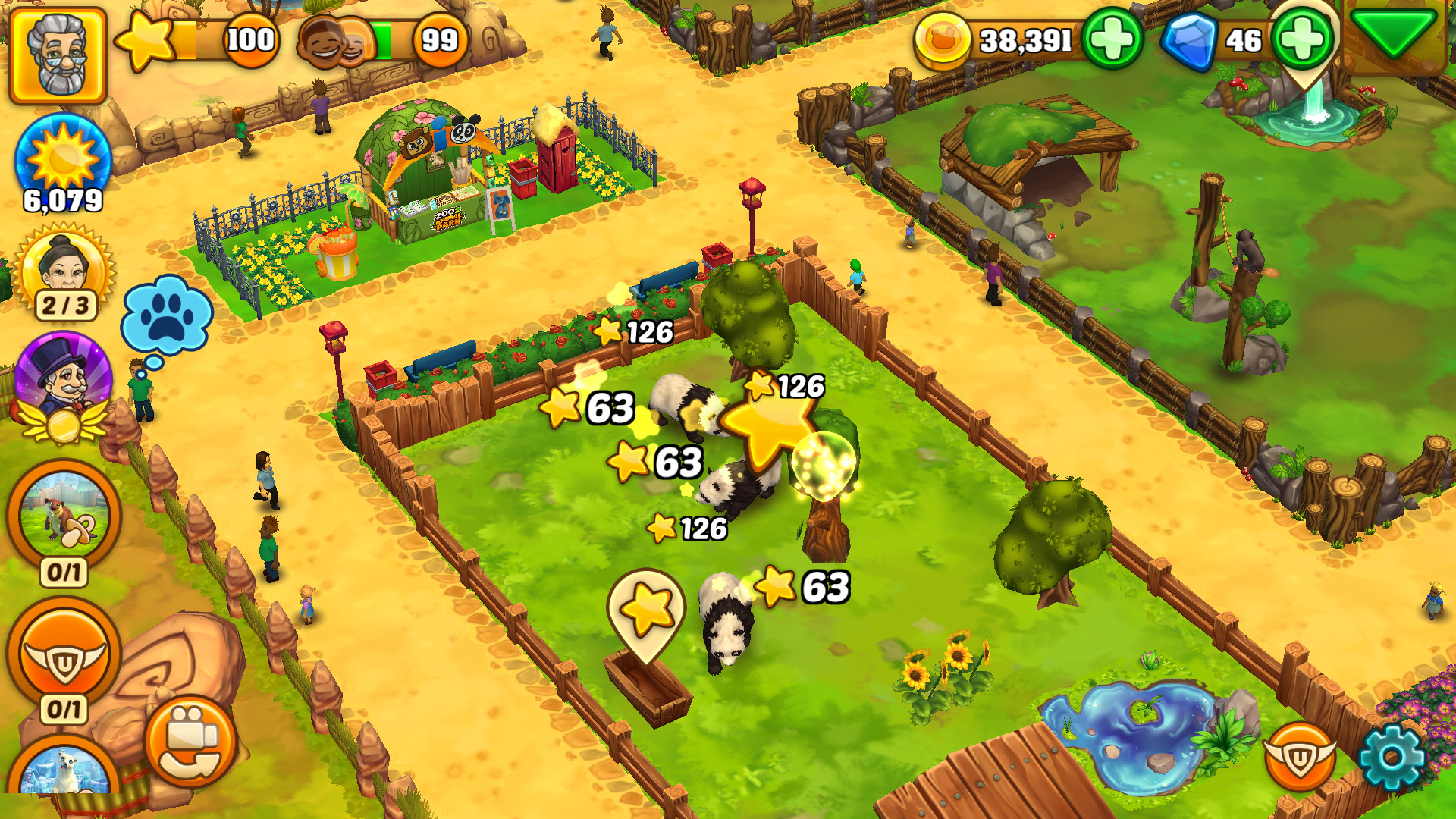
The game lets you look after both domestic and wild species such as goats, pandas, and lions, each requiring food, clean habitats, and play to stay healthy.
Interaction is a core part of the experience; feeding, cleaning enclosures, and playing with the creatures help keep them thriving.
- Watch each species’ routine before adding more animals.
- Regularly clean habitats to maintain animal health.
02 / THE GUIDE
Designing and Expanding the Zoo
Leveling up unlocks new tycoon items, allowing you to place flowers, bushes, trees, shops, restrooms, and benches that shape your park's aesthetics.
You can also build different enclosure types and add decorative objects, turning a small family zoo into a larger animal park.
- Use plants and benches to decorate your park.
- Plan pathways before adding new structures.
03 / THE GUIDE
Breeding and Rare Variations
Breeding produces baby animals, and some offspring display rare coat color variations that add visual diversity to your collection.
Pair compatible animals and monitor the breeding progress until the newborns appear, expanding both numbers and variety.
- Pair animals of the same species for reliable breeding.
- Watch for rare colors to make your zoo stand out.
04 / THE GUIDE
Story‑Driven Tasks and Quests
Entertaining tasks and quests guide you through zoo development, introducing a quirky cast of lovable characters along the way.
Quests often require specific animal‑care or construction goals, providing direction and rewarding progress as you build your dream park.
- Follow quest hints to unlock features faster.
- Talk to characters for extra tips.
05 / THE GUIDE
Regular Updates and Events
The game receives regular updates that add themed events with exclusive rewards, extending gameplay longevity.
During events you face temporary challenges that encourage you to adapt your zoo strategy to meet specific objectives.
- Check regularly for upcoming events and challenges.
- Balance event goals with daily zoo maintenance.
COMMUNITY
Player discussion