 GameWiki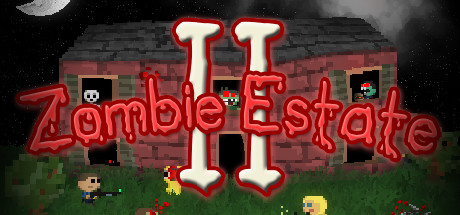
GET YOUR BEARINGS
About Zombie Estate 2
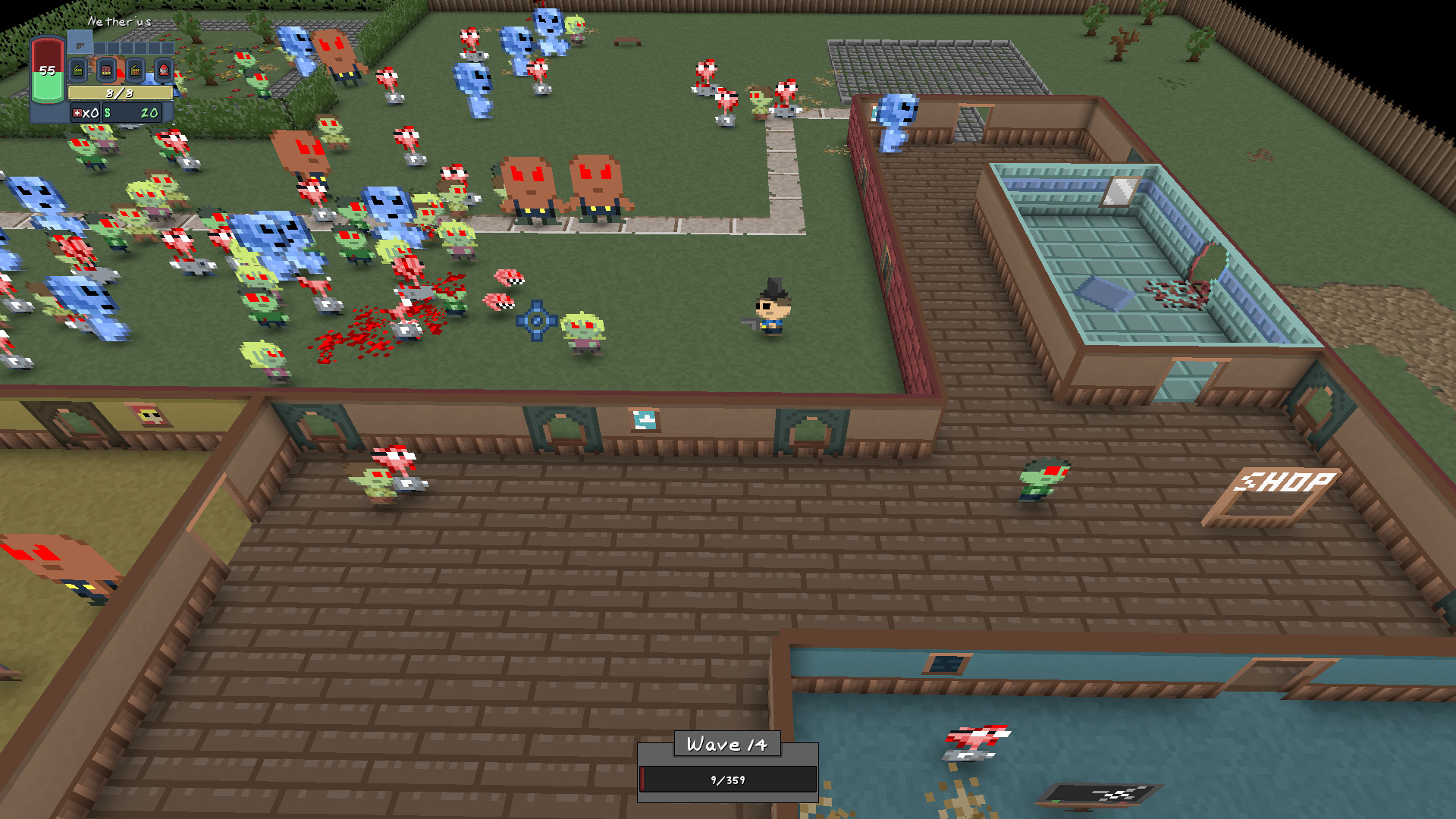
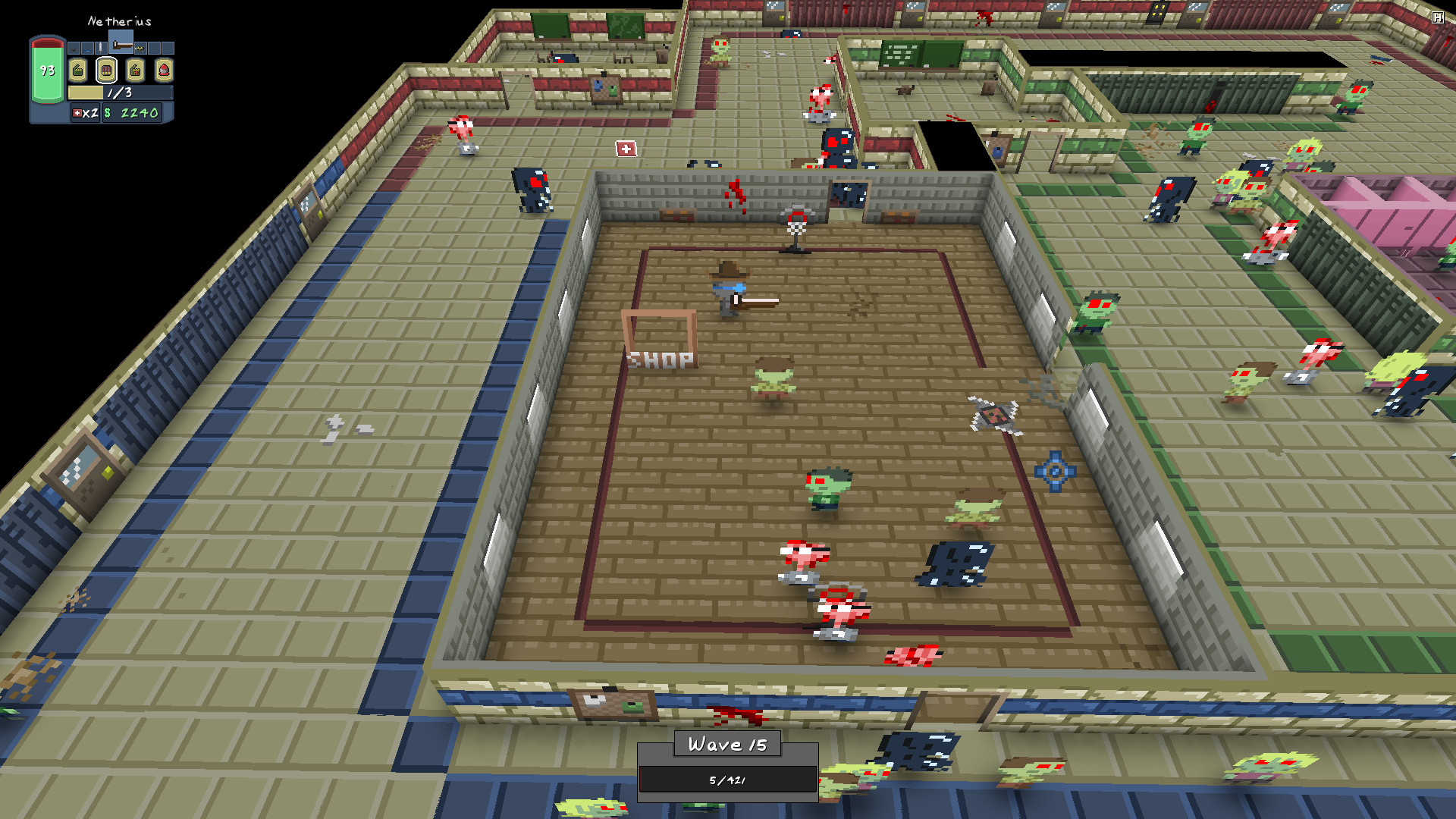
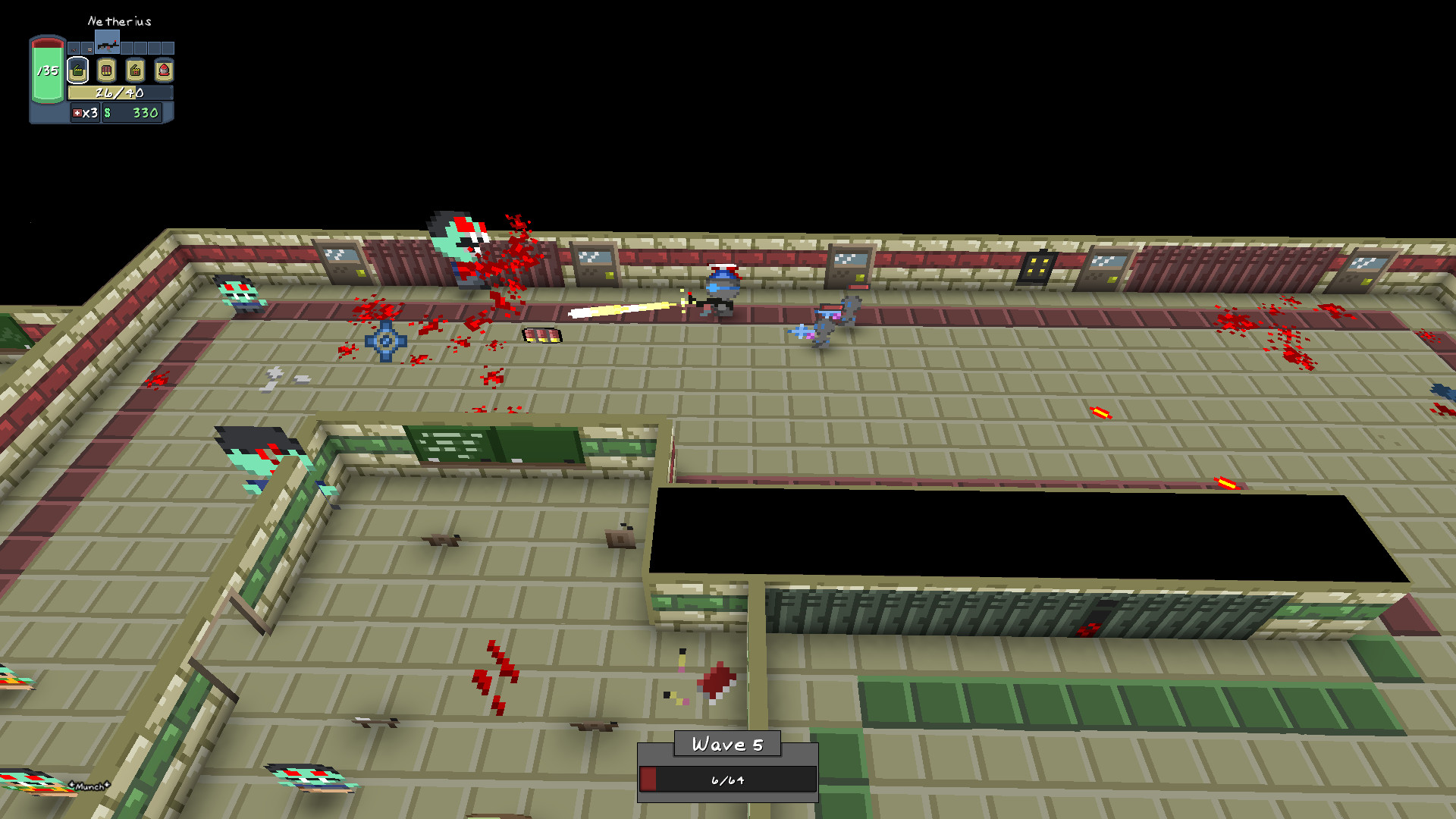
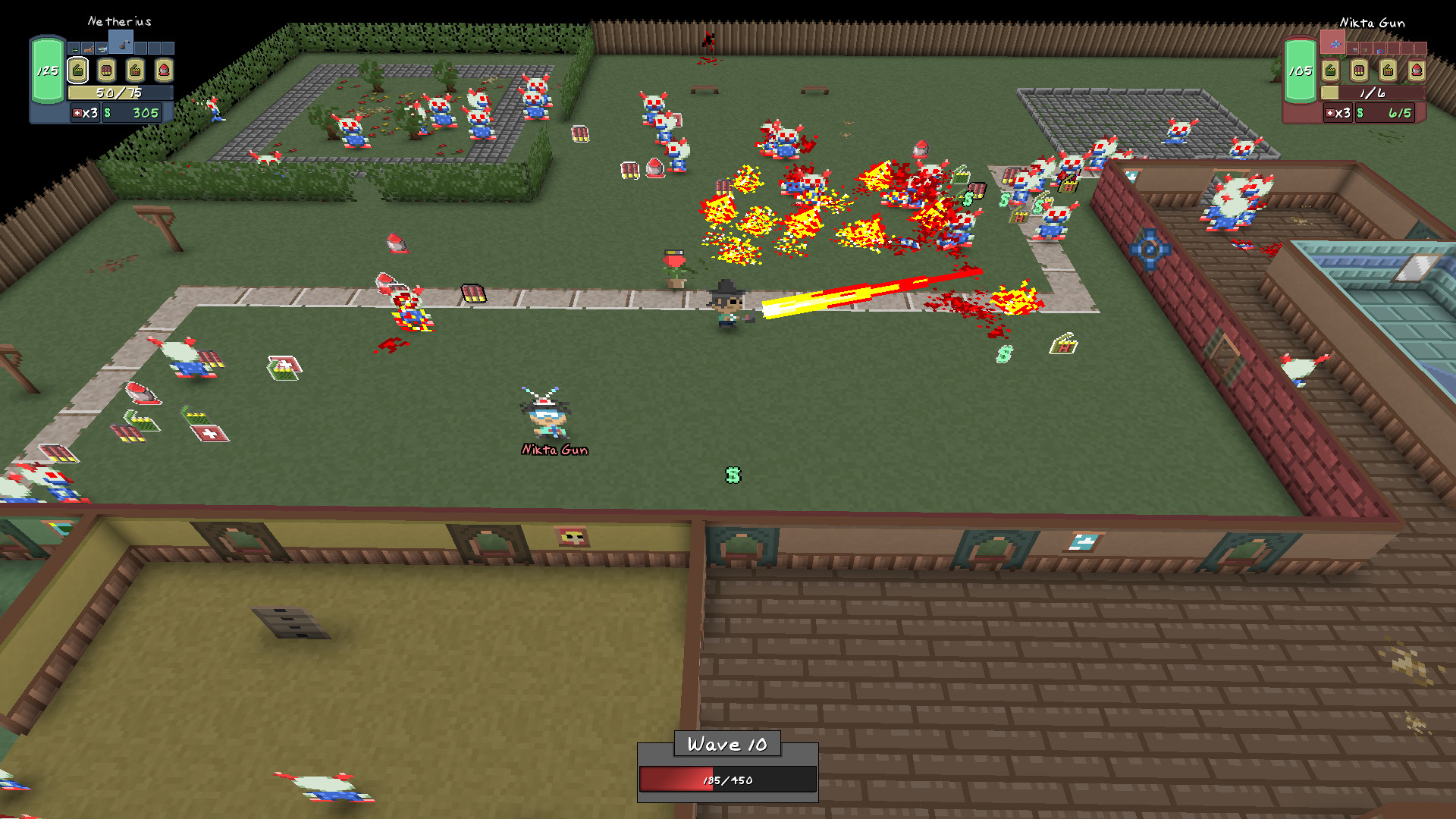
Zombie Estate 2 brings the acclaimed Xbox indie shooter to PC, offering a chaotic co‑op wave‑based experience. Players choose from 35 characters, each with distinct stats, and equip over 100 weapons while battling 13 unique zombie types across six levels. The game supports both online and local split‑screen co‑op, letting friends survive endless waves together.
Between waves you can purchase new weapons and accessories, such as the new Nuke Gun or classic Bubble Launcher, to boost your team's performance. Randomized wave generation ensures each play‑through feels fresh, and earned Zombie Points let you unlock additional characters like a duck or a broccoli.
01 / THE GUIDE
Character Roster
The game features 35 playable characters, each defined by unique statistical profiles. These characters range from a duck wielding a shotgun to a robot with a flamethrower, providing varied play styles.
Characters are unlocked using Zombie Points earned after each round, allowing players to expand their roster with unconventional options such as a sentient broccoli.
- Compare character stats to find complementary team compositions.
- Experiment with unconventional characters for fun thematic combos.
02 / THE GUIDE
Weapon Selection
Over 100 weapons are available, including new additions like the Nuke Gun and Welding Torch, as well as returning classics such as the Bubble Launcher. Weapons can be purchased between waves to improve survivability.
Weapon variety supports different tactical approaches, from high‑damage shotguns to area‑effect flamethrowers, letting teams adapt to wave difficulty.
- Balance high‑damage weapons with crowd‑control options.
- Try mixing new weapons with familiar classics for varied tactics.
03 / THE GUIDE
Co‑op Modes
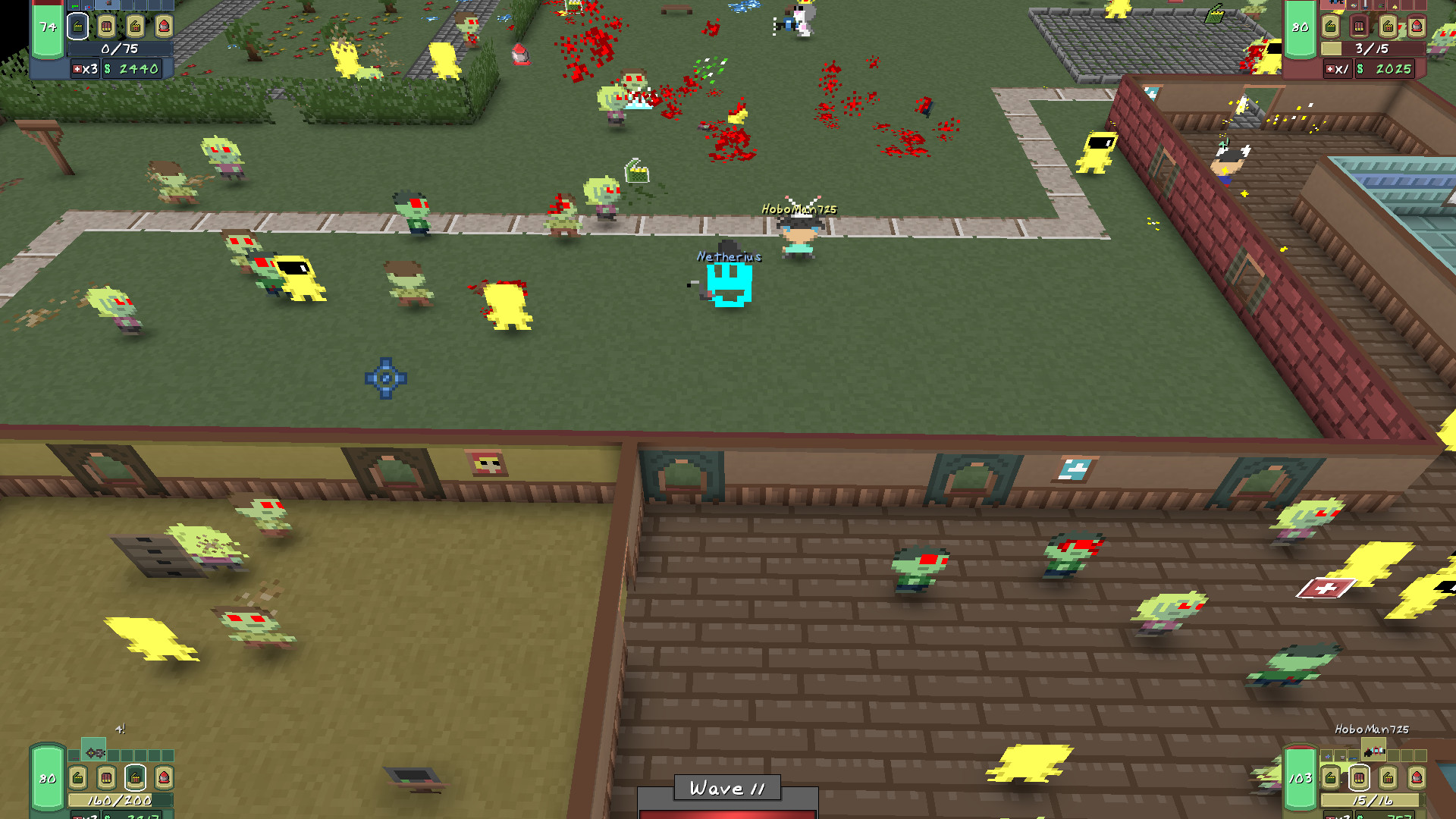
Zombie Estate 2 offers both online and local split‑screen co‑op, allowing friends to team up on the same screen or over the internet. The Unlimited Wave mode lets players see how many waves they can survive together.
Co‑op play emphasizes teamwork, as players can coordinate character stats and weapon choices to handle increasingly difficult zombie waves.
- Communicate stat strengths to balance team roles.
- Use local split‑screen for quick strategy adjustments.
04 / THE GUIDE
Accessories and Hats
Players can choose from 30 stat‑boosting hats and other accessories to modify character performance. These items provide additional customization beyond the base character stats.
Choosing the right combination of hats and accessories can enhance specific roles, such as tankiness or damage output, supporting the team's overall strategy.
- Match hat bonuses to your intended role (e.g., health for tanks).
- Mix and match accessories to fine‑tune your character’s strengths.
05 / THE GUIDE
Wave Randomization
Each wave is generated randomly, ensuring that no two play‑throughs are identical. This randomness introduces new challenges and keeps the experience unpredictable.
Randomized waves work across all six levels, meaning players must stay adaptable and adjust tactics as new zombie configurations appear.
- Stay flexible with weapon purchases to respond to unexpected threats.
- Observe patterns in random waves to anticipate future enemy types.
COMMUNITY
Player discussion