 GameWiki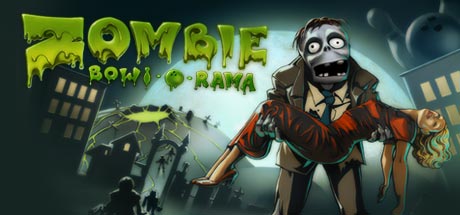
GET YOUR BEARINGS
About Zombie Bowl-o-Rama
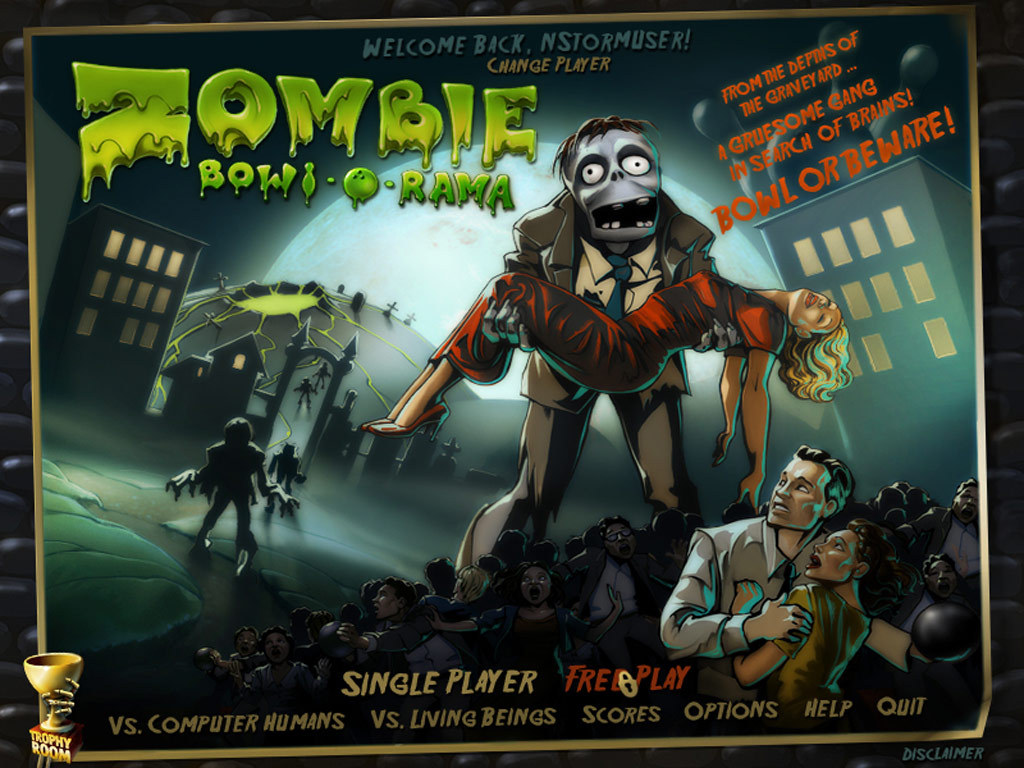
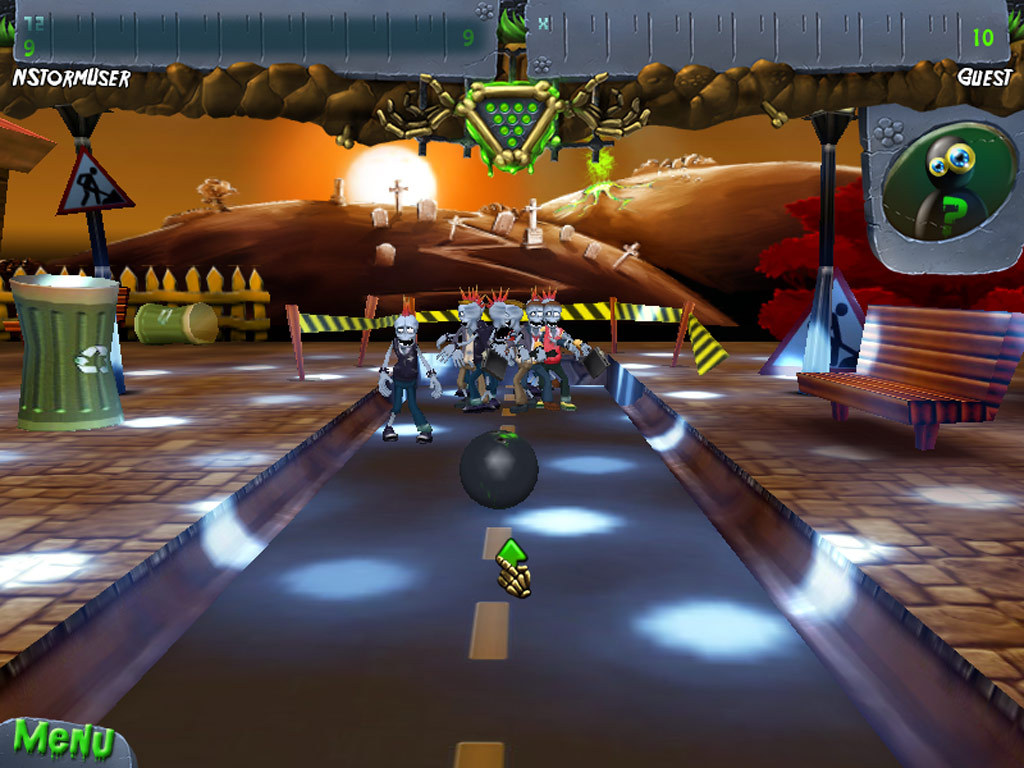
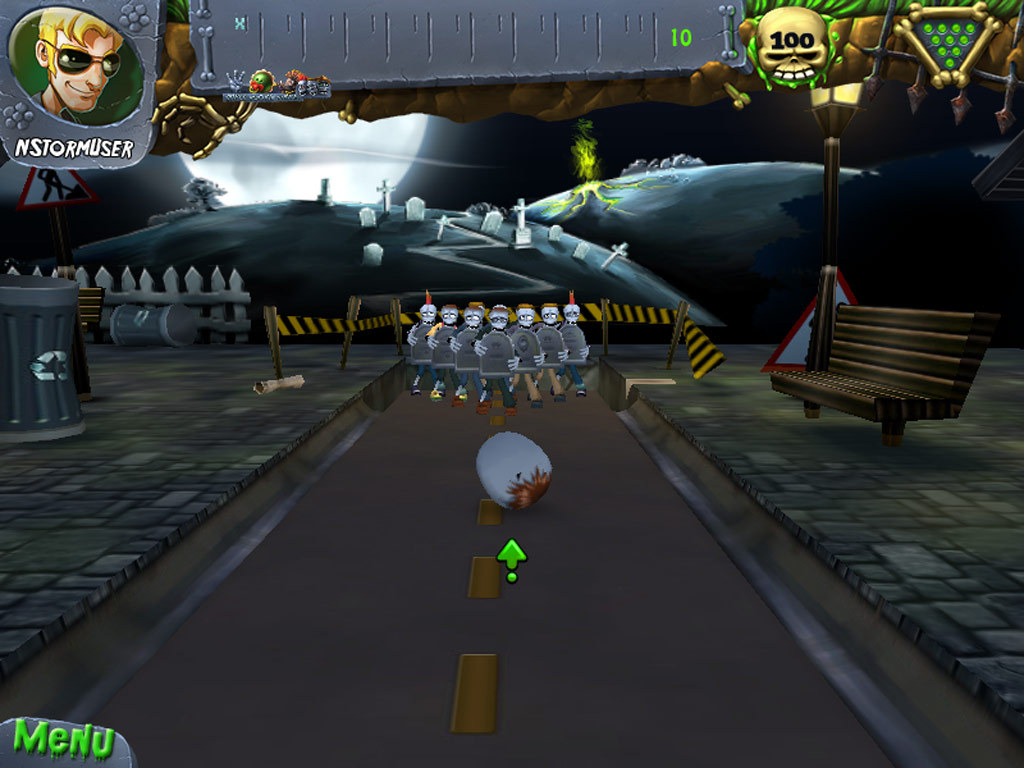
Zombie Bowl‑o‑Rama drops you into a haunted bowling alley where undead foes crowd the lanes. You select a colorful character and a ball—or a zombie head—and roll toward six screaming lanes that end in a final showdown.
The game mixes casual bowling with tricks and treats such as Werewolves, MiniCorpses, ZombieNator, and Brain Balls. Missing a zombie lets it advance, so precise aim and timely power‑ups are important. Play solo or with others and compare scores on Steam leaderboards.
01 / THE GUIDE
Character and Ball Selection
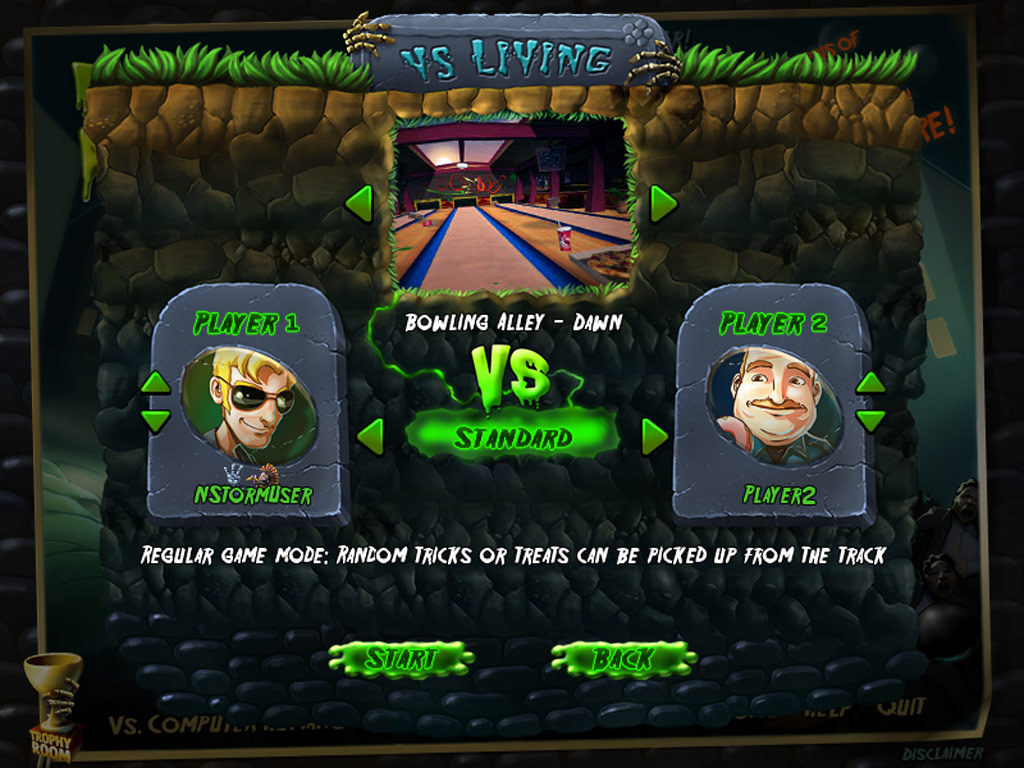
Before each match you choose a character and one of ten themed balls, or a single zombie head, as described in the game’s description. The choice is presented as part of the visual setup for each round.
The selection is listed alongside the tricks and treats you can use, indicating it is one of several options presented to the player at the start of a lane.
- Experiment with different character skins to see which visual style you prefer.
- Observe the silhouette of each ball or the zombie head for easier targeting.
02 / THE GUIDE
Tricks and Treats
The game offers tricks named Werewolves, MiniCorpses, Buzz Saw, and Dance Fever that can be activated during play. These are described as “crafty tricks” that affect the zombies.
Treats such as ZombieNator, Meatball, ZomBees, and Brain Balls are also listed, providing additional ways to knock zombies down while you bowl.
- Try each trick in separate rounds to notice how zombie behavior changes.
- Pair a treat with a trick to explore how combinations affect lane clearing.
03 / THE GUIDE
Lane Structure
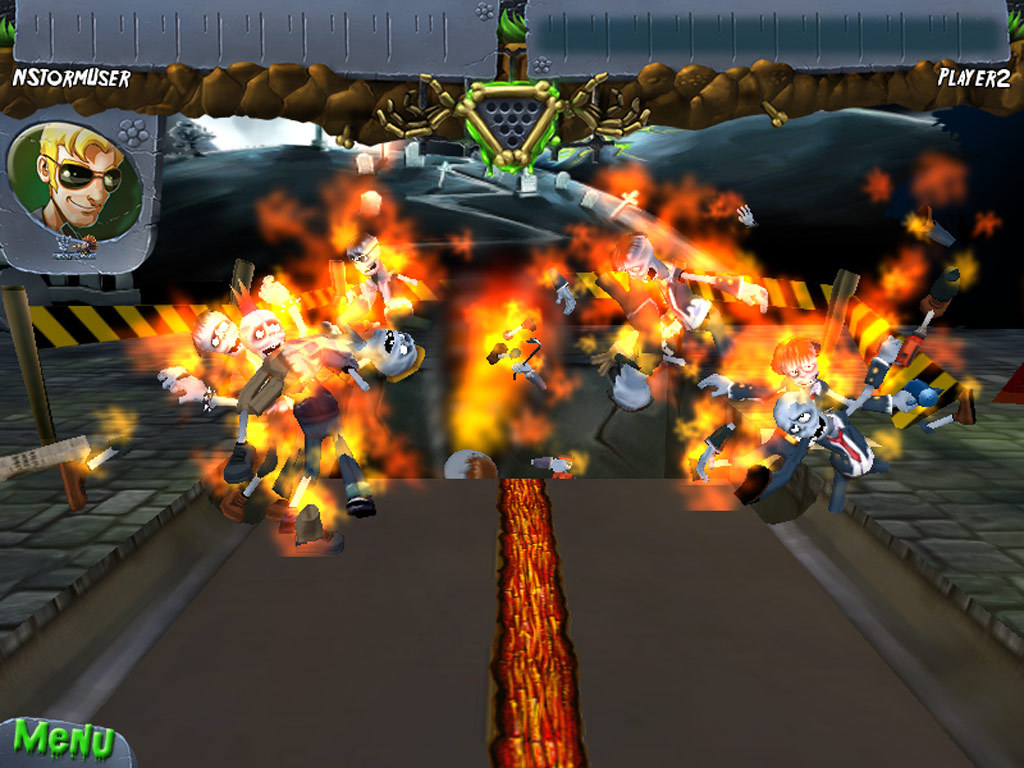
Six distinct lanes are described as “screamy” and form the core progression of the game. Each lane is populated by advancing zombies.
If a zombie is missed on the first roll, it advances, creating a need for careful aim and timely use of tricks and treats to prevent the lane from becoming crowded.
- Focus on the nearest zombies first to stop lane advancement early.
- Watch the lane layout at the start of each round to plan your power‑up timing.
04 / THE GUIDE
Multiplayer Mode
Zombie Bowl‑o‑Rama includes a multiplayer option, allowing more than one player to participate in a session. Scores from each session are recorded on Steam leaderboards.
Steam achievements and stats are also mentioned, indicating that performance is tracked across multiplayer matches for comparison.
- Play multiple rounds with friends to see how scores differ.
- Check the leaderboard after each session to gauge your standing.
05 / THE GUIDE
Steam Integration
The title runs on Windows and integrates several Steam services: Achievements, Cloud saves, Leaderboards, Stats, and Family Sharing. These features are listed in the official feature set.
Steam Cloud is described as part of the integration, and Family Sharing is listed among the game's Steam features, noted as a way for household members to access the game.
- Enable Steam Cloud in the client to keep progress synced.
- Use Family Sharing to let other Steam accounts on the same machine access the game.
COMMUNITY
Player discussion