 GameWiki
GET YOUR BEARINGS
About Zodiacats
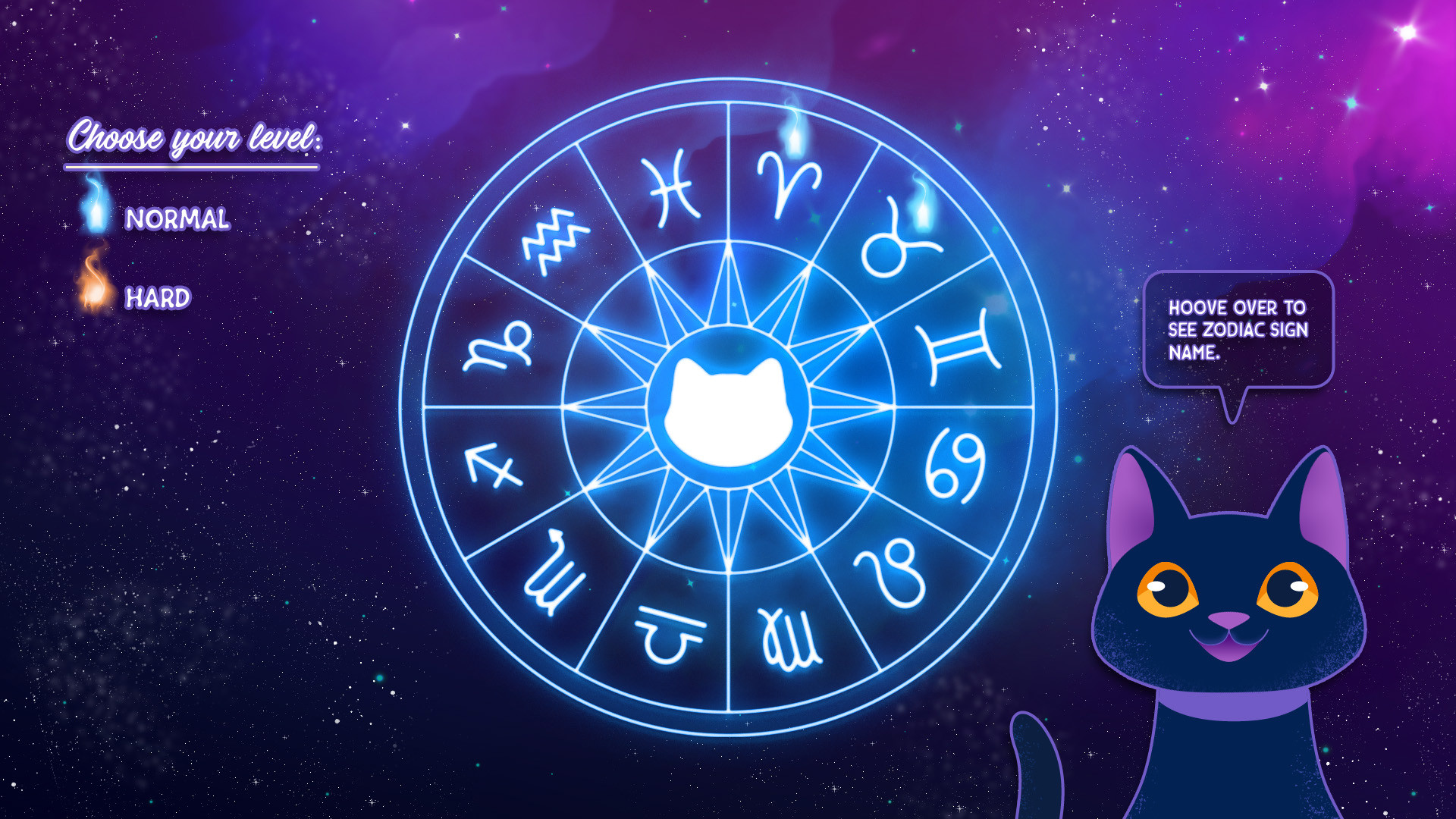
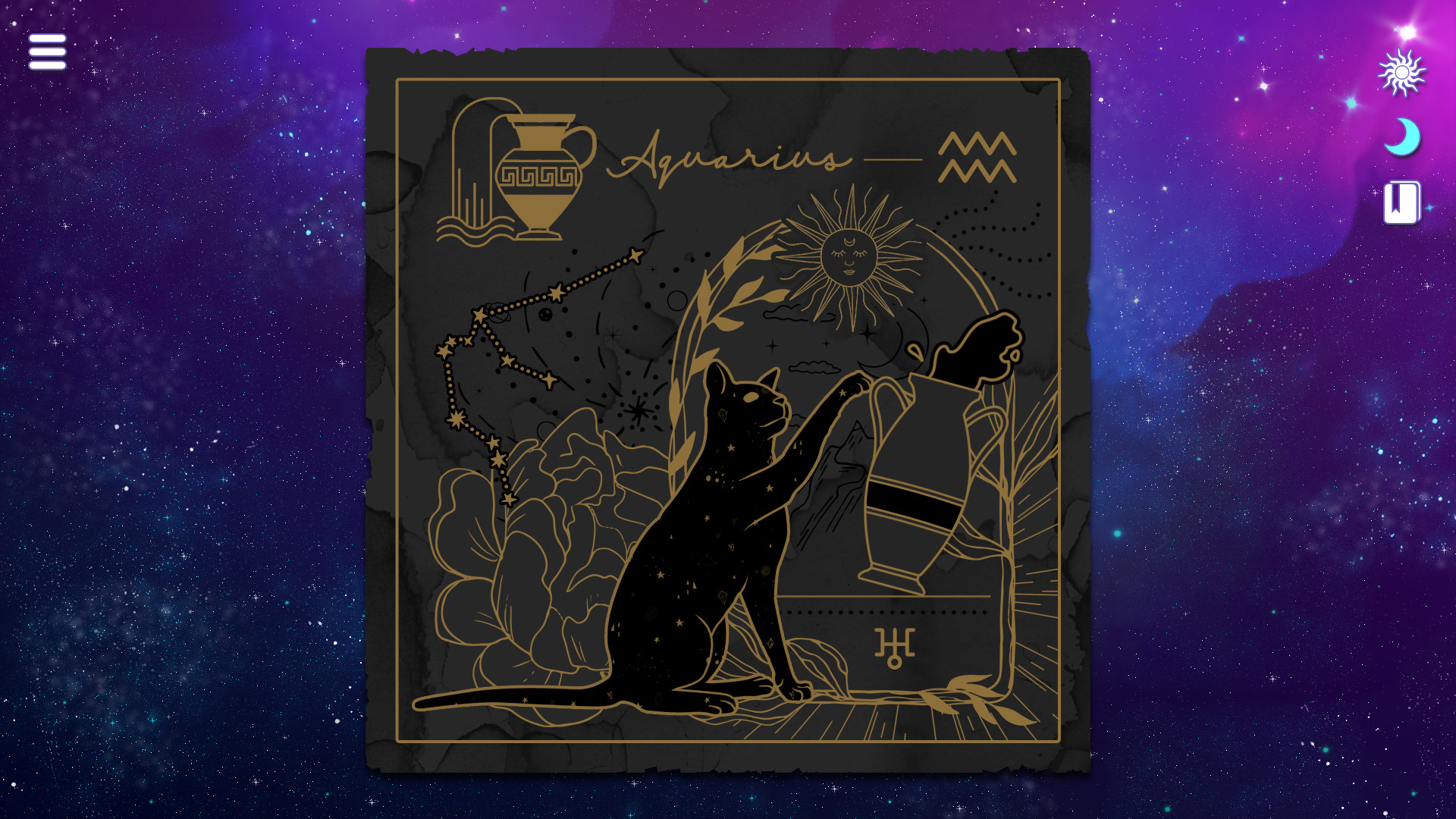
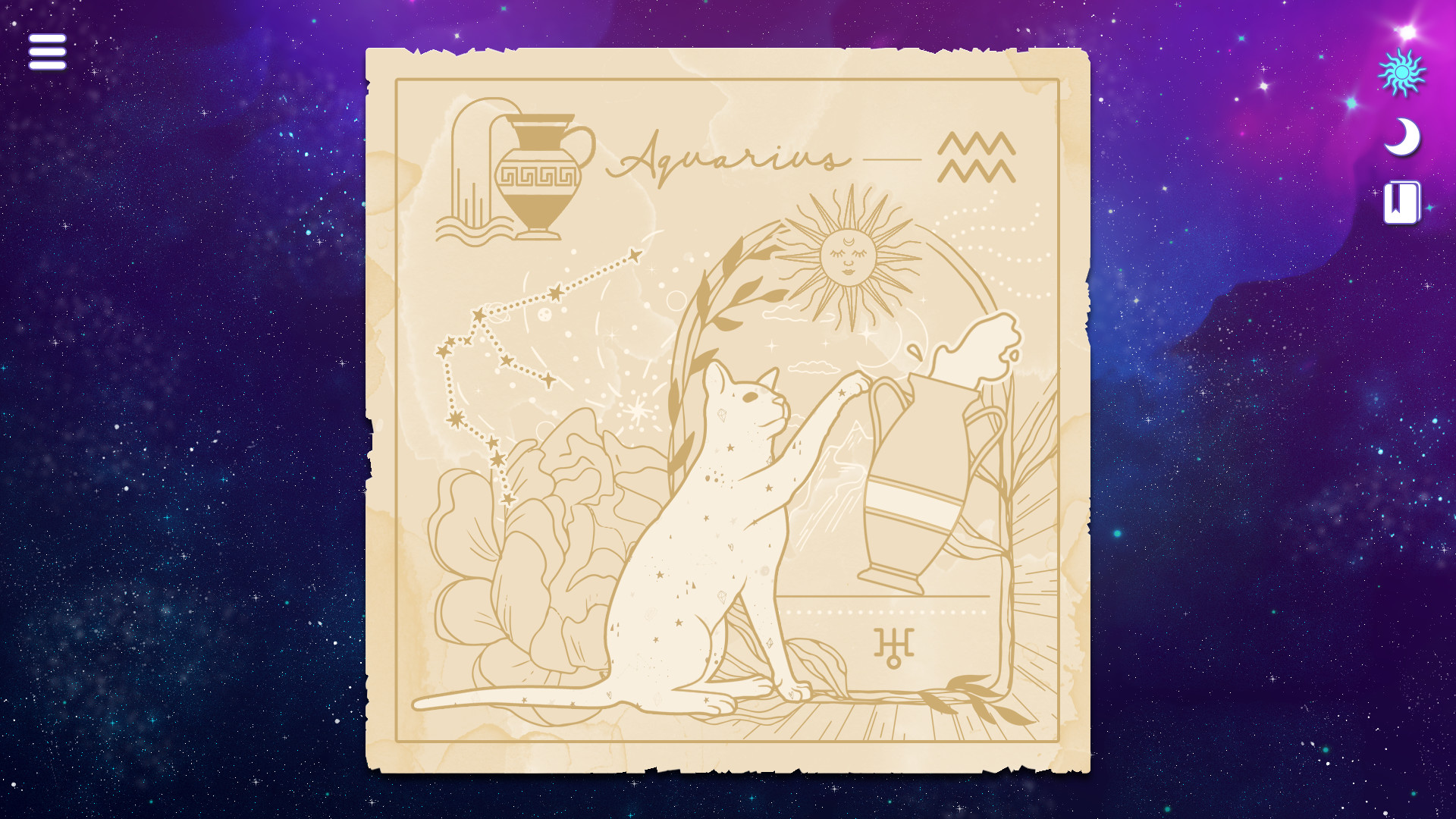
Zodiacats is a casual, single‑player puzzle where you drag jigsaw pieces with a mouse until a full Zodiac Cat illustration appears. Each completed picture triggers a brief guide from Catherine, who walks you around the zodiac wheel and shares a short prediction for your own sign.
The title runs on Windows and Linux, uses mouse‑only input, and integrates several Steam services such as Achievements, Trading Cards, Cloud saves, and Family Sharing, giving players a relaxed experience that blends light astrology with whimsical cat lore.
01 / THE GUIDE
Puzzle Mechanics
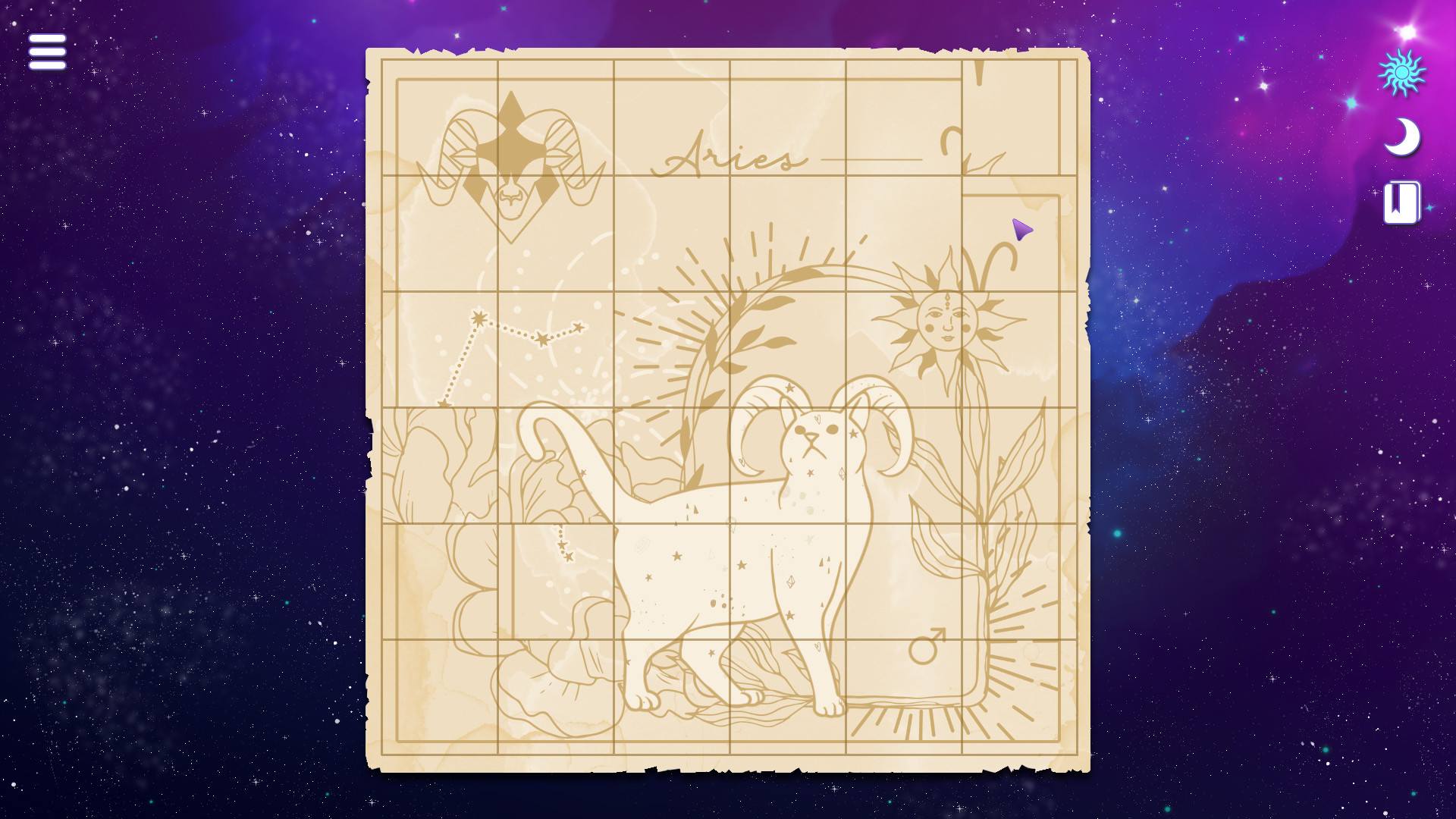
The core activity is a jigsaw‑style puzzle: you click and drag individual pieces until they snap together, revealing a complete Zodiac Cat image. The description calls the gameplay relaxing, implying there is no imposed time limit or pressure.
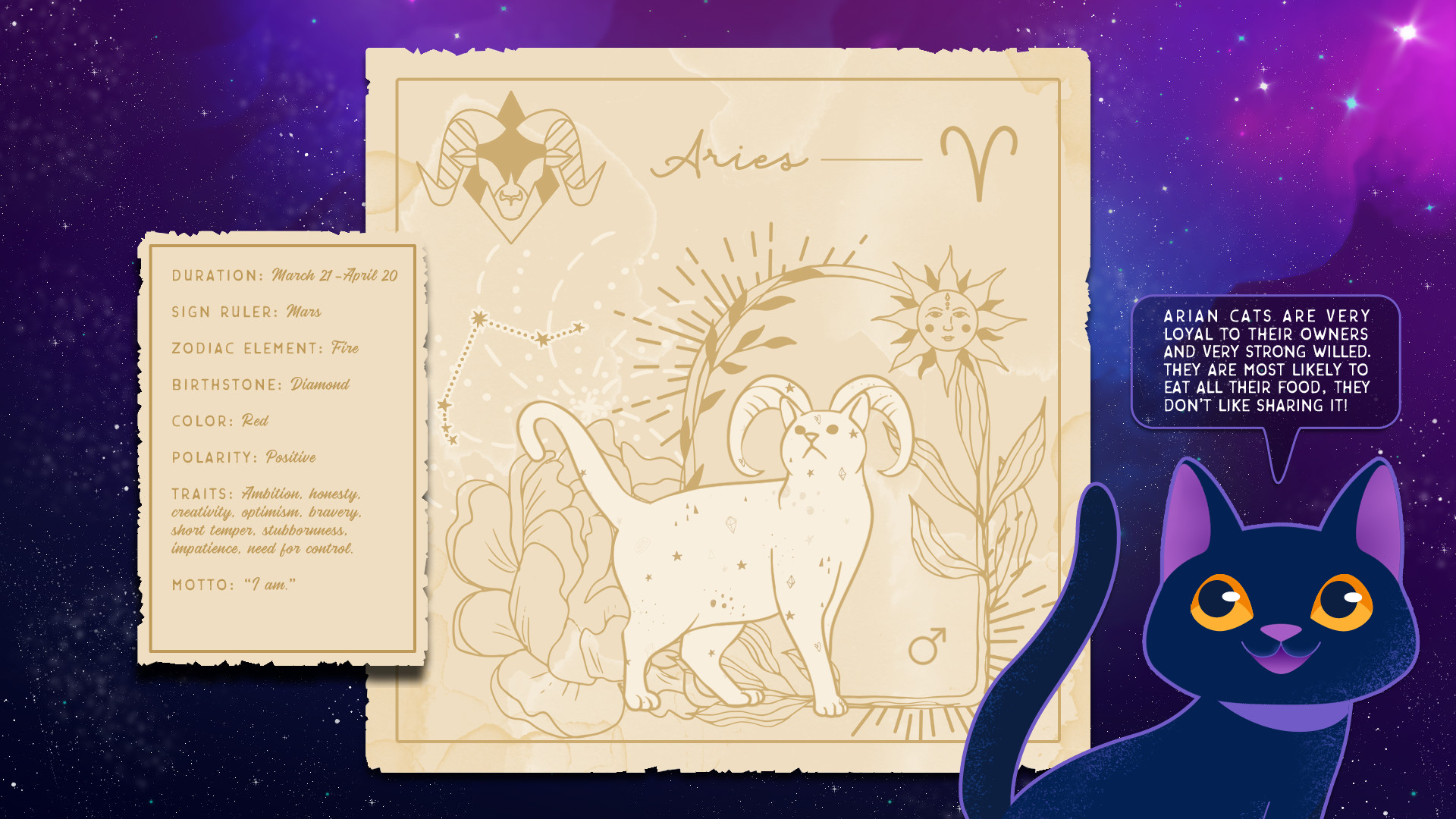
When a picture is finished, the game presents the associated zodiac information, linking the visual completion to the thematic content. This sequence repeats for each sign, providing a clear loop of puzzle solving followed by informational display.
- Observe the overall silhouette before placing pieces to spot natural fits.
- Start with edge pieces; they often have fewer placement options.
02 / THE GUIDE
Zodiac Predictions
After each completed cat, Catherine offers a short prediction for the player’s zodiac sign, giving a glimpse of what the future may hold. This adds an astrological flavor directly tied to the puzzle progress.
The game also mentions that you can learn about your cat’s sign, extending the zodiac theme to the feline characters and reinforcing the connection between the puzzles and the zodiac wheel.
- Read the prediction after each puzzle to enjoy the thematic tie‑in.
- Note your cat’s sign for a fun comparison with your own.
03 / THE GUIDE
Cat Lore
Cats are described as adorable mystical guardians capable of traveling through the thin veil that separates life and the beyond. This lore frames the Zodiac Cats as both whimsical and magical beings.
The description emphasizes that cats retain inner magic and good vibes, establishing a gentle, whimsical atmosphere that underlies the entire puzzle experience.
- Embrace the whimsical tone; it matches the relaxing gameplay.
- Consider the cat lore when interpreting zodiac predictions.
04 / THE GUIDE
Mouse‑Only Controls
The game specifies mouse‑only input, meaning all interactions—dragging pieces, navigating menus, and reading predictions—are performed with a mouse. No other input methods are listed.
This design choice creates a straightforward point‑and‑click experience that aligns with the casual, relaxed nature of the title.
- Adjust mouse sensitivity for comfortable piece placement.
- If using a touchpad, an external mouse may feel smoother.
05 / THE GUIDE
Steam Features
Zodiacats lists Steam Achievements, Trading Cards, Cloud saves, and Family Sharing among its features. These integrations provide optional goals, collectible artwork, and cloud‑based progress storage for Steam users.
While the game is single‑player, Family Sharing allows another Steam account to access the title, though the documentation does not confirm that saved progress is shared between accounts.
- Check the Achievements list to set personal milestones.
- Enable Cloud sync if you plan to play on multiple devices.
COMMUNITY
Player discussion