 GameWiki
GET YOUR BEARINGS
About Zen Bound 2
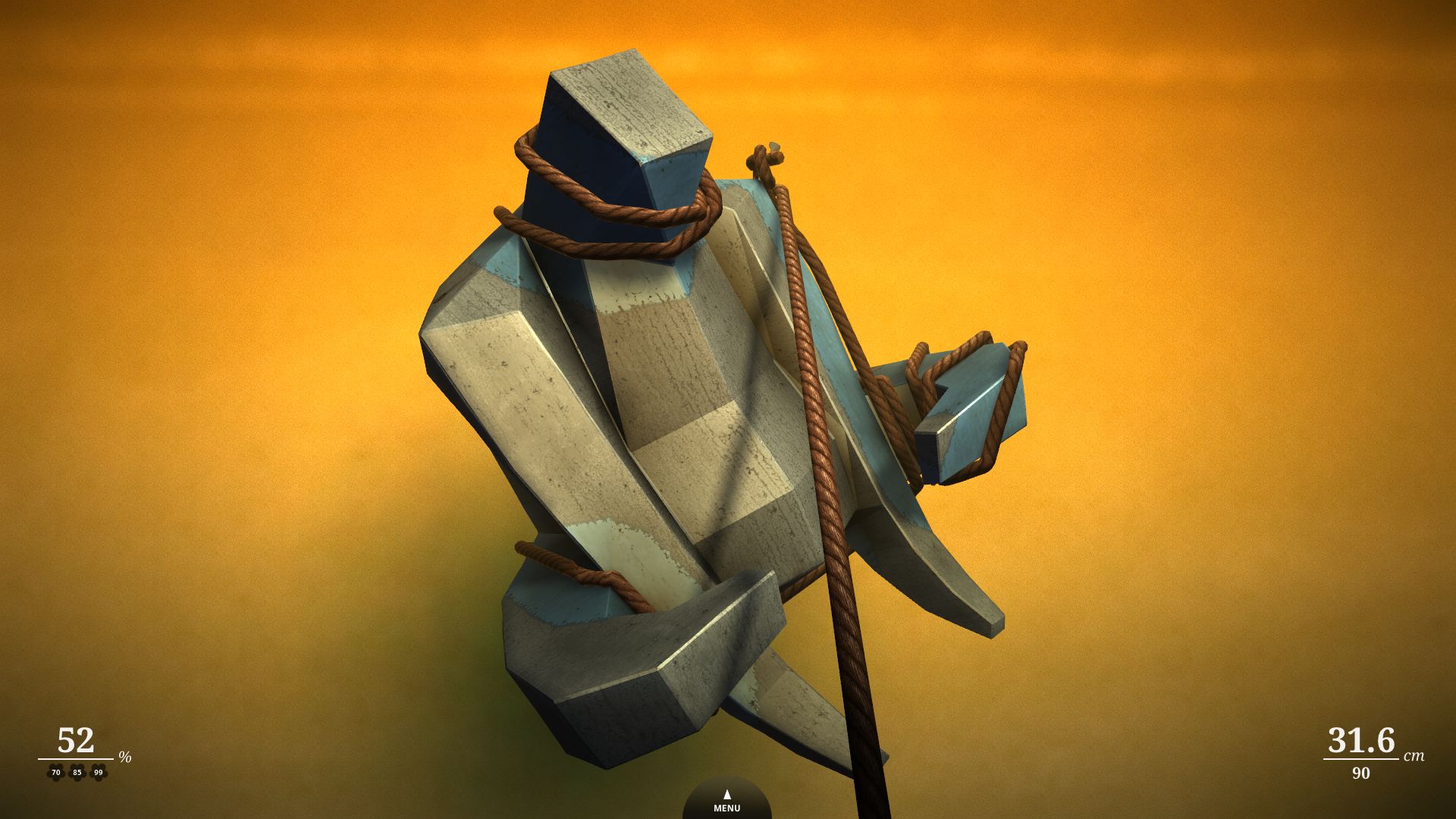
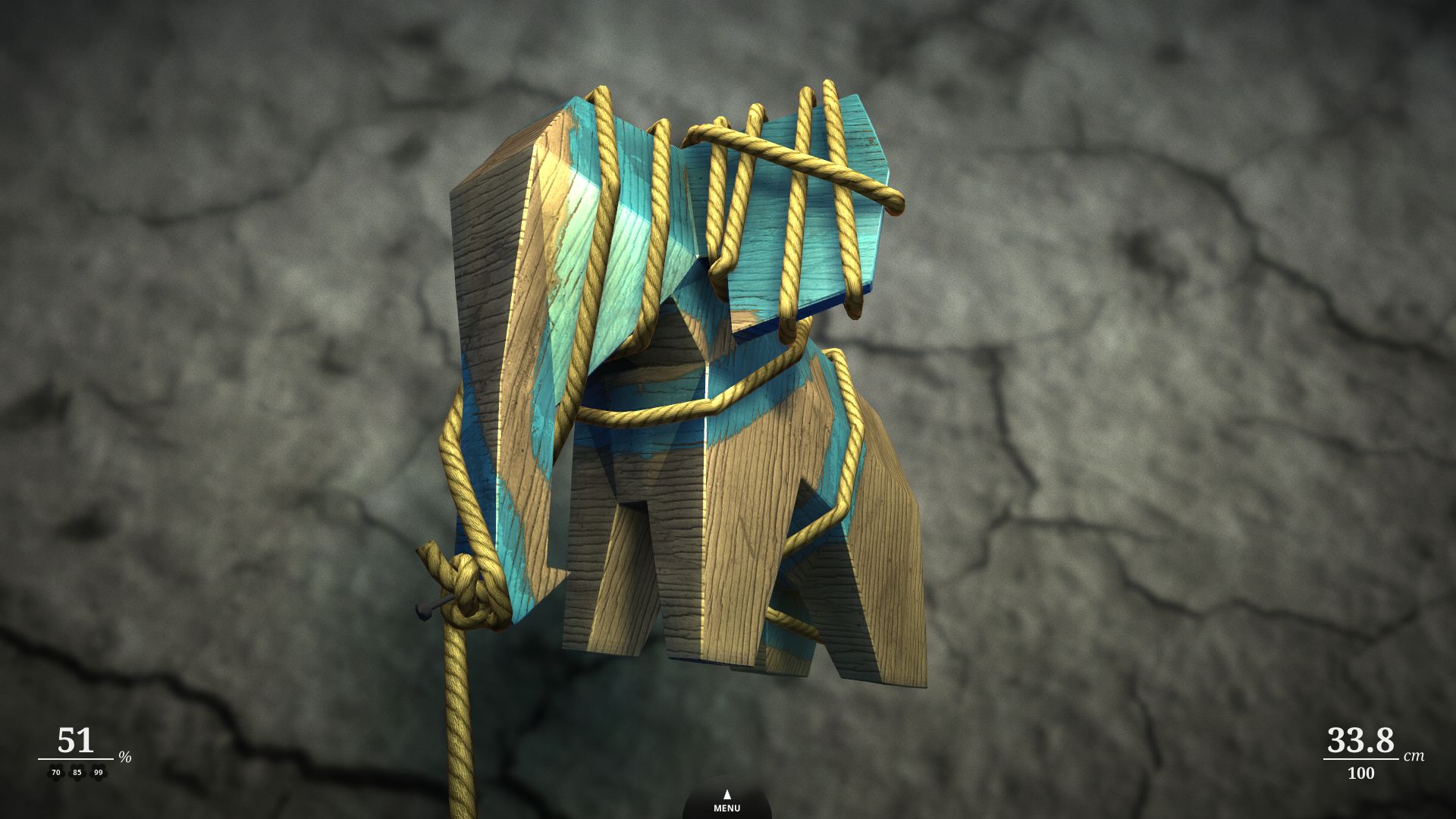
Zen Bound 2 invites players to unwind by wrapping rope around wooden sculptures, turning each piece into a painted work of art. The game blends gentle puzzles with a soothing soundtrack, offering a calm, meditative experience that emphasizes thoughtful manipulation over fast‑paced action. With over a hundred levels, multi‑touch controls on compatible Macs, and a rich visual‑audio presentation, it provides a tranquil yet engaging solo adventure.
01 / THE GUIDE
Core Gameplay
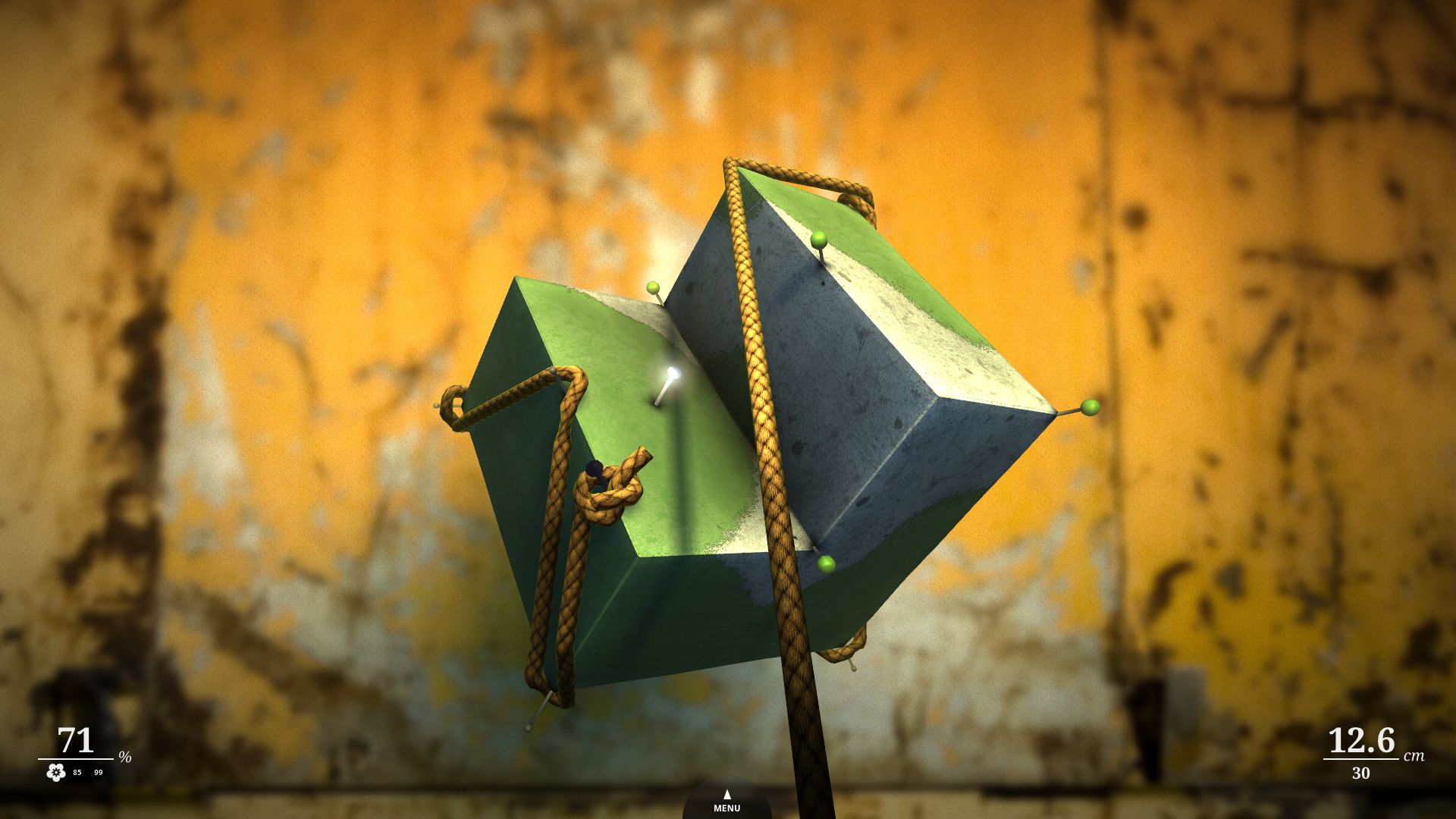
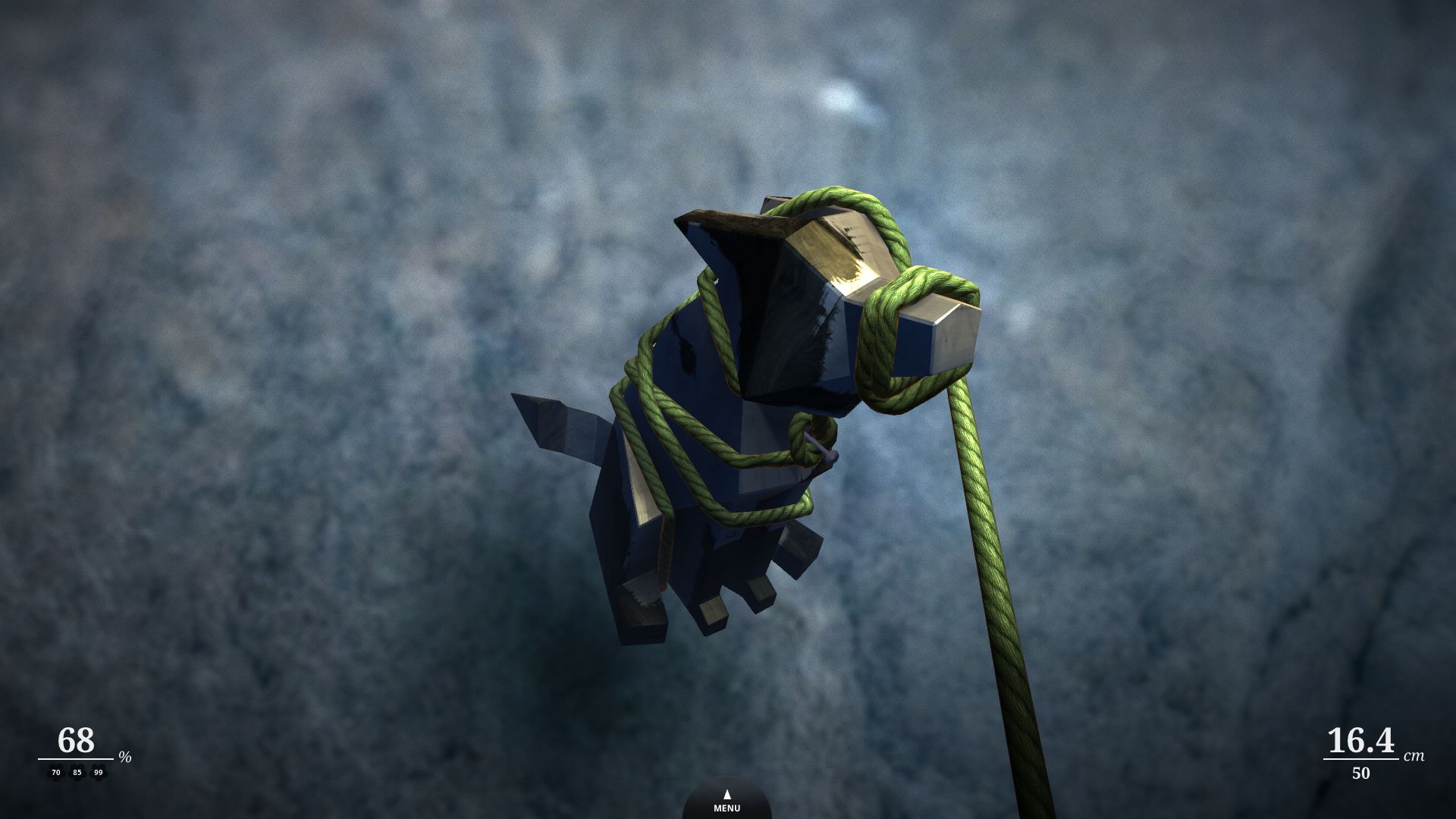
The central task is to paint wooden sculptures by winding rope around them, a process that looks simple but hides spatial complexity. Players must inspect each level to discover the most efficient wrapping path, turning the act of painting into a gentle puzzle.
The game’s pace is deliberately down‑tempo, encouraging players to slow down and focus on the tactile feel of the rope and the evolving painted surface. This design creates a stress‑free environment where the challenge lies in precision rather than speed.
- Take a moment to rotate the sculpture before starting; a different viewpoint often reveals a clearer path.
- Experiment with different wrapping angles to see how they affect coverage on intricate sections.
02 / THE GUIDE
Levels and Puzzles
Zen Bound 2 offers more than one hundred distinct levels, each presenting a unique spatial puzzle that becomes apparent through careful inspection. The variety ensures that players encounter fresh challenges as they progress.
Puzzles are designed to be gentle; they reward observation and methodical planning rather than rapid reflexes. This approach aligns with the game’s overall meditative tone.
- Start with simpler shapes to get a feel for the rope mechanics before tackling more intricate sculptures.
- Notice recurring patterns in level design; they can guide your wrapping strategy.
03 / THE GUIDE
Paint Bombs
Certain levels introduce paint bombs, which help cover complex areas of a sculpture more efficiently. These tools add a subtle layer of strategy without disrupting the calm pacing.
Using a paint bomb at the right moment can reduce the amount of rope needed to finish a level, offering a satisfying shortcut for particularly tricky sections.
- Reserve paint bombs for sections with tight corners or deep recesses where rope placement is difficult.
- Try using a paint bomb on sections with complex areas to see how much coverage it provides.
04 / THE GUIDE
Audio and Visuals
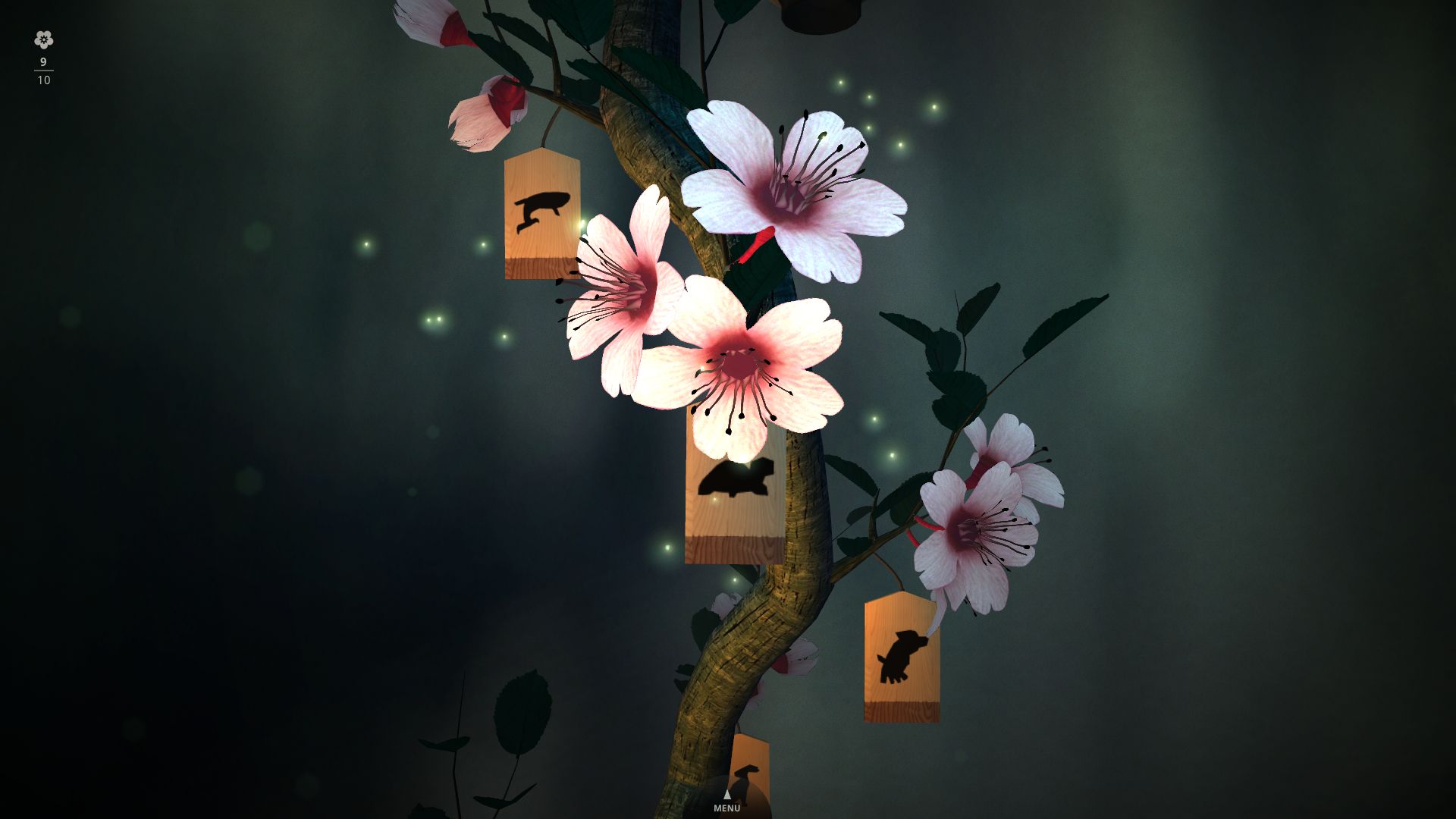
The game features high‑definition visuals with a dusty, tactile aesthetic that enhances the feeling of physically wrapping rope around objects. The art style complements the serene gameplay.
A 45‑minute soundtrack by electronic artist Ghost Monkey envelops the experience, reinforcing the meditative atmosphere with subtle, evolving tones.
- Play with headphones to fully appreciate the nuanced soundtrack while you work on a sculpture.
- Adjust screen brightness to reduce glare and better see the gradual paint buildup.
05 / THE GUIDE
Platform Features
Zen Bound 2 runs on Windows, macOS, and Linux, supporting single‑player sessions across these operating systems. Steam achievements, cloud saves, and family sharing are included, allowing progress to persist and be shared.
Mac users with multi‑touch trackpads can manipulate objects using multi‑touch controls, providing a more direct and tactile interaction method.
- Enable Steam Cloud to keep your progress safe if you switch between computers.
- If you have a Mac trackpad, try pinching and spreading gestures for smoother object rotation.
COMMUNITY
Player discussion