 GameWiki
GET YOUR BEARINGS
About ZDSimulator
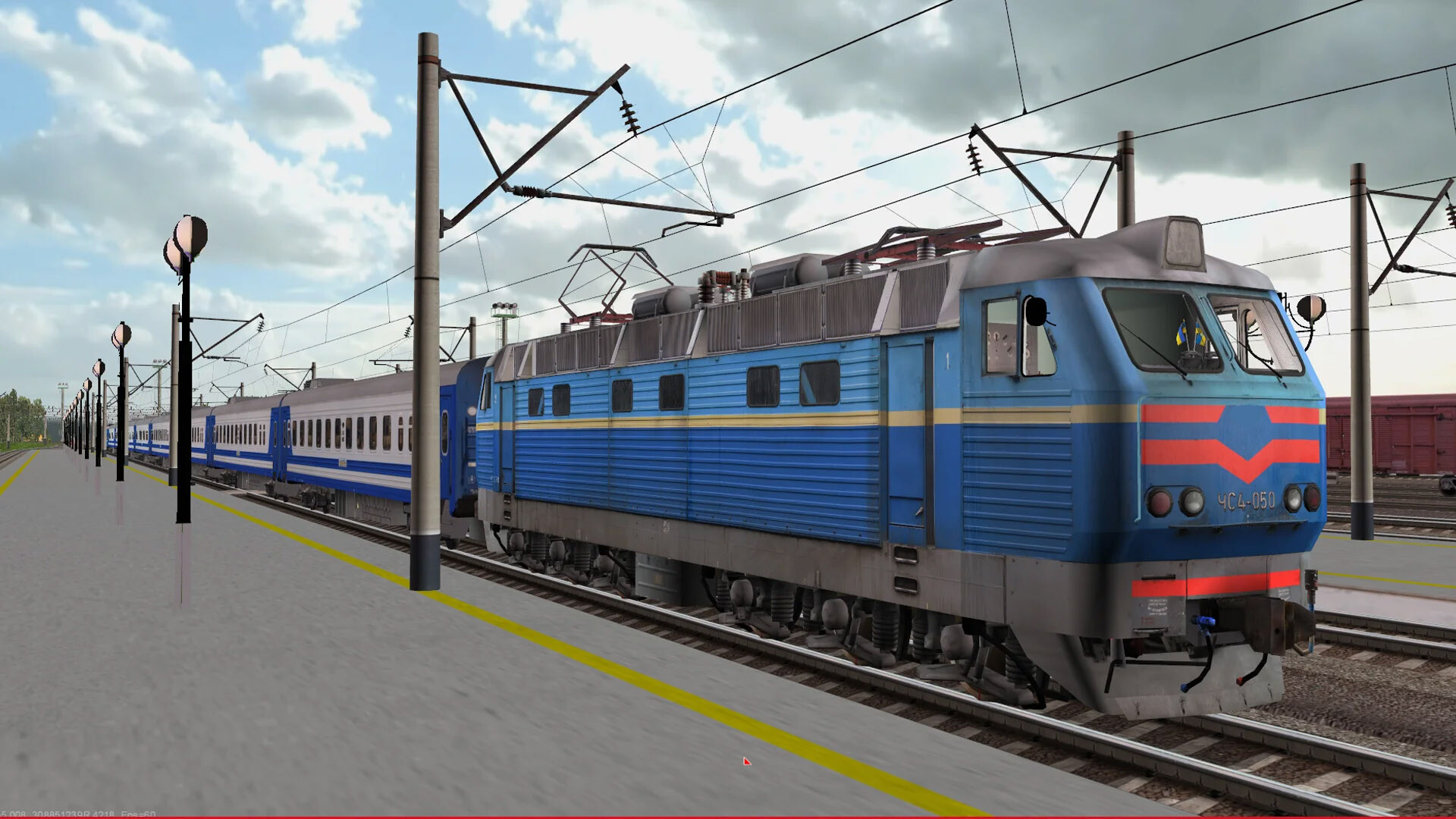
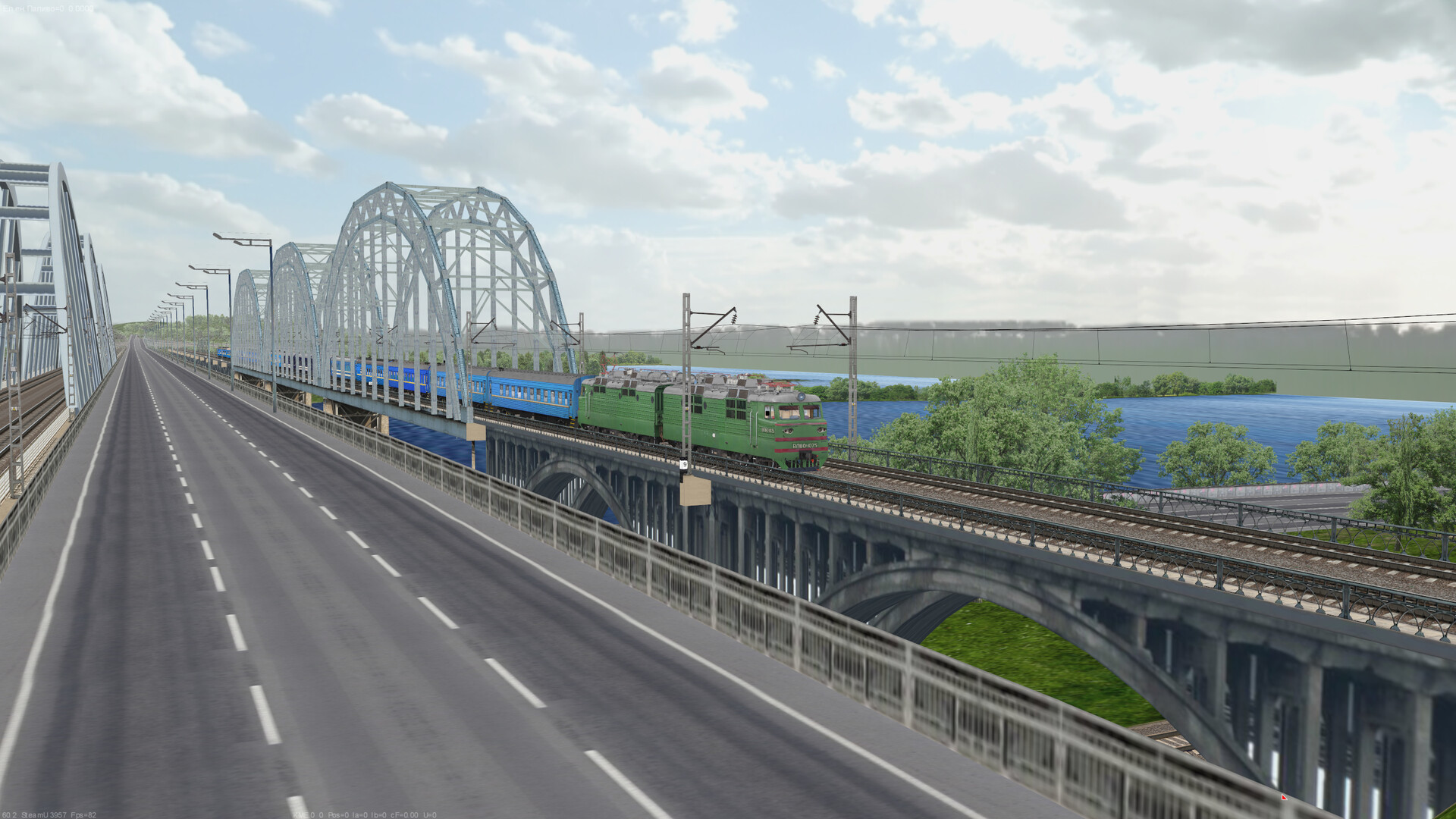
ZDSimulator is a railway simulation rebuilt by professional train drivers and fans, reviving the Ukrainian training tool first created in 2007. It lets players operate realistic locomotives on faithfully reproduced routes, offering both freight and high‑speed passenger experiences.
The title provides more than 50 routes that together cover over 3 000 km of real track, and it supports both solo play and online sessions where participants can see each other and a dispatcher can manage signals.
01 / THE GUIDE
Simple and Complex Modes
Two play styles are offered: Simple mode, which presents a reduced set of controls for newcomers, and Complex mode, which exposes the full range of locomotive systems for enthusiasts. Both use the same routes and physics engine.
The two modes differ in the level of manual intervention required, allowing players to progress from basic handling to full‑immersion operation without altering the underlying simulation.
- Begin with Simple mode to learn basic throttle and brake functions before exploring deeper system controls.
- Switch to Complex mode on a familiar route to directly compare the additional information and controls.
02 / THE GUIDE
Realistic Physics and Electrical Systems
Locomotive dynamics follow realistic physics, influencing acceleration, braking distance, and handling of train mass. The simulation models how power, traction, and brake forces interact over time.
Electrical circuits and device operations are also detailed, so operating the locomotive’s electrical devices changes its internal state, mirroring real‑world railway engineering.
- Watch how throttle changes affect momentum under the realistic physics model.
- Toggle individual electrical devices while stationary to see their impact on system messages.
03 / THE GUIDE
Extensive Routes and Scenarios
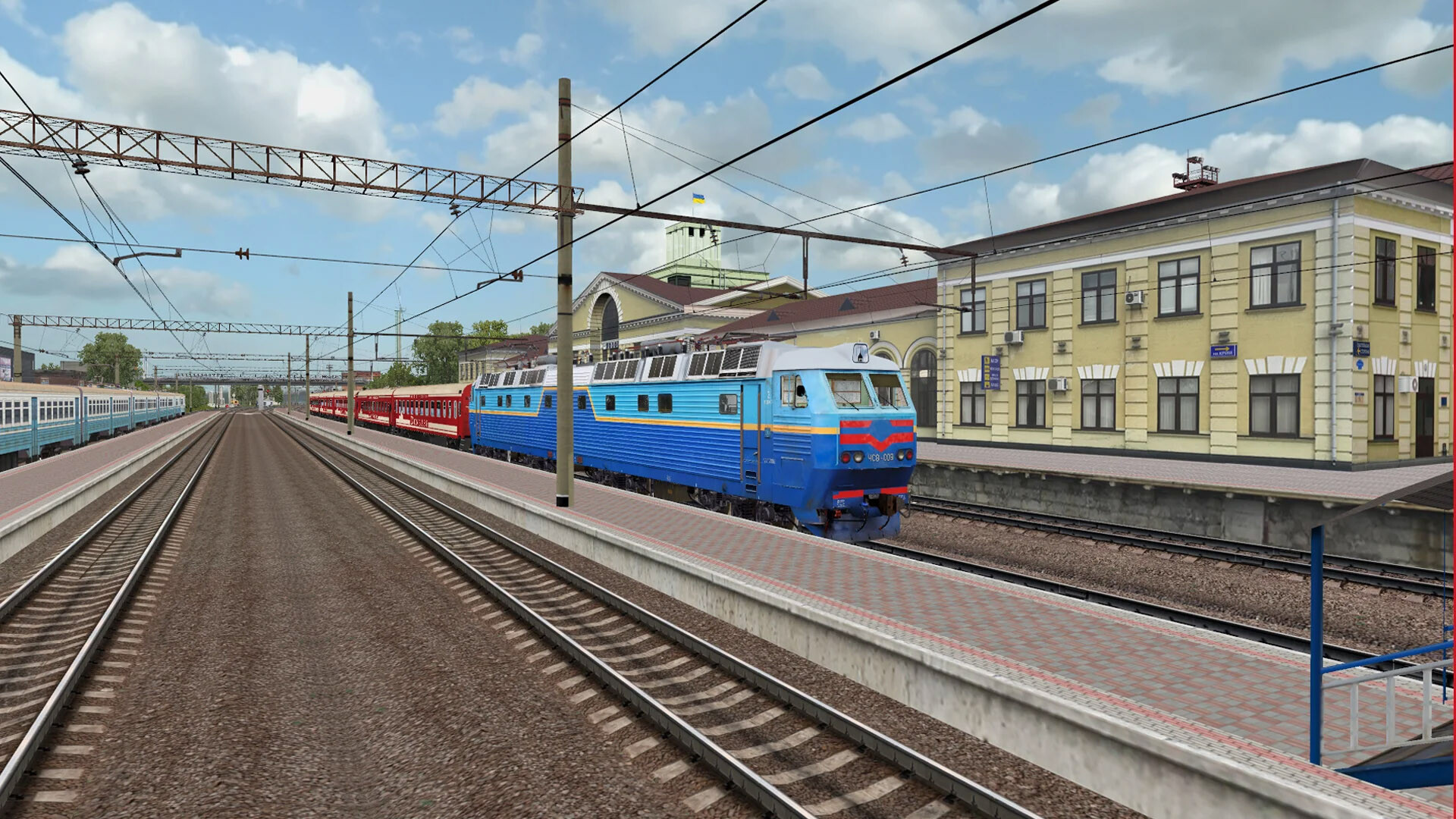
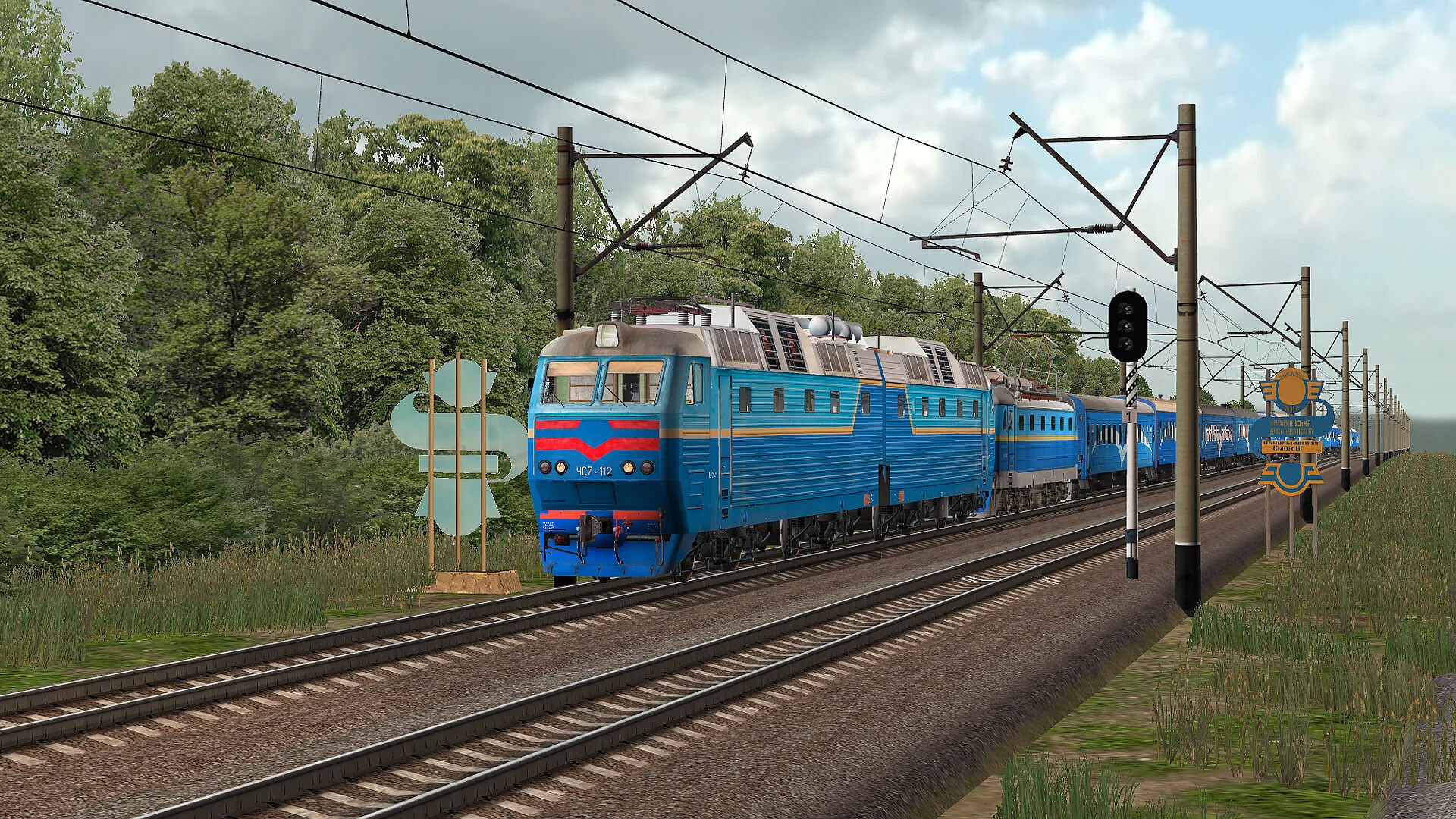
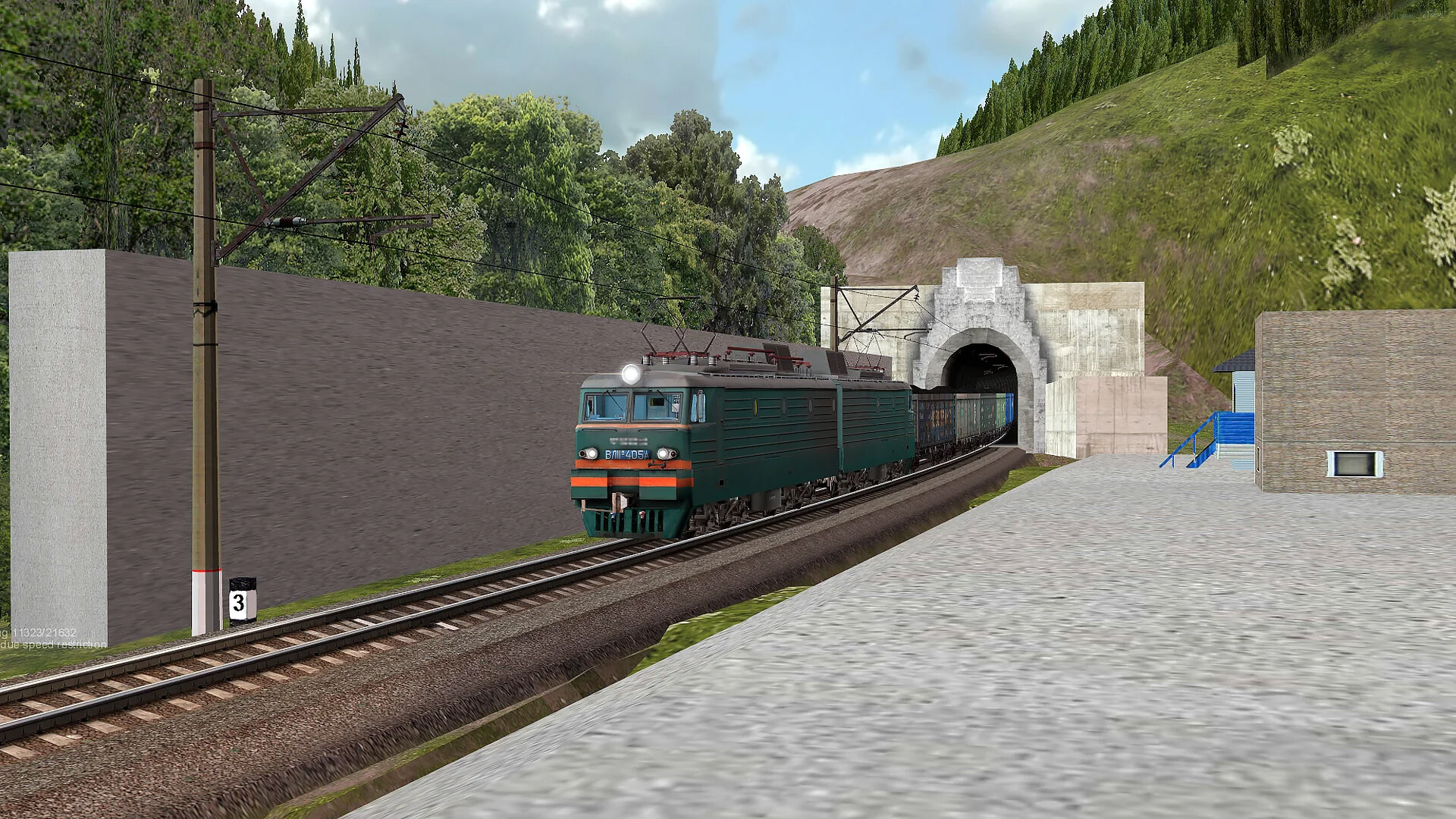
The game includes more than 50 routes that together represent over 3 000 km of authentic track profiles and stations. Each route is a precise copy of a real railway section, providing accurate scenery and operational limits.
Scenarios span routine freight hauls to high‑speed passenger runs, giving players varied challenges that test speed management, braking techniques, and route knowledge on the same physical infrastructure.
- Select a route you recognize from real life to compare the simulation’s fidelity.
- Run both freight and passenger scenarios on the same line to notice differences in speed and braking requirements.
04 / THE GUIDE
Network Play and Dispatcher Control
Multiplayer sessions let participants see each other's trains and operate at a distance. A dispatcher role can control signals and train movements, coordinating traffic on shared tracks.
This collaborative environment reproduces real‑world railway communication, requiring players to respect signal aspects and coordinate actions to avoid conflicts on the network.
- Communicate signal changes clearly when playing with others to prevent accidental collisions.
- Use the dispatcher view to plan train paths before launching a locomotive.
05 / THE GUIDE
Level Editor and Steam Workshop
A built‑in level editor enables the community to create custom routes and scenarios. Completed maps can be shared through the Steam Workshop, extending playable content beyond the base catalog.
The editor lets users build their own content, which can then be shared with other players through the Workshop.
- Browse the Workshop for community‑made routes that cover regions not included in the base game.
- Experiment with the editor’s signal tools to test different traffic‑management setups.
COMMUNITY
Player discussion