 GameWiki
GET YOUR BEARINGS
About YuuYuu Jiteki no Yuukarin
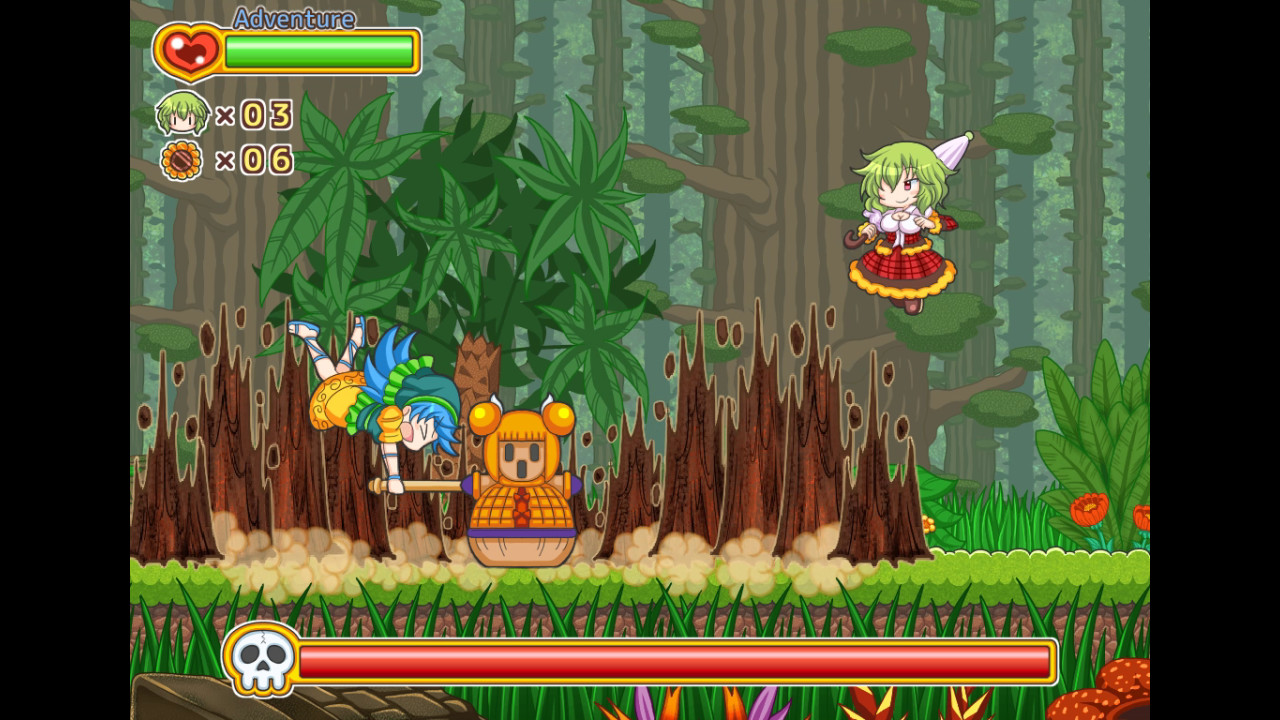
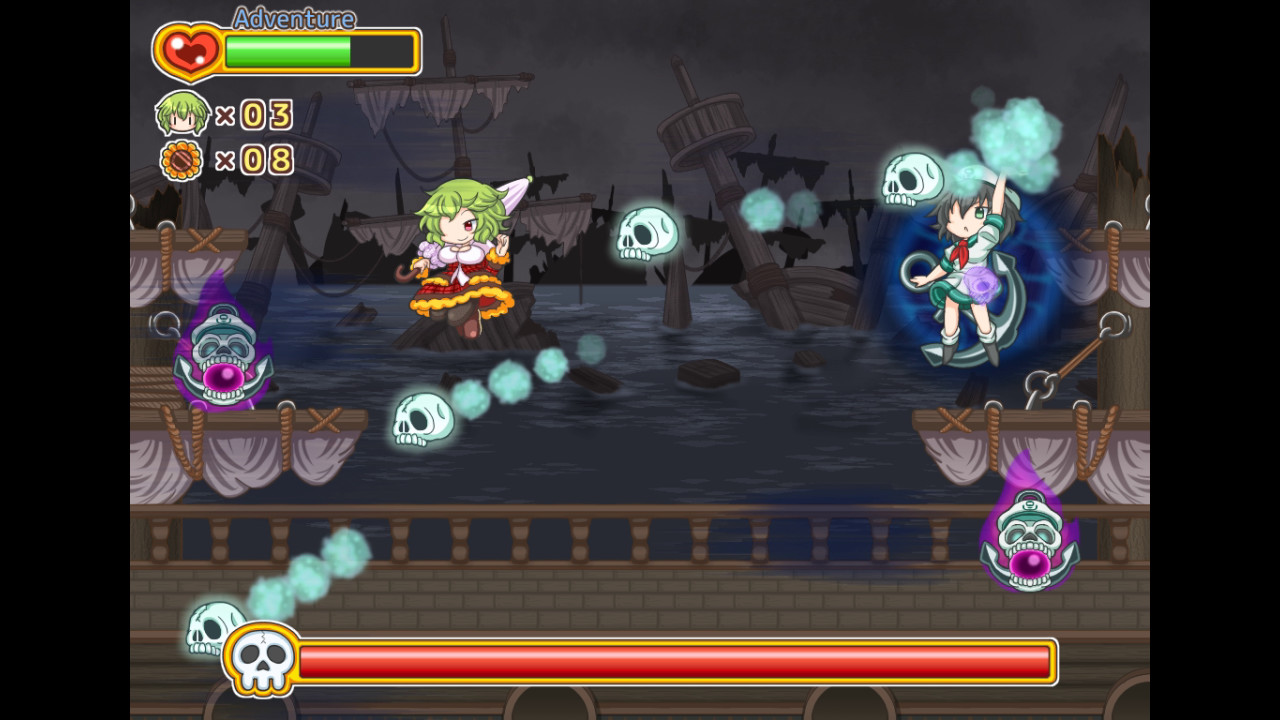
YuuYuu Jiteki no Yuukarin follows Yuuka Kazami as she explores a hand‑painted world, using actions like jumping, dashing, crouching, umbrella attacks, climbing ladders, and swimming. The game offers three difficulty labels—Picnic, Adventure, Expert—without altering content, letting players choose a comfortable pace.
All visuals, from characters to maps and effects, are crafted individually, giving the “Nu World” a distinct artistic feel. The core strategy revolves around mastering the umbrella’s levitation ability to navigate challenges.
01 / THE GUIDE
Character Moves
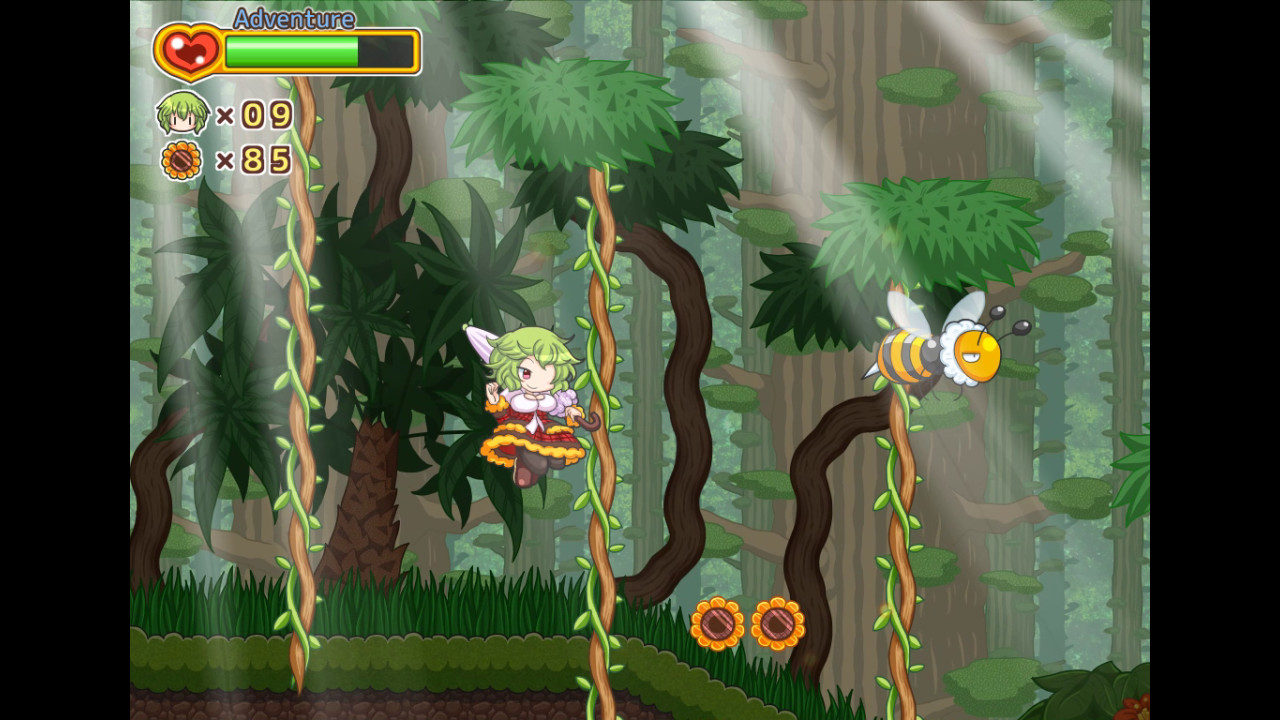
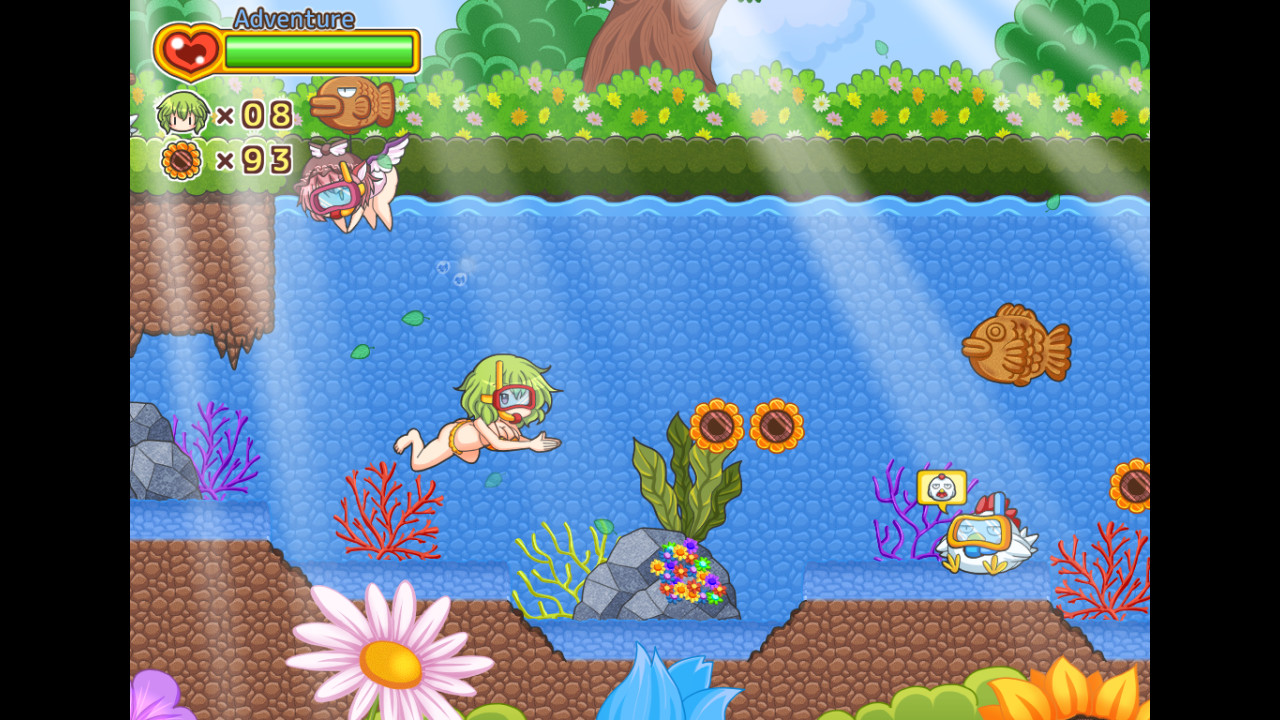
Yuuka can perform a range of actions: jump, dash, crouch, kick, attack with an umbrella, grab and throw objects, climb ladders, cling to hanging ivy, and swim. These moves are integral to solving the game’s incidents. The umbrella also serves as a levitation tool, adding a strategic layer to traversal and combat.
- Experiment with combining dash and umbrella levitation for faster movement.
- Use the grab‑and‑throw action to clear obstacles from a distance.
02 / THE GUIDE
Difficulty Levels
Three difficulty labels—Picnic, Adventure, Expert—are available. Selecting a level does not change any game content; it only reflects the intended challenge tone. Players can switch between levels to match their preferred play style without missing any story or mechanics.
- Start with Picnic if you prefer a relaxed experience.
- Switch to Expert after mastering basic controls for added tension.
03 / THE GUIDE
Umbrella Levitation
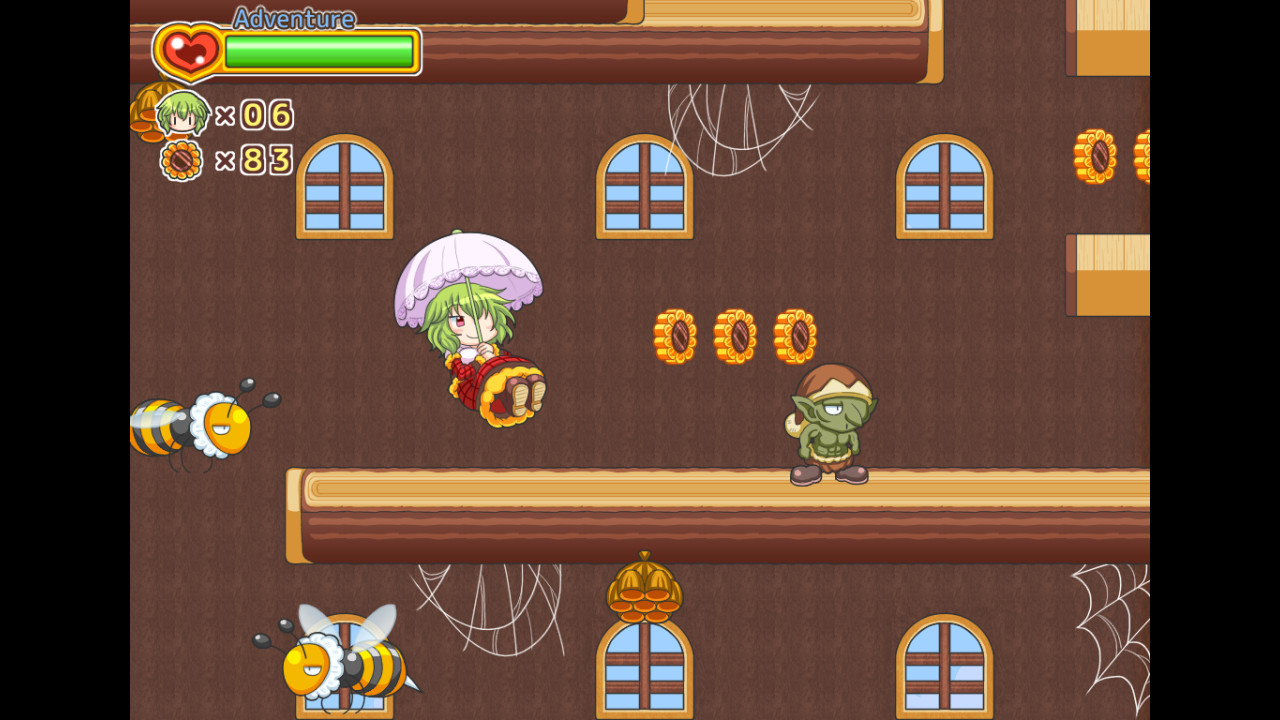
The umbrella’s levitation ability is the primary strategic element. Proper timing lets Yuuka hover over gaps, reach higher platforms, and avoid hazards. Mastering this mechanic often determines success in tougher sections, as it expands movement options beyond standard jumps.
- Practice holding the levitation button longer to maintain altitude.
- Combine levitation with ladder climbing for seamless vertical travel.
04 / THE GUIDE
Controller Support
The game recommends keyboard, PlayStation, and Xbox controllers, and on‑screen prompts reflect these three input types. Other controllers may work but lack displayed guidance, and mouse input is not supported. Players can configure controls via the in‑game menu, ensuring comfort across supported devices.
- Check the operation setting menu to verify your controller is recognized.
- If using an unsupported controller, refer to the key guide for manual mapping.
05 / THE GUIDE
Technical Setup
The game runs on Pixel Game Maker MV and may require the 32‑bit VC++ Runtime if a DLL error appears. Ensure your monitor refreshes at 60 Hz for optimal speed. Adjusting Nvidia settings to “High performance” can also resolve slow‑down issues on compatible hardware.
- Install the 32‑bit VC++ Runtime if a startup DLL error occurs.
- Set your monitor to 60 Hz to prevent abnormal slowdowns.
COMMUNITY
Player discussion