 GameWiki
GET YOUR BEARINGS
About Ys vs. Trails in the Sky: Alternative Saga
Ys vs. Trails in the Sky: Alternative Saga brings the rapid combat praised in Ys SEVEN together with a new jump mechanic, adding vertical movement and fresh tactical options. Familiar Falcom heroes appear alongside full voice acting from the series’ established casts, giving each scene audible personality.
The title introduces couch and online multiplayer with split‑screen and rollback netcode, while PC‑centric options such as mouse‑and‑keyboard support, arbitrary aspect ratios up to 5:4 and 21:9, and 60 FPS performance in HD and 4K round out the experience.
01 / THE GUIDE
Jump‑Enabled High‑Speed Combat
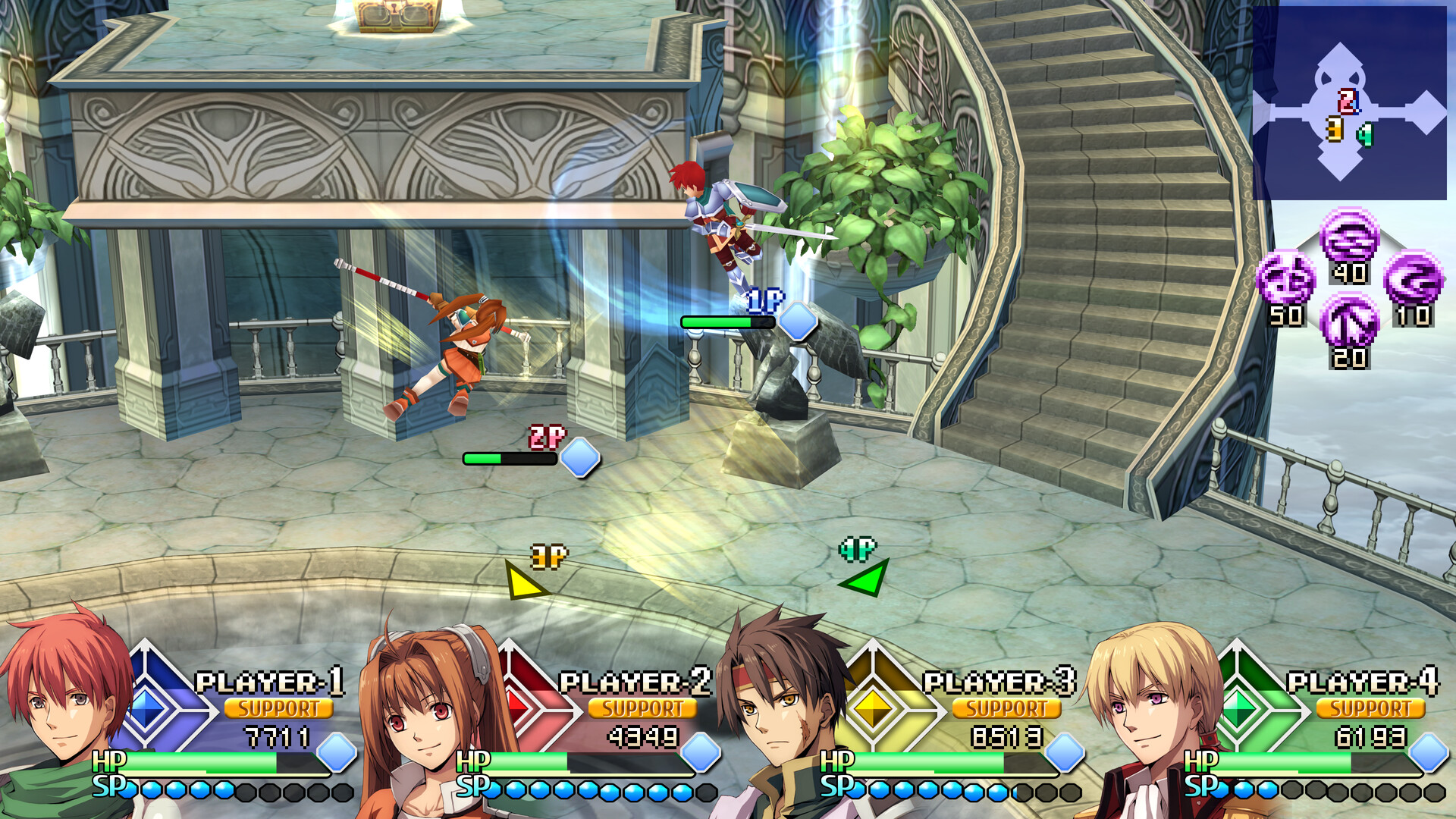
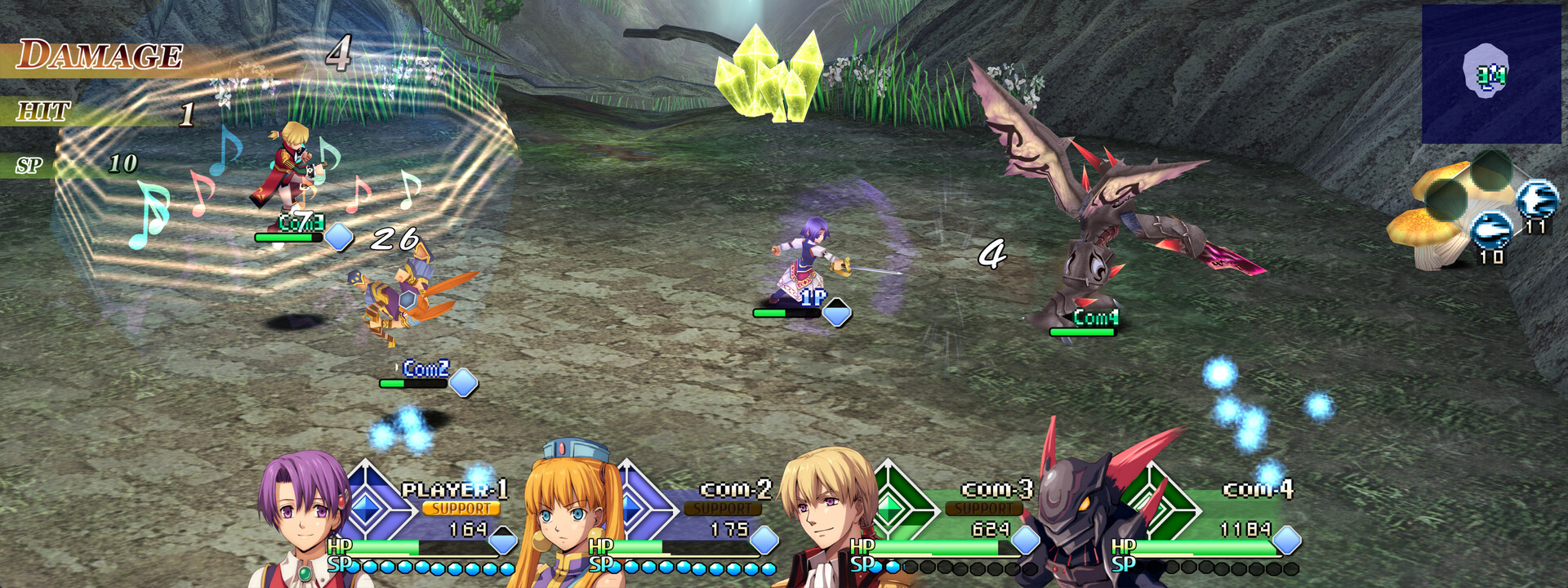
Combat runs at the fast pace that earned acclaim in Ys SEVEN, letting players chain combos across large battlefields. The added ability to jump creates a new layer of speed and strategy, letting you move vertically while maintaining attack flow.
Jumping lets you reach aerial positions, opening opportunities for attacks from above and for evading ground‑based threats. This vertical freedom expands tactical choices beyond the horizontal movement of earlier titles.
- Time jumps to dodge projectiles without breaking your combo.
- Use aerial positioning to surprise enemies that expect only ground attacks.
02 / THE GUIDE
Full Voice Acting
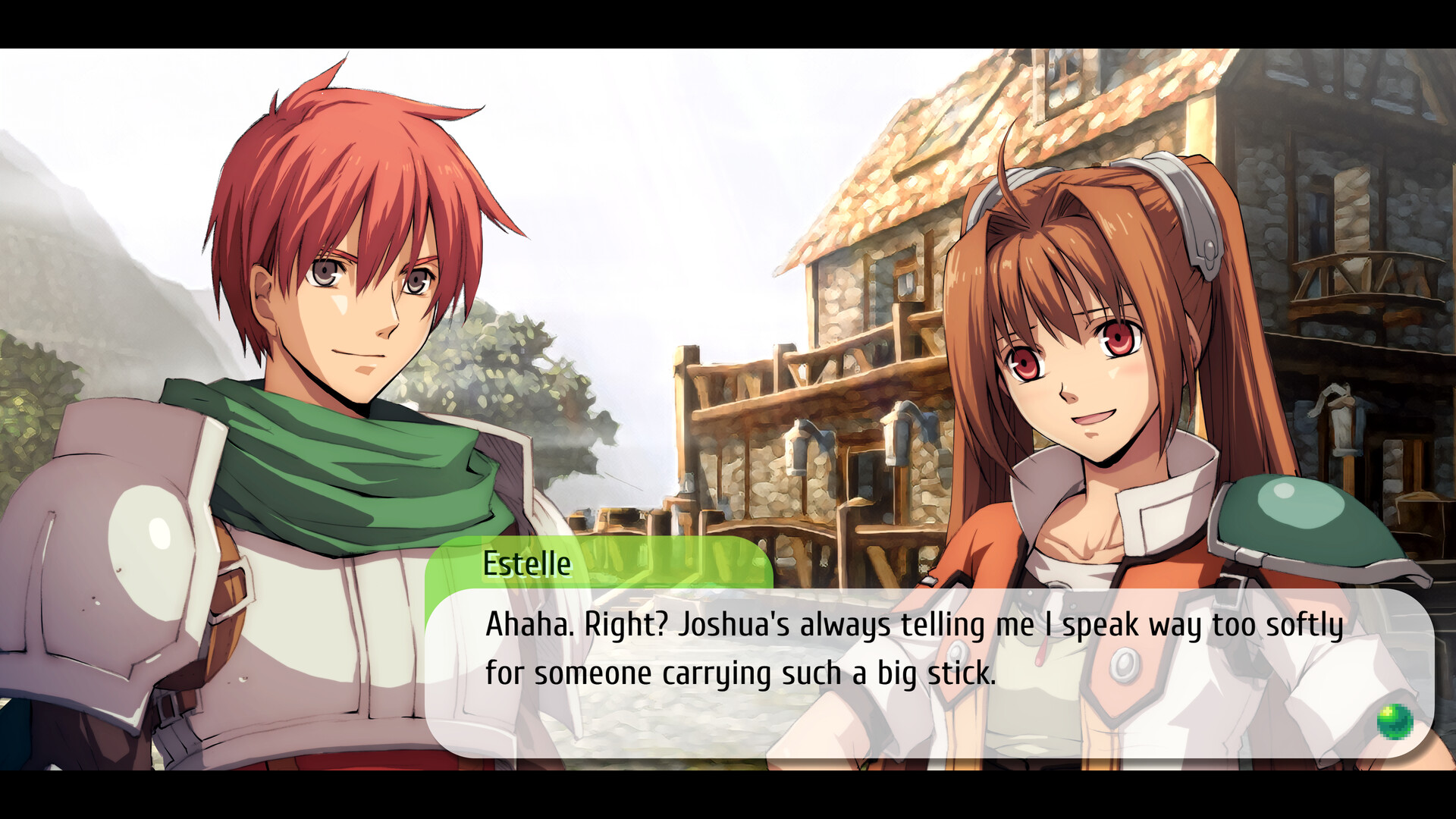
Every scene features voice performances from the established casts of both the Ys and Trails series, providing complete vocal coverage for dialogue and cutscenes. This full voice acting aims to heighten the drama of battles and narrative moments.
The vocal recordings give characters distinct personalities and emphasize key story beats, ensuring that players receive audible cues alongside visual action throughout the game.
- Listen for vocal cues that may hint at upcoming enemy behavior.
- Adjust volume settings if you prefer to focus on music or sound effects.
03 / THE GUIDE
Falcom All‑Stars Support Characters
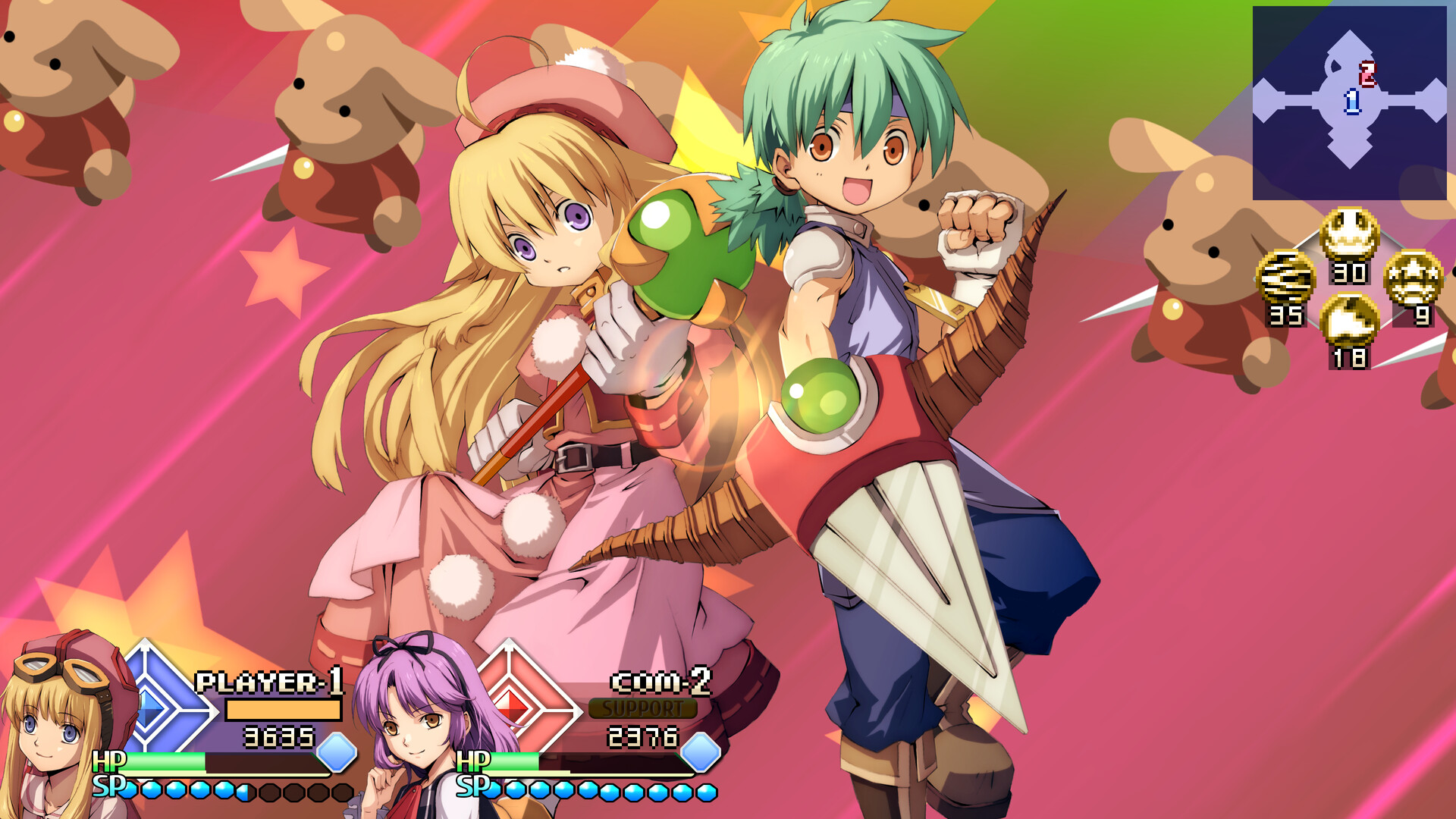
Fan‑favorite characters from various Falcom titles appear as support allies, joining the playable roster during battles. These allies provide powerful backup, contributing additional attacks or assistance when combat intensifies.
Support characters act as reinforcements, supplementing your own abilities with their unique skills and helping you achieve victory in heated encounters.
- Observe which support allies trigger the most effective assists for your playstyle.
- Combine support abilities with your own combos for layered damage.
04 / THE GUIDE
Multiplayer Modes
Couch and online multiplayer are available for the first time, using rollback netcode to smooth online encounters. Players can engage in PvP, co‑op, and split‑screen battles locally, as well as PvP and co‑op over LAN.
Both competitive and cooperative play support shared or split‑screen on a single display, while online matches allow separate screens for each participant.
- Test local split‑screen to gauge comfort before trying online matches.
- Take advantage of rollback netcode when playing over the internet for a more responsive experience.
05 / THE GUIDE
PC‑Centric Features
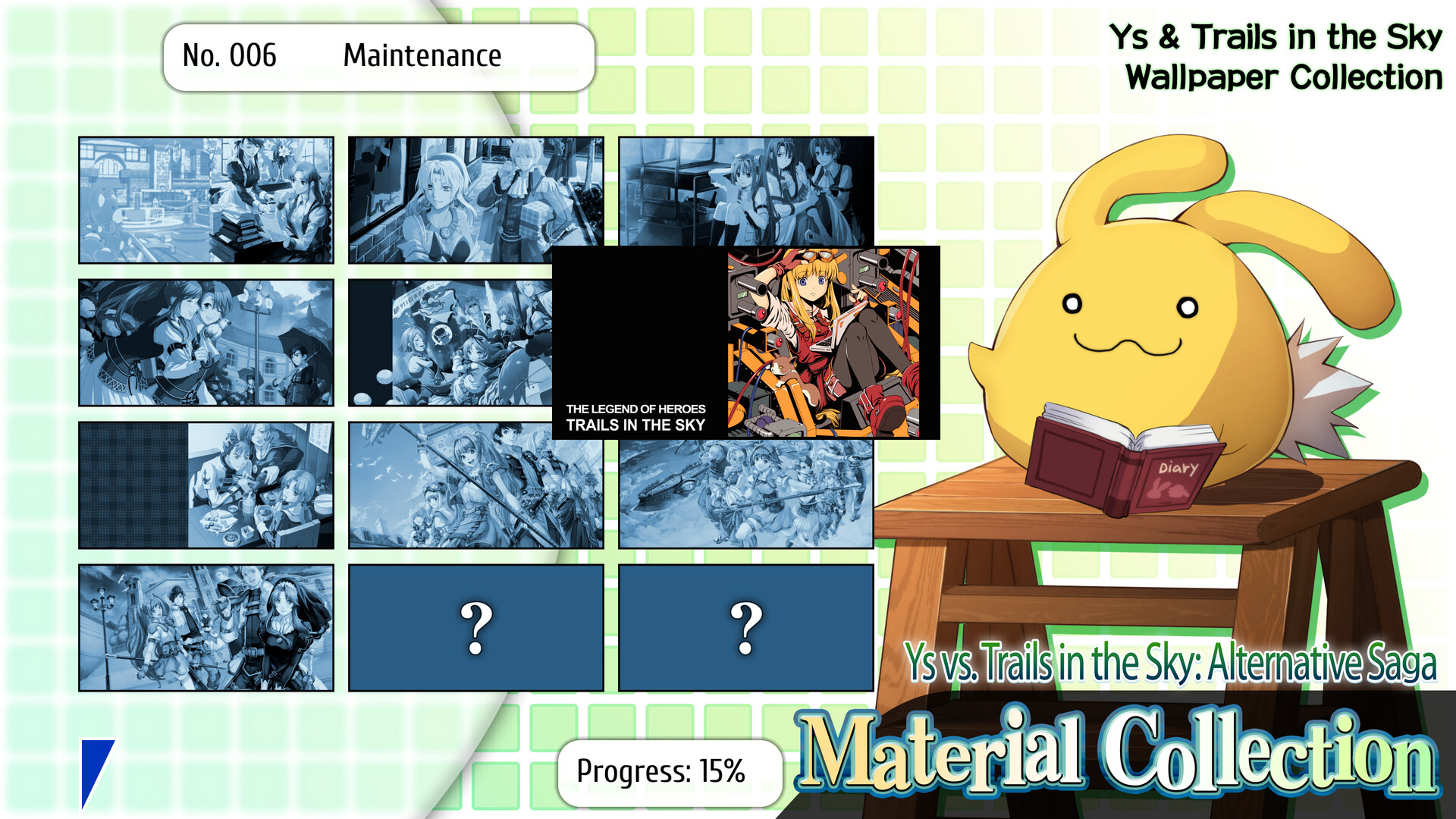
A vast Material Collection unlocks wallpapers, soundtracks, and PC‑specific options such as mouse‑and‑keyboard support and arbitrary aspect ratios up to 5:4 and 21:9. These options let players tailor visual and input settings to their hardware.
The game runs in HD and 4K at 60 FPS, providing smooth performance while the adjustable aspect ratios and input choices offer flexibility for comfort and immersion.
- Experiment with different aspect ratios to find the most comfortable field of view.
- Try mouse and keyboard input if you prefer precision aiming over a controller.
COMMUNITY
Player discussion