 GameWiki
GET YOUR BEARINGS
About your wife
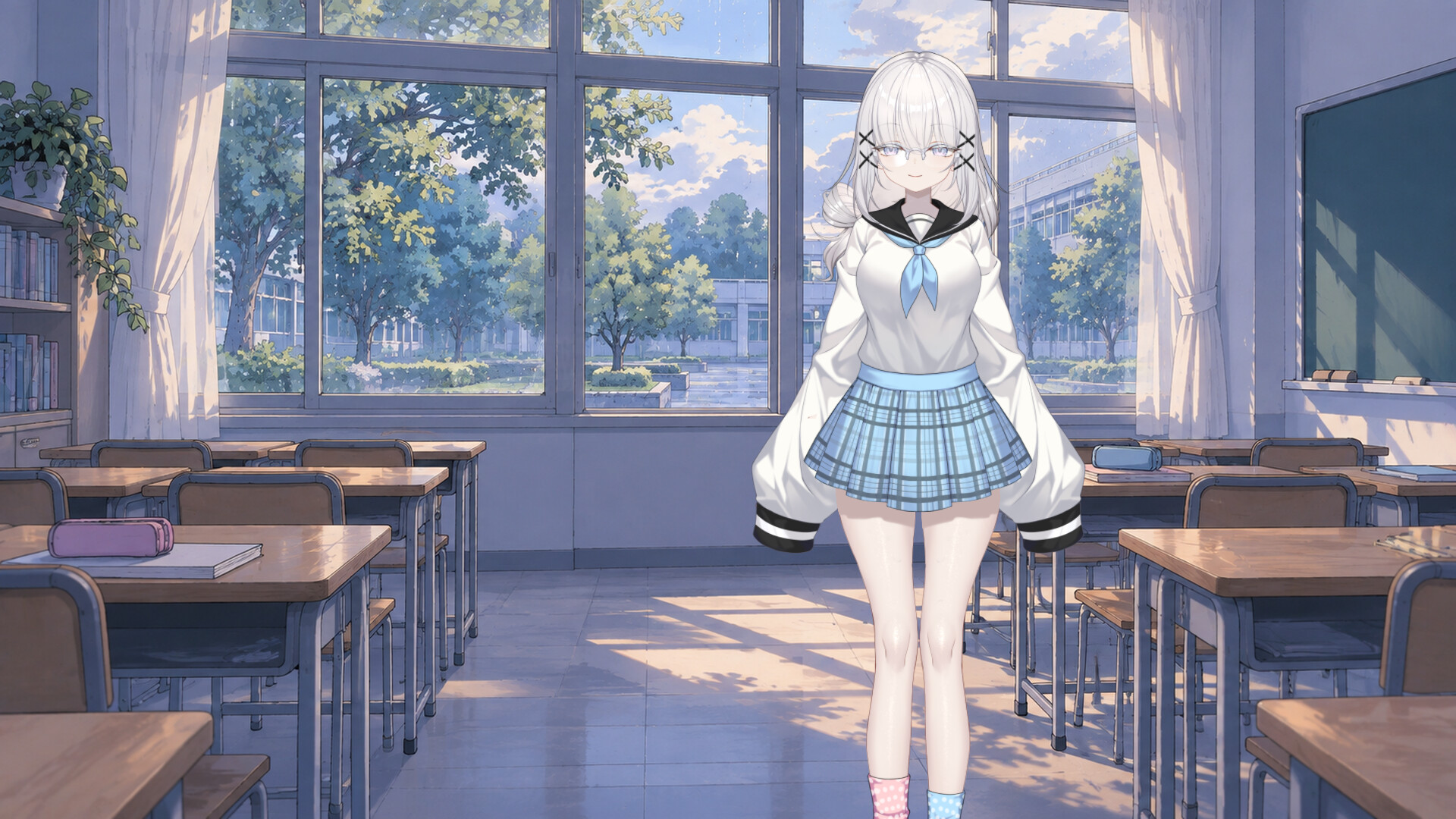
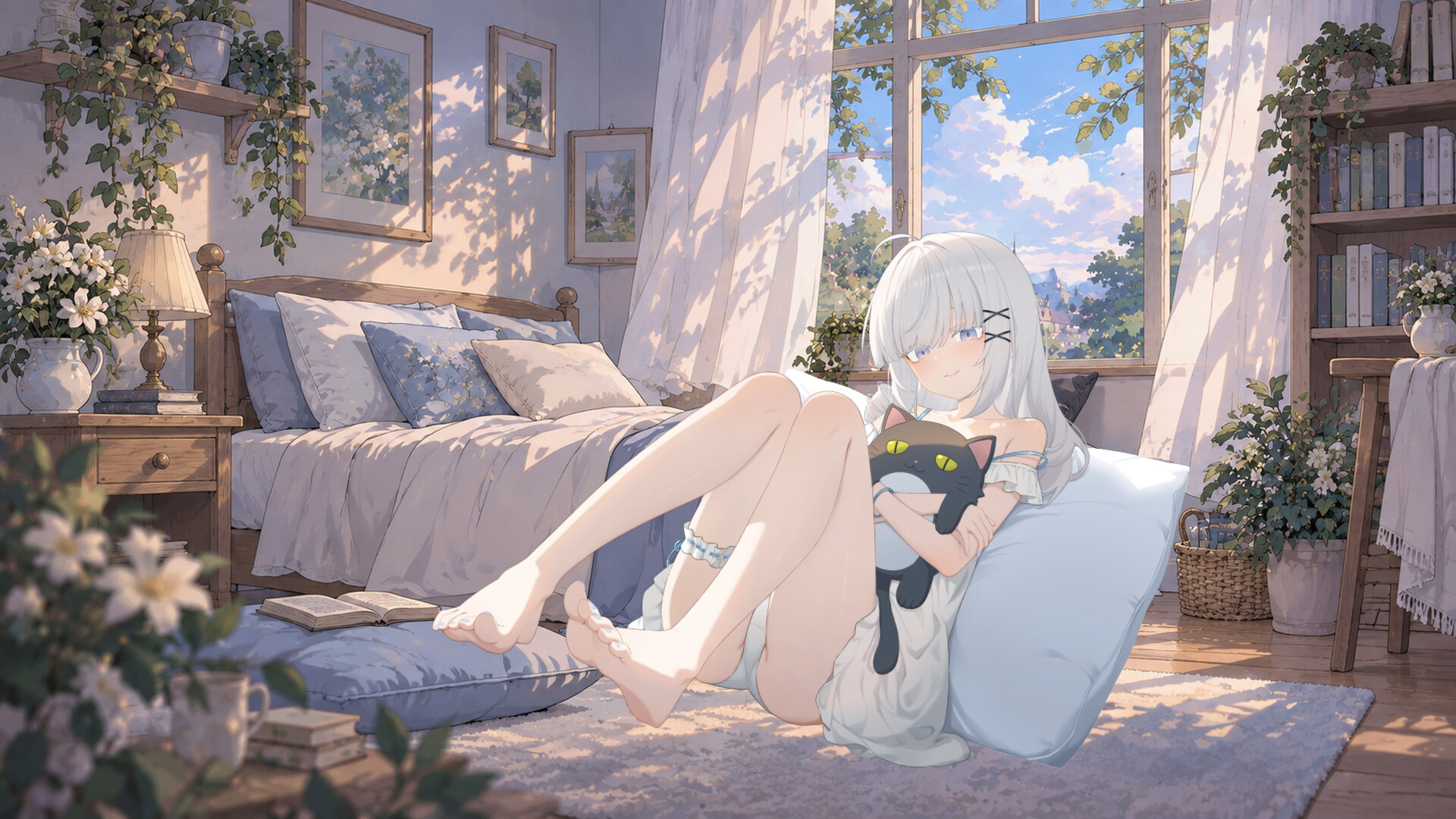
Your Wife is an anime‑style desktop companion for Windows. You select one of eight built‑in characters—or any you’ve subscribed to via the Steam Workshop—and place her on your desktop. She blinks, breathes, and her hair and clothing move, while her gaze follows your mouse.
The app lets you adjust the character’s size, position, and background, including static or animated wallpapers. Your character choice, position, and size are saved automatically, and the game includes 100 Steam achievements to track your progress.
01 / THE GUIDE
Character Customization
Eight characters come built‑in, and additional ones can be added through the Workshop. Each character displays natural blinking, breathing, and animated hair and clothing, creating a lively presence on the desktop. Only one character appears at a time, and you can switch via the menu whenever you like.
The menu also lets you hide the character while keeping the wallpaper active, and you can lock the character so mouse clicks pass through its transparent areas. All choices are saved for the next launch.
- Try switching characters after a long work session to refresh the visual atmosphere.
- Use lock mode if you need uninterrupted clicks on windows behind the companion.
02 / THE GUIDE
Positioning and Sizing
Drag the character to any spot on the screen, then scroll the mouse wheel to resize from 55 % up to 450 % of the original size. This lets you keep her at the edge of the screen or enlarge her for detailed viewing.
When lock mode is enabled, mouse clicks pass through the entire character, allowing you to interact with windows behind her without moving her.
- Place the companion near a frequently used window edge for a quick visual break.
- Adjust size to match your screen resolution for optimal clarity.
03 / THE GUIDE
Backgrounds and Wallpapers
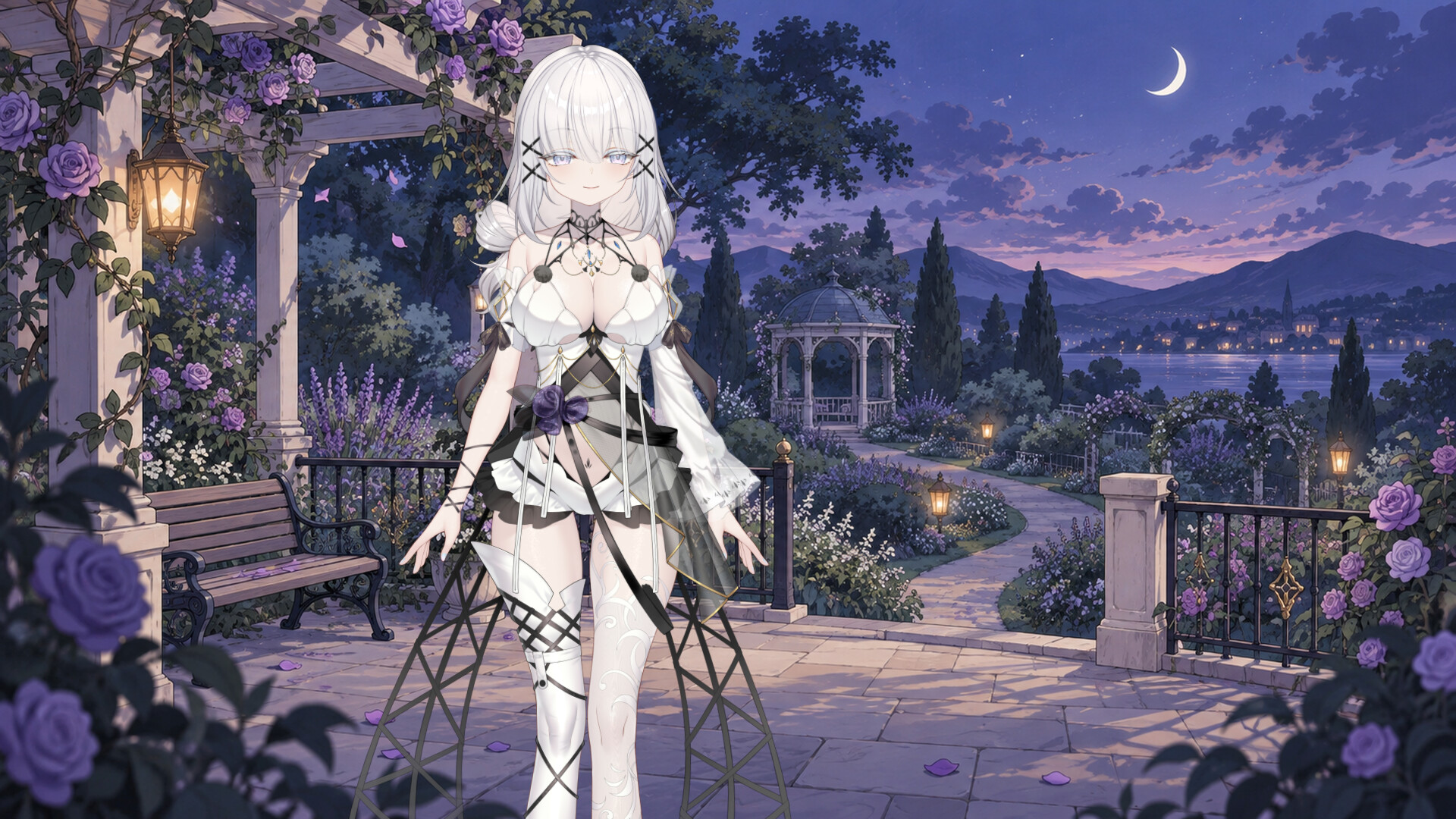
The default Moonlit Violet Rose Terrace wallpaper offers both a static version and an animated version with falling petals, fireflies, and shifting moonlight. You may also use local GIF or MP4 files, or select static and animated backgrounds from the Workshop.
MP4 wallpapers loop without sound, and animated wallpaper playback depends on file encoding and your system’s decoding support.
- Use a static background when you need minimal distraction during focused work.
- Test MP4 wallpapers for smooth looping before setting them as default.
04 / THE GUIDE
Workshop and Subscriptions
Browse the Steam Workshop to subscribe to characters and wallpapers created by other players. Subscribed items appear in the game’s menu for easy selection. You can also upload your own compatible assets, static images, or animated wallpapers for others to use.
Uploaded content can be updated or deleted through the game’s management interface, giving you control over your shared creations.
- Explore popular Workshop items to discover new aesthetic combos.
- Keep your uploads organized by naming files clearly.
05 / THE GUIDE
Settings and Persistence
Your character choice, position, and size are saved automatically, so the setup is ready each time you launch the app. Options include keeping the character on top, showing the taskbar icon, and starting the game with Windows.
The interface supports 30 languages, which can be switched at any time in the settings menu. The game also includes 100 Steam achievements that can be unlocked from the menu.
- Enable “start with Windows” if you want the companion present immediately after boot.
- Check the language setting if you prefer a non‑English interface.


COMMUNITY
Player discussion