 GameWiki
GET YOUR BEARINGS
About Your Mother
Your Mother is a casual indie RPG that mixes language learning with whimsical mother‑themed interactions. Players meet an in‑game mother who teaches a dozen languages, including Japanese, British and American English, Cantonese, Minnan, Northeastern, and Shanghainese.
The title offers both solo and online co‑op play, letting friends’ mothers visit each other. Steam Workshop lets users design custom mother avatars, and the game runs on Windows with Steam achievements, trading cards, cloud saves, and family sharing.
01 / THE GUIDE
Learn New Languages
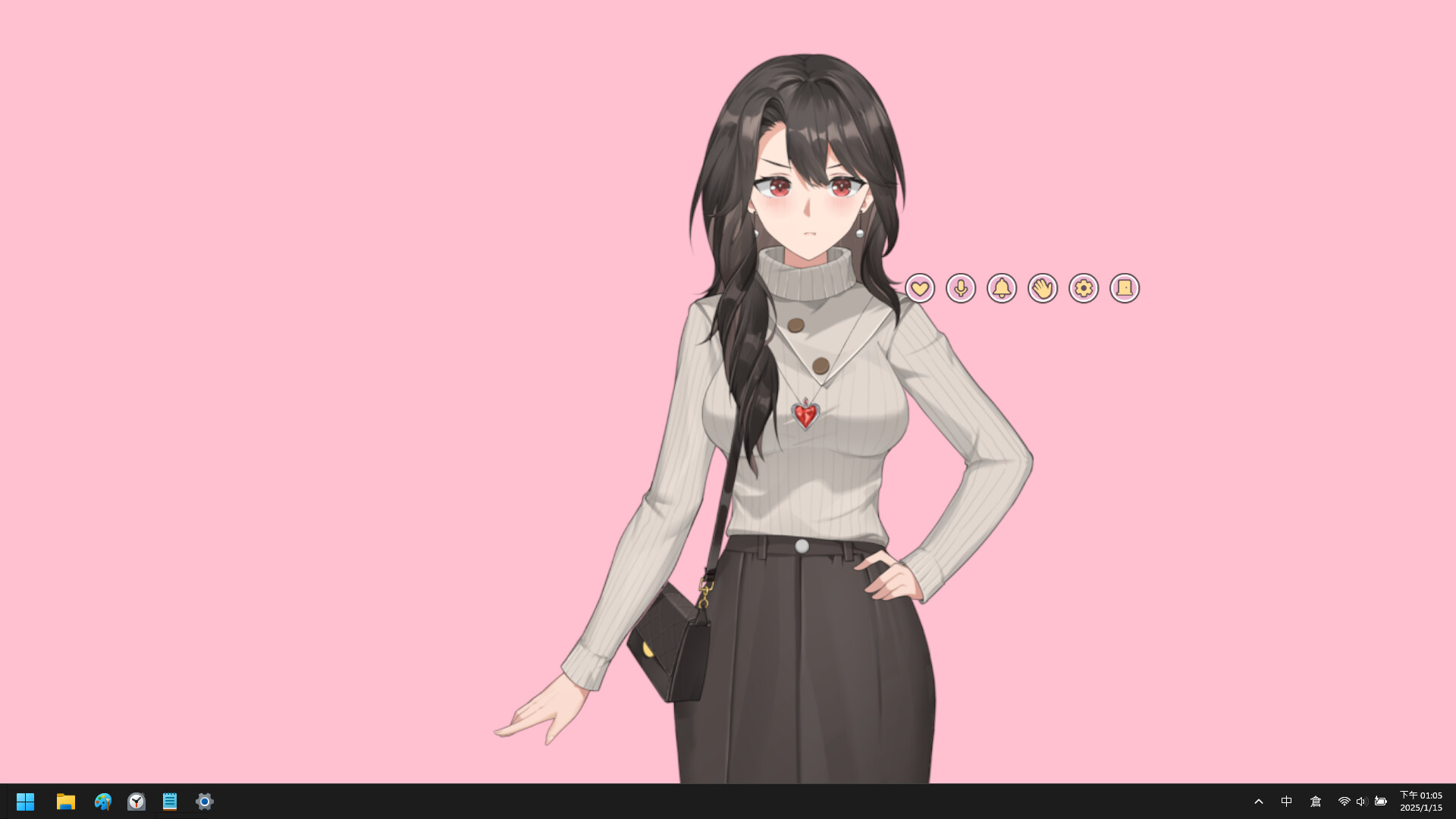
The game presents a dozen spoken languages taught by the mother character. Interaction is mouse‑based: clicking the character opens a menu, and the mother’s gaze follows mouse movement, providing visual cues while language dialogue plays.
Players learn by listening to the mother’s speech, with mouse clicks used to open the menu and interact. This design focuses on language exposure rather than combat or puzzle mechanics, making each lesson a self‑contained interaction.
- Watch the mother’s gaze to anticipate which language segment is active.
- Compare similar words across dialects to notice pronunciation differences.
02 / THE GUIDE
Discover Mysterious Mothers
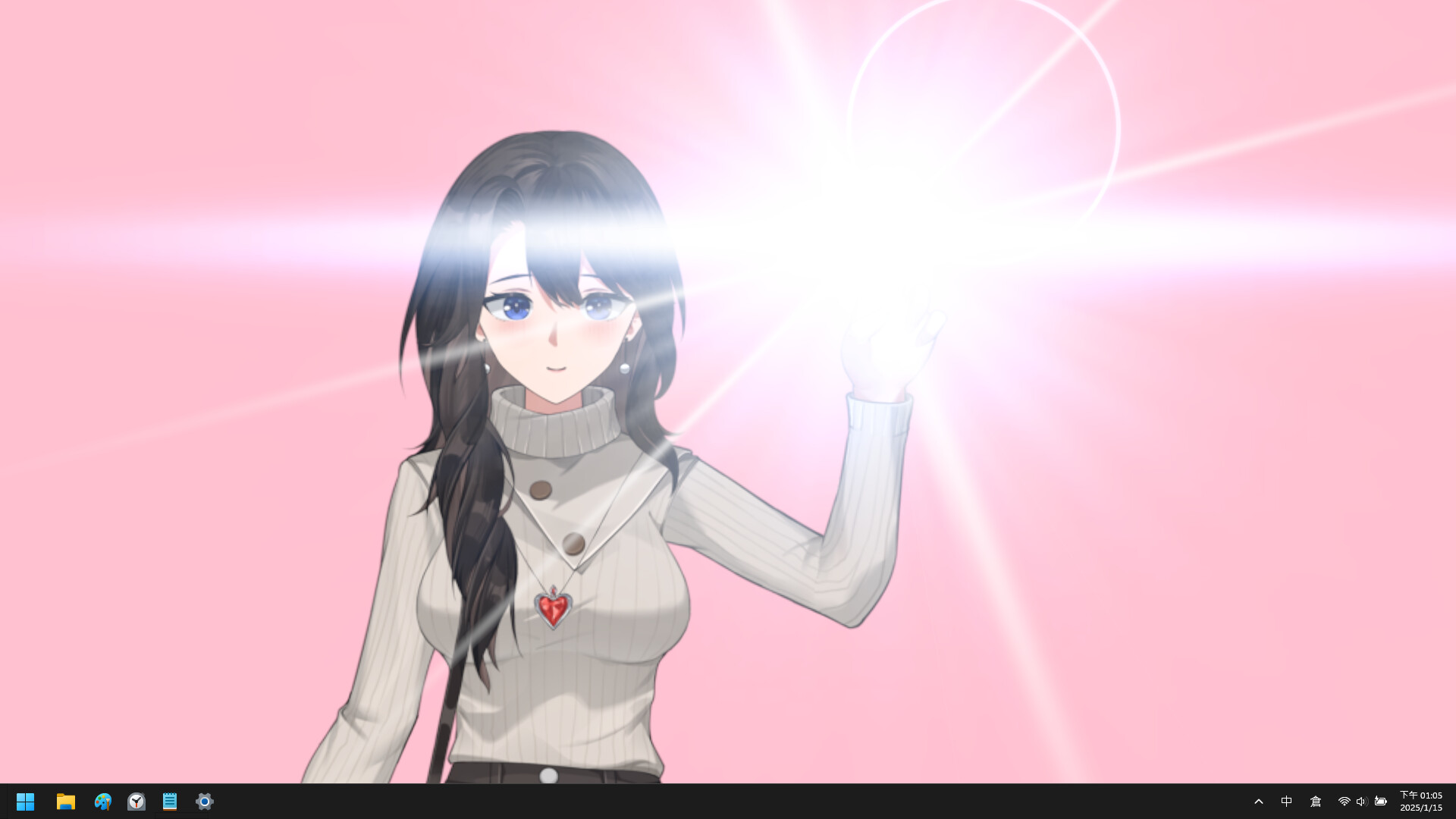
When the game opens, there is a chance a mysterious mother appears, such as a Japanese Yakuza mother. These special characters bring distinct visual styles and dialogue.
Each mysterious mother is presented through the same mouse‑draggable interface, allowing players to explore varied personalities without altering core controls.
- Note visual traits that set a mysterious mother apart from the standard one.
- Observe any unique dialogue patterns they use.
03 / THE GUIDE
Remote Greetings with Multiple Players
Your mother can visit a friend’s mother, creating a shared online co‑op moment. The feature works across the network, letting both mothers interact simultaneously.
The visit emphasizes social connection; the interface remains mouse‑draggable, and the shared session uses the same mouse-based interaction as solo play.
- Arrange a time with a friend so both mothers are online together.
- Use the shared space to compare language lessons offered by each mother.
04 / THE GUIDE
Steam Workshop Support
Players can create their favourite mother character via Steam Workshop. Custom creations can be loaded into the game and used alongside the built‑in mothers.
Workshop items are accessed through Steam’s standard interface, allowing easy download and sharing of community‑made mothers.
- Browse existing Workshop submissions for inspiration before crafting your own.
- Test a custom mother in a solo session to verify gaze tracking and dragging work.
05 / THE GUIDE
Dual‑Screen Navigation
In a dual‑screen setup, players can move the mother’s display between monitors using the shortcut Win + Shift + Left/Right arrows. This lets the character follow the active screen without changing other controls.
The shortcut works alongside mouse‑based dragging and zooming (mouse wheel while dragging), giving flexible view management while preserving the mother’s gaze tracking.
- Practice the shortcut while the mother is idle to avoid accidental screen changes.
- Combine screen switching with zoom to focus on facial expressions during lessons.


COMMUNITY
Player discussion