 GameWiki
GET YOUR BEARINGS
About Your Mom
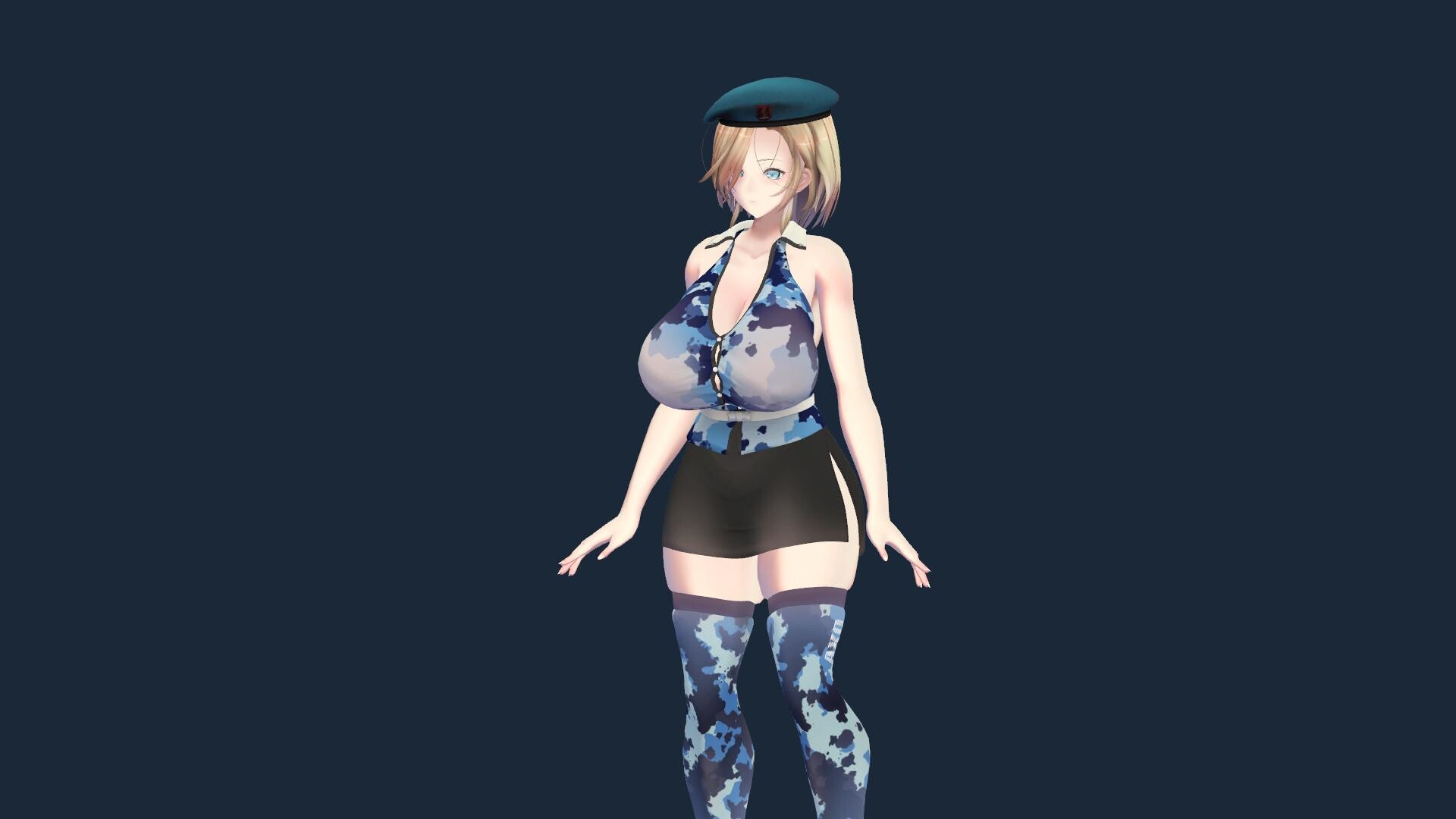
Your Mom is a desktop‑simulation that places a gentle mother character on your screen. You can drag, rotate and zoom the figure with mouse controls, and right‑click to open a menu for costume changes and other settings.
The title runs on Windows, macOS and Linux and includes single‑player play, Steam achievements, trading cards, Workshop support, Cloud saves and Family Sharing. It also bundles productivity tools, ambient audio and music‑driven dancing for a cozy workspace companion.
01 / THE GUIDE
Desktop Interaction Controls
The game supports gaze tracking with the mouse and lets you drag the character with the left mouse button, rotate with the right mouse button, and zoom using the scroll wheel. These actions let you position the mom anywhere on the desktop without affecting other windows.
Right‑clicking the character opens a menu where you can change costumes and adjust related settings. The menu is the only documented way to modify the character’s appearance while staying within the desktop environment.
- Rotate the figure while a timer runs to keep the view dynamic.
- Zoom out when you need extra screen space for work.
02 / THE GUIDE
Productivity & Cozy Features
A Pomodoro timer lets you set focus and break durations, helping you build a comfortable work rhythm. The timer is built into the game and does not require external software.
The To‑Do list lets you create tasks, organize them into categories, set priorities and track completion. Smart reminders can be scheduled as one‑time or daily alerts for work, study plans or everyday tasks.
- Match Pomodoro intervals to your natural focus span.
- Group similar tasks in the To‑Do list to see progress at a glance.
03 / THE GUIDE
Audio & Ambient Features
A built‑in white‑noise player lets you mix ambience such as rain, forests and cafés, each with independent volume controls. The Cozy Music player offers curated lo‑fi tracks, categories, favorites, shuffle, repeat and a mini‑player.
The character also has automatic expressions and motion-sensitive visual effects.
- Adjust individual ambience volumes to balance background noise with music.
- Use shuffle mode for varied lo‑fi playlists during long study periods.
04 / THE GUIDE
Dance & Music Integration
You can choose dances from the built‑in collection or import your own VMD files, then play, loop or smoothly switch between them. Each dance can be linked to a specific song in the music player, with options for shuffle or repeat.
External music linking lets Spotify, YouTube or other apps trigger dancing; the built‑in player always takes priority, so the character reacts in real time to the music you prefer.
- Assign a favorite dance to a frequently played song for a personalized touch.
- Enable external music linking to keep the character dancing while using your preferred streaming service.
05 / THE GUIDE
Customization & Costumes
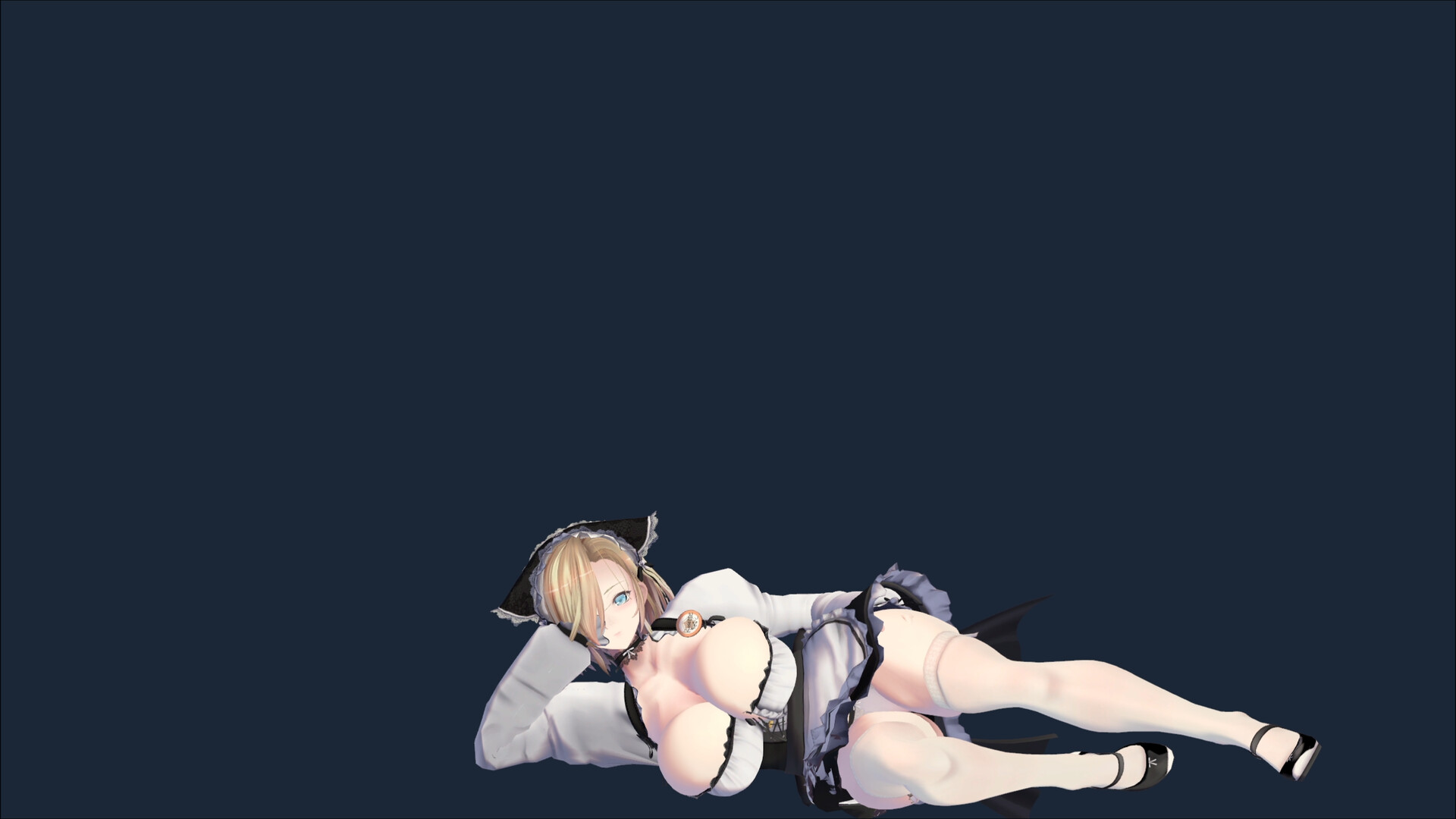
Right‑clicking the character opens a menu where you can change costumes, giving the mom a fresh visual look. The menu also provides access to other appearance‑related settings.
Costume changes are visual only; they do not affect any documented gameplay mechanics, allowing you to match the character’s style to your mood or desktop theme.
- Switch costumes at the start of a new work session for a visual cue.
- Combine costume changes with ambient sound tweaks for a themed atmosphere.



COMMUNITY
Player discussion