 GameWiki
GET YOUR BEARINGS
About Yomawari: Lost in the Dark
Yomawari: Lost in the Dark begins with a young girl waking in a dark forest, unaware of how she arrived. A mysterious figure tells her she is cursed, and the only way to break the curse is to wander the night-filled streets of her town and recover her lost memories.
For the first time in the series, the game introduces visual character customization, letting players alter hairstyle, hair color, clothing, and accessories. The Steam listing covers Windows, notes full controller support, and includes Steam features such as achievements, cloud saves, trading cards, and family sharing.
01 / THE GUIDE
Story and Setting
The opening scene places the protagonist in an unfamiliar forest with no recollection of how she got there. A mysterious individual explains that a curse binds her, and the path to freedom lies in exploring her town after dark to retrieve fragmented memories.
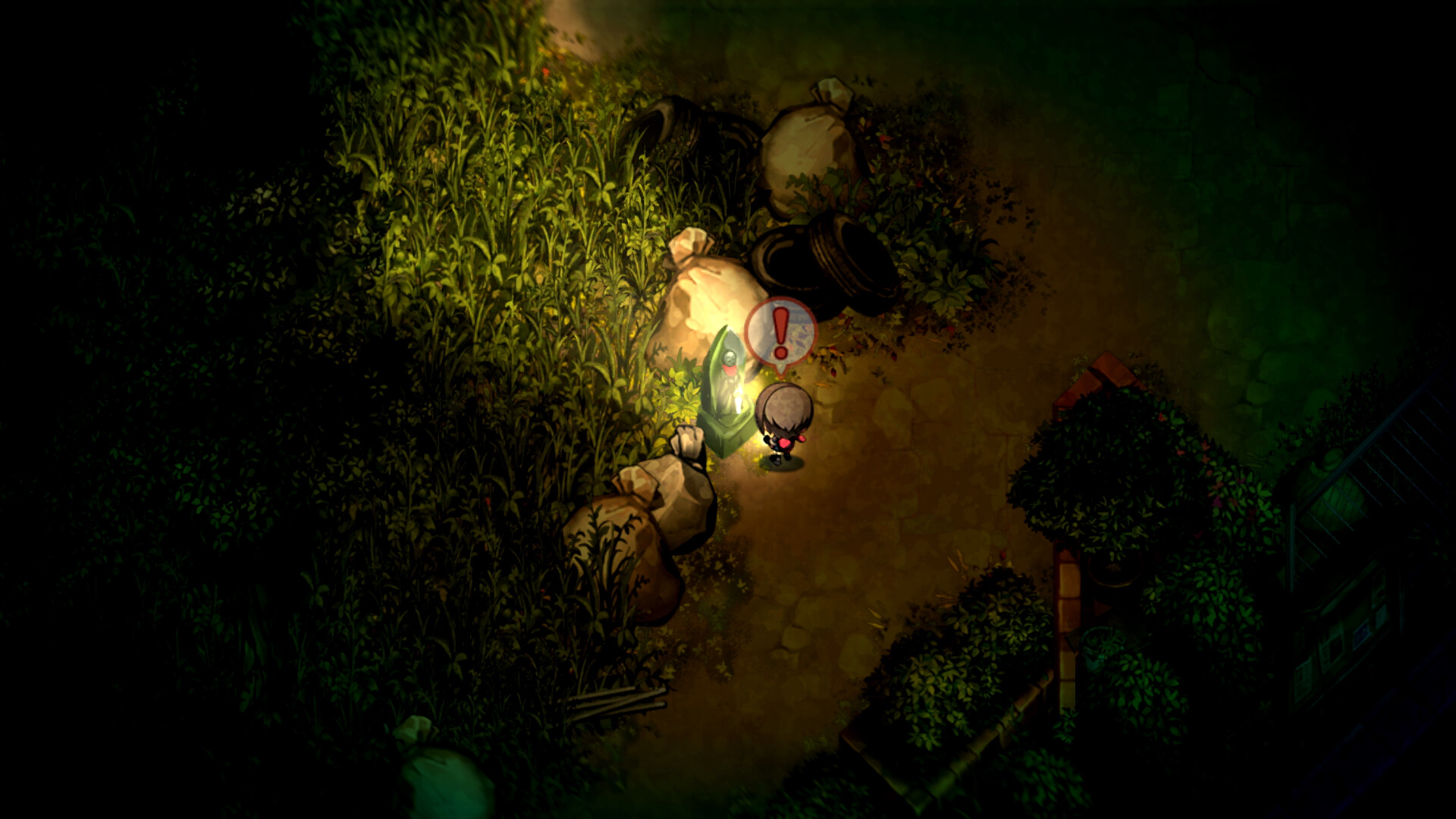
The town is depicted as a familiar yet unsettling environment, populated by malevolent ghosts that lurk in the shadows. Surviving long enough to piece together those memories and break the curse forms the central objective of the experience.
- Listen for the heartbeat sound; louder beats indicate a nearby ghost.
- Use the flashlight to unveil secrets and specters alike.
02 / THE GUIDE
Core Gameplay Mechanics
Players must avoid malevolent ghosts by running, hiding, and employing a new eye-closing mechanic that prevents the evil spirits watching the player from seeing her. The flashlight provides visual aid, while the heartbeat audio warns of nearby danger.
Closing her eyes lets the girl avoid the gaze of the spirits watching her, adding a timing element to the otherwise stealth-based navigation through shadowed streets.
- Close your eyes to avoid the gaze of evil spirits watching you.
- Keep the flashlight aimed toward areas you wish to explore.

03 / THE GUIDE
Character Customization
For the first time in the Yomawari series, players can change the protagonist's hairstyle, hair color, clothing, and accessories, tailoring her look to personal preference.
Customization does not alter any described gameplay systems; it solely changes the appearance of the character as she moves through the night-filled town.
- Try each hairstyle and color to find a look you enjoy.
- Mix and match clothing and accessories to create distinct silhouettes.
04 / THE GUIDE
Audio and Visual Design
Eerie sound design, including a heartbeat cue, creates tension and alerts players to ghost proximity. Shadowy environments and limited lighting reinforce the horror atmosphere, making navigation reliant on audio cues.
The dim flashlight and dark silhouettes challenge visual perception, encouraging players to combine light and sound cues while using the eye-closing mechanic to stay safe.
- Adjust volume so the heartbeat remains audible over other sounds.
- Use the flashlight to highlight objects that may be hidden in darkness.
05 / THE GUIDE
Platform and Steam Features
The Steam listing covers Windows and notes full controller support. It is a single-player title that integrates Steam achievements, cloud saves, trading cards, and family sharing.
These Steam services back up save data, enable collection of digital trading cards, and let family accounts share the game library without affecting core gameplay.
- Enable Steam Cloud to keep your save data backed up automatically.
- Check the achievements list for optional challenges you can complete.

COMMUNITY
Player discussion