 GameWiki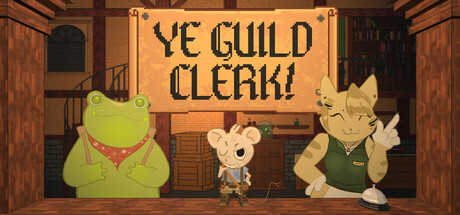
GET YOUR BEARINGS
About Ye Guild Clerk!
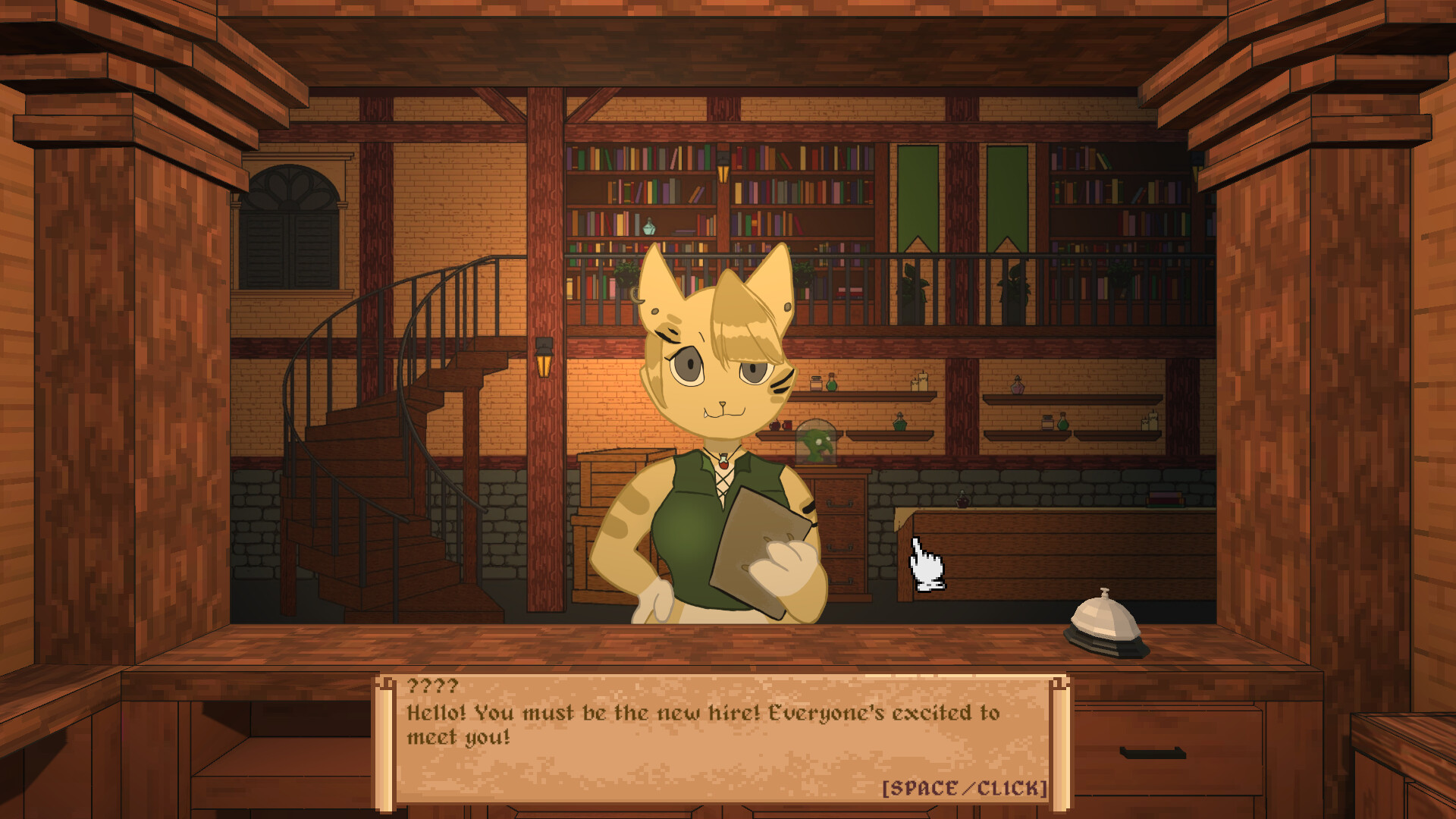
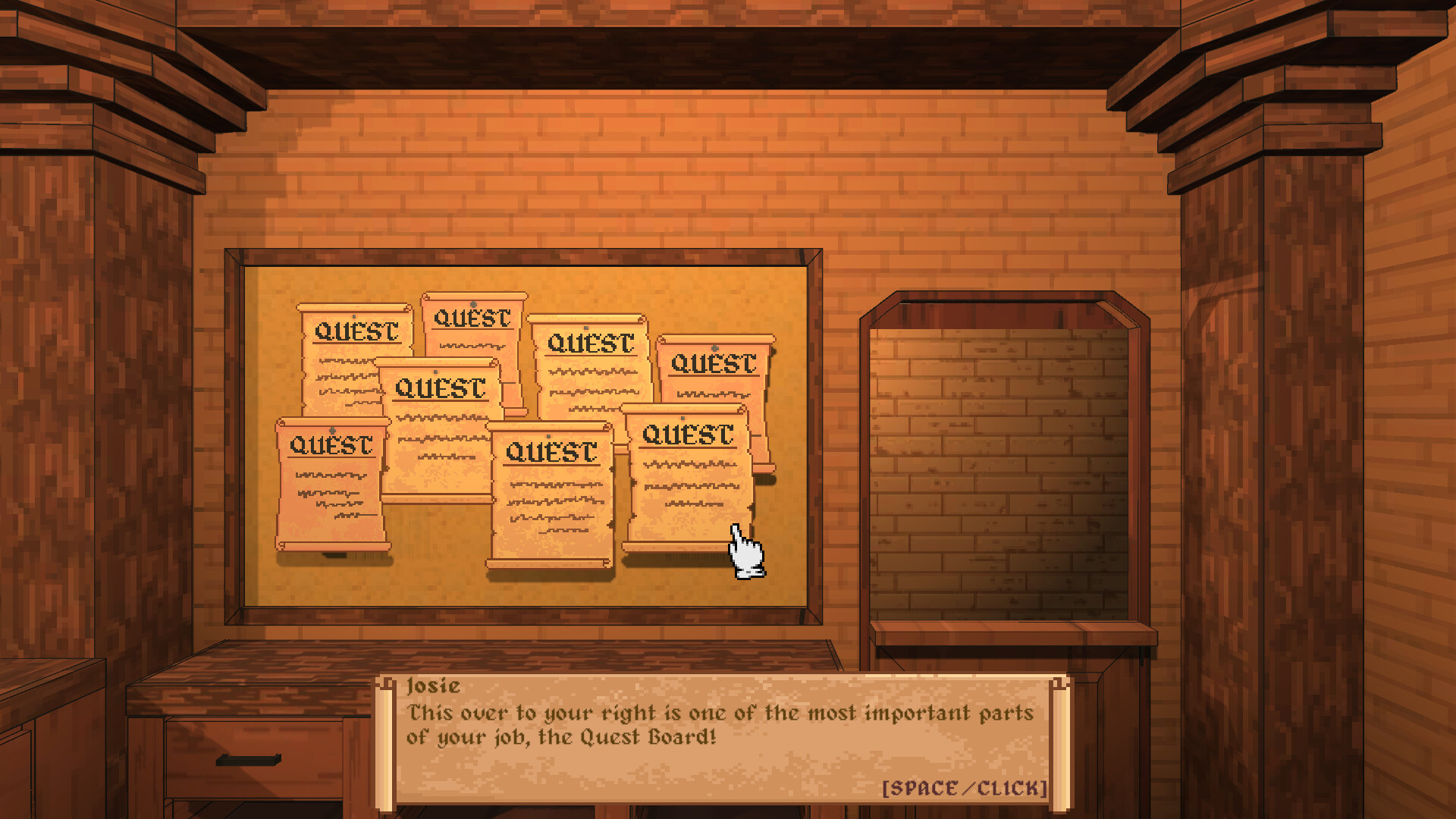
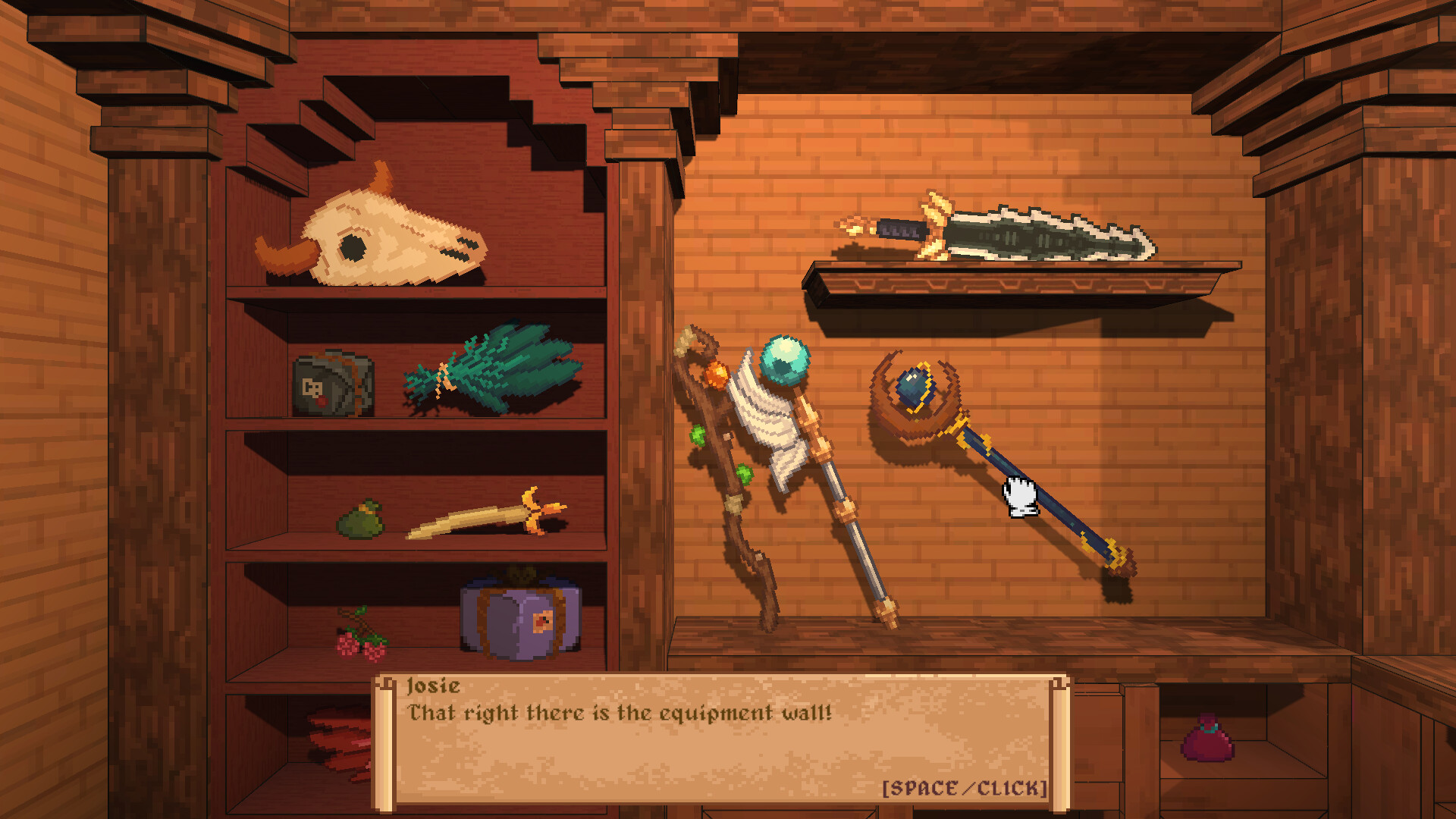
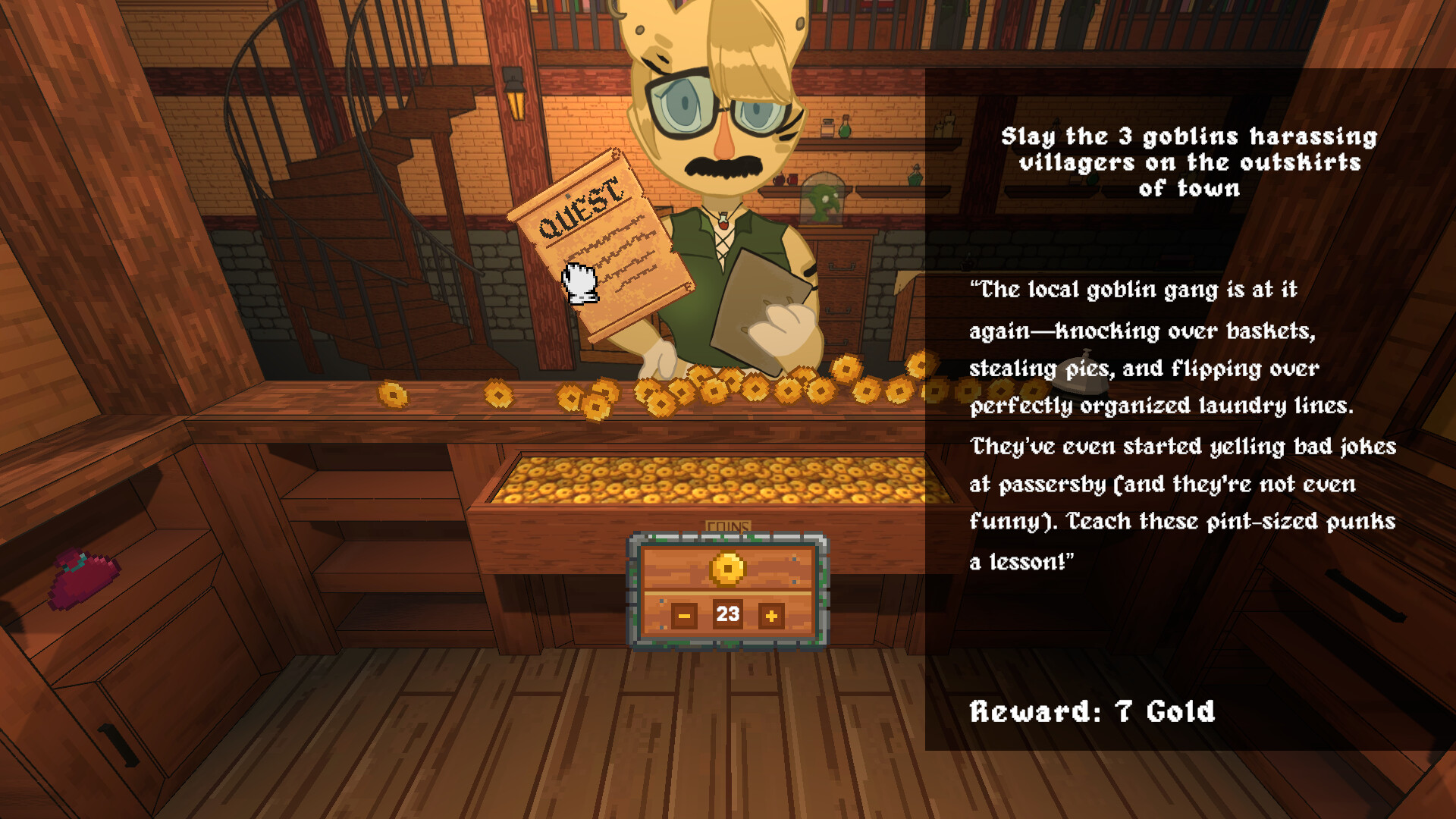
Ye Guild Clerk! is a short 2.5D interactive narrative where you assume the role of a newly hired guild clerk in a cozy medieval fantasy populated by cute animal adventurers. The game focuses on character‑driven stories and the consequences of your choices as you hand out quests, rewards, and equipment.
You have five in‑game days to prove yourself, with over 40 possible endings across the adventurers you encounter. The experience is designed for a single sitting of roughly 35‑50 minutes, featuring point‑and‑click interaction, camera movement, and optional music tracks.
01 / THE GUIDE
Story and Choices
The narrative follows a newly hired guild clerk tasked with managing quests for a cast of cute animal adventurers. Each interaction presents dialogue options that directly influence the outcomes for the characters you assist, shaping their personal stories.
Because every action matters, the game offers more than 40 distinct endings spread across the adventurers. Your decisions can lead to successful missions, unexpected twists, or even the clerk’s dismissal.
- Experiment with different dialogue choices early to see varied outcomes.
- Take note of each adventurer’s quirks; they often hint at preferred responses.
02 / THE GUIDE
Five‑Day Time Limit
The gameplay window spans five in‑game days, during which you must complete your duties as a clerk. This period creates a sense of urgency, encouraging players to prioritize tasks and manage their schedule efficiently.
Failing to meet expectations within the five days can result in the clerk being fired, ending the playthrough prematurely.
- Plan your day order to avoid missing critical quests.
- Focus on high‑impact interactions if time feels tight.
03 / THE GUIDE
Booth Customization
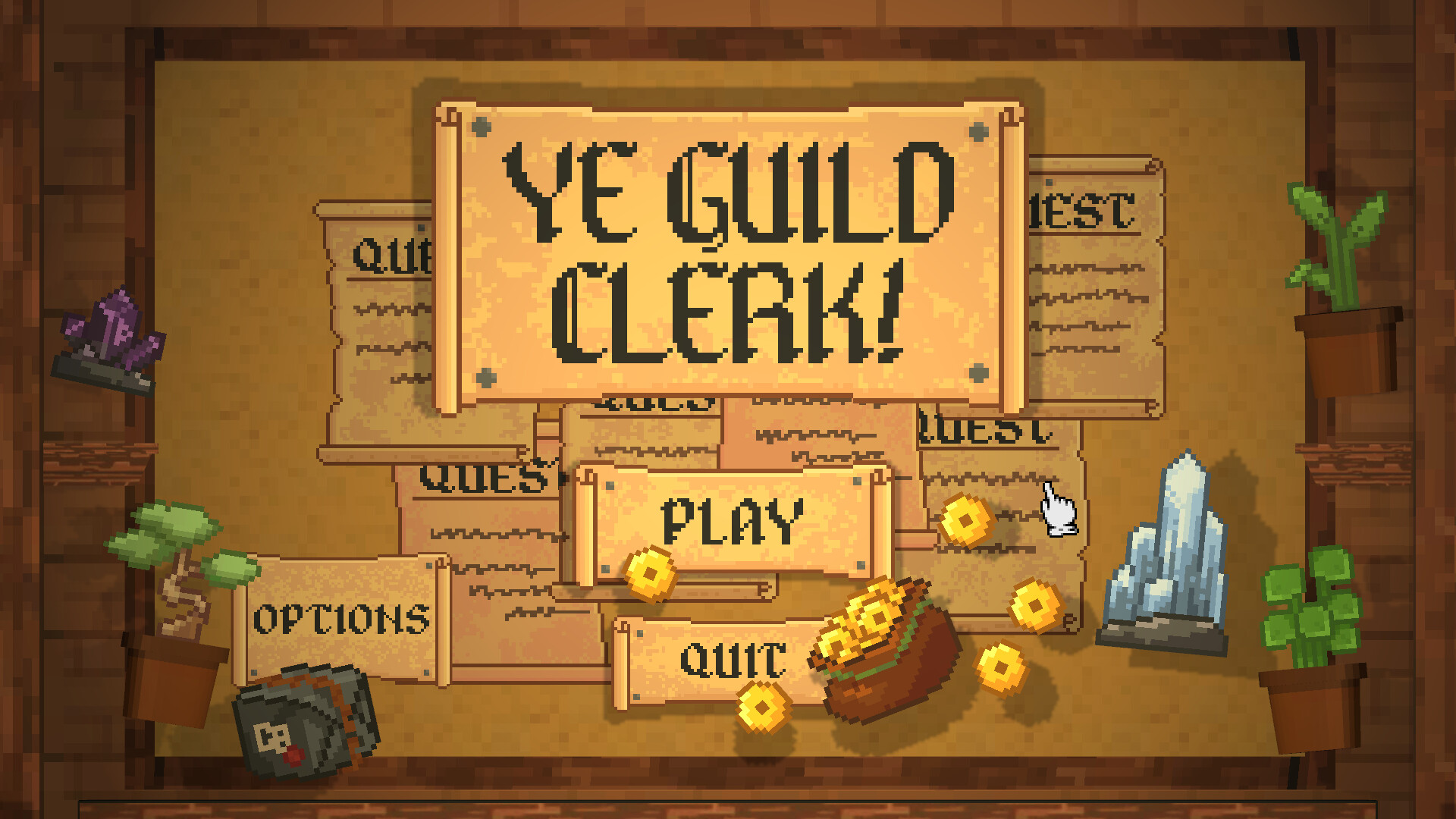
Players can personalize the clerk’s booth using various decorations. These decorations allow for a more personalized aesthetic as you interact with adventurers.
Customization options are presented as selectable items that can be placed in the booth, giving each playthrough a unique look.
- Mix and match decorations to reflect the tone of your current playthrough.
- Use the booth layout to keep important dialogue prompts visible.
04 / THE GUIDE
Music Selection
Three distinct music tracks are available for players to choose from, providing background ambience that matches the cozy medieval setting. Switching tracks can alter the mood of your session.
Players can choose between the three tracks during their session.
- Select a track that matches your preferred pacing for dialogue.
- Try different tracks on repeat playthroughs for varied atmosphere.
05 / THE GUIDE
Controls and Save System
Interaction relies on point‑and‑click mechanics, with drag, select, and camera movement handled via mouse and WASD/arrow keys. Dialogue advances with click or space, and the ESC key opens the pause/settings menu.
The game does not currently support saving progress; it is recommended to play in a single sitting, as the average playthrough lasts 35‑50 minutes.
- Adjust camera position before starting a new dialogue to keep all options visible.
- Plan a continuous play session to avoid losing progress.
COMMUNITY
Player discussion