 GameWiki
GET YOUR BEARINGS
About Yakiniku simulator
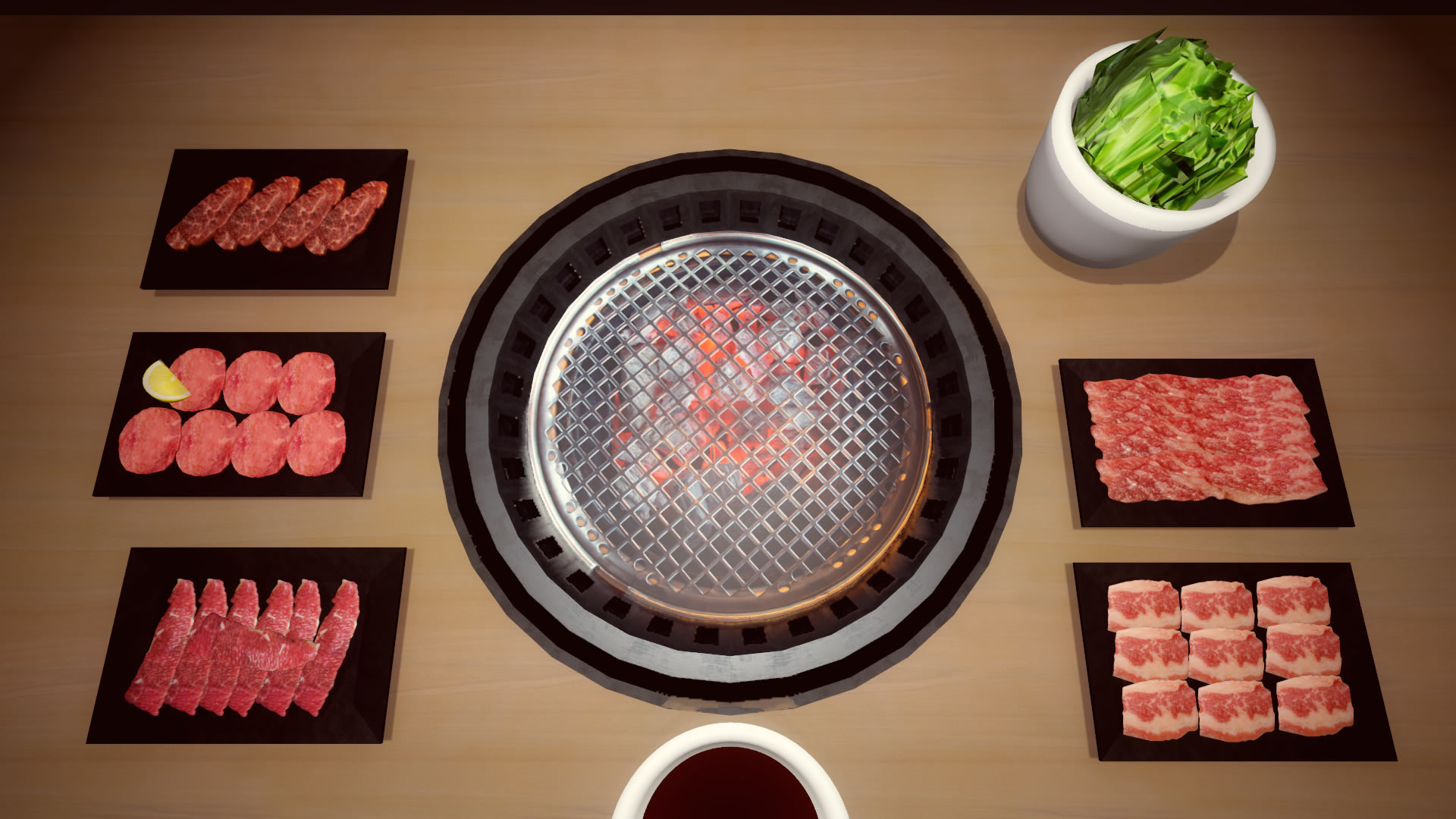
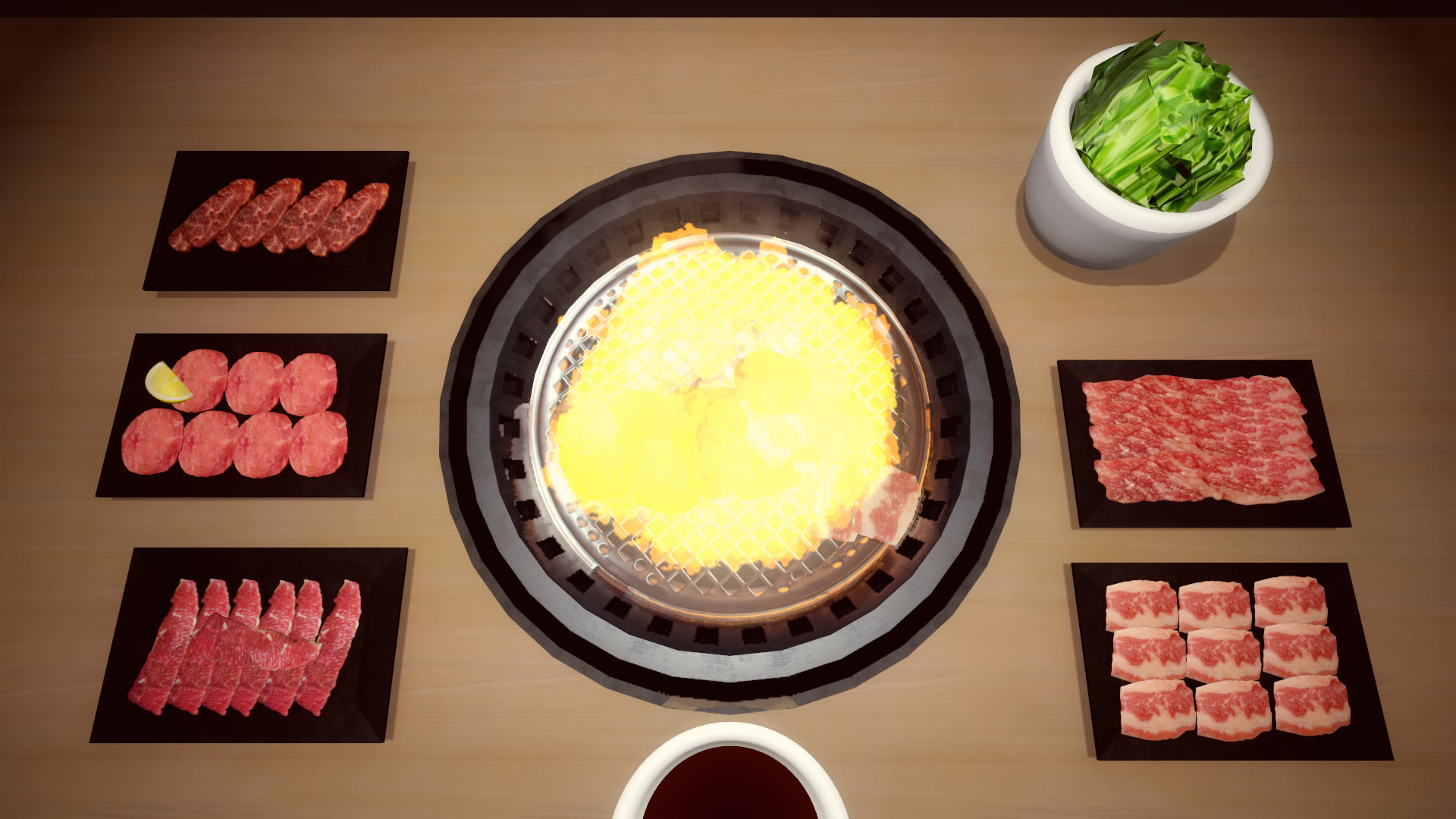
Yakiniku Simulator lets you virtually grill and eat yakiniku without any calorie count. The game offers a single, simple mode that can be flavored by adding rice, beer, salad, or other variations, making each session feel a bit different. It is a casual indie simulation focused on the act of cooking and enjoying the food, with no complex objectives beyond perfecting the meat.
01 / THE GUIDE
Plain Play
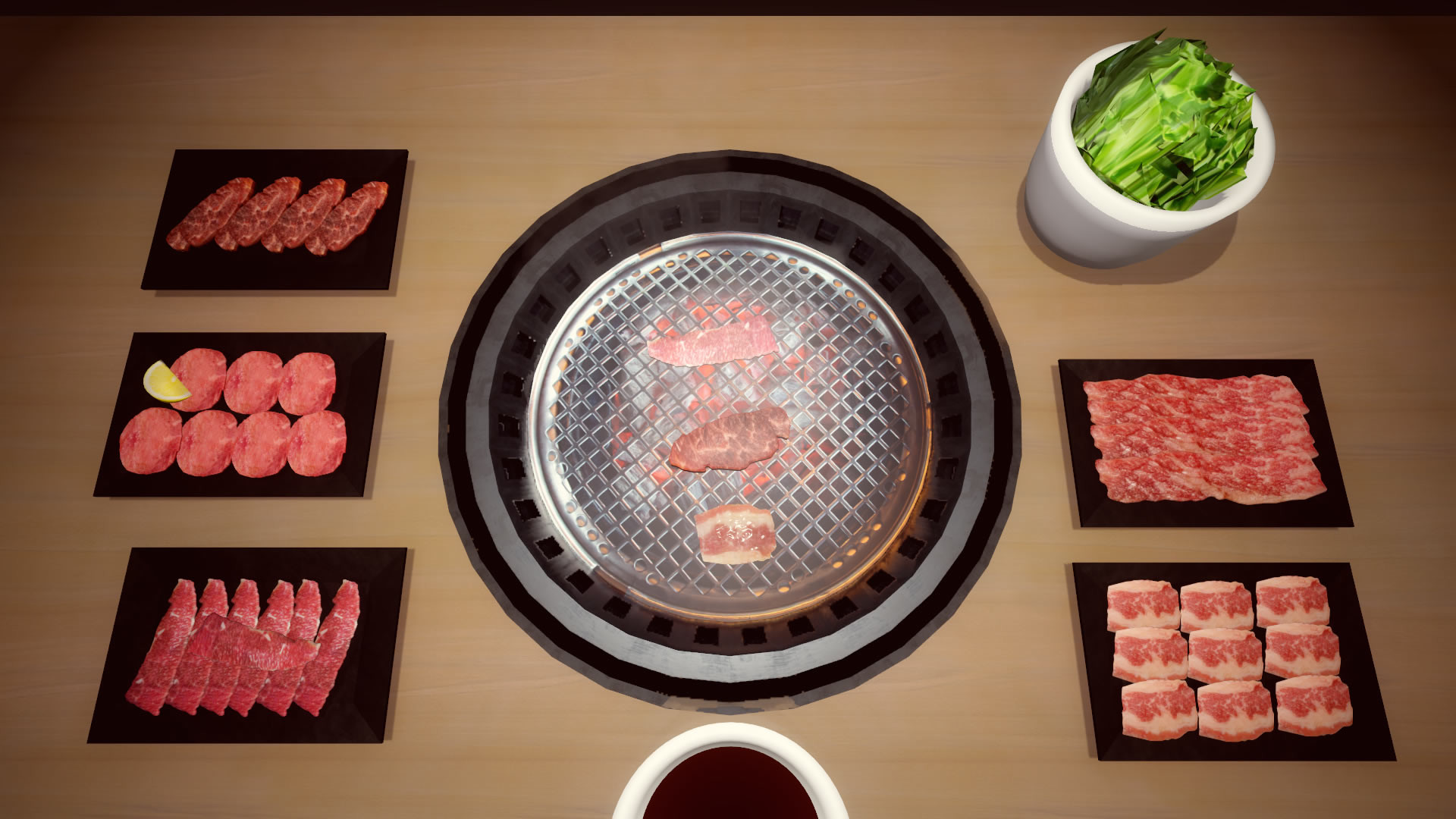
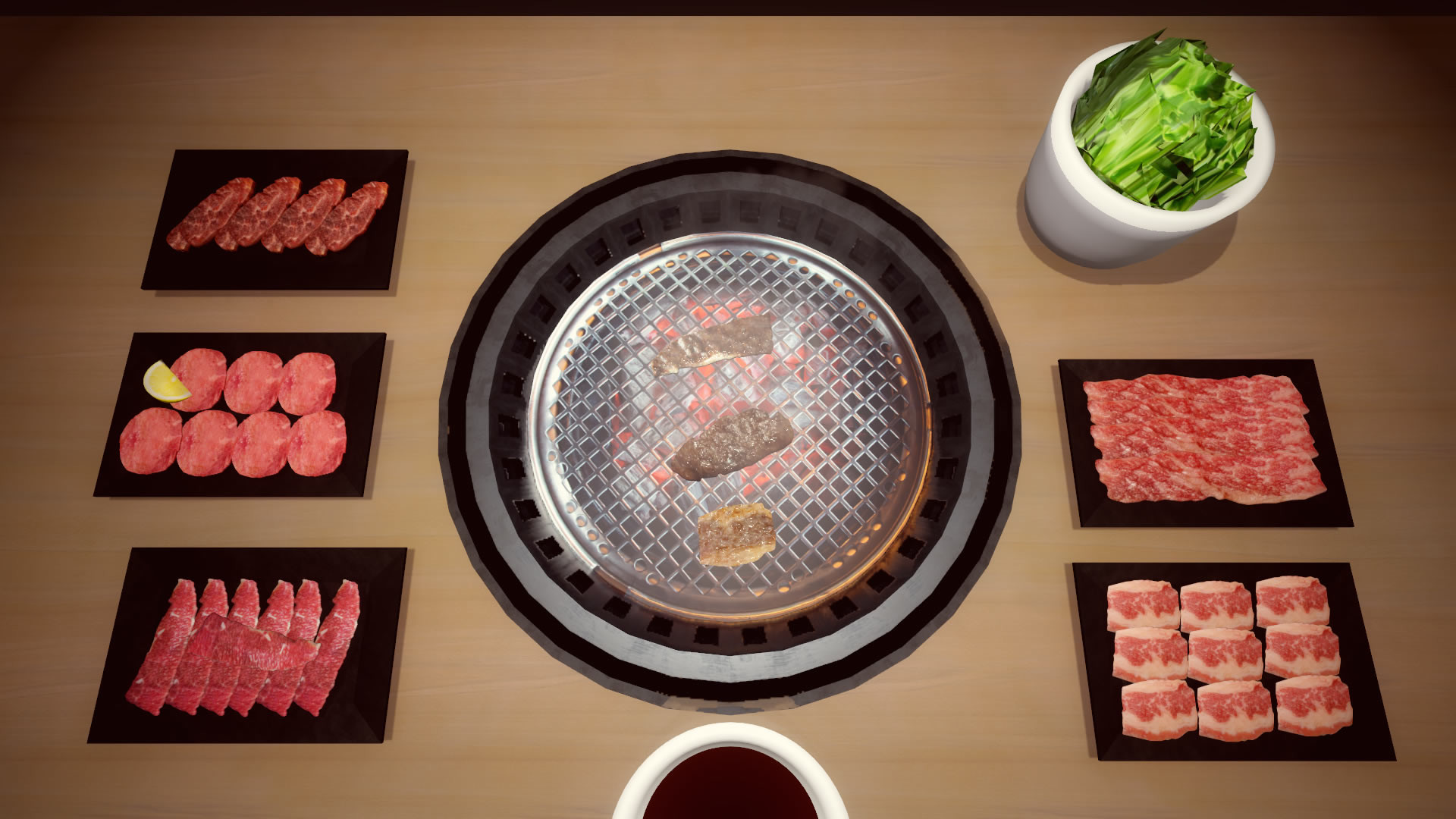
In Plain Play you simply keep raw meat on the stove, flip it when you think it’s ready, and avoid overcooking. The goal is to achieve a perfect piece of meat that can be sauced and eaten. This mode has no additional ingredients, offering a straightforward grilling experience for casual fun or chatting with friends.
- Watch the meat closely to time your flip and prevent burning.
- Use the plain mode as a baseline before trying added ingredients.
02 / THE GUIDE
Play with Rice
Rice mode adds a bowl of rice to your meal, letting you enjoy the meat alongside a carbohydrate base. You may also add sauce or salt to improve taste, according to the description. This variation is presented as a way to satisfy hunger within the simulation.
- Experiment with different sauces to see how they affect the virtual taste.
- Consider rice as a filler if you prefer a longer eating session.
03 / THE GUIDE
Play with Beer
Beer mode introduces a cold beer to accompany your yakiniku, aiming to create a relaxed atmosphere. The description suggests that the presence of beer helps you unwind while grilling. No other mechanics are specified beyond the thematic addition.
- Use beer mode when you want a more laid‑back virtual dining experience.
- Pair beer with well‑cooked meat for a classic combination.
04 / THE GUIDE
Play with Salad
Salad mode is marketed toward players who want a diet‑friendly option. The game claims to improve the salad’s taste, offering a healthier counterpart to the meat‑heavy base. No gameplay changes beyond the addition of salad are described.
- Try salad mode if you prefer a lighter virtual meal.
- Combine salad with rice for a balanced plate.
05 / THE GUIDE
General Gameplay Mechanics
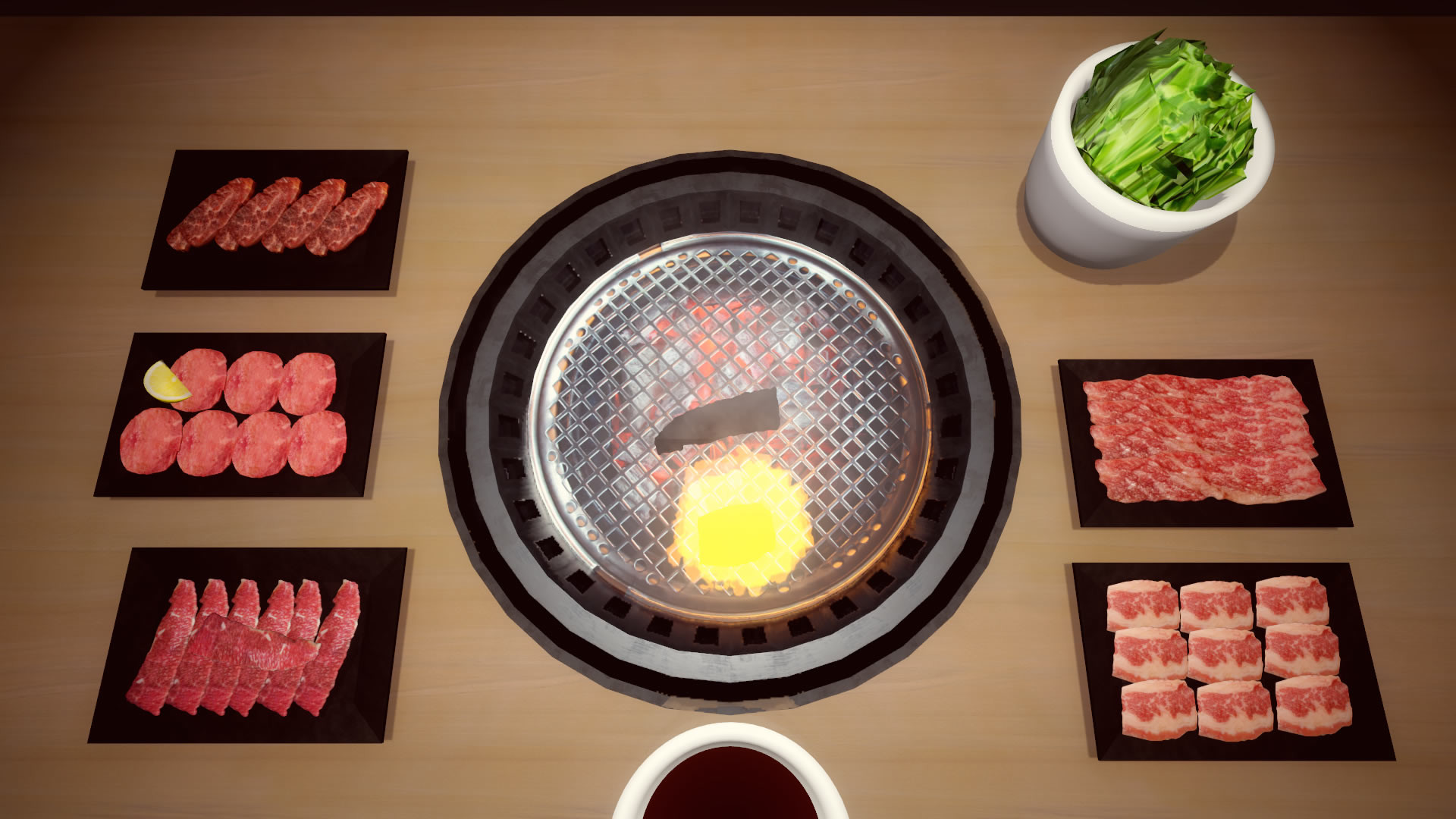
The core loop involves keeping raw meat on the stove, flipping it at the right moment, discarding any burned pieces, and finally saucing the perfect meat before eating. Overcooking is warned against, and burned meat must be thrown away. No controller support is provided, but the game mentions support with rice and beer.
- Maintain a steady rhythm when flipping to avoid overcooking.
- Dispose of burnt meat promptly to keep the cooking area tidy.
COMMUNITY
Player discussion