 GameWiki
GET YOUR BEARINGS
About Xenonauts 2
Xenonauts 2 puts you at the helm of a secret multinational force in 2009, tasked with locating and eliminating an expanding alien menace that threatens humanity worldwide. You must manage a global network of covert bases, conduct research to bridge the technology gap, and lead ground and air squads in tactical battles where positioning, cover, and limited resources ultimately decide survival.
01 / THE GUIDE
Global Base Network
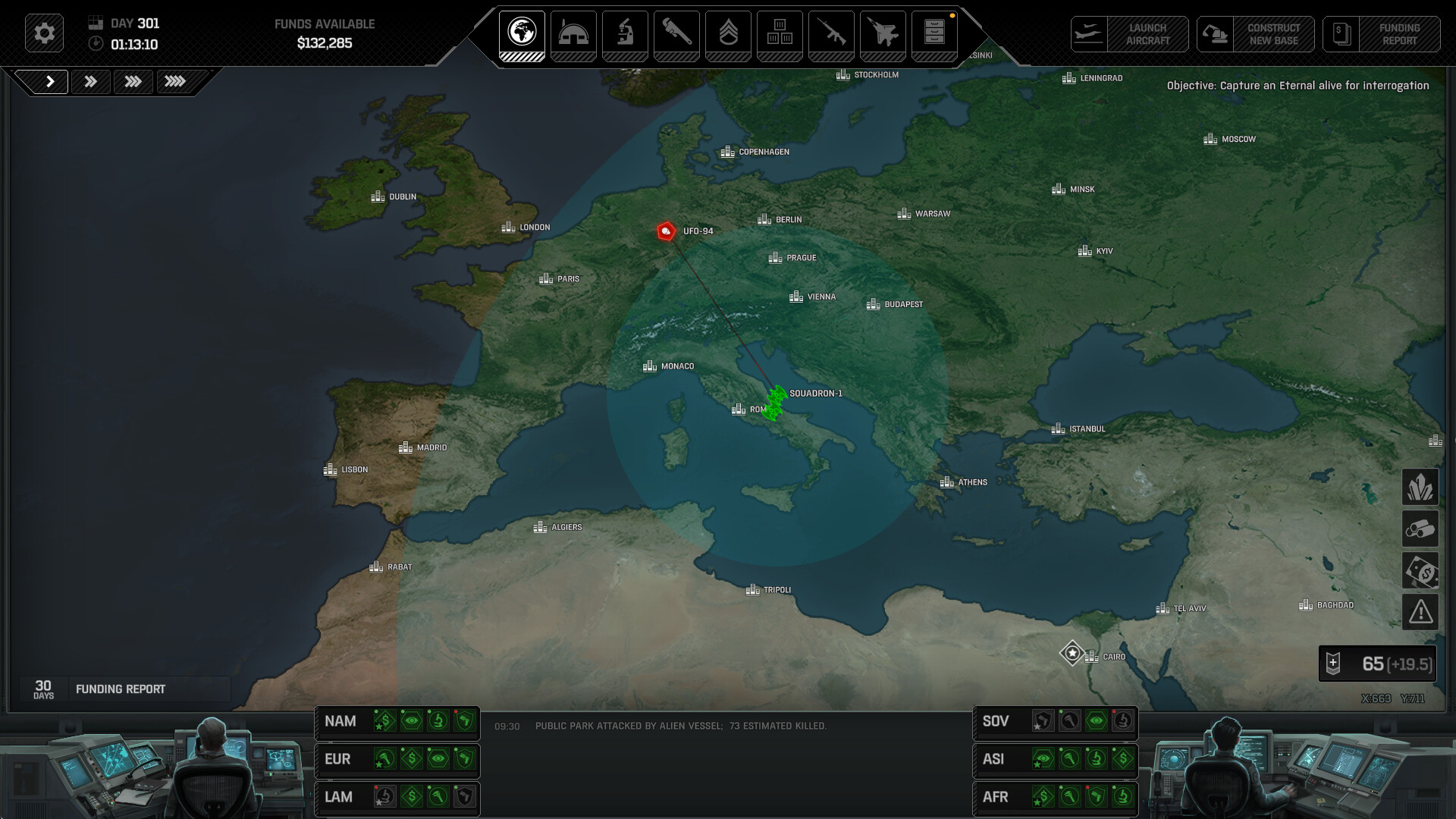
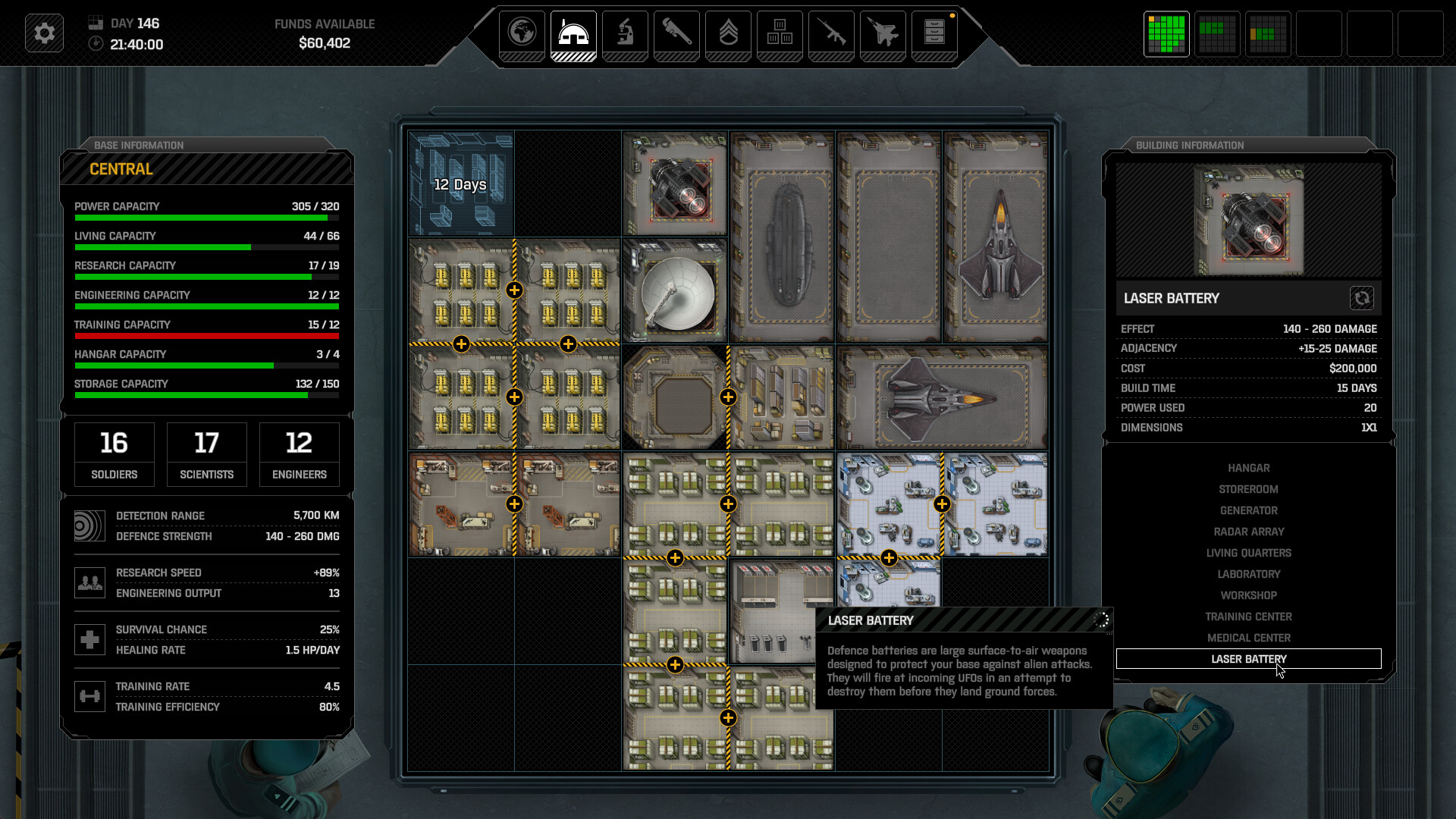
You can build, design, and manage multiple bases worldwide, each hosting squadrons, radar arrays, and research teams.
Consider fuel range limits and use the grid‑based construction system to place specialized facilities for detection, rapid response, or manufacturing.
- Map out fuel ranges before placing new bases to reduce travel time.
- Specialize each base early to streamline later operations.
02 / THE GUIDE
Research Tree & Technology Integration
The research tree contains over one hundred projects, unlocking aircraft, vehicles, weapons, armor, and autonomous combat platforms.
Investing time, money, and resources lets you infuse alien technology into equipment, significantly improving performance against the invaders.
- Prioritize projects that match the alien species you encounter.
- Balance spending between new tech and maintaining existing forces.
03 / THE GUIDE
Tactical Combat Mechanics
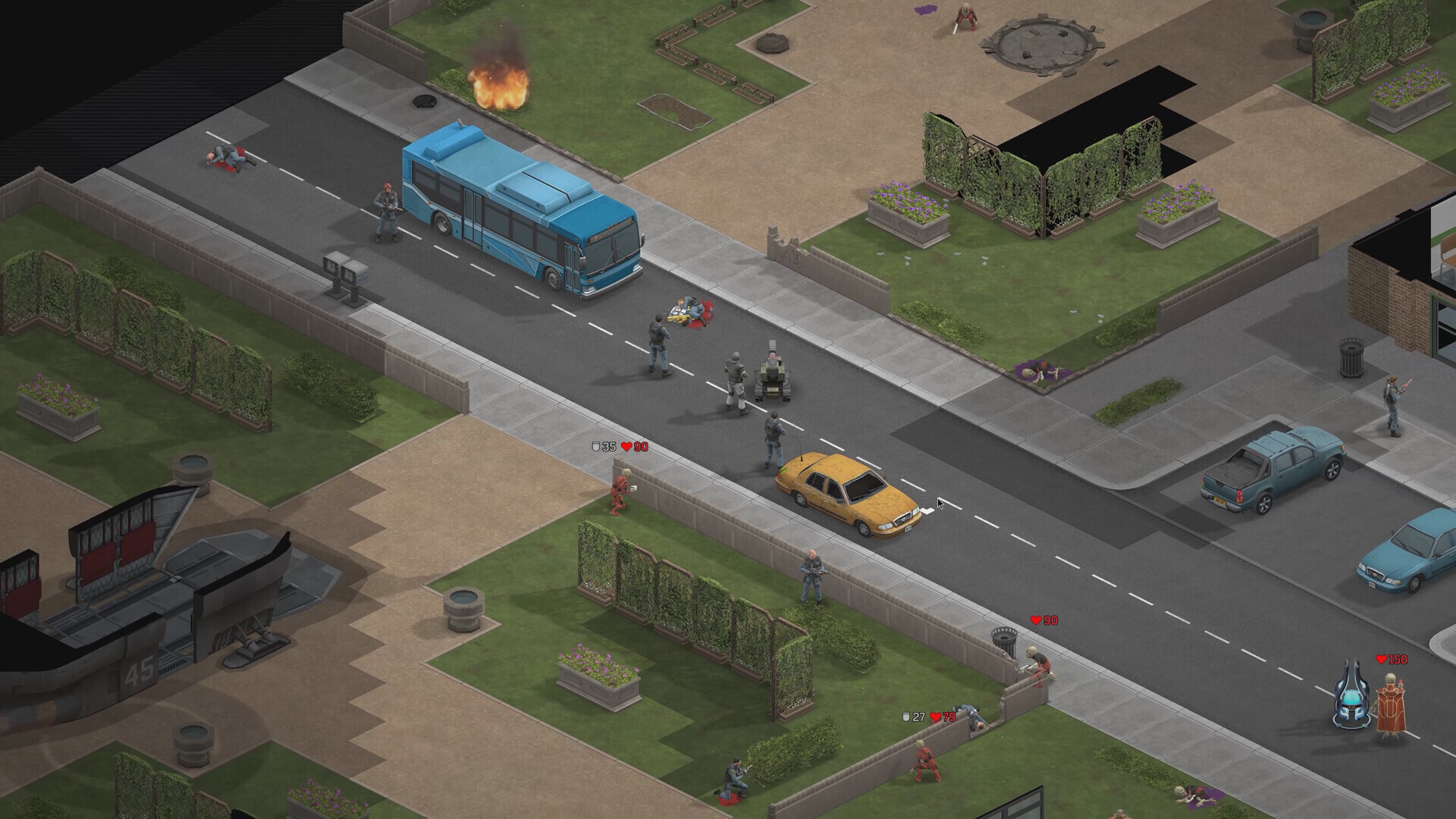
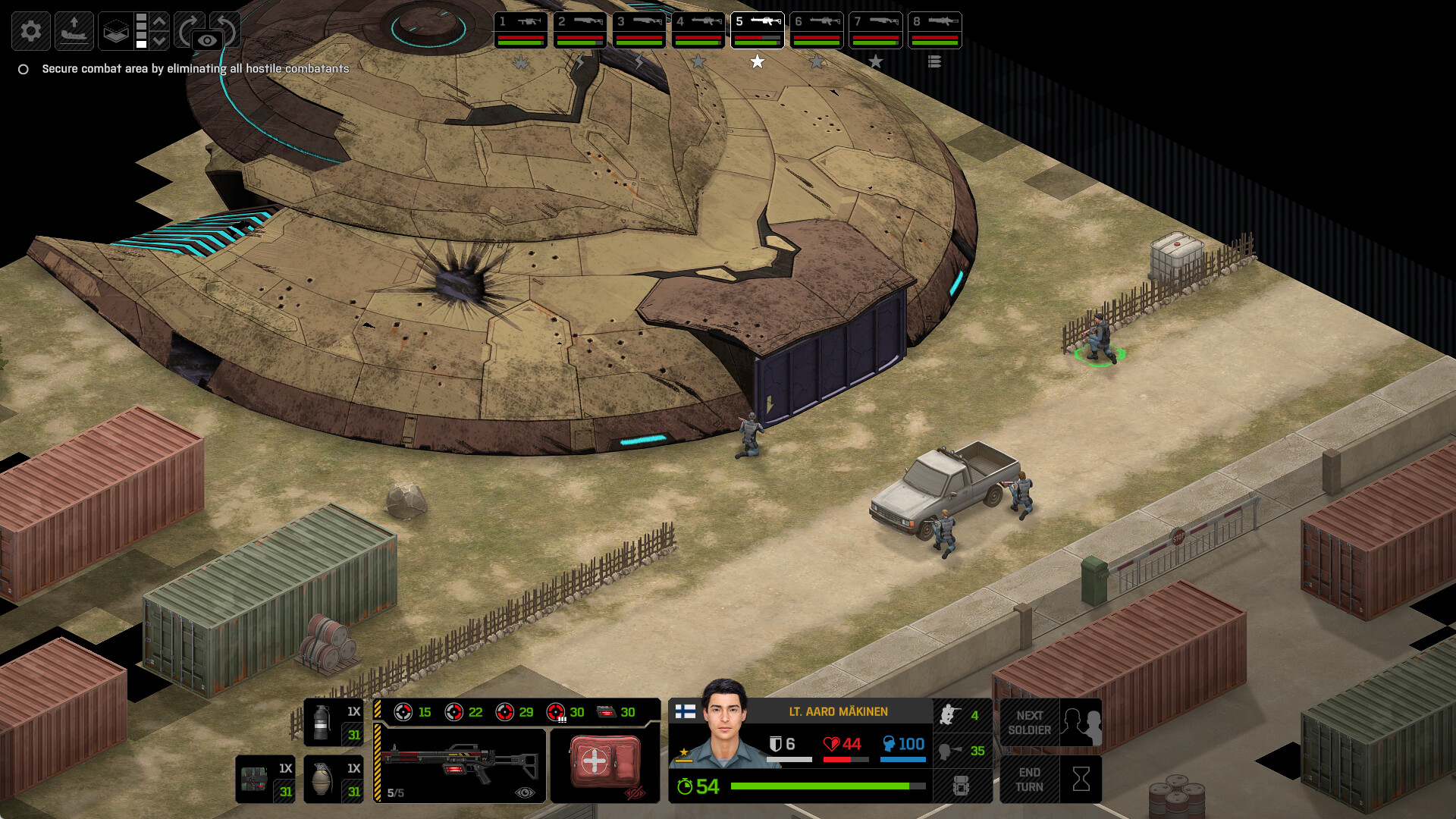
Combat demands careful positioning, ammunition management, line of sight, and cover, while operatives risk wounds or death.
Experience and medals are earned through actions in each battle, significantly shaping overall future troop effectiveness and survivability.
- Use cover to protect vulnerable units during firefights.
- Monitor ammunition levels to avoid being caught without firepower.
04 / THE GUIDE
Enemy Variety: Aliens and Cleaners
A massive variety of alien species, each with distinct strengths, weaknesses, and fighting styles, appear across global engagements.
Human agents called Cleaners cooperate with the extraterrestrials, adding extra troop types, locations, and mission objectives to confront.
- Target alien bodies for autopsies to reveal weaknesses.
- Watch for Cleaners as they can reinforce alien positions.
05 / THE GUIDE
Accessibility & Platform Features
The game offers Adjustable Difficulty, Mouse Only Option, Camera Comfort, and Custom Volume Controls to suit diverse player preferences.
Save Anytime, Steam Cloud, and Family Sharing ensure progress can be stored, synced, and shared across supported Windows installations.
- Adjust difficulty to match your strategic comfort level.
- Enable Save Anytime to experiment without penalty.

COMMUNITY
Player discussion