 GameWiki

GET YOUR BEARINGS
About X-Plane 12
X‑Plane 12 continues the long‑running flight‑simulation series with a focus on realism and immersion. It blends real‑world physics, deep systems and a faithful recreation of the globe for pilots, enthusiasts and casual flyers alike. The title adds dramatic volumetric clouds, live weather, photometric lighting with bloom, and richly detailed scenery, while supporting single‑player, multiplayer, co‑op, LAN, VR and various controller options on Windows, macOS and Linux.
01 / THE GUIDE
Volumetric Clouds
X‑Plane 12 introduces dramatically improved volumetric clouds that create dynamic skies. These clouds evolve with changing weather, adding depth to the visual experience.
The new cloud system works together with the live weather feature, ensuring that cloud formations match real‑time atmospheric conditions for each flight.
- Observe how cloud thickness changes when live weather is enabled.
- Fly at different times of day to see how clouds interact with the new lighting model.
02 / THE GUIDE
Live Weather System
A revamped live weather feature updates conditions in real time using global meteorological data. This keeps temperature, wind and precipitation current for every location.
Real‑time updates mean each departure reflects the actual weather at the chosen airport, enhancing authenticity for training or casual flights.
- After takeoff, compare the displayed temperature and wind values with the live‑weather readout.
- Observe how precipitation appears when the live‑weather system reports rain or snow.
03 / THE GUIDE
Photometric Lighting and Bloom
X‑Plane 12 adds a new lighting model that uses photometric calculations, rendering surfaces with realistic light intensities across day and night cycles.
Bloom effects further enhance realism, producing vibrant highlights that respond to the sun, clouds and artificial sources.
- Fly at sunrise or sunset to notice subtle color shifts produced by photometric lighting.
- Watch how bright surfaces gain a soft glow from the bloom effect.
04 / THE GUIDE
Enhanced Scenery
The world now features 3D trees that sway, realistic 3D water reacting to weather, and updated autogen that adds detail to cities and landscapes.
Over 20,000 3D airports, sourced from the X‑Plane Gateway, include fresh textures, moving boats and community‑driven enhancements.
- Land at a 3D airport and note moving boats and texture detail.
- Fly over forested areas to watch trees sway in the wind.
05 / THE GUIDE
New Aircraft
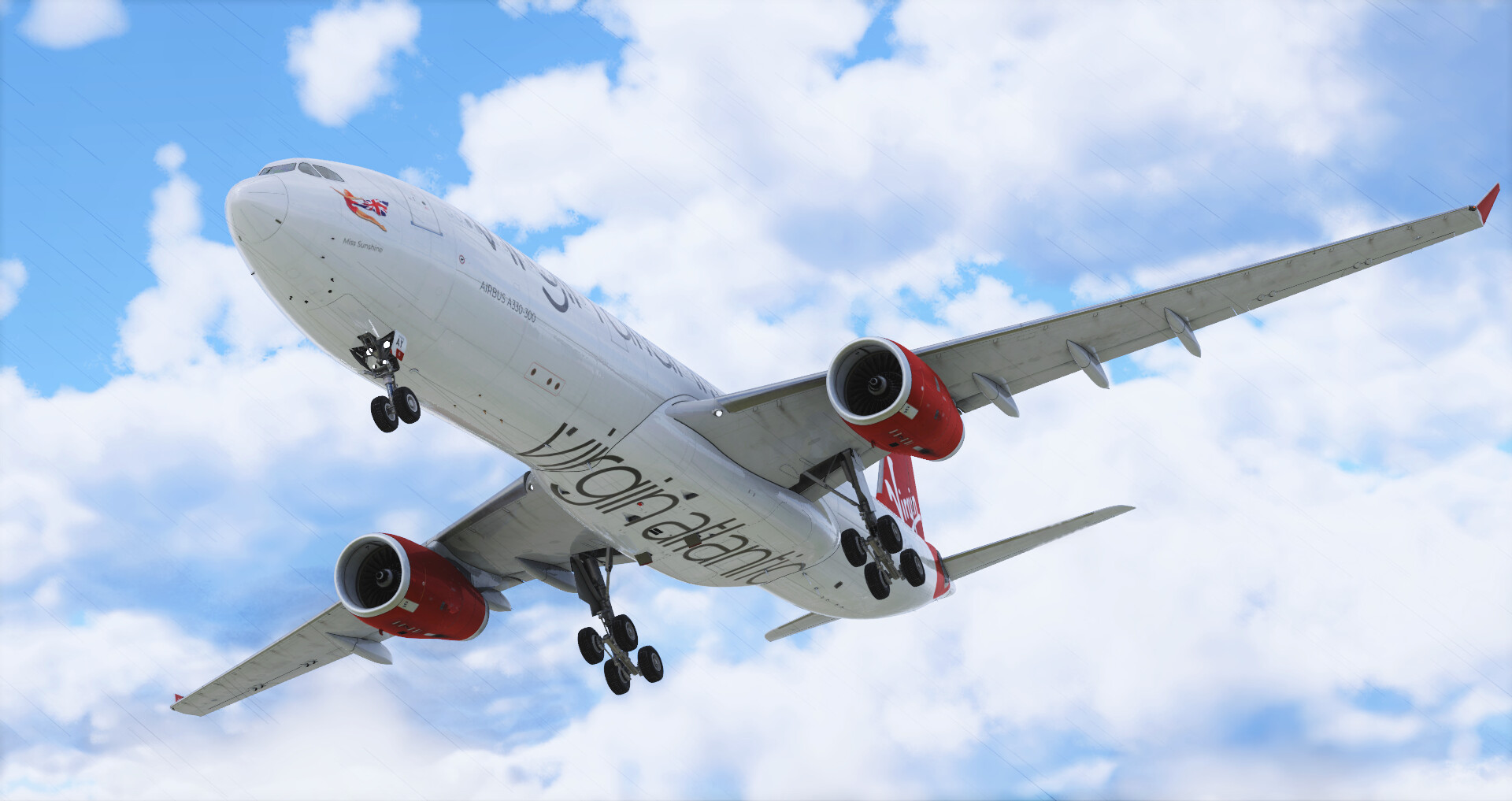
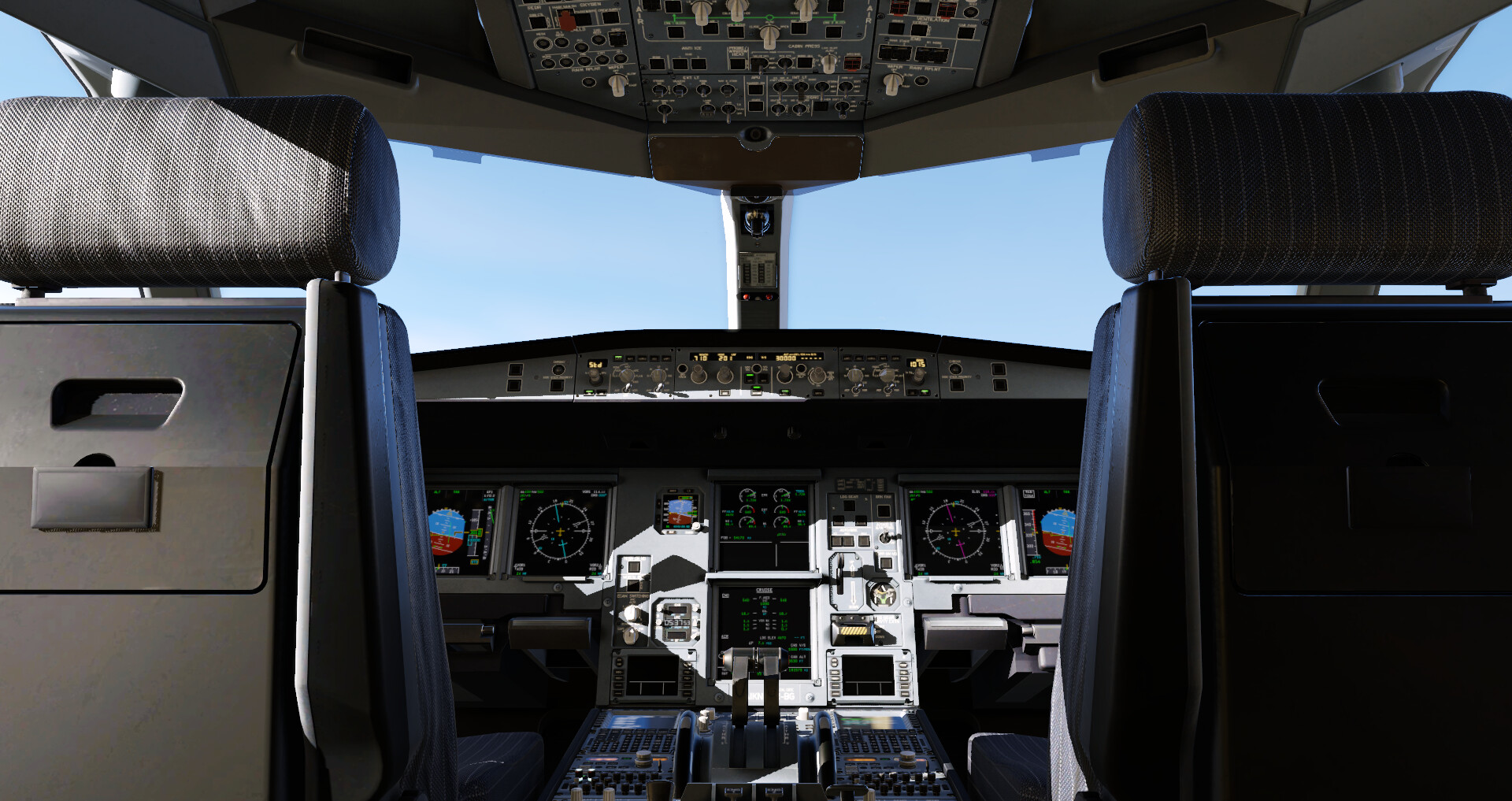
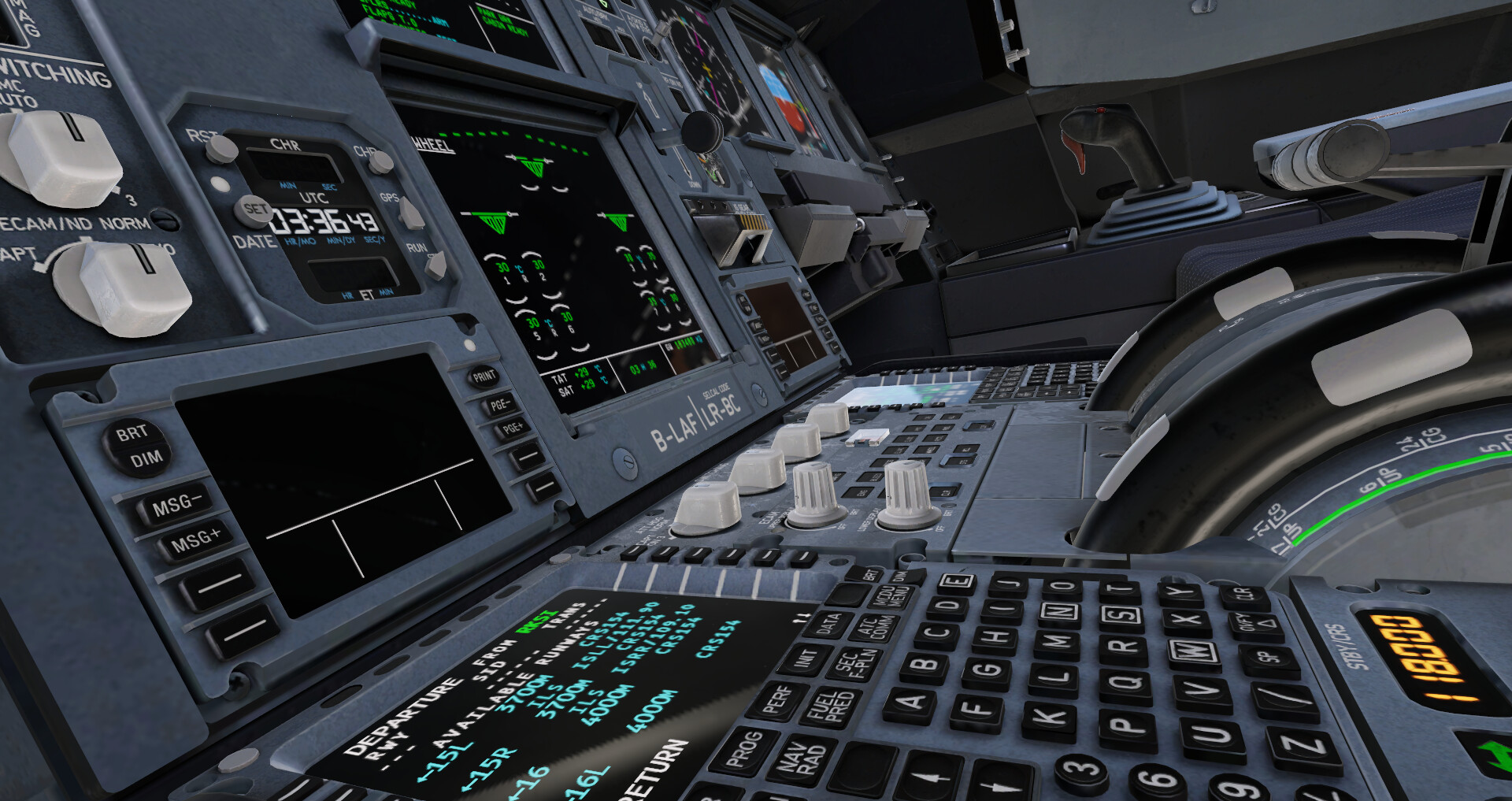
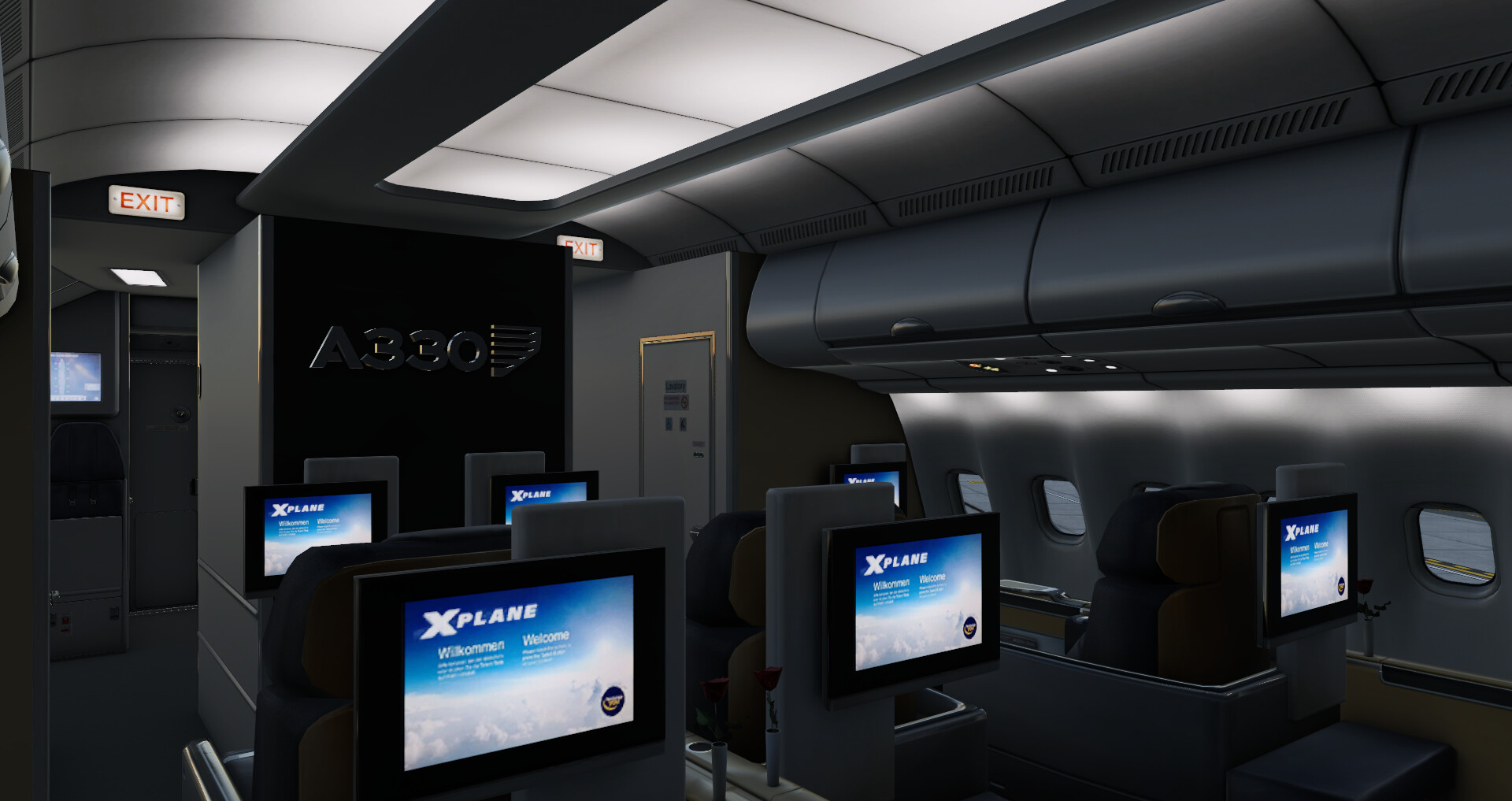
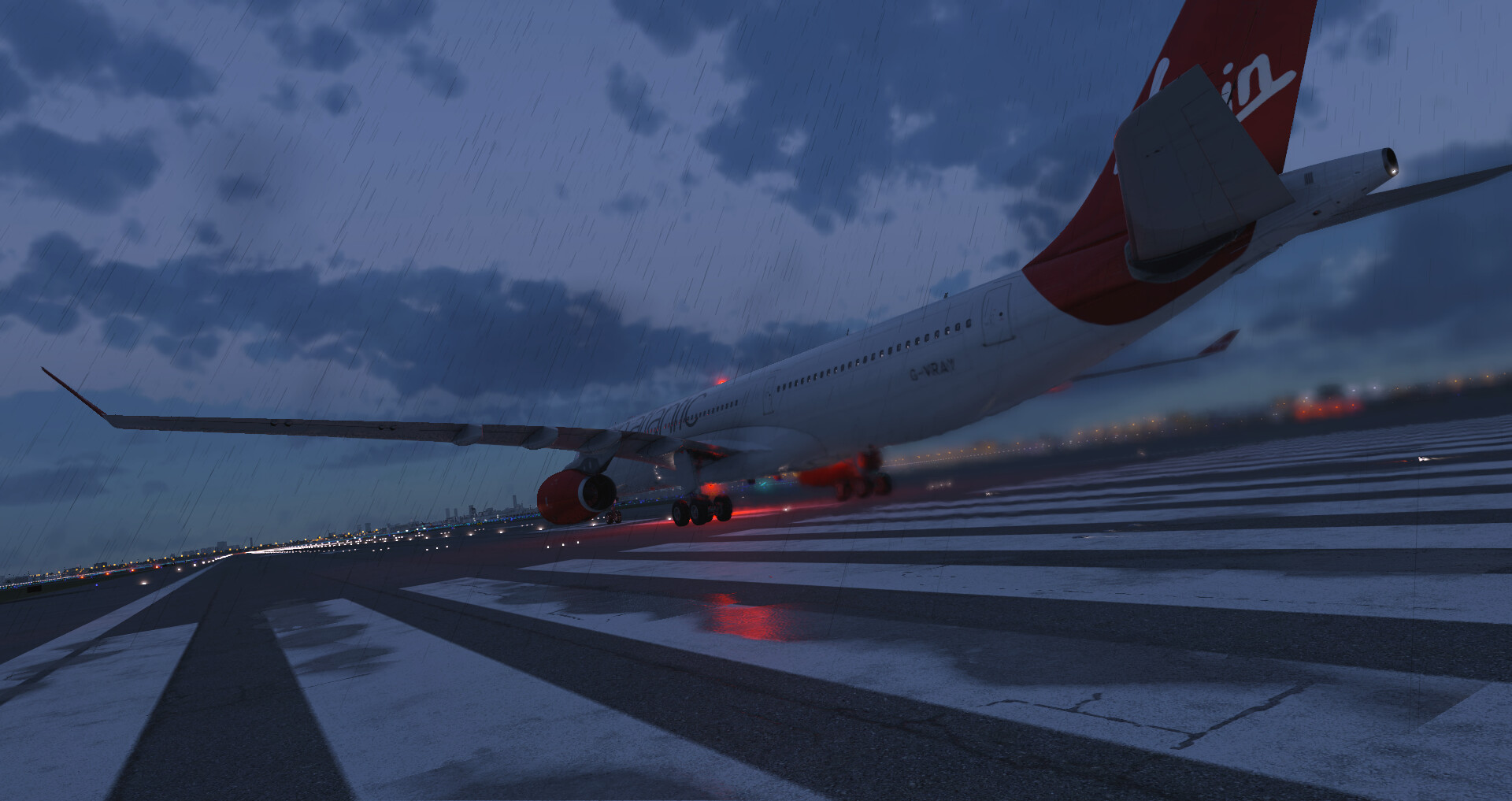
X‑Plane 12 adds a diverse lineup, from commercial jets like the Airbus A330 to light sport aircraft such as the Cirrus SR22 and Van's RV‑10.
Special entries include the BETA Technologies ALIA‑250, the historic Piper PA‑18 Super Cub and a float‑equipped Robinson R22, expanding options for varied flight experiences.
- Open the aircraft selection menu and view the cockpit of each new model.
- Try the float‑equipped Robinson R22 to experience water‑based operations.
COMMUNITY
Player discussion