 GameWiki
GET YOUR BEARINGS
About WWE 2K26
WWE 2K26 lets you run the world’s greatest wrestling show, offering a massive roster of over 400 Superstars and Legends, from classic Attitude‑Era icons to today’s stars. The game expands its sandbox Universe mode, adds new match types, and introduces a co‑op island experience, giving players many ways to shape their WWE narrative.
Beyond the core matches, the title features a revamped MyFACTION mode, a story‑driven MyRISE era, and deep creation tools that let fans craft wrestlers, arenas, and more. Online and split‑screen play, plus a host of audio and controller options, round out the experience for both solo and social gamers.
01 / THE GUIDE
Expanded Roster
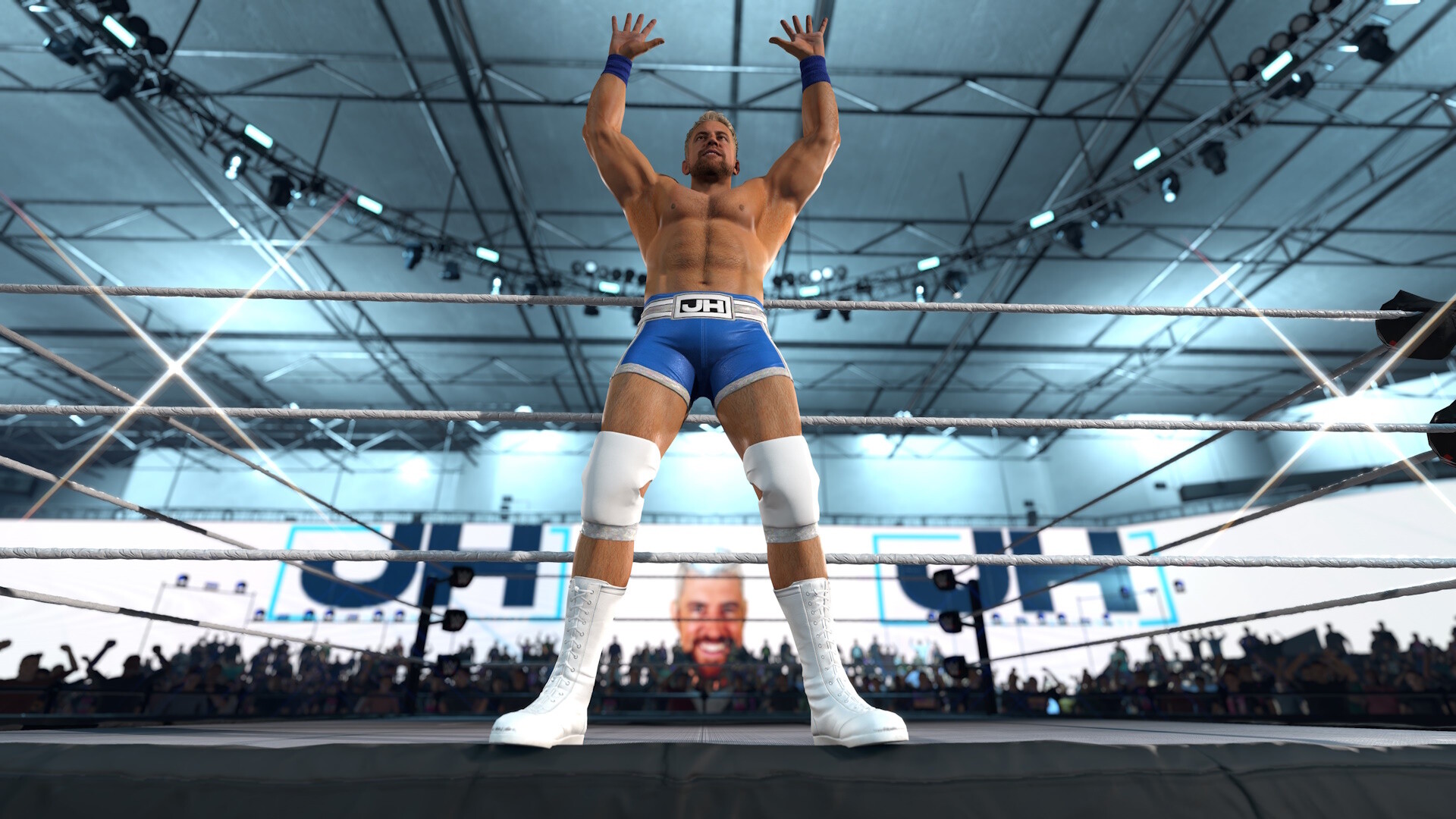
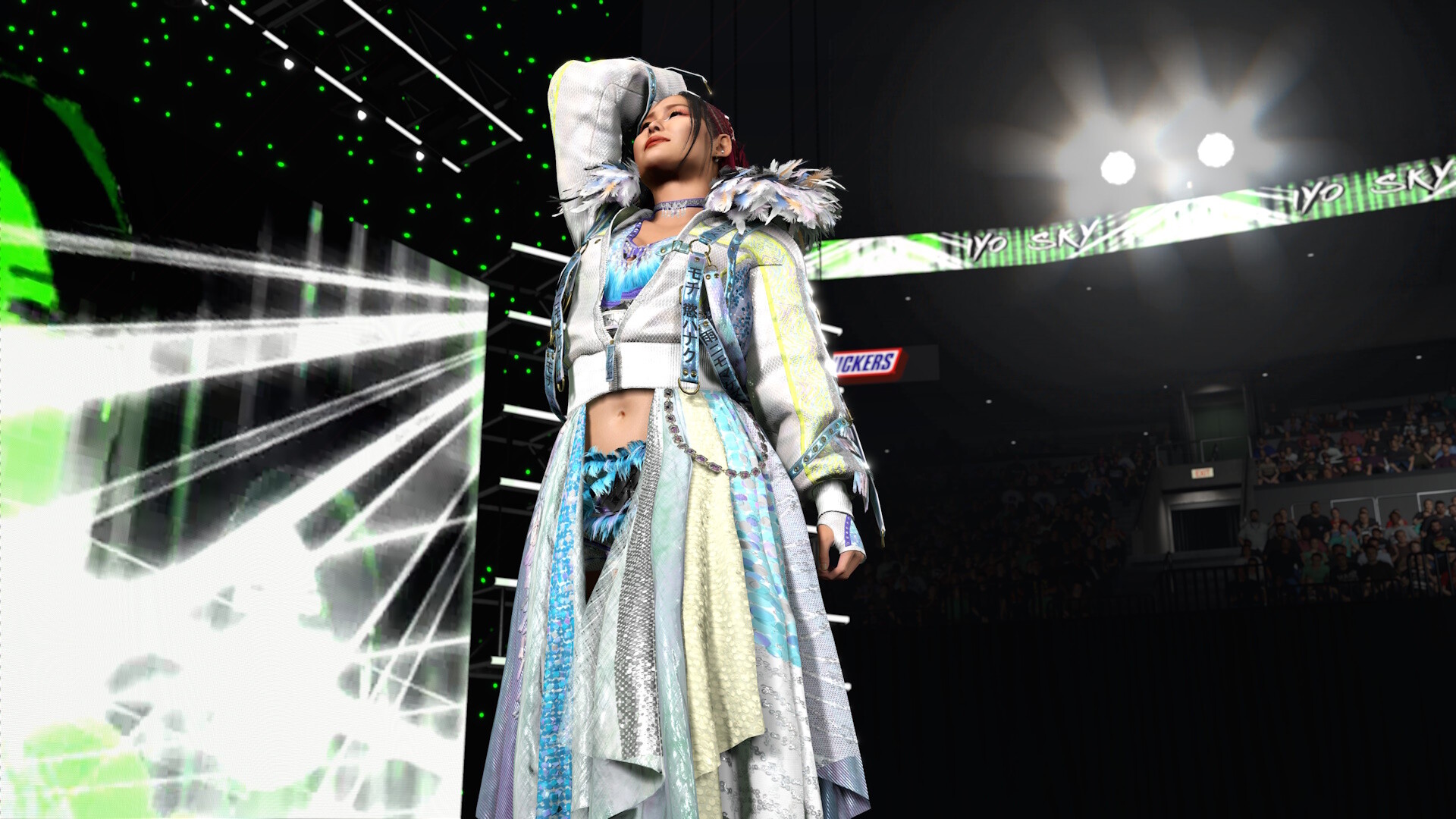
WWE 2K26 boasts more than 400 playable Superstars and Legends, including The Rock, Triple H, John Cena, Rhea Ripley, Rey Fénix, Rusev, and Blake Monroe. This lineup is described as the most stacked in franchise history.
The roster mixes current talent with Attitude‑Era legends, offering a broad selection for both casual play and competitive modes.
- Explore the roster in Showcase mode to see each Superstar’s signature moves.
- Use the creation tools to customize any wrestler’s appearance further.
02 / THE GUIDE
New Match Types
The game adds I Quit, Inferno, and Dumpster matches, expanding the variety of in‑ring chaos. These are listed alongside existing match formats.
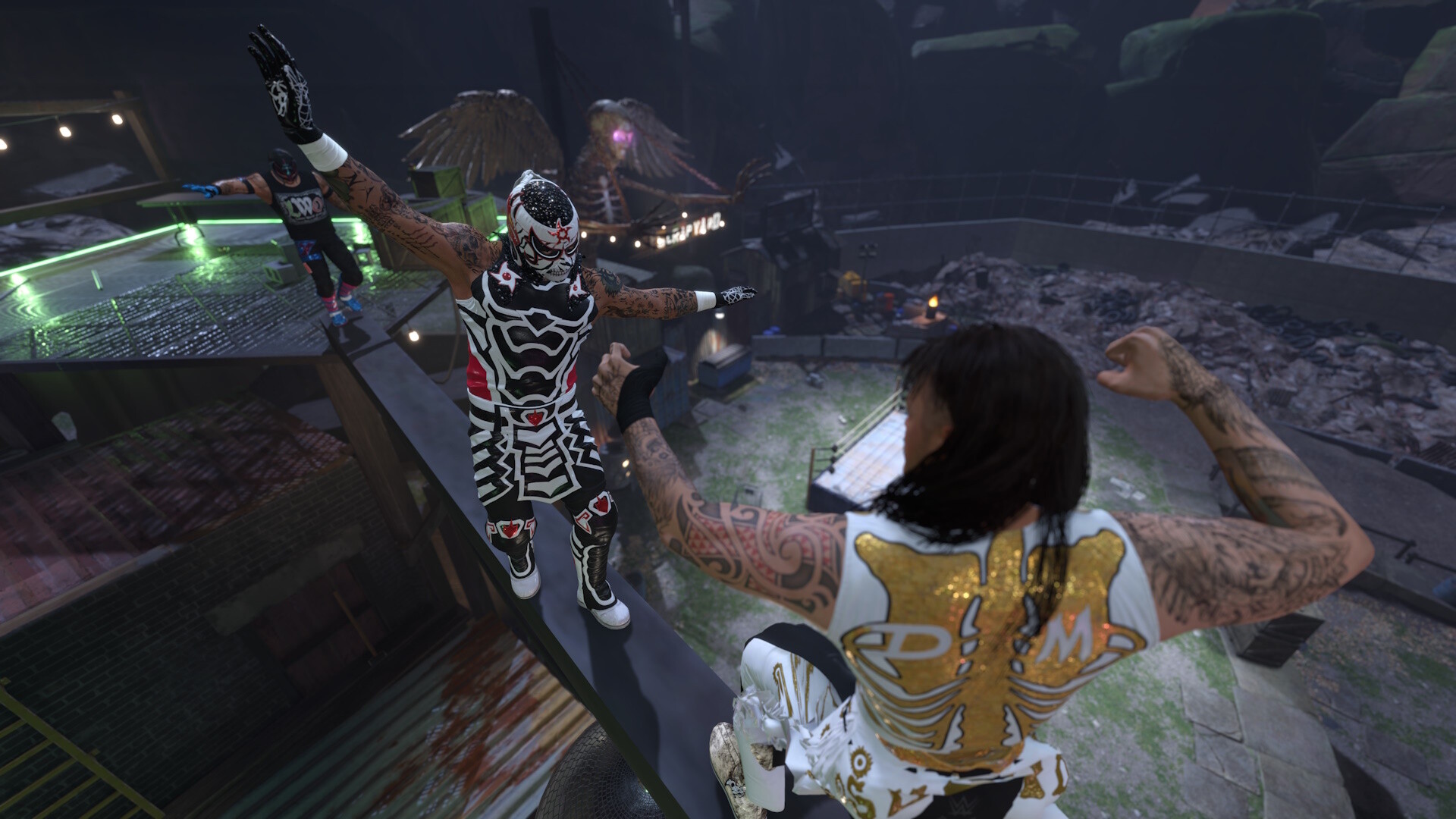
A new Scrapyard Brawl arena on The Island also provides a fresh setting for these match types.
- Try Inferno matches to test stamina management.
- Use the Scrapyard Brawl arena for a visual change of pace.

03 / THE GUIDE
Universe Mode Enhancements
Universe mode now includes a WWE Draft, a Universe Creation Wizard, and a Watch Show mode, letting players control weekly shows, rivalries, and outcomes.
Improvements also cover Money in the Bank cash‑ins and additional Promo types, giving deeper storyline control.
- Use the Draft to reshuffle rosters for fresh storylines.
- Experiment with different Promo types to affect rivalries.
04 / THE GUIDE
MyFACTION Co‑op
MyFACTION introduces Quick Swap, a fast‑paced, team‑based mode where players assemble factions with intergender line‑ups. New card designs and Faction Chemistry affect performance.
The mode supports both online and split‑screen co‑op, allowing friends to battle together.
- Balance your faction’s gender mix to maximize Chemistry.
- Utilize Quick Swap for rapid roster changes during matches.
05 / THE GUIDE
Community Creations Expansion
Creation tools now offer 200 CAS save slots, expanded image capacity, deeper body and face morphing, and 2‑tone hair color blending. These upgrades give players more freedom to design Superstars, arenas, and other assets.
The tools also support face‑scan importing for the MySUPERSTAR builder, enhancing personalization.
- Take advantage of the 2‑tone hair blending for unique looks.
- Save multiple versions using the 200 CAS slots for experimentation.

COMMUNITY
Player discussion