 GameWiki
GET YOUR BEARINGS
About Wrestling Empire
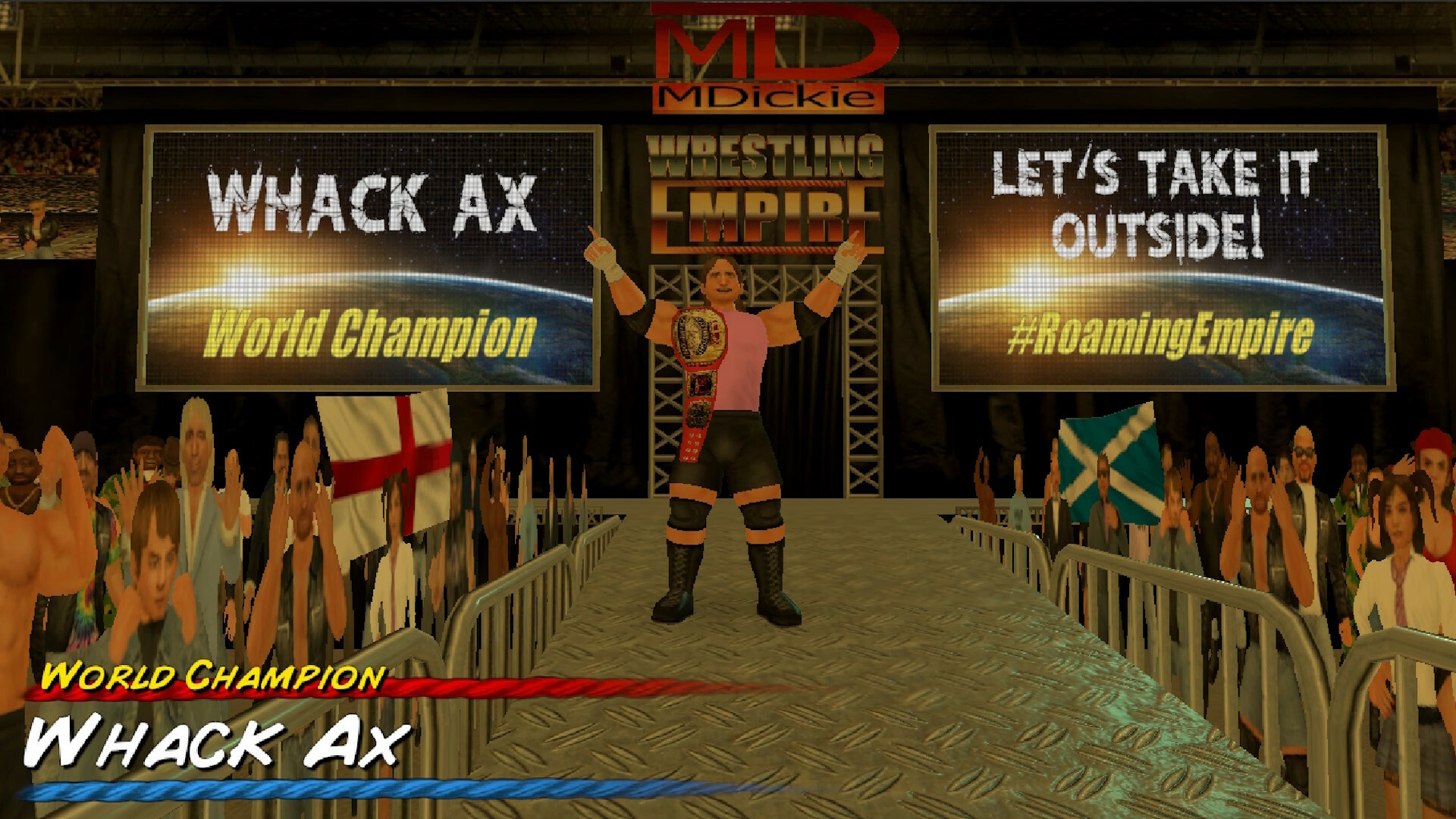
Wrestling Empire upgrades the series with higher‑resolution graphics and a smoother frame rate while keeping its retro aesthetic, and it loads matches instantly for rapid play. The visual boost makes fast‑paced wrestling feel clearer without slowing the classic fun.
The game blends single‑player, co‑op and split‑screen PvP on Windows, supports full controller support and family sharing, and adds a free booking mode alongside a deep career path where you face up to 350 opponents across ten rosters.
01 / THE GUIDE
Visuals & Performance
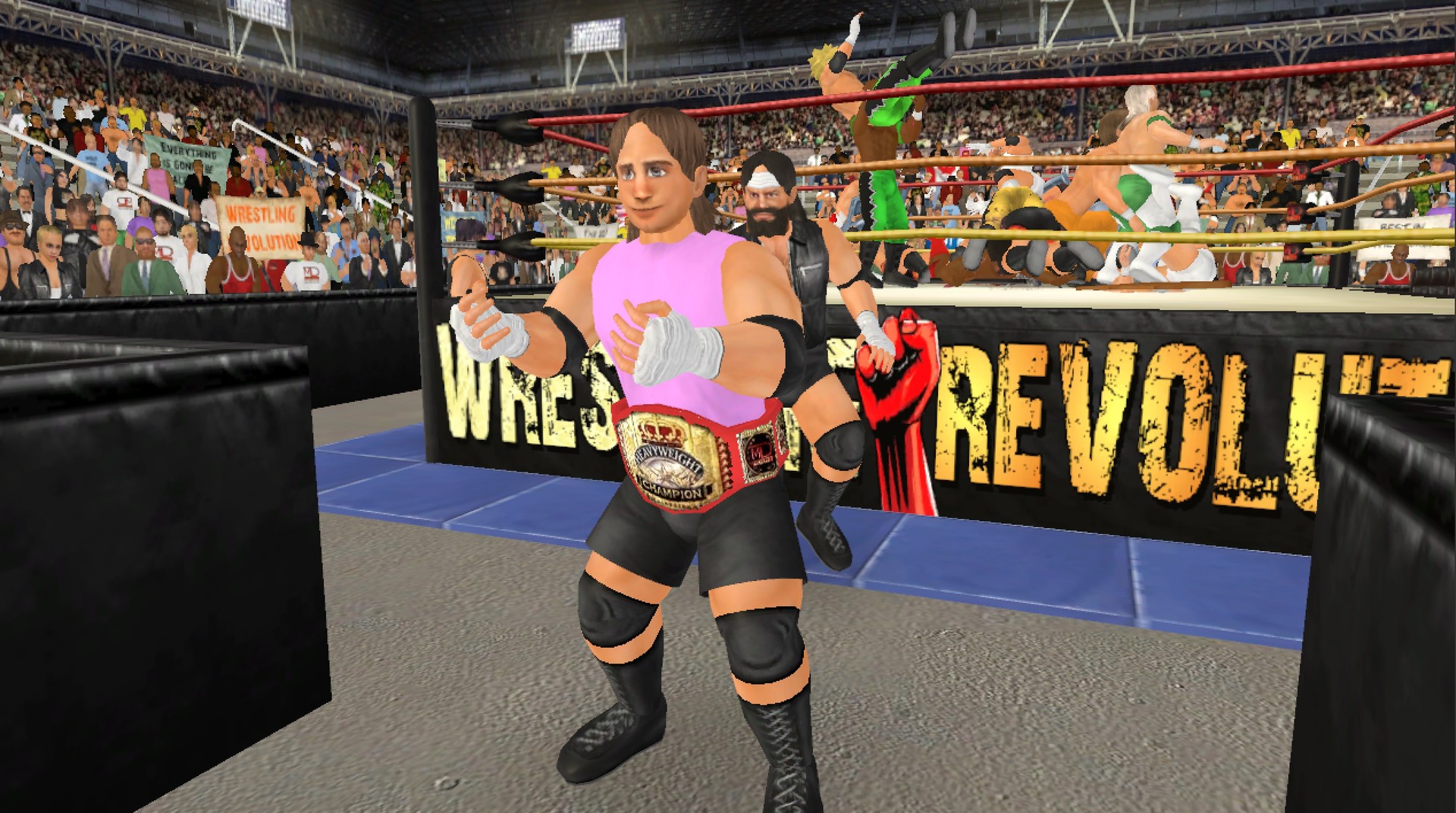
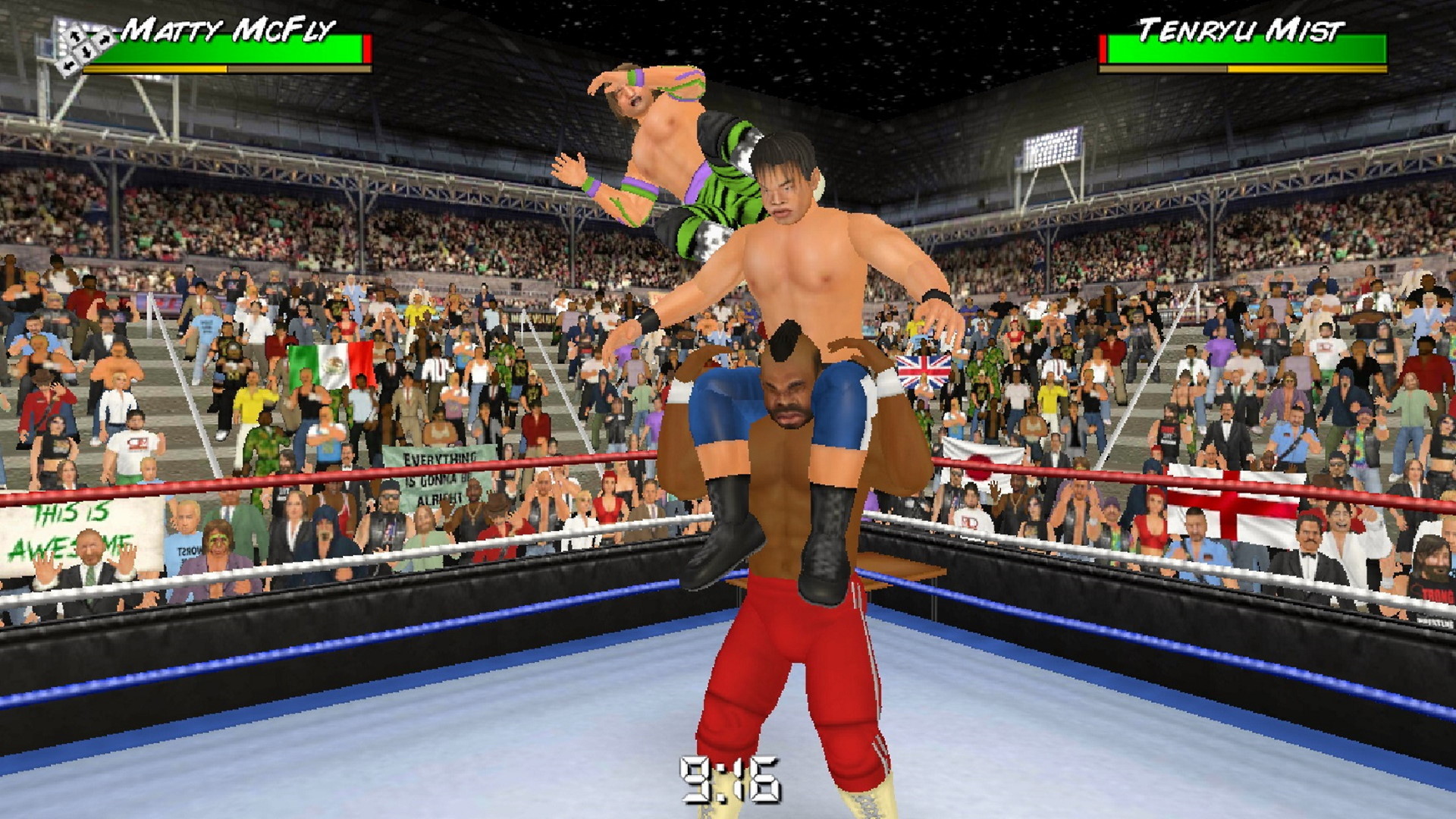
The game runs in higher‑resolution visuals with a smoother frame rate, preserving the retro style while delivering clearer action.
Instant loading times let you jump straight into matches, keeping the pace rapid and maintaining the series’ classic feel.
- Try different display resolutions to see the visual impact.
- Observe loading speed when starting quick matches.
02 / THE GUIDE
Freestyle Animation & Bell‑to‑Bell Interactivity
The freestyle animation system allows anything to happen at any moment, enabling spontaneous spots during bouts.
Bell‑to‑bell interactivity gives you control from the moment you walk through the curtain through the entire match.
- Test early unexpected moves to explore animation freedom.
- Use the curtain entry to reset positions if needed.
03 / THE GUIDE
Multiplayer Match Creation
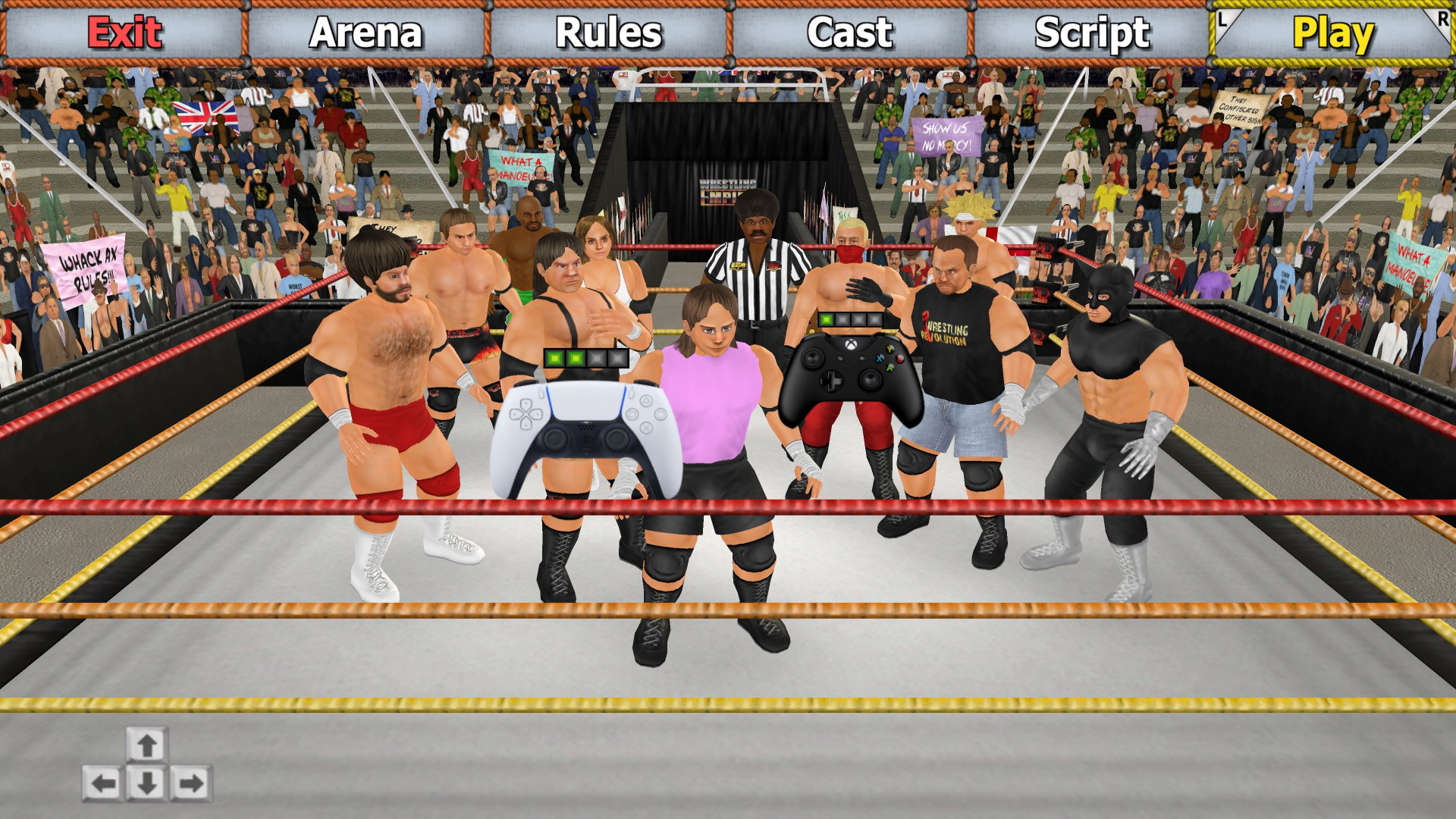
A “what you see is what you get” setup lets you assemble dream matches with many characters and props before play.
Multiplayer supports split‑screen co‑op and PvP, so friends can compete or team up on the same Windows screen.
- Arrange characters and props in the preview before starting.
- Check that all players appear correctly in split‑screen mode.
04 / THE GUIDE
Career Mode & Roster Management
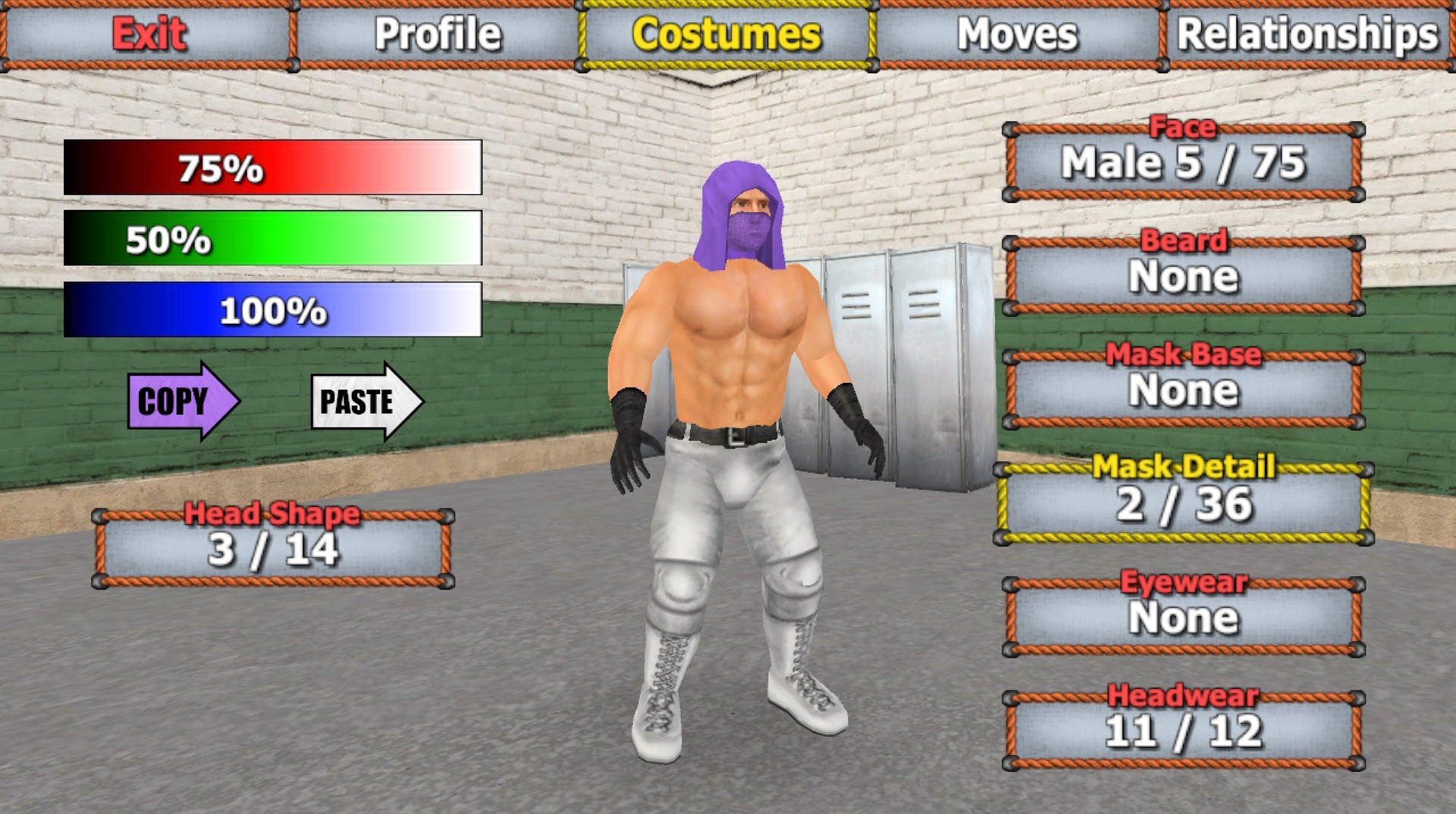
Create your own wrestler and face up to 350 opponents across ten rosters in a shared universe.
Backstage decisions and weekly news reports affect progress, and you can save roster changes for a personalized world.
- Review weekly news to guide backstage choices.
- Save roster edits after each session to keep changes.
05 / THE GUIDE
Booking Mode (Promotion Management)
A free booking mode lets you run a promotion with a territorial twist, assembling rosters using available resources.
Travel worldwide to set attendance records, schedule matches for ratings, and manage locker‑room egos.
- Plan match cards that target high attendance.
- Balance egos by spacing high‑profile matches.
COMMUNITY
Player discussion