 GameWiki
GET YOUR BEARINGS
About Wrench
Wrench is a motorsports‑focused mechanic simulation in early‑access transition. The latest beta, selectable via the Steam library’s betas tab, adds online co‑op for both desktop and VR, keeping the game a sandbox while a more structured loop is planned.
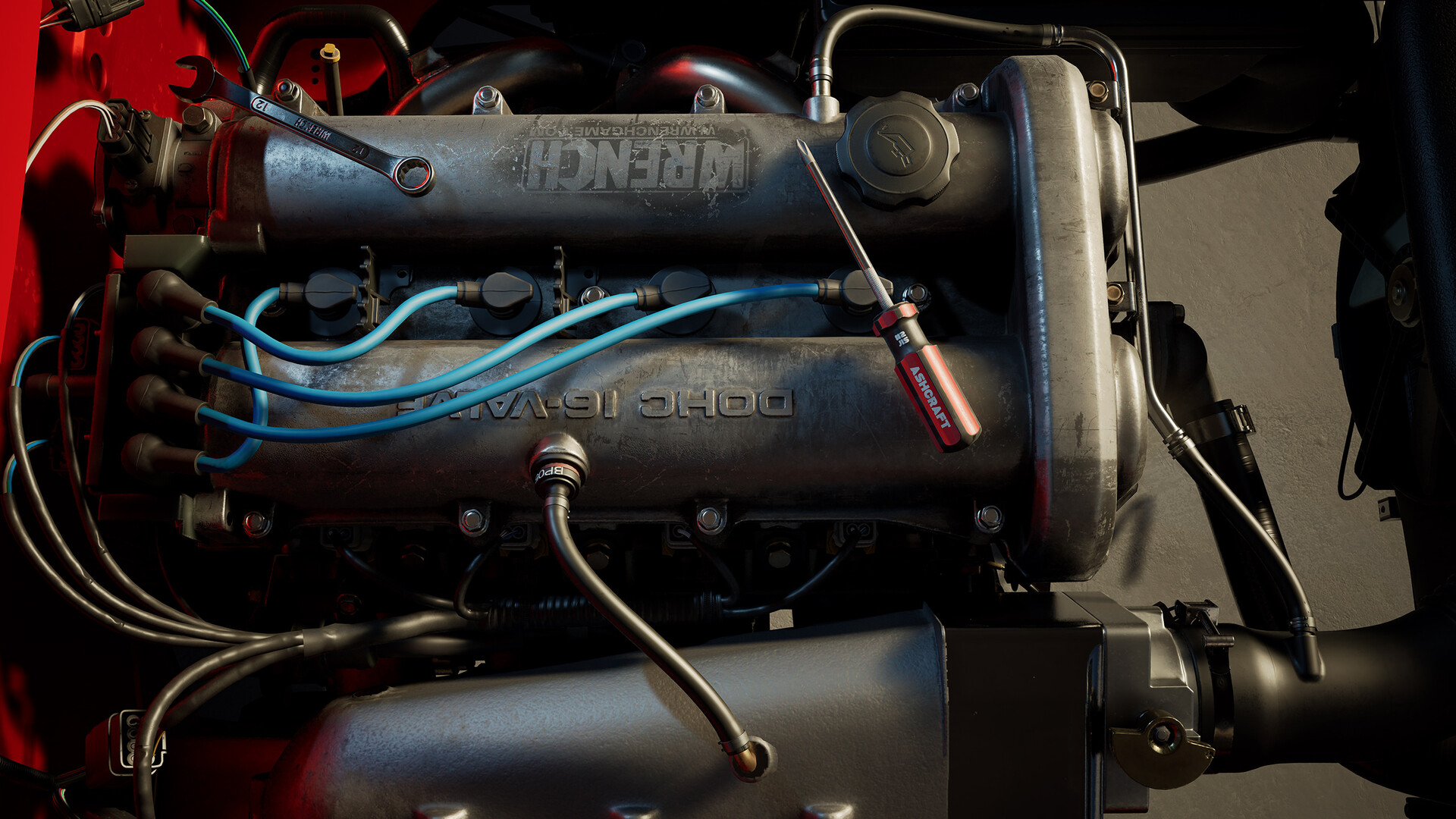
Players work on three chassis—a hatchback streetcar and two licensed kit cars—inside a customizable garage. Interaction occurs mainly in world space with a limited 2D UI, and parts must be tracked manually using provided organizational tools.
01 / THE GUIDE
Beta Access and Co‑op Multiplayer
The beta branch is accessed by right‑clicking Wrench in the Steam library and opening the betas tab. This build introduces online co‑op that functions in both desktop and VR modes.
Co‑op is described as a sandbox experience for now, with no further structure detailed. Players can join sessions together, but the documentation does not specify matchmaking or lobby features.
- Join a friend’s session to see how tools are shared in real time.
- Observe how the sandbox environment reacts when multiple users manipulate the same car.
02 / THE GUIDE
Available Car Chassis
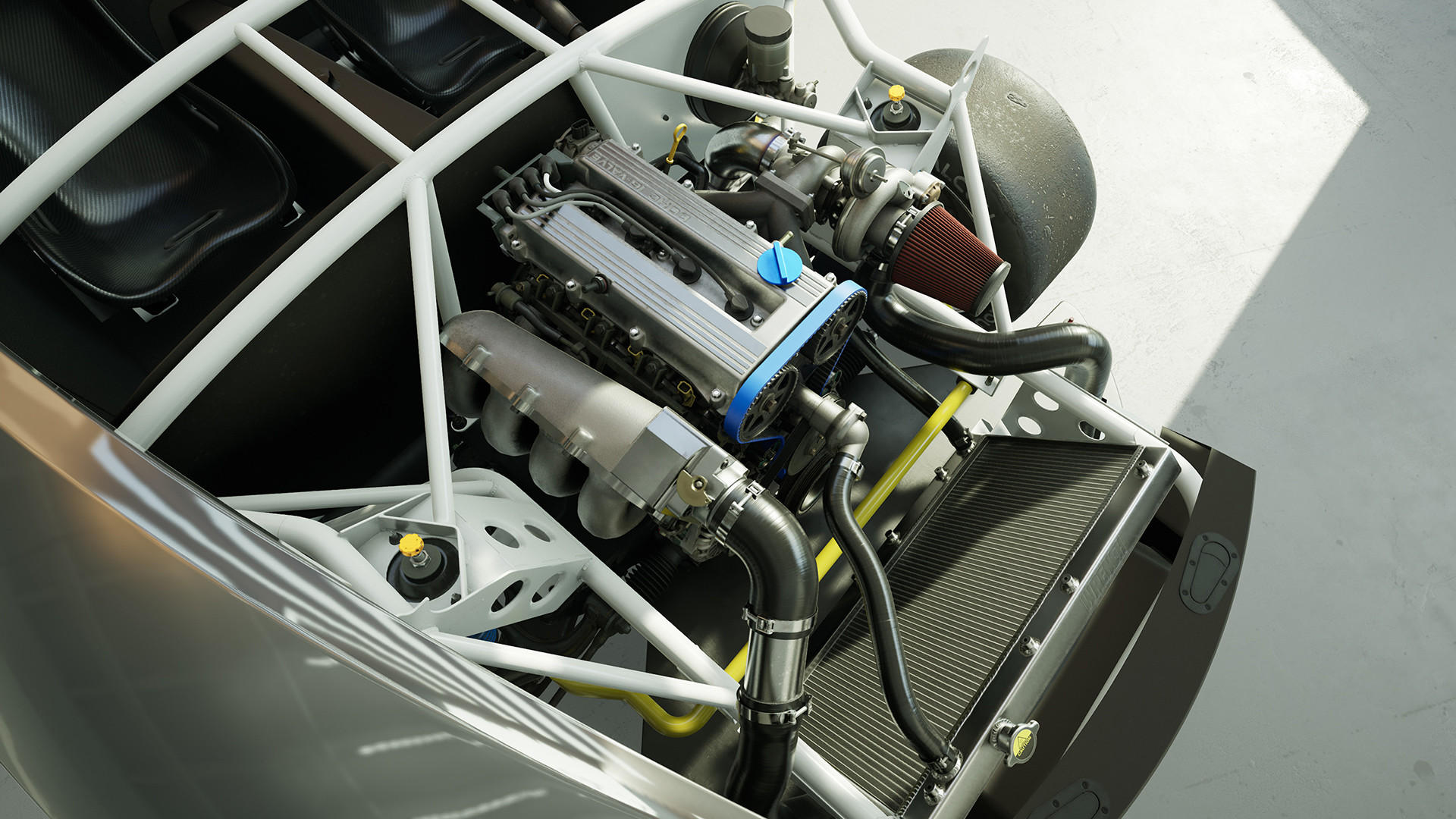
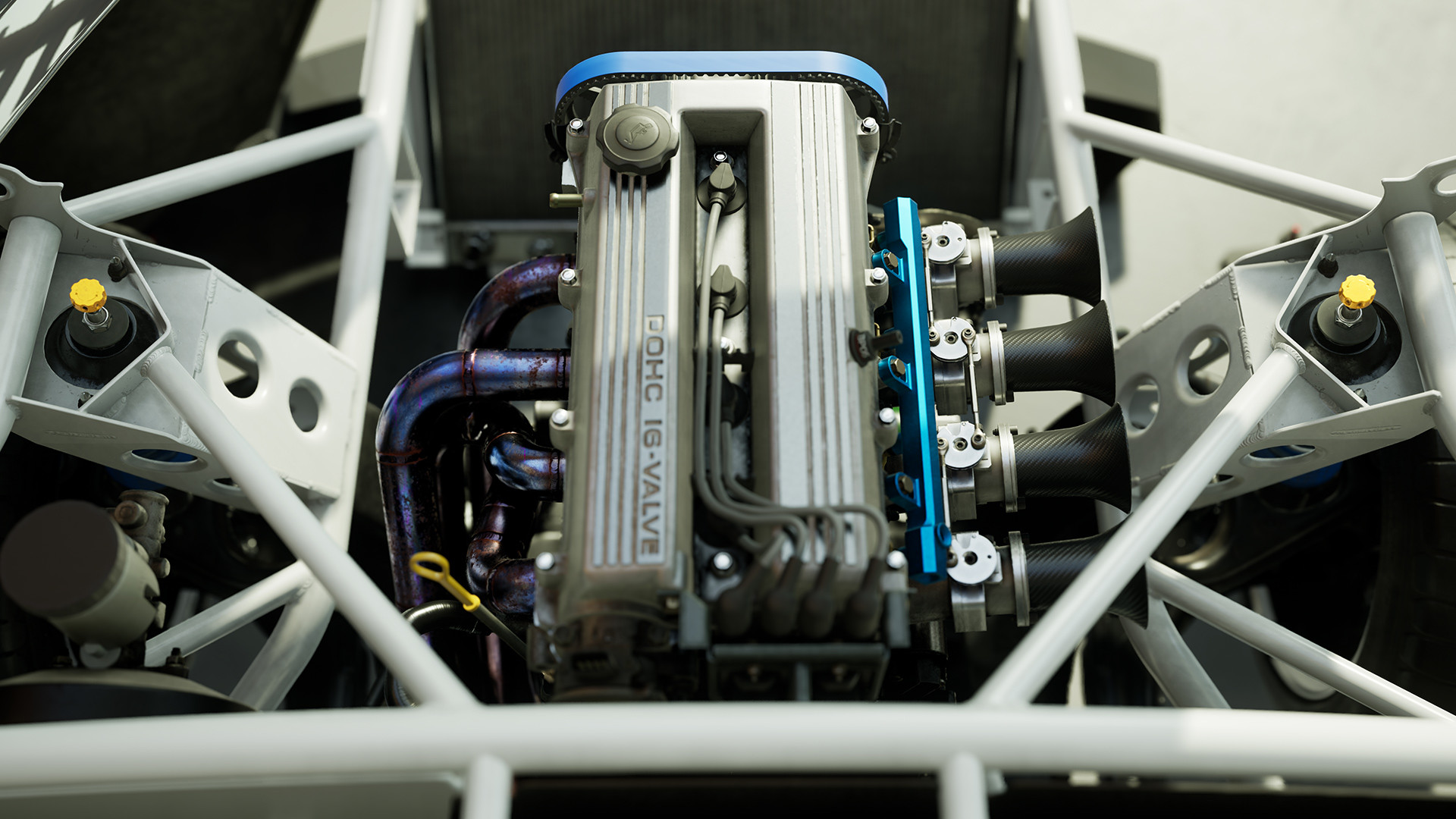
Wrench currently offers three chassis: a hatchback streetcar and two licensed kit cars. Each provides a distinct layout for disassembly and repair.
The documentation does not describe performance differences, only that any chassis can be selected within the sandbox without a prescribed progression.
- Try each chassis to notice how part placement varies.
- Note which tools feel more natural on the kit cars versus the hatchback.
03 / THE GUIDE
Manual Inventory and Organizational Tools
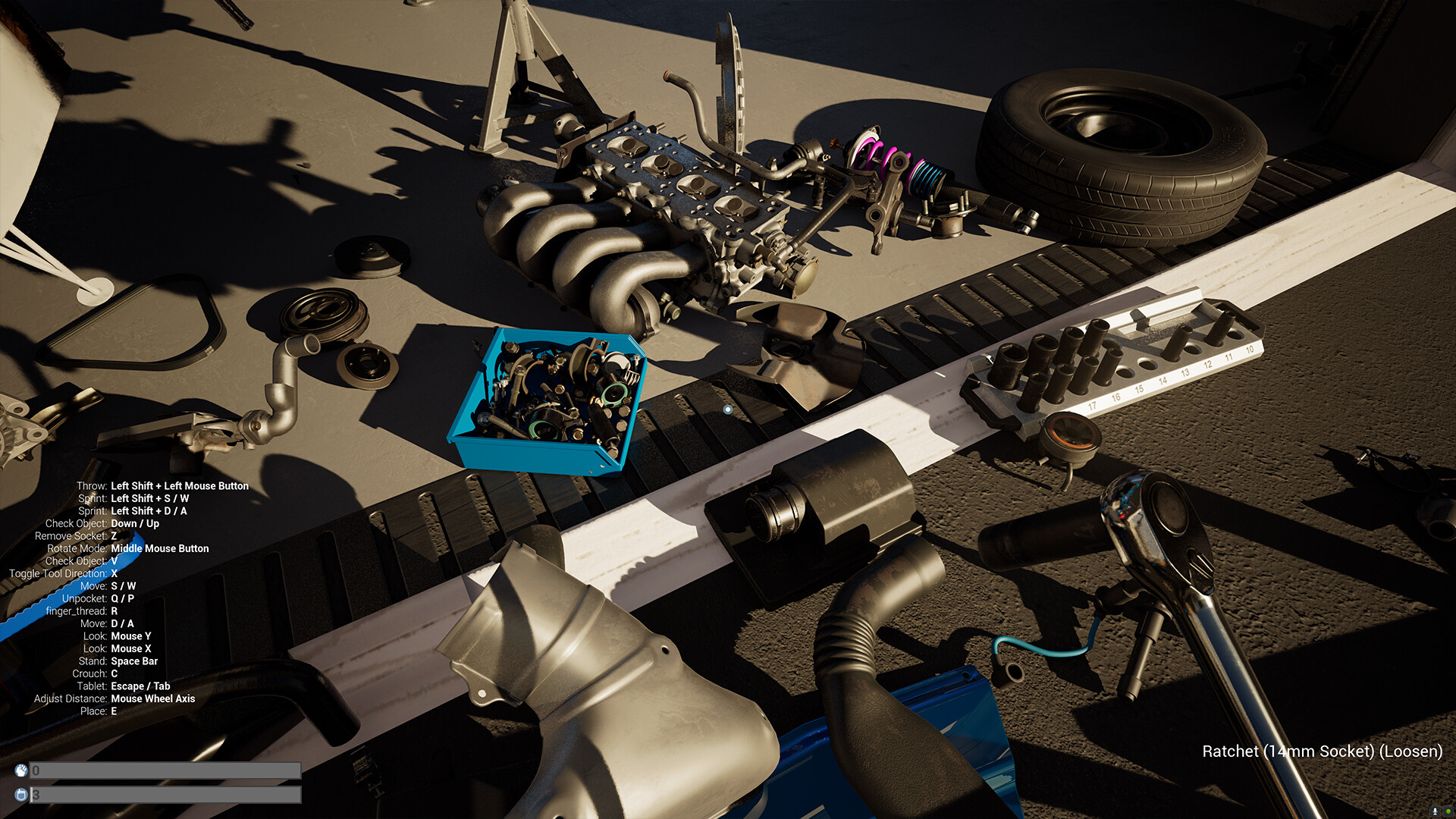
There is no automated inventory system; players must keep track of all parts themselves. To help, the game provides tools such as socket selection, pegboard organization, and impact tools.
These tools are accessed through world interactions rather than a traditional UI, matching the limited 2D UI approach.
- Arrange sockets and pegs in a consistent pattern to reduce searching.
- Group impact tools together so they are easy to locate during repairs.
04 / THE GUIDE
Customizable Garage Space
The garage can be customized with workbenches, flooring, and storage solutions. This lets players shape a workspace that matches their workflow.
Customization occurs within the sandbox environment; no separate menu system is described, reinforcing the focus on world‑space interaction.
- Place workbenches near the tools you use most often.
- Use storage containers to keep frequently needed parts within arm’s reach.
05 / THE GUIDE
VR and Platform Compatibility
Wrench runs on Windows and supports keyboard‑mouse input as well as VR headsets: Oculus, Index, Windows Mixed Reality, Vive, and experimental Vive Cosmos. Tracked controller support is listed among the features.
VR mode offers the same sandbox mechanics as desktop; the documentation does not mention separate controls or UI changes beyond headset requirements.
- Clear your play area to avoid accidental collisions with virtual tools.
- Experiment with seated versus standing VR to find a comfortable posture for longer sessions.

COMMUNITY
Player discussion