 GameWiki
GET YOUR BEARINGS
About Wreckreation
Wreckreation offers a drivable world of over 400 square kilometres where players can race, explore, stunt and build at will. The game supports a solo progression path, creative construction tools and online sessions that work across Windows platforms, giving each player the freedom to choose their own style of play.
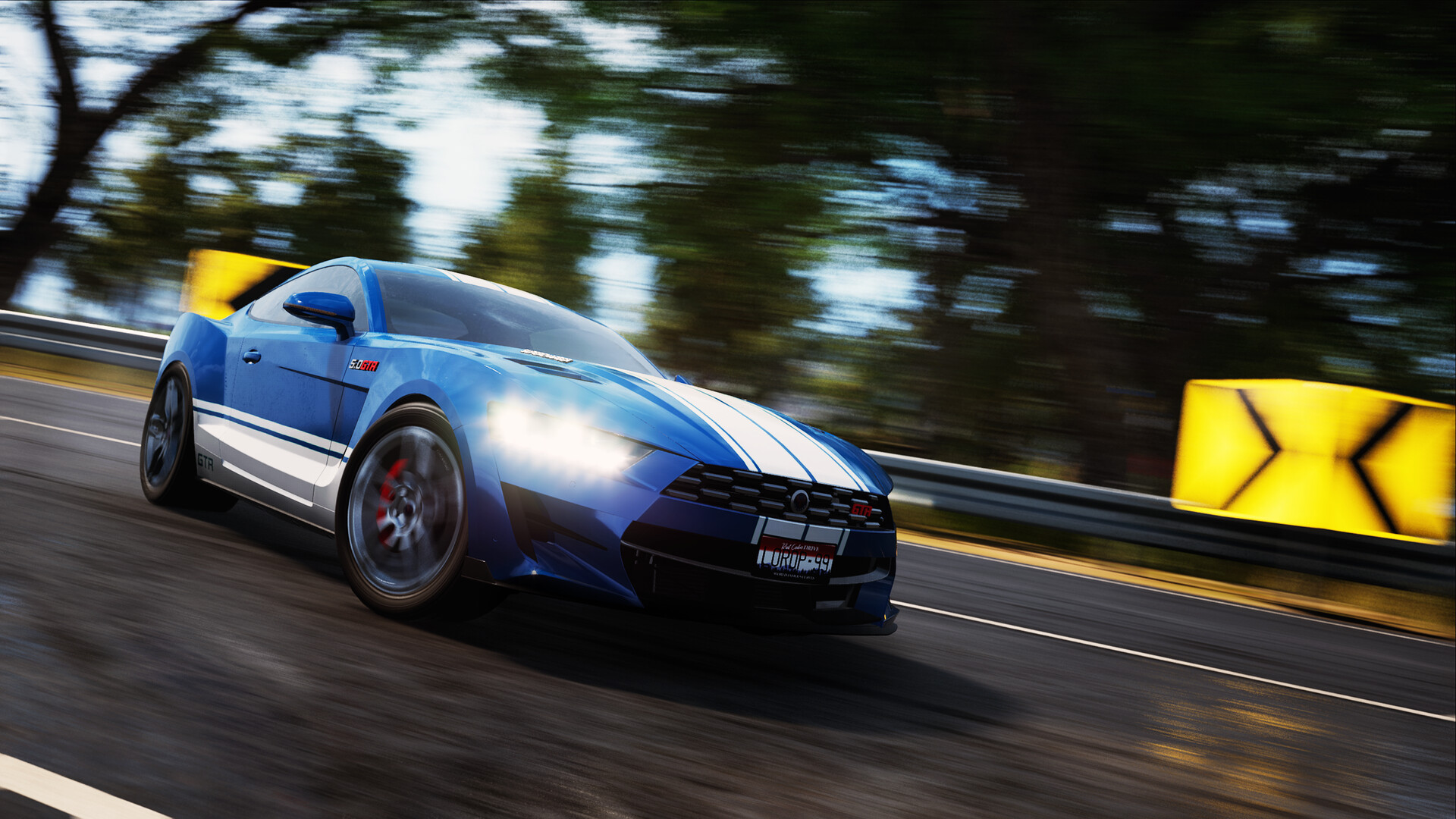
Vehicles can be customized with paints, wheels, boost effects and sounds, while weather, time of day and traffic density are also adjustable. Ongoing updates add new content, keeping the open‑world experience fresh for solo, competitive or cooperative activities.
01 / THE GUIDE
Full Solo Journey
The solo experience provides structured Race and Road Rage events while allowing the map to reveal itself as you travel. Scattered throughout are Live Mix collectibles, billboards and smash gates that encourage exploration without any mandatory online activity.
Progression is optional; you may follow guided challenges or simply roam. New areas become accessible naturally, giving a steady sense of advancement that does not depend on other players.
- Visit less‑traveled roads early to locate hidden collectibles.
- Mix event runs with free roaming to keep the solo experience varied.
02 / THE GUIDE
Flexible Competition
Leaderboards record speed, drifting, air, stunts and other metrics, letting you set personal records or compare results with friends. Community challenges appear whenever you feel like competing, without forcing live matches.
You can chase your own best runs, compare times, or join community challenges at any moment, making competition adaptable to your schedule and preferred intensity.
- Save several attempts to see incremental improvements on the leaderboards.
- Experiment with different vehicle setups to discover which works best for each leaderboard type.
03 / THE GUIDE
Simple Creation Tools
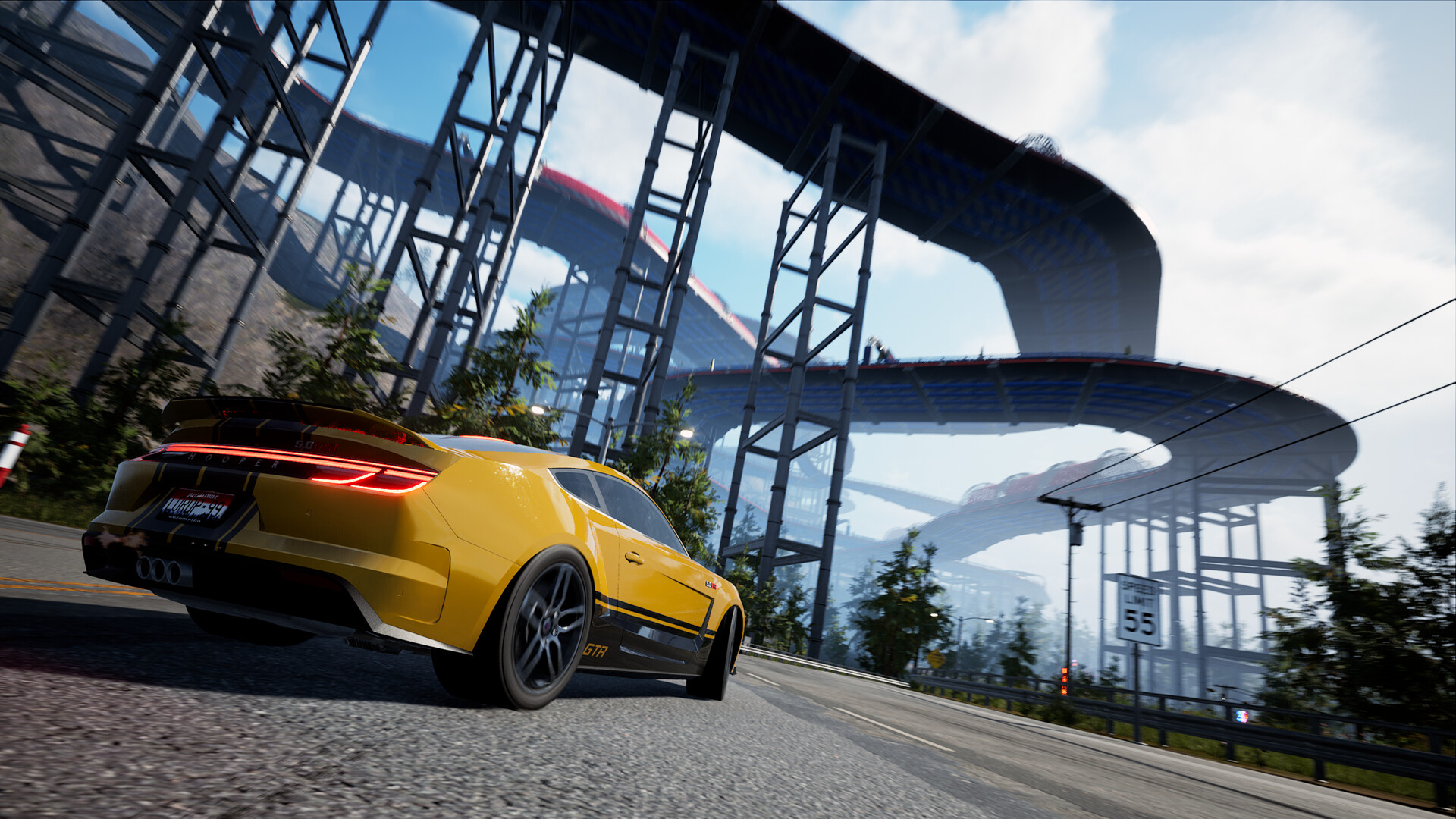
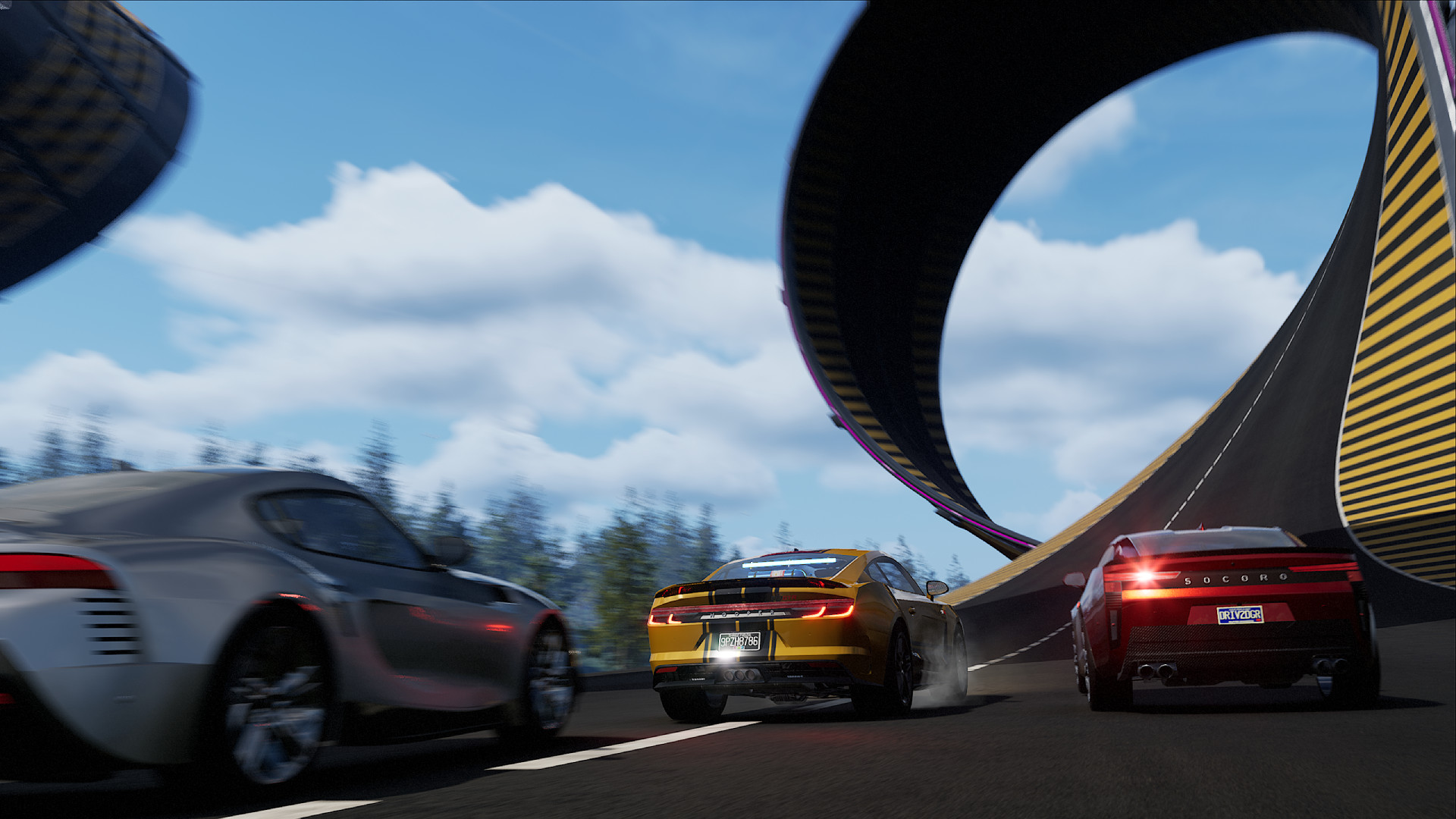
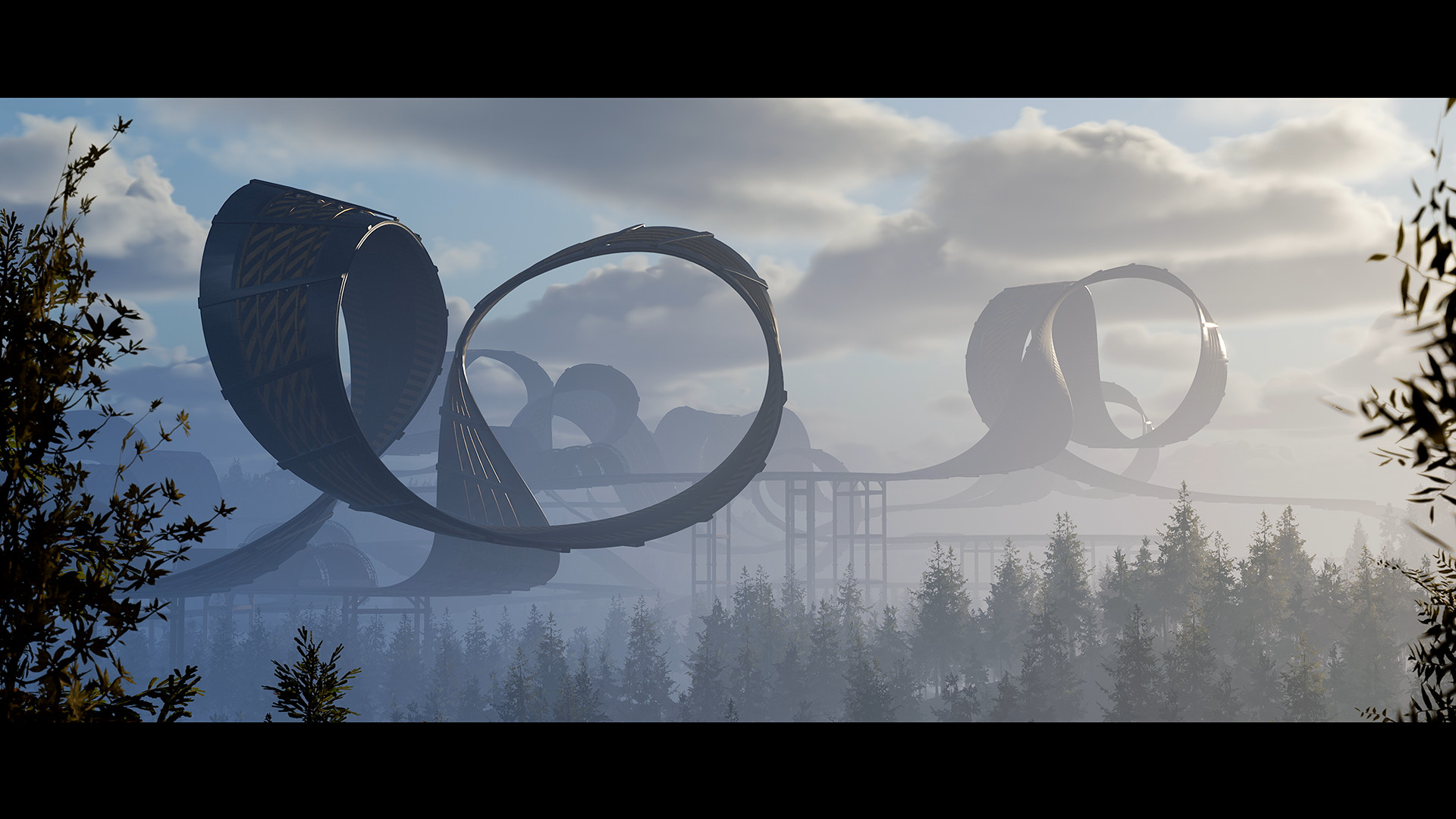
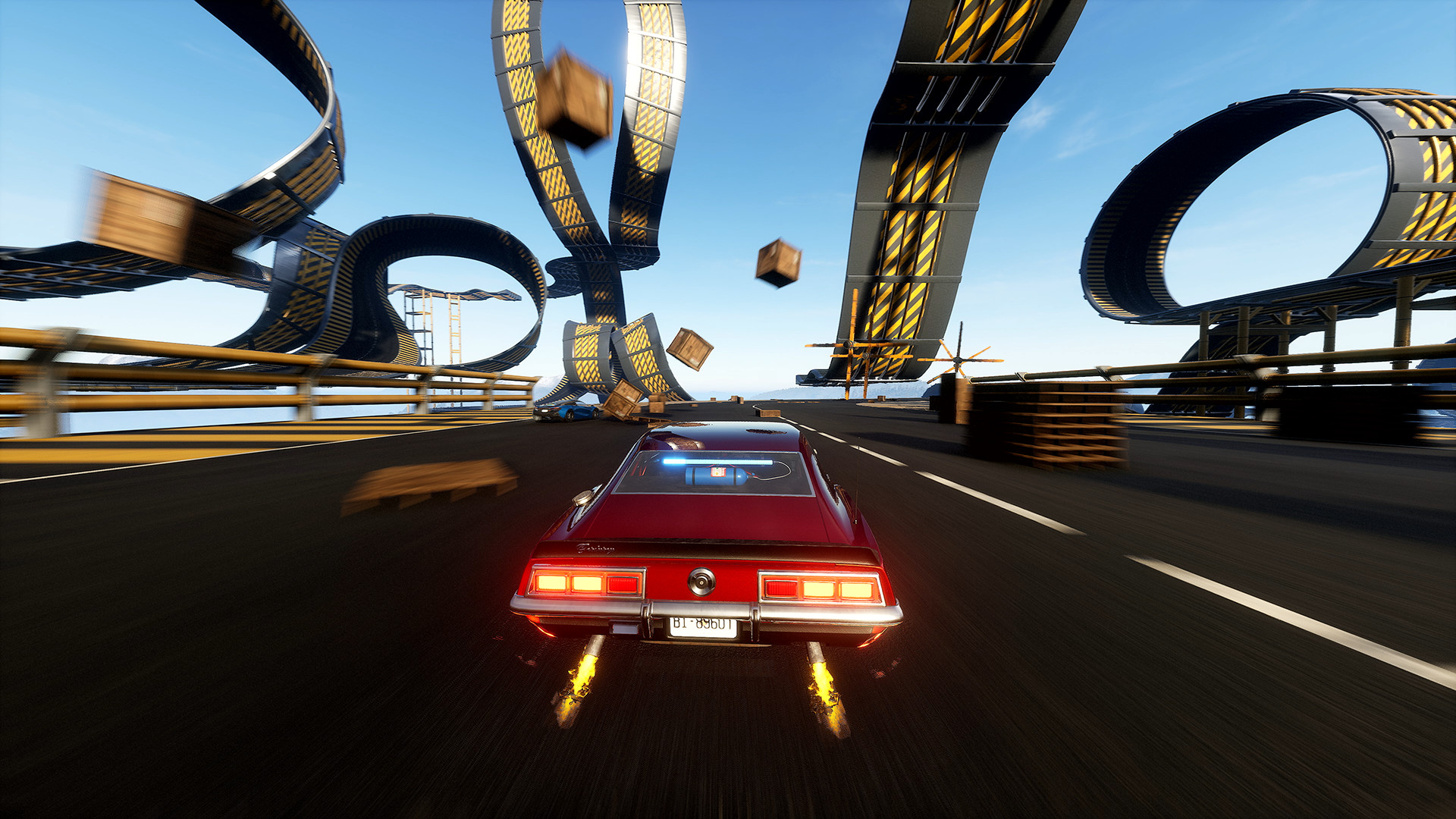
Building is fast and intuitive: you can snap together jumps, loops, half‑pipes and obstacles in seconds. The tools stay out of the way, allowing you to focus on design rather than mechanics.
Created tracks can be uploaded for others to play, and the community can rate them, making it easy to discover popular events or showcase your own designs.
- Start with a small set of pieces before expanding to larger courses.
- Test your creation in‑game to ensure jumps and loops flow smoothly.
04 / THE GUIDE
Cross‑Platform Play
Online sessions support full cross‑play, so players on different Windows machines can meet in the same world. You may hang out, build challenges together, or join events designed by the community.
Social interaction is optional; you decide how relaxed or competitive each session is, and you can play with friends or strangers at any time.
- Coordinate a short session with a friend on another PC to experience cross‑play firsthand.
- Explore community‑rated creations to quickly find popular challenges.
05 / THE GUIDE
Total Vehicle Control
Cars can be customized with paints, wheels, boost effects and sounds, letting you personalize both appearance and feedback cues. Weather, time of day and traffic are also adjustable to suit your mood.
These options let you shape how the world feels, whether you prefer bright daylight races, night‑time stunts or a quiet off‑road session.
- Swap boost effects to see which visual style feels most satisfying.
- Adjust weather settings to test handling under different conditions.
COMMUNITY
Player discussion