 GameWiki
GET YOUR BEARINGS
About WOWOWOW KORONE BOX
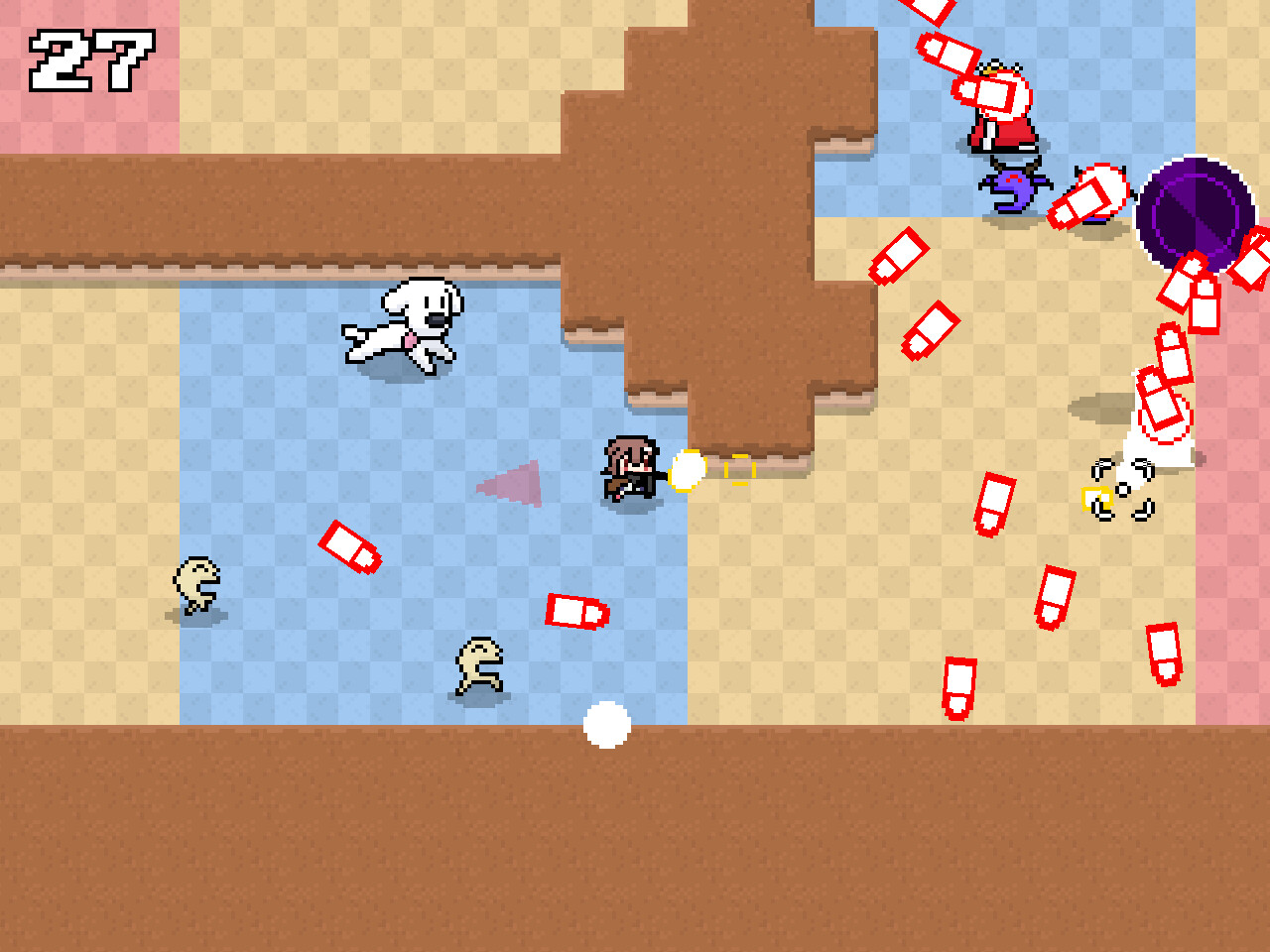
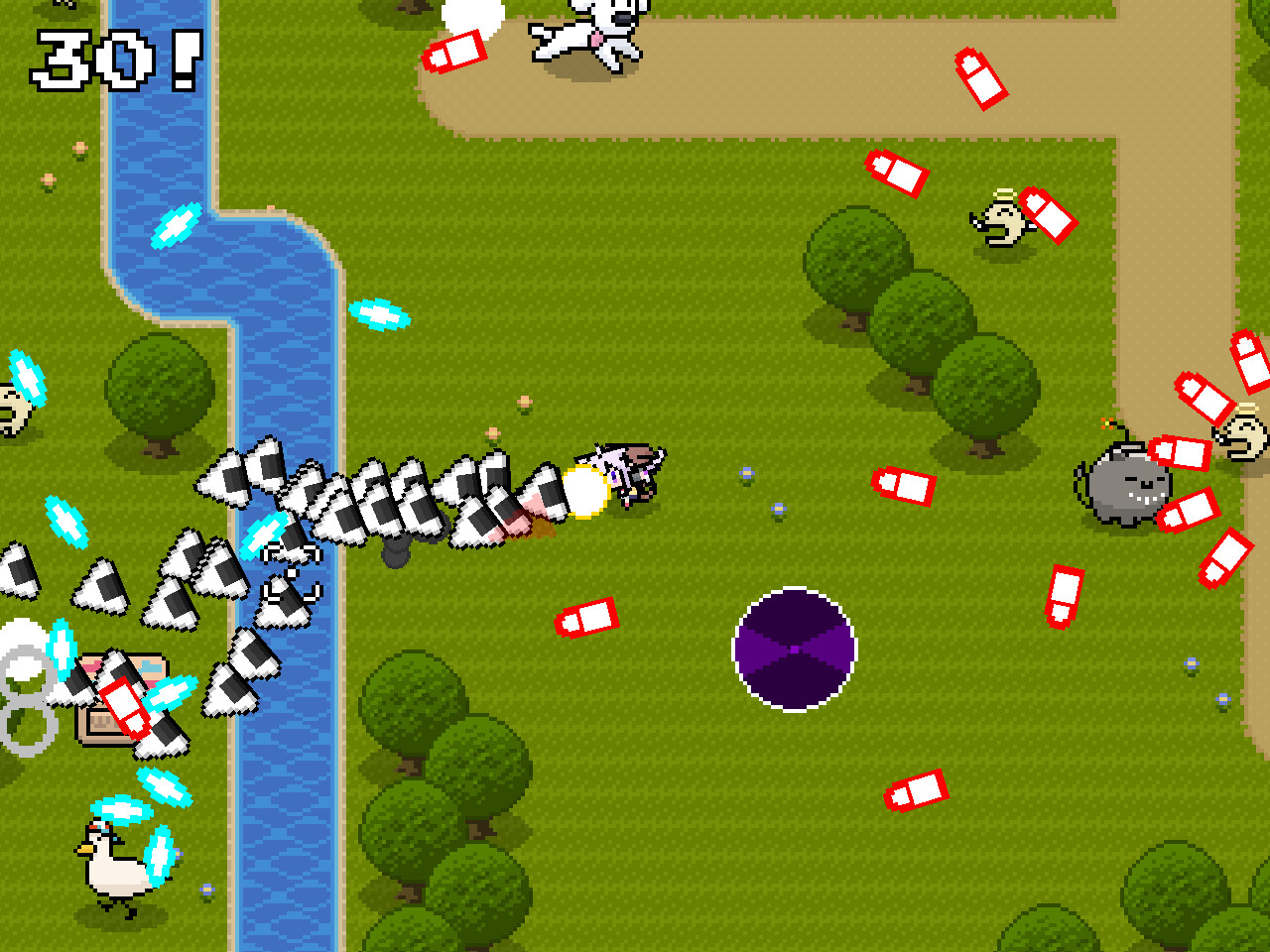
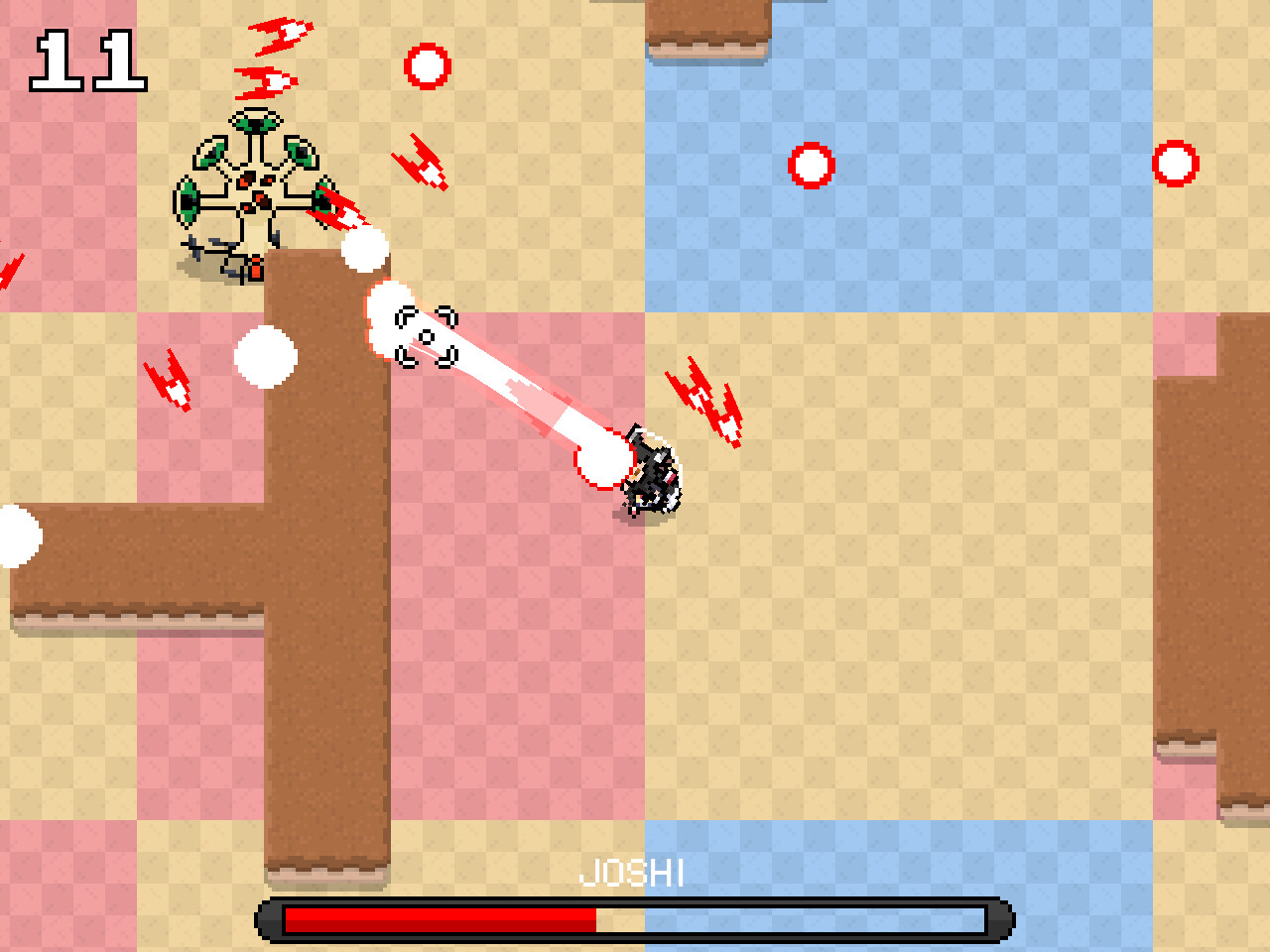
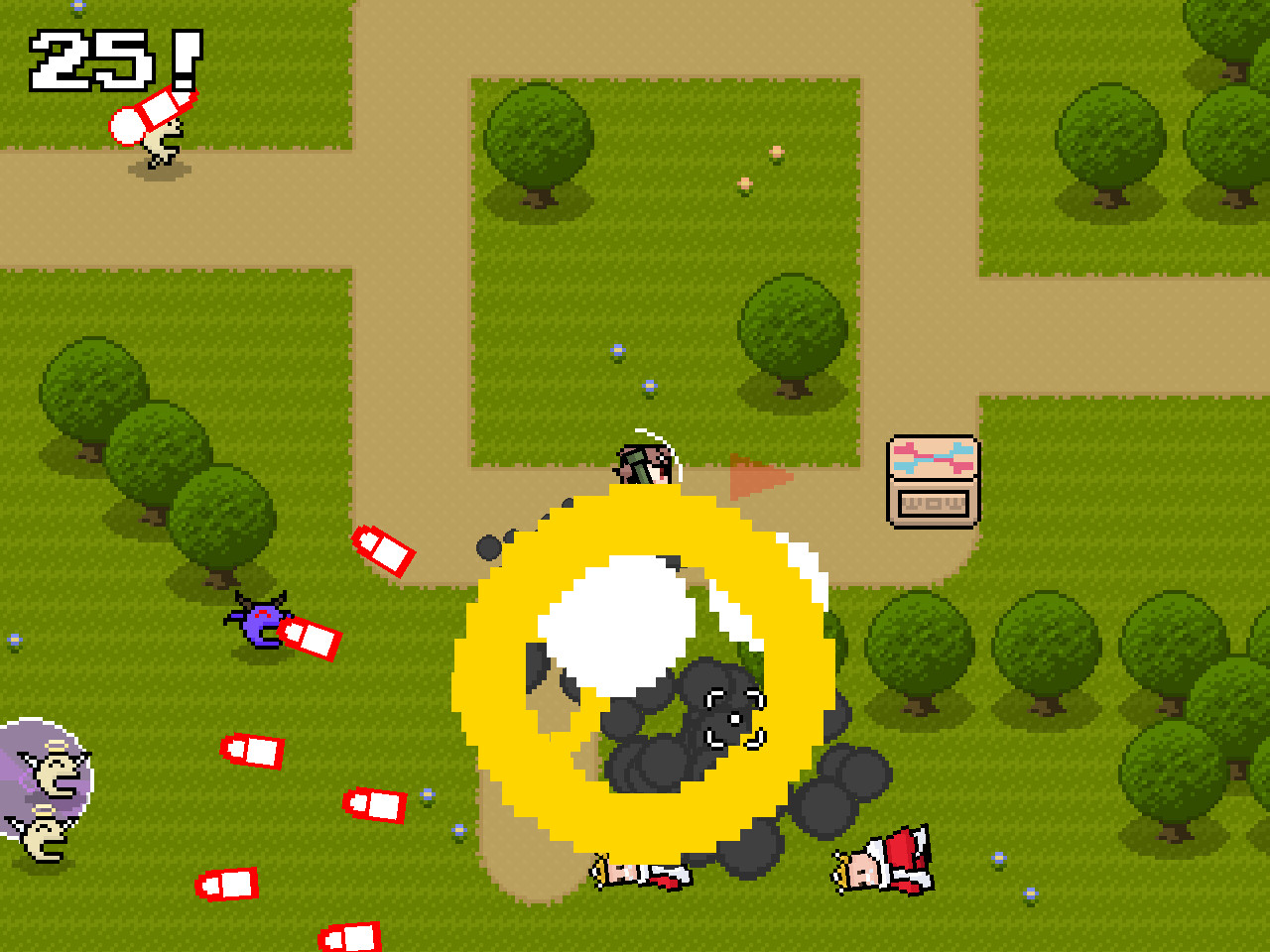
WOWOWOW! KORONE BOX is a fan‑made top‑down shooter starring Inugami Korone from hololive GAMERS. Players collect Korone Boxes, which raise the score and grant random weapons while confronting growing waves of enemies and bosses.
A single hit ends the run, making dodging essential. The Windows‑only Steam release lists full controller support, Steam achievements, leaderboards, Steam Cloud, and family sharing among its features.
01 / THE GUIDE
Core Gameplay
The game presents a top‑down view where each Korone Box collected adds to the score and provides a random weapon. Enemy numbers and boss difficulty increase as the run continues, creating a scaling challenge.
Any hit instantly ends the session, so precise movement is the primary skill. Higher total box counts or higher scores during a run are noted as the means to unlock additional weapons.
- Focus on positioning that gives you room to dodge incoming threats.
- Collect boxes early to gain weapons for later waves.
02 / THE GUIDE
Audio Design
During play, arrangements of official and fan‑made tunes play continuously, providing a musical backdrop that matches the fast‑paced action.
The soundtrack does not alter gameplay mechanics, but its presence reflects the fan‑made nature of the title and can give auditory cues about the game's pace.
- Adjust the volume so music does not mask important sound effects.
- Listen for changes in intensity that may coincide with larger enemy waves.
03 / THE GUIDE
Achievements & Leaderboards
Steam Achievements are listed as a feature, allowing players to earn recognitions for in‑game milestones.
Steam Leaderboards are listed as a feature, enabling comparison with other players worldwide and providing a metric for competitive improvement.
- Review the achievement list to set personal targets.
- Aim for high‑score runs if climbing the leaderboard is a goal.
04 / THE GUIDE
Controller Support
The title lists Full controller support and DualShock Controller Support, indicating that gamepads can be used for movement and firing in the shooter.
No additional controller‑specific functions are documented, so the experience mirrors other input methods without extra features.
- Test both analog sticks to find a comfortable aiming setup.
- Check controller dead zones if drift interferes with dodging.
05 / THE GUIDE
Steam Features
Steam Cloud appears in the feature list, meaning the game is compatible with Steam's cloud‑save system, though the exact data synchronized is not detailed.
Family Sharing is also listed, allowing other accounts on the same device to access the game.
- Enable Cloud sync in Steam settings if you wish to use the service.
- Use Family Sharing to let household members play without buying another copy.

COMMUNITY
Player discussion