 GameWiki
GET YOUR BEARINGS
About Worms Ultimate Mayhem
Worms™: Ultimate Mayhem brings the classic turn‑based Worms formula into a fully 3D arena, adding new angles for strategy and destruction. The game compiles missions from Worms 3D and Worms 4: Mayhem, delivering over 70 single‑player scenarios with voiced FMV narration.
Multiplayer supports up to four players online or locally, with split‑screen turn‑based play, custom game settings, and a range of modes such as Statue Defend, Homelands and Deathmatch. Customisation, destructible terrain and visual upgrades round out the experience.
01 / THE GUIDE
Single‑Player Campaign
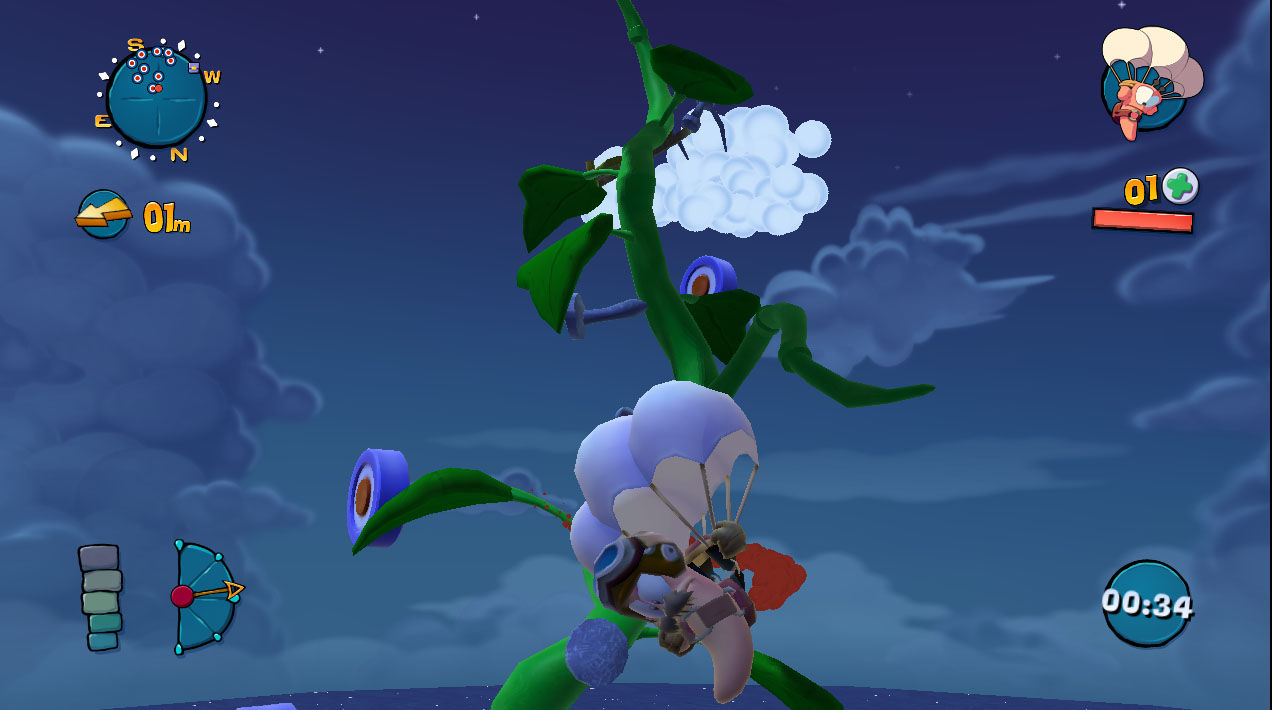
The campaign stitches together missions from both Worms 3D and Worms 4: Mayhem, presenting a narrative driven by fully voiced FMV sequences. Players encounter shooting challenges, speed runs and puzzle‑style tasks that require precise control of tools like the Jetpack or Parachute.
Many challenges are timed, prompting players to master individual mechanics such as target shooting or item collection under a clock. Completing these tasks advances the story while testing skill mastery.
- Practice one mechanic at a time—e.g., Jetpack handling—before tackling timed challenges.
- Observe the countdown in each challenge to gauge the pace needed for success.
02 / THE GUIDE
Multiplayer Modes
Online play accommodates up to four participants across modes like Statue Defend, Homelands and Deathmatch, while allowing players to define custom game settings. Because the core is turn‑based, the same modes can be enjoyed locally on a single screen using split‑screen.
Landscapes are generated randomly, can be saved and shared, and therefore provide a large pool of map options for both online and offline matches. This randomness contributes to varied tactical situations each session.
- Create custom settings that balance weapon availability for a smoother local session.
- Save a favorite random map and reuse it when testing strategies.
03 / THE GUIDE
Team Customisation
Players can name their teams, select hats, glasses, moustaches, voice lines, flags and even a gravestone that appears when a worm dies. These options let each squad reflect a personal visual theme.
Customization choices are presented in the team setup menus before a match begins, letting each squad carry a consistent identity for friends or rivals.
- Choose distinct visual elements for each teammate to aid quick identification during chaotic turns.
- Use a memorable flag or name to differentiate your team in leaderboards.
04 / THE GUIDE
Weapon Arsenal and Custom Weapons
The arsenal includes classic items such as the Holy Hand Grenade, Bazooka, Dynamite and Banana Bomb, alongside surreal weapons like Alien Abduction, Fatkins Strike, Flood and Bovine Blitz. All listed weapons are available for selection during a match.
A custom weapon builder lets players combine components from a wide selection to create new weapons. These creations remain hidden until they are deployed, adding an element of surprise.
- Experiment with a single exotic component in a custom weapon to see its effect before adding more.
- Reserve a custom weapon for a later turn to maximize its impact.
05 / THE GUIDE
Destructible Environments and Visual Enhancements
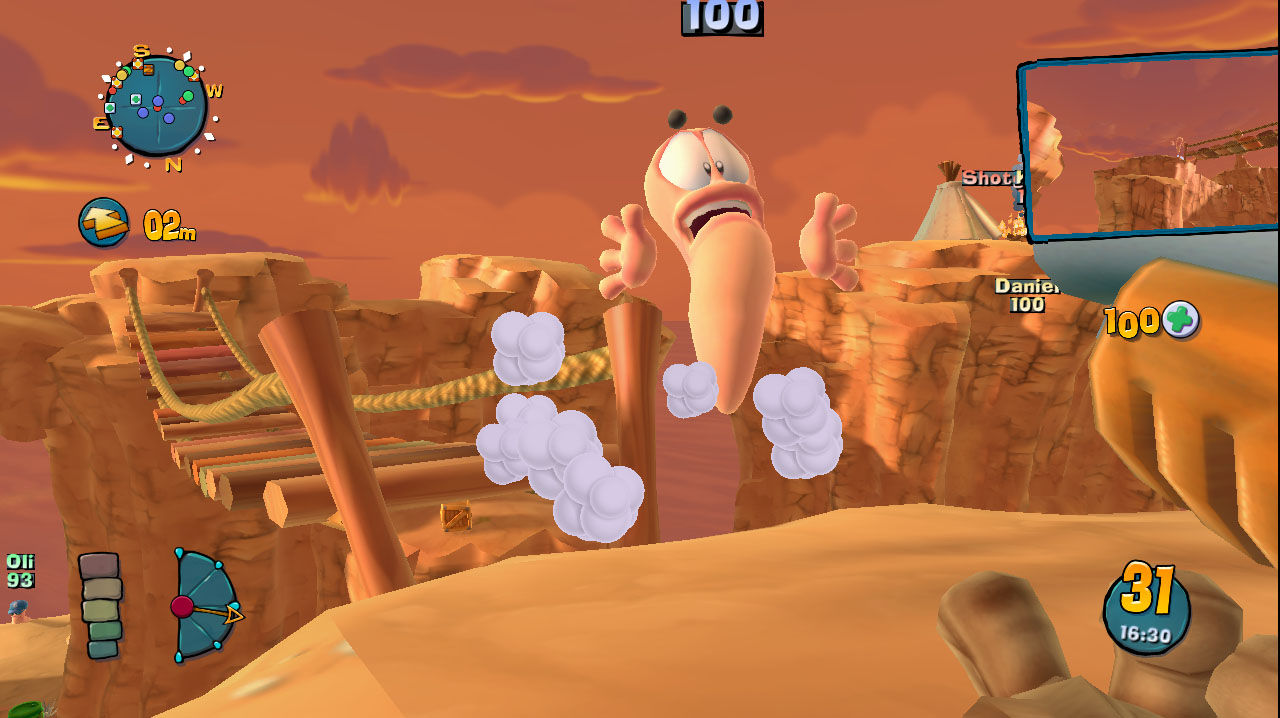
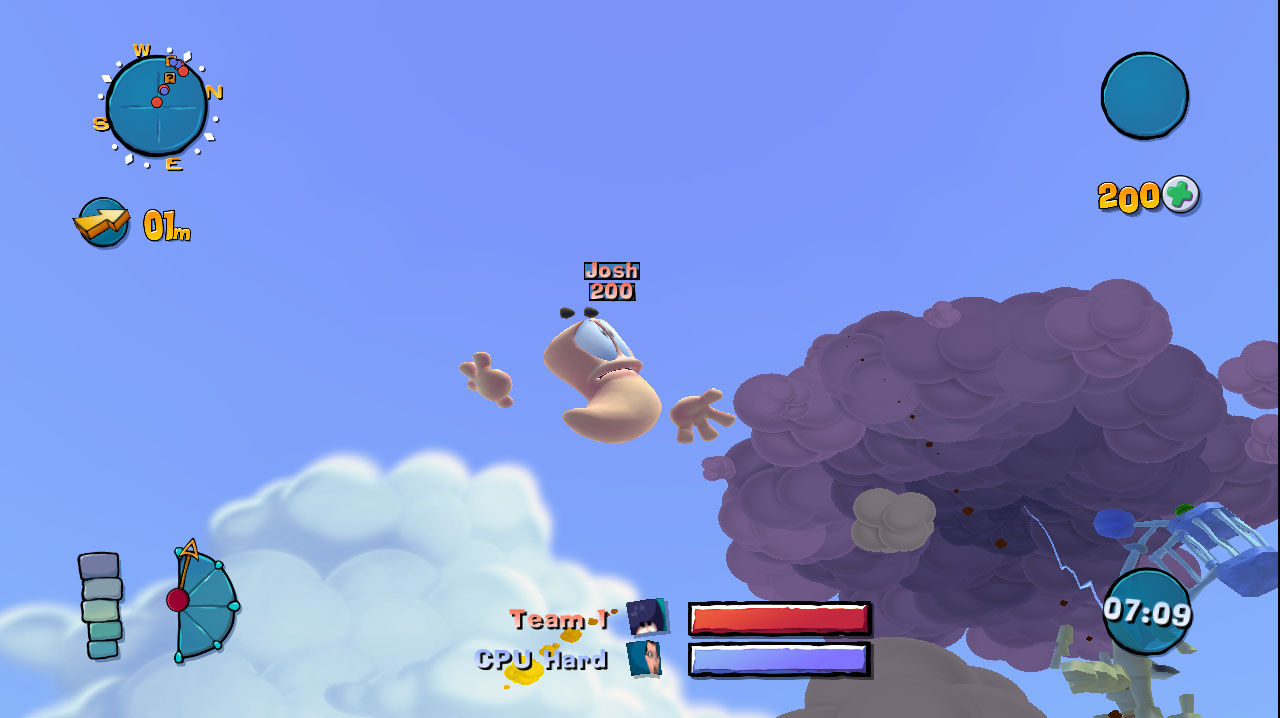
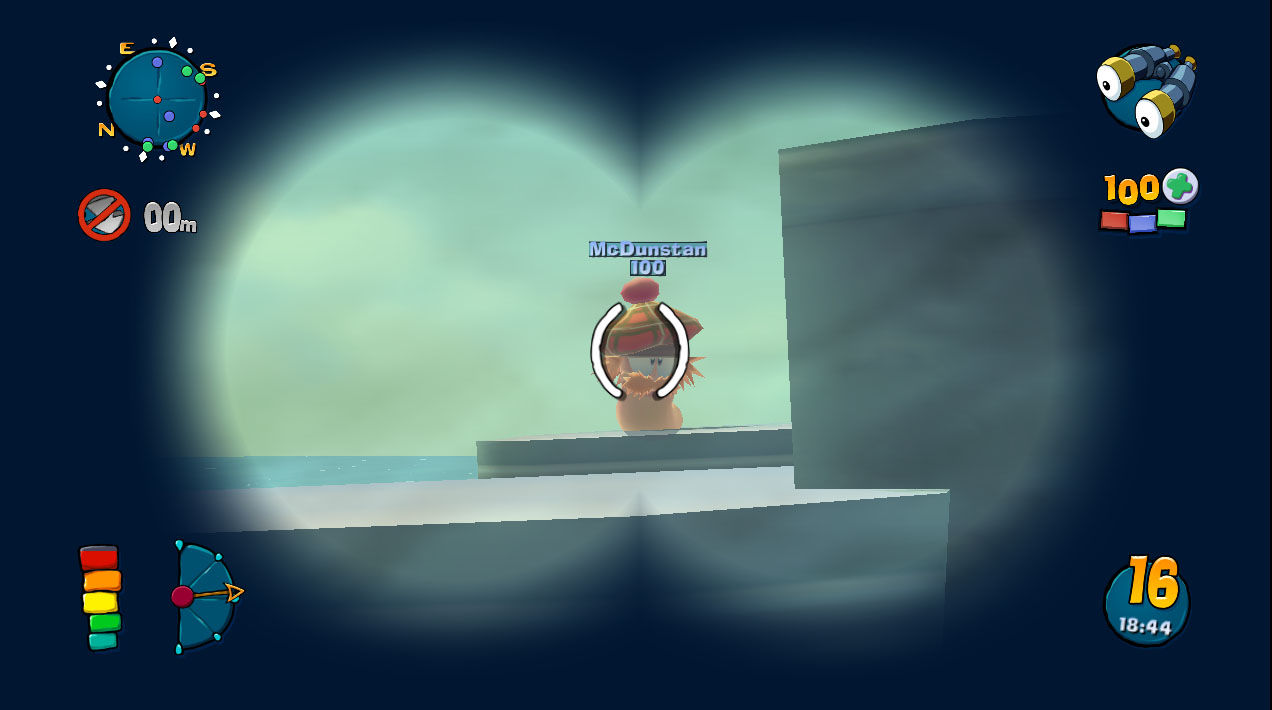
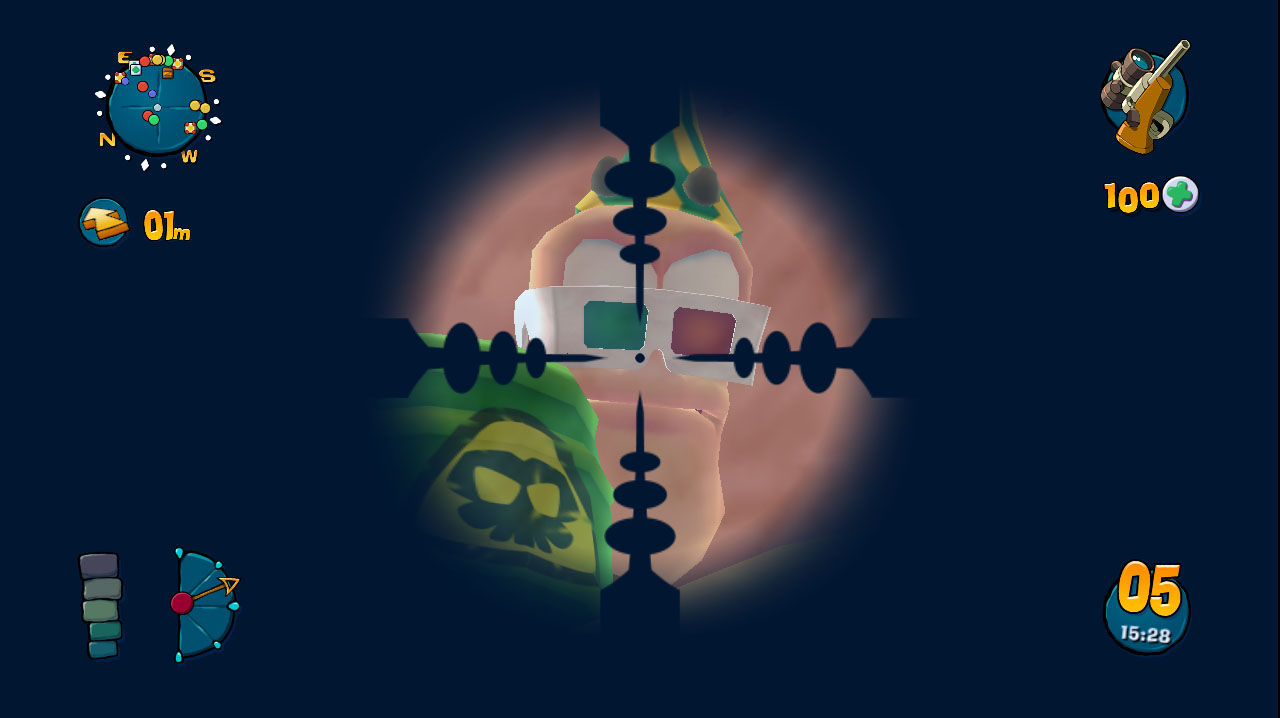
All terrain deforms in real time, so explosions and weapons reshape the battlefield as the match progresses. New camera enhancements and a picture‑in‑picture display help track actions without missing detail.
Dynamic real‑time lighting, post‑process effects and shaders improve the visual impact of each explosion, giving the mayhem a more cinematic appearance.
- Watch the picture‑in‑picture view to follow the action of your own attacks while planning your next move.
- Use terrain deformation to create natural barriers that can protect your worms.
COMMUNITY
Player discussion