 GameWiki
GET YOUR BEARINGS
About Worms Clan Wars
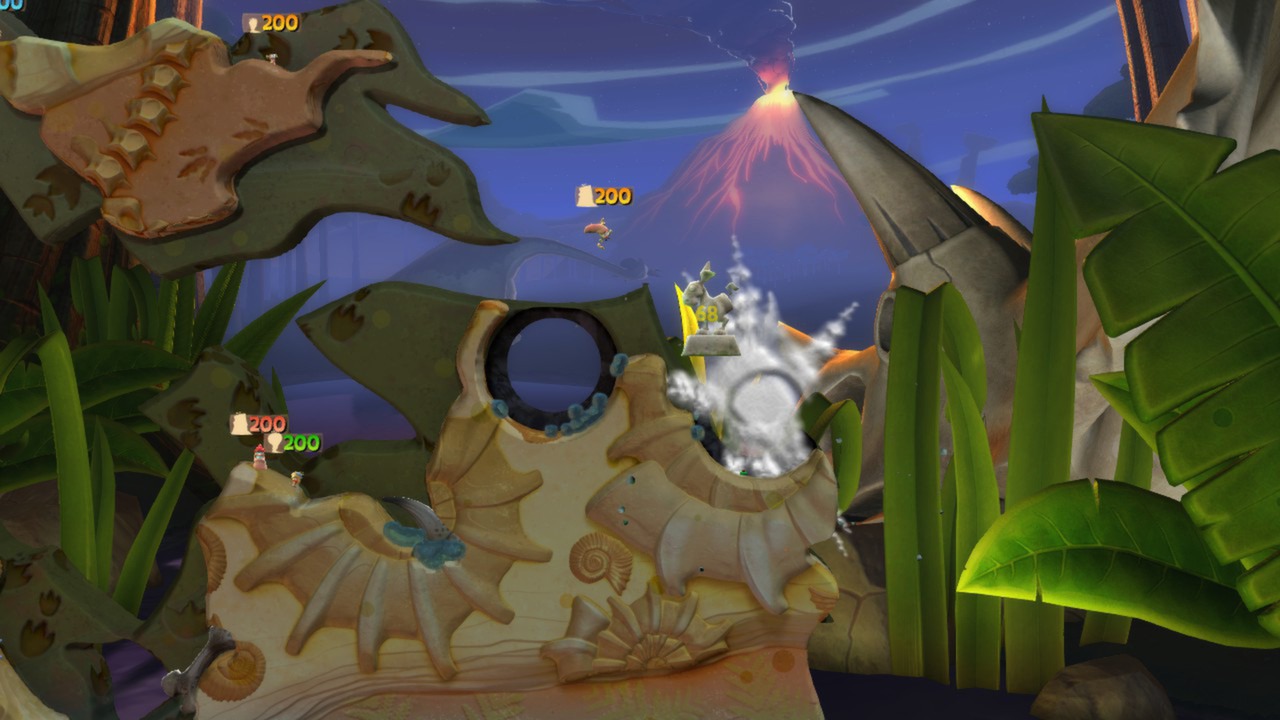
Worms™ Clan Wars expands the classic 2‑D turn‑based strategy with larger landscapes, dynamic water, day‑to‑night lighting, and over 200 visual customisation items. It runs on Windows, macOS, and Linux and uses next‑gen PC hardware for high‑definition 3D visuals while keeping the familiar gameplay.
Players can form clans, design emblems, compete in league play, and stay connected through WormNET chat and a companion app for iOS, Android, and web. Steam Workshop lets the community create and share outfits, hats, gravestones, and whole maps.
01 / THE GUIDE
Clan System
Form a clan, give it a name, and design an emblem. Leaders and officers can be promoted, and the clan may enter a league where collective results affect the leaderboards.
Each clan has its own WormNET chat channel, and additional channels exist for various gaming tastes, allowing recruitment, discussion, and matchmaking across the community.
- Choose emblem colours that stand out in chat for quick identification.
- Use the clan channel to coordinate match times before league play.
02 / THE GUIDE
Single‑Player Story Mode
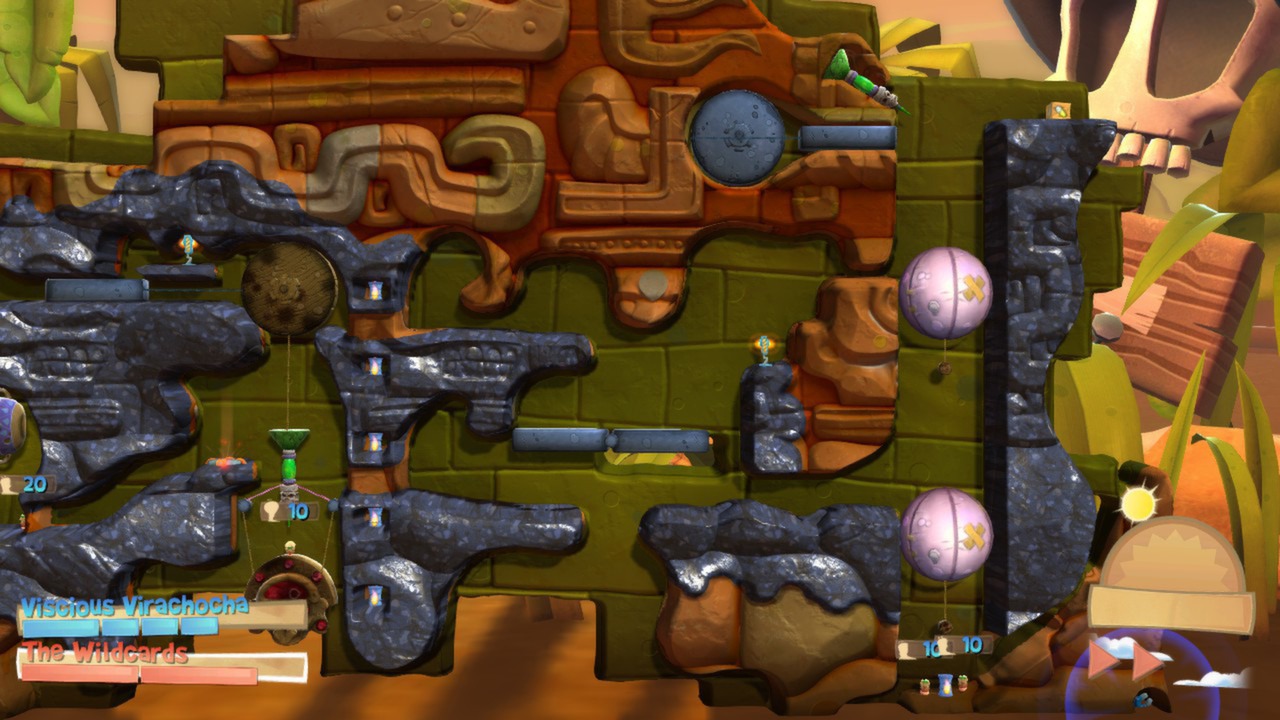
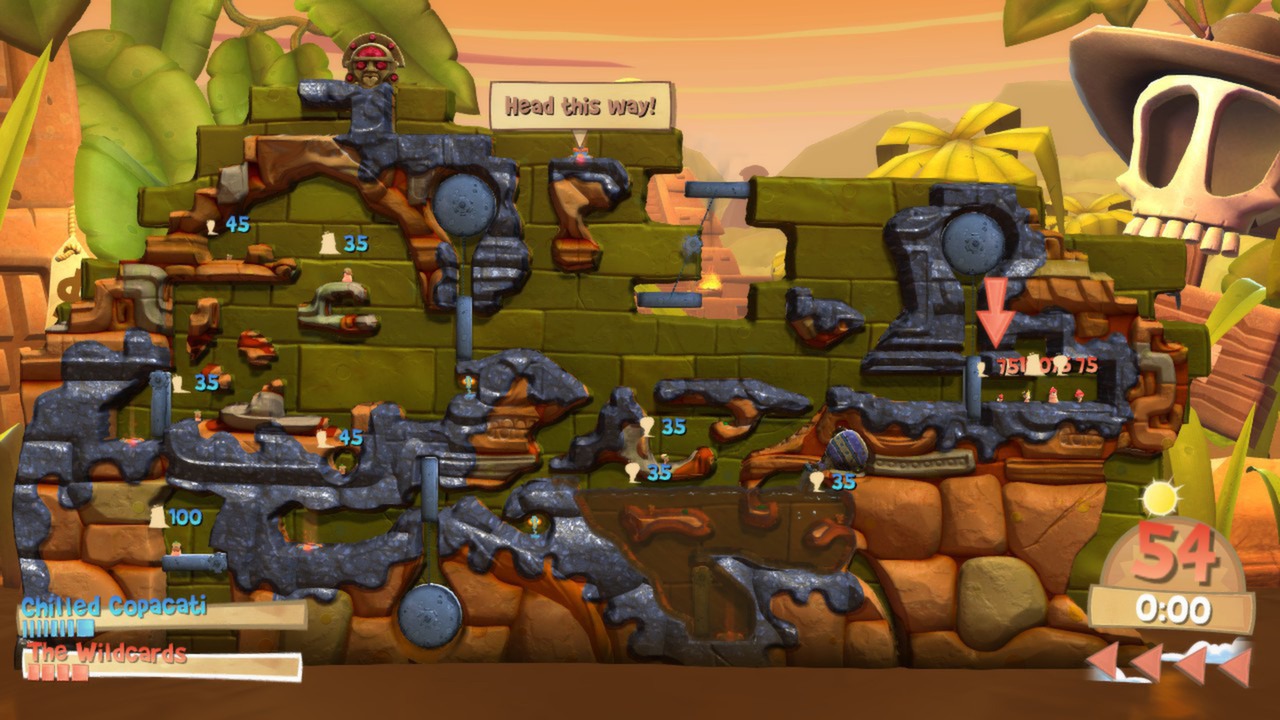
Story Mode introduces physics‑based contraptions, rope bridges, and traps, giving solo play more variety than standard death‑match and reducing idle time waiting for AI turns.
The mode includes 25 story missions and 10 time‑attack ‘Worm‑Ops’, each presenting distinct objectives that test navigation, rescue work, and combat.
- Observe rope‑bridge physics before crossing to avoid unnecessary damage.
- Experiment with contraptions in early missions to learn their behavior.
03 / THE GUIDE
Weapon Arsenal
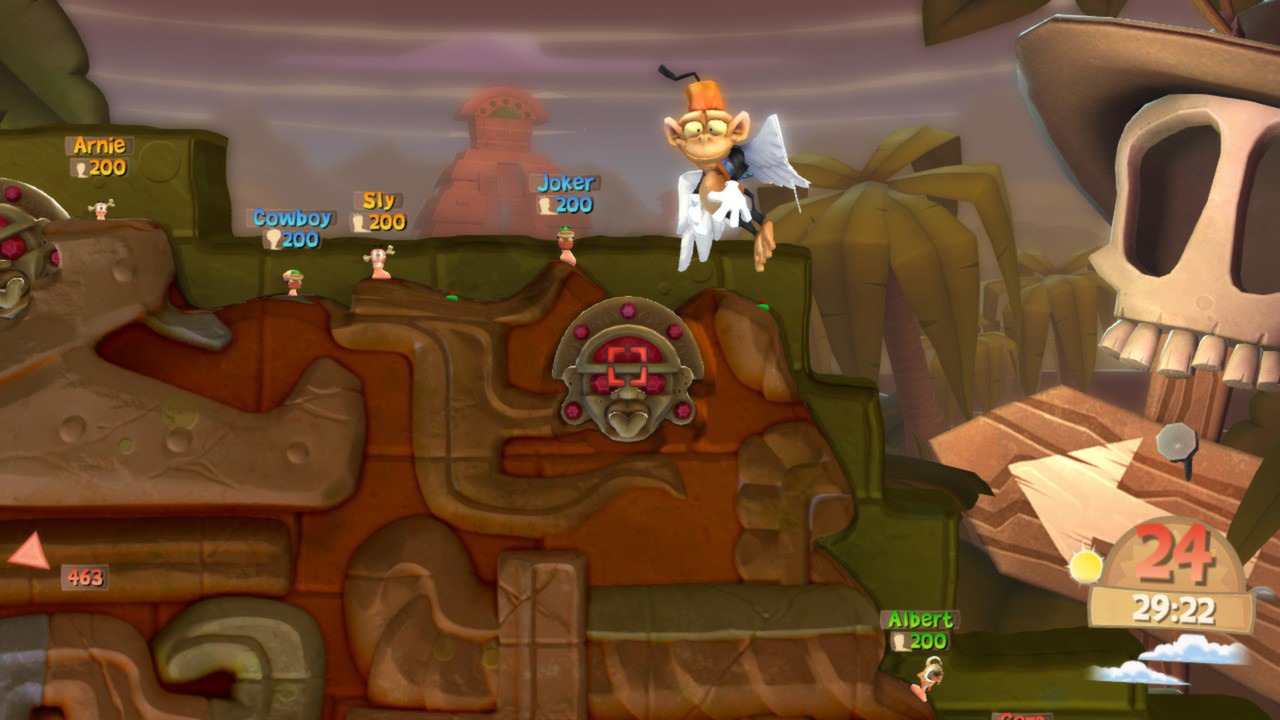
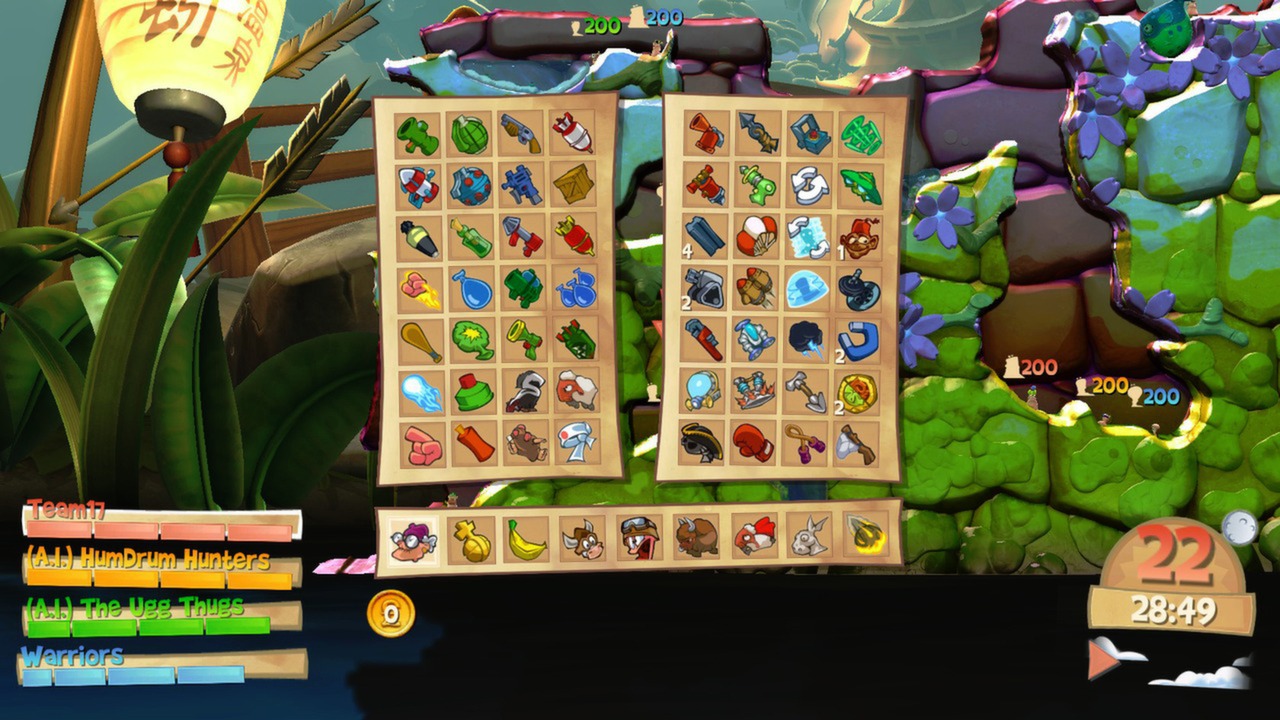
The game offers 65 weapons and utilities, including 10 new items such as Mega Mortar, Gravedigger, Winged Monkey, and Teleport Raygun, expanding tactical options in both multiplayer and single‑player.
Four improved worm classes each have a special ability, providing varied approaches across the five listed environments.
- Try pairing a new weapon with a classic one to see how damage patterns differ.
- Consider each worm class’s special ability when planning a load‑out for a specific map.
04 / THE GUIDE
Steam Workshop Integration
Steam Workshop lets players import custom 3D objects and textures, creating hats, glasses, moustaches, trinkets, and full landscapes that appear on worms or maps.
Created items can be shared online, allowing the community to download and use each other’s custom outfits and maps.
- Start with simple texture swaps before attempting full 3D model imports.
- Browse popular Workshop submissions for inspiration when designing your own map.
05 / THE GUIDE
Companion App
A companion application for iOS, Android, and web keeps players connected to WormNET chat, clan channels, and game-finding while away from the PC.
The app extends the game’s social features, enabling chat and recruitment on the go.
- Check clan league standings via the app between matches.
- Use the app’s chat to arrange a match while you are not at your computer.
COMMUNITY
Player discussion