 GameWiki

GET YOUR BEARINGS
About Worming from Home
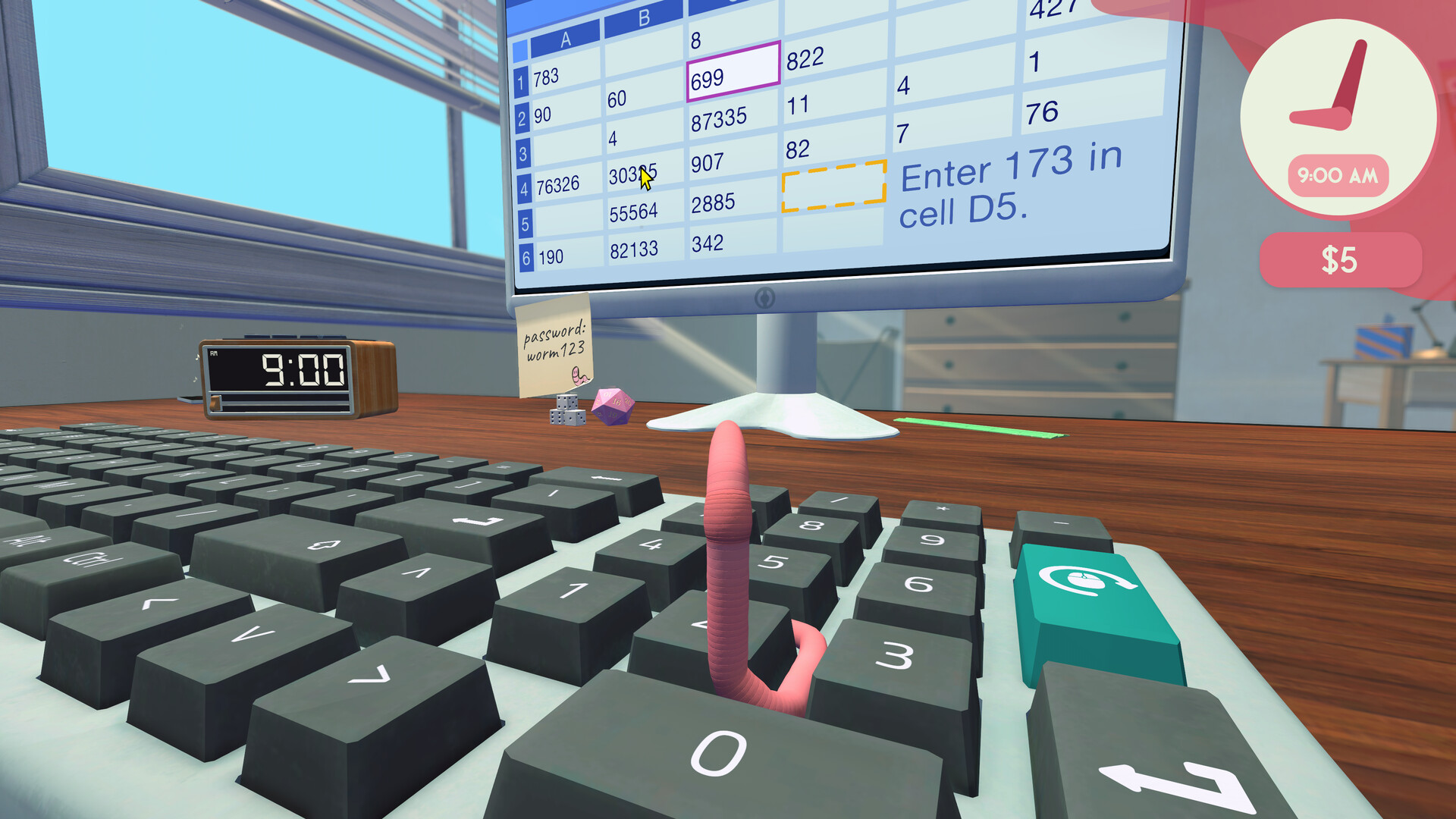
Worming from Home is a single‑player job simulation where you control a worm employed as a junior financial analyst. You answer messages, fill spreadsheets, and occasionally answer a phone call, all while the worm’s ragdoll physics animate its movements across the desk.
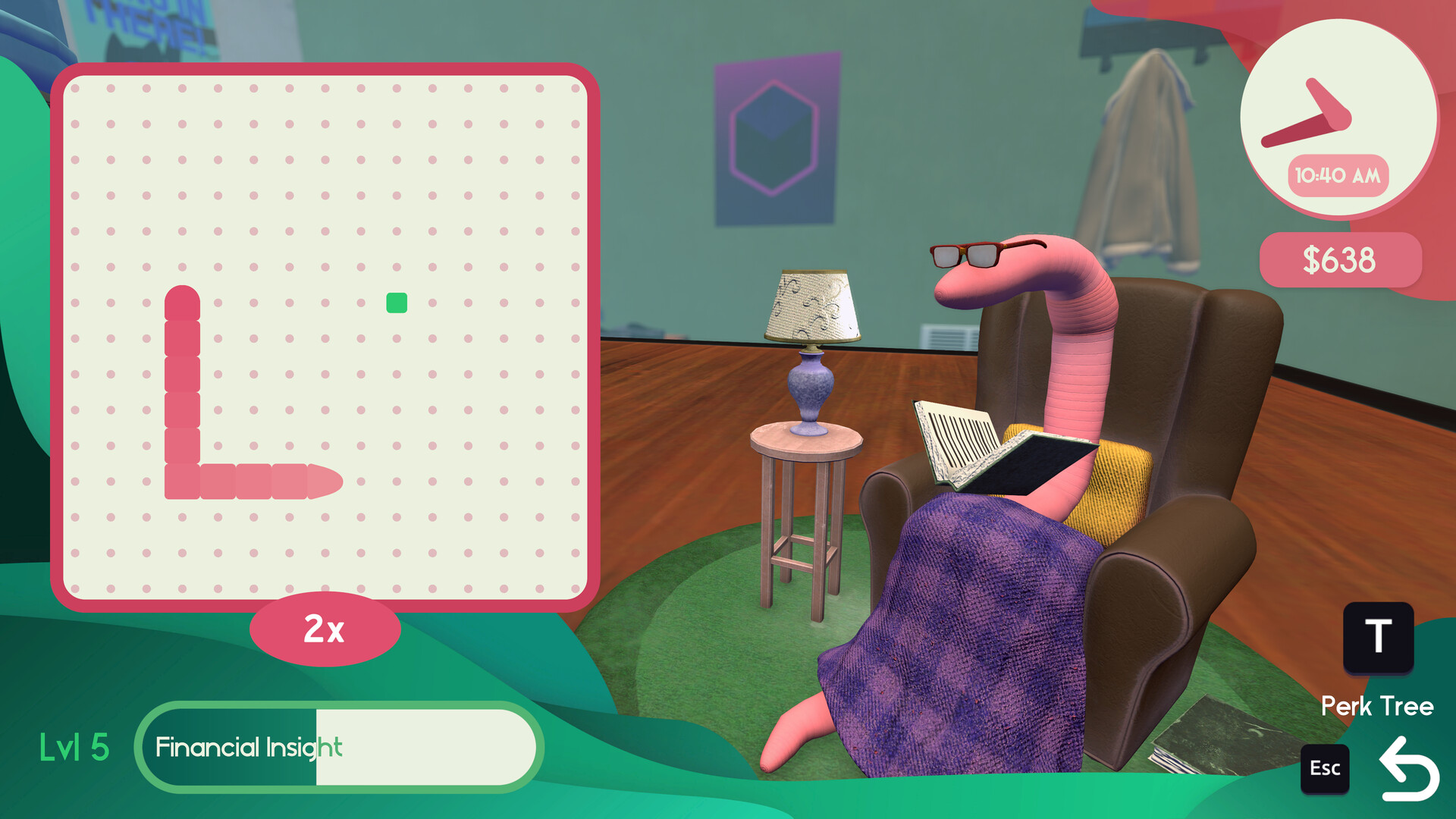
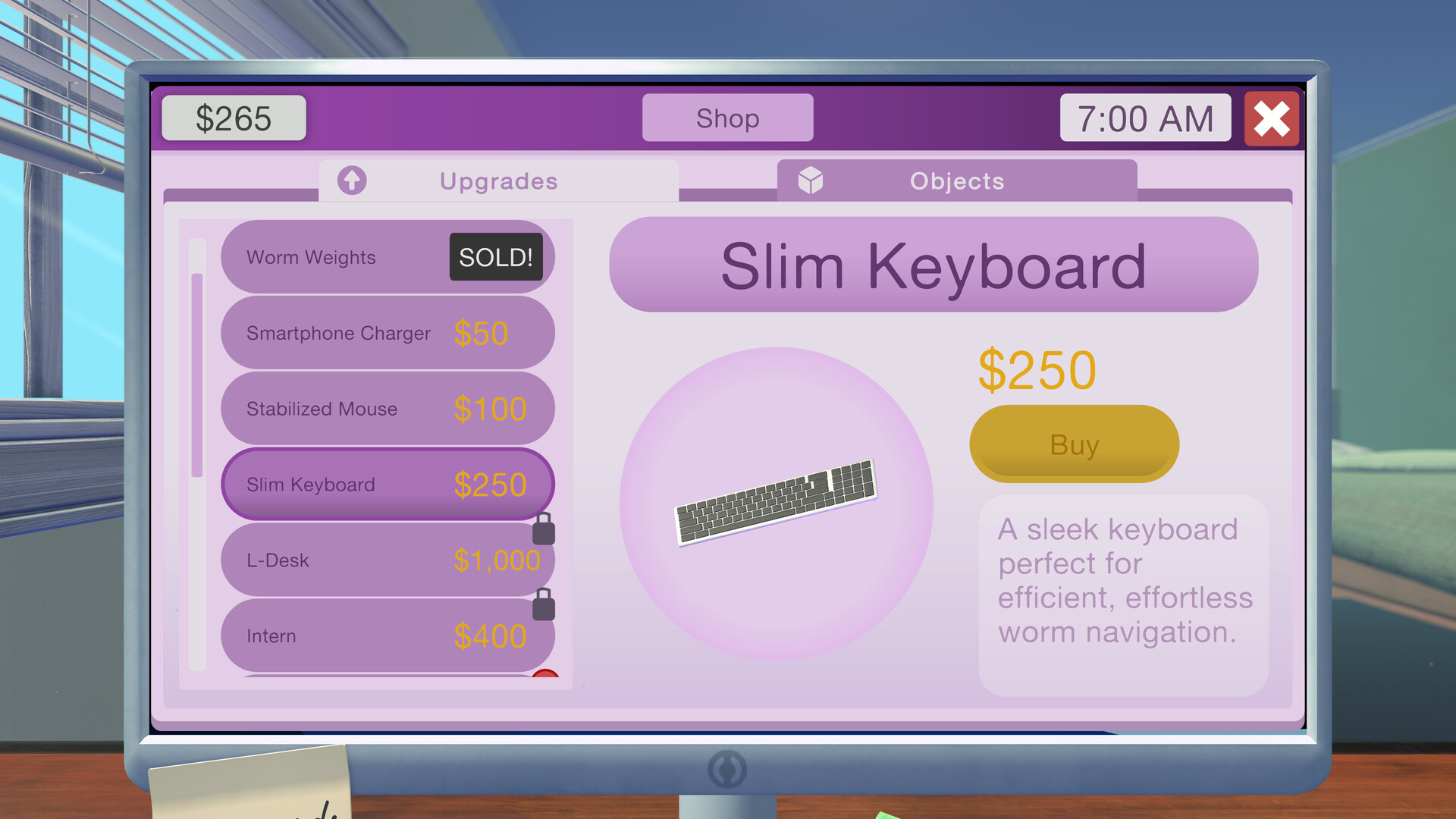
Outside of work the worm can spend free time at the gym, reading self‑help books, shopping for trinkets, or flirting with coworkers. Upgrades and hats are purchasable, and progress is saved through Steam Cloud on Windows and macOS.
01 / THE GUIDE
Core Gameplay
The player moves a spineless worm using either the keyboard or a supported controller to answer messages, complete spreadsheet entries, and press the phone button when needed. Head‑banging the keys is presented as a way to convince the boss that work is being done.
The game does not require timed input, allowing actions at any pace. It includes full controller support, with DualShock and DualSense gamepads listed, and features stereo sound and custom volume controls.
- Experiment with both keyboard and controller to find the input method that feels most comfortable.
- Take advantage of untimed input to plan upgrades without pressure.
02 / THE GUIDE
Financial Mechanics
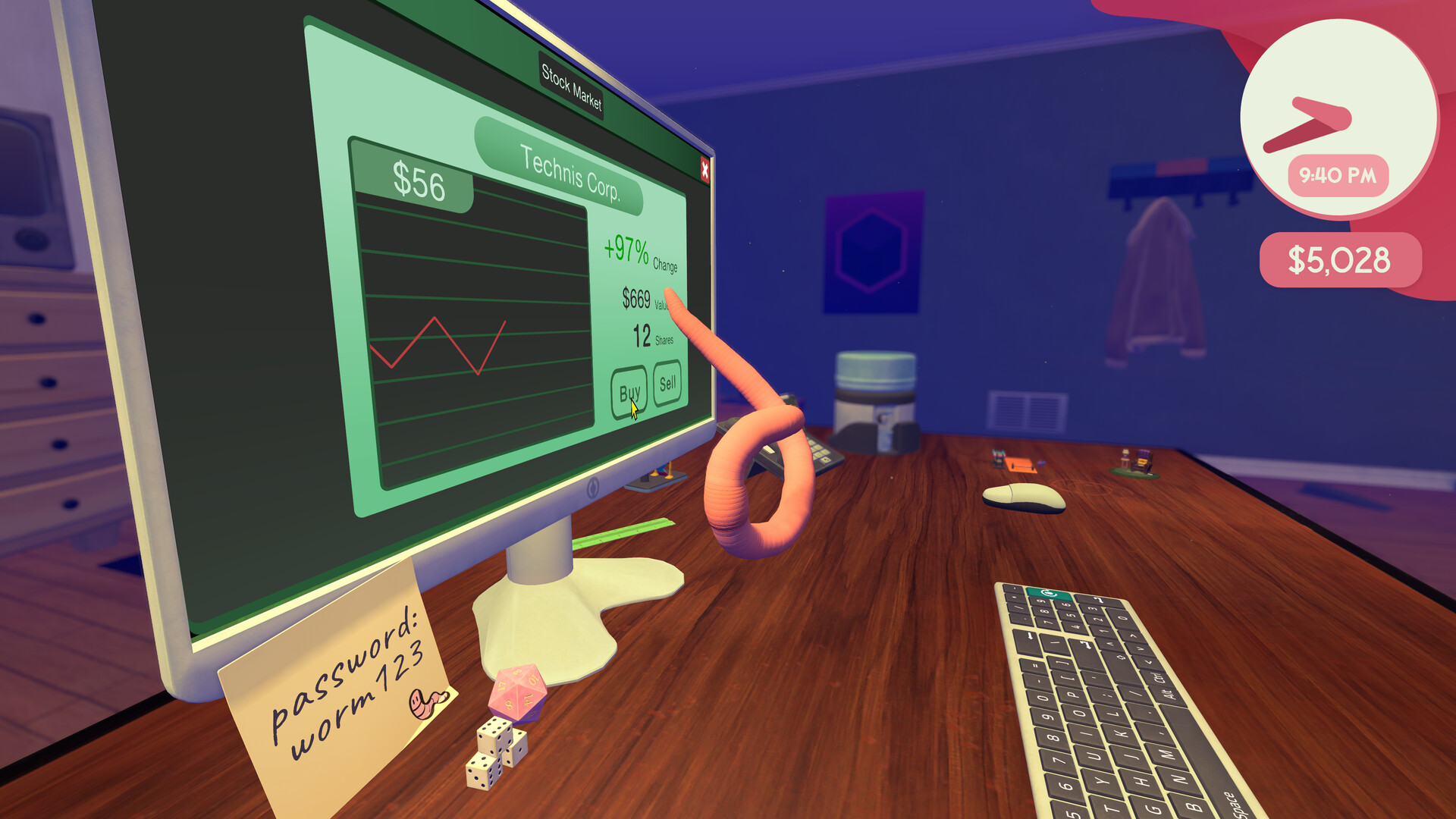
Players can use insider information to illegally game the stock market, which influences earnings that contribute toward promotions. Money earned can be reinvested in upgrades that simplify future tasks.
Promotions are described as the ultimate goal, achieved by accumulating wealth and completing work duties. Upgrades and investments are presented as ways to make the climb up the corporate ladder easier.
- Consider purchasing upgrades that reduce the number of key presses needed for spreadsheet work.
- Use insider information sparingly if you prefer a slower, steadier progression.
03 / THE GUIDE
Life Outside Work
When not handling spreadsheets, the worm can spend free time getting swole in the gym, reading the latest self‑help books, shopping for trinkets, or flirting with coworkers. These activities are optional and add variety to the daily routine.
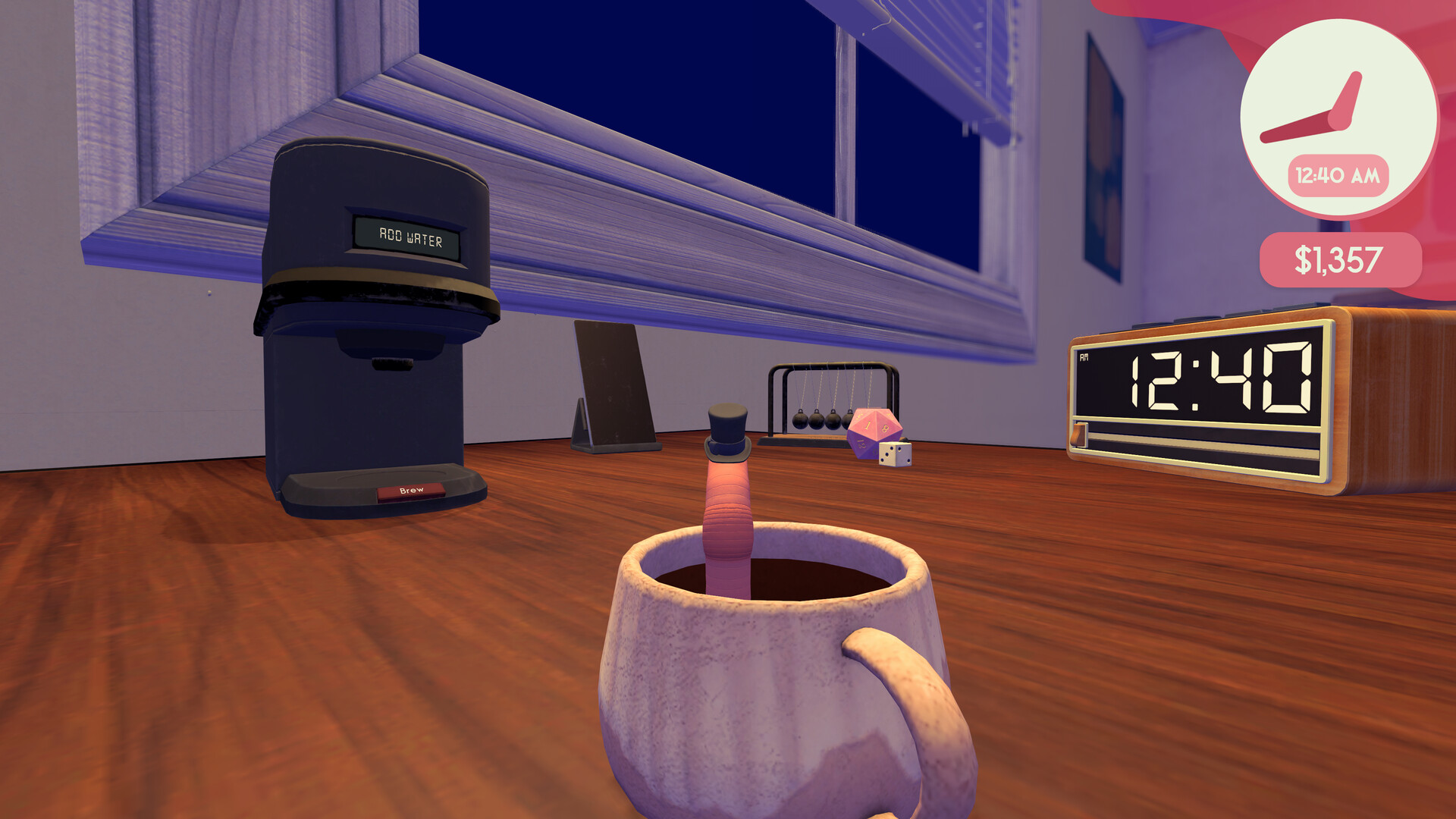
Cosmetic items such as hats can be bought for fun. They do not affect core work tasks but provide a visual treat for the player.
- Try a different leisure activity each session to see which you enjoy most.
- Collect hats if you like customizing the worm’s appearance.
04 / THE GUIDE
Platform and Accessibility
Worming from Home runs on Windows and macOS; Linux is not supported. The game includes color alternatives, custom volume controls, and stereo sound to suit different preferences.
Steam Cloud stores progress, and Family Sharing lets household members play the same save. DualShock and DualSense controller compatibility provides flexible input options.
- Enable custom volume controls to balance music and effects to your liking.
- Use Steam Cloud if you switch between multiple computers.
05 / THE GUIDE
Steam Achievements
The game features Steam Achievements, which are tracked automatically through the Steam platform. The description confirms their presence but does not detail specific criteria.
Because the game lacks timed input, players can pursue achievements at their own speed, focusing on work, leisure, or a mix of both according to personal preference.
- Check the Steam overlay for a list of unlocked achievements.
- Play at a comfortable pace; achievements are not tied to timed challenges.
COMMUNITY
Player discussion