 GameWiki
GET YOUR BEARINGS
About Worlds Upon The Wind
Worlds Upon the Wind is a peaceful roguelite deck‑builder where players rebuild a shattered civilization after an apocalypse. Instead of combat, you shape forests, deserts and ruins using glyphs and relics, guiding settlers across drifting world shards.
Each run generates new biomes, events and dilemmas, rewarding choices with fresh glyphs, relics and animal companions. The visual style follows Japanese art history, and optional kanji minigames let language learners practice thousands of vocabulary items.
01 / THE GUIDE
Deck Building
You assemble a deck from hundreds of powerful Glyphs and unique Relics, each offering a distinct strategic possibility for shaping the environment and influencing outcomes. Crafting glyphs and balancing the deck are central to adapting to each run’s ever‑changing challenges.
Every decision you make can grant new glyphs or relics, expanding future decks. This creates a loop where earlier choices directly affect the tools available later, encouraging thoughtful construction and experimentation.
- Compare similar glyph effects to see which best fits your environmental goals.
- Track frequently acquired relics to identify a reliable core for future decks.
02 / THE GUIDE
Procedurally‑Generated World Shards
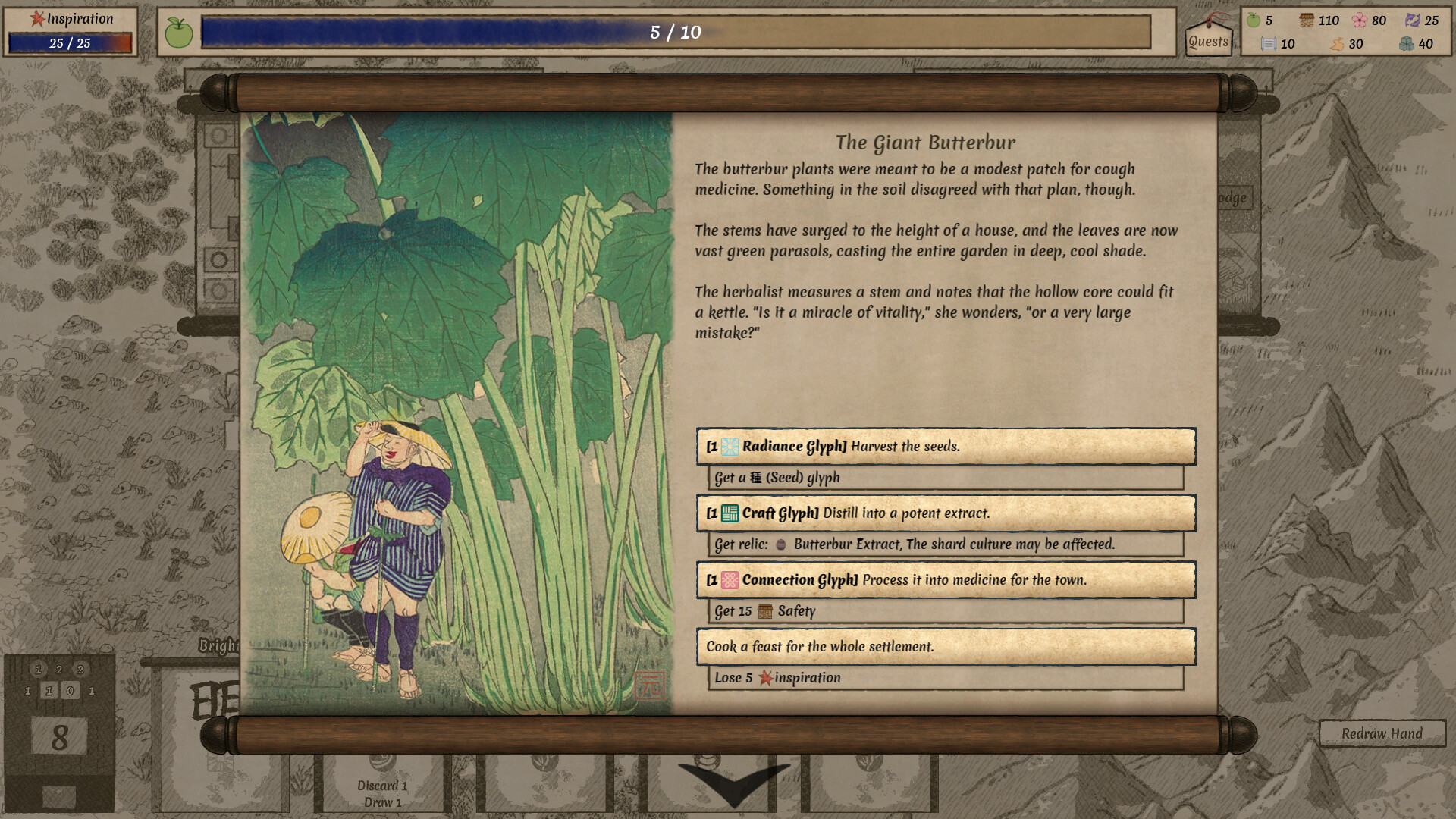
Each expedition takes place on a procedurally‑generated world shard containing distinct biomes, events, challenges and opportunities. The terrain you encounter influences the decisions you must make and the resources you can access.
Exploring these shards reveals new glyphs, relics and animal companions. The environment itself becomes a source of dilemmas, shaping the fate of your settlers as you progress.
- Identify the dominant biome early to prioritize glyphs that modify that environment.
- Note recurring event types to anticipate the kinds of choices you’ll face.

03 / THE GUIDE
Animal Companions
The game features fifteen unique animal companions, each with its own questline and a game‑changing ability that can aid future runs. Befriending an animal unlocks its ability for later expeditions.
These companions add strategic depth, as their abilities can complement your deck or mitigate particular challenges presented by the world shards.
- Match companion abilities to the most common challenges you encounter.
- Complete companion quests early to make their benefits available for the rest of the run.
04 / THE GUIDE
Visual Style and Audio
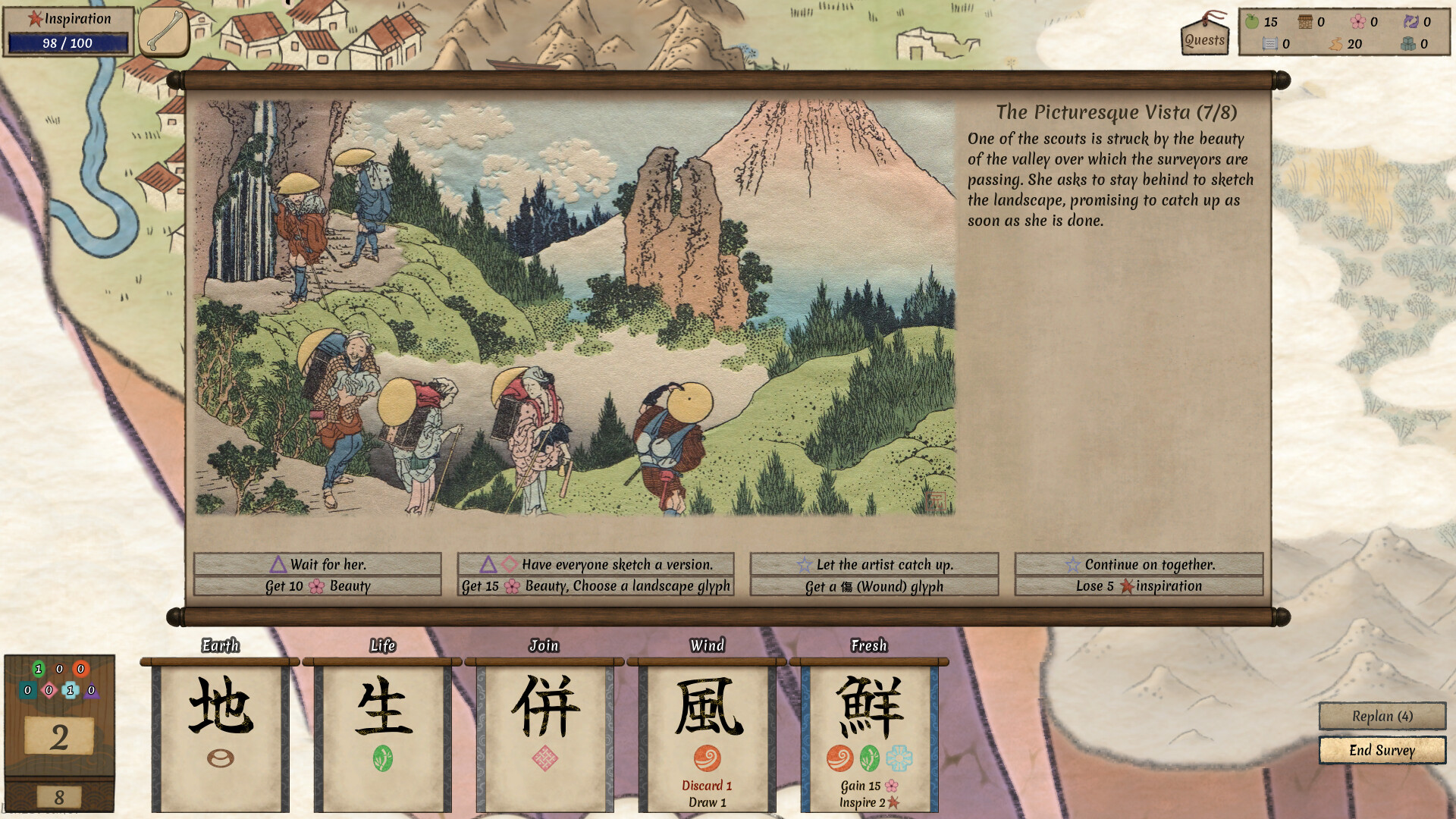
Worlds Upon the Wind presents a visual progression that mirrors Japanese art history, moving from ancient picture scrolls to various woodblock‑print styles. Serene landscapes and hand‑painted scenes appear throughout each biome.
Gentle music and classical hand‑painted visuals create an atmosphere that encourages reflection and careful planning, reinforcing the game’s peaceful focus.
- Observe the art‑style shift when moving between biomes to notice thematic cues.
- Use the calm soundtrack as a reminder to pause and evaluate your next move.
05 / THE GUIDE
Kanji Learning Minigames
Optional kanji learning minigames are fully integrated, offering thousands of vocabulary items and example sentences. Players can display titles in kanji or kana, and dictionary tooltips provide additional language support.
These features are designed for learners who wish to practice Japanese while playing, without affecting core gameplay mechanics.
- Enable kanji titles if visual reinforcement of vocabulary helps you.
- Use dictionary tooltips to quickly check unfamiliar words during play.


COMMUNITY
Player discussion