 GameWiki

GET YOUR BEARINGS
About WorldBox - God Simulator
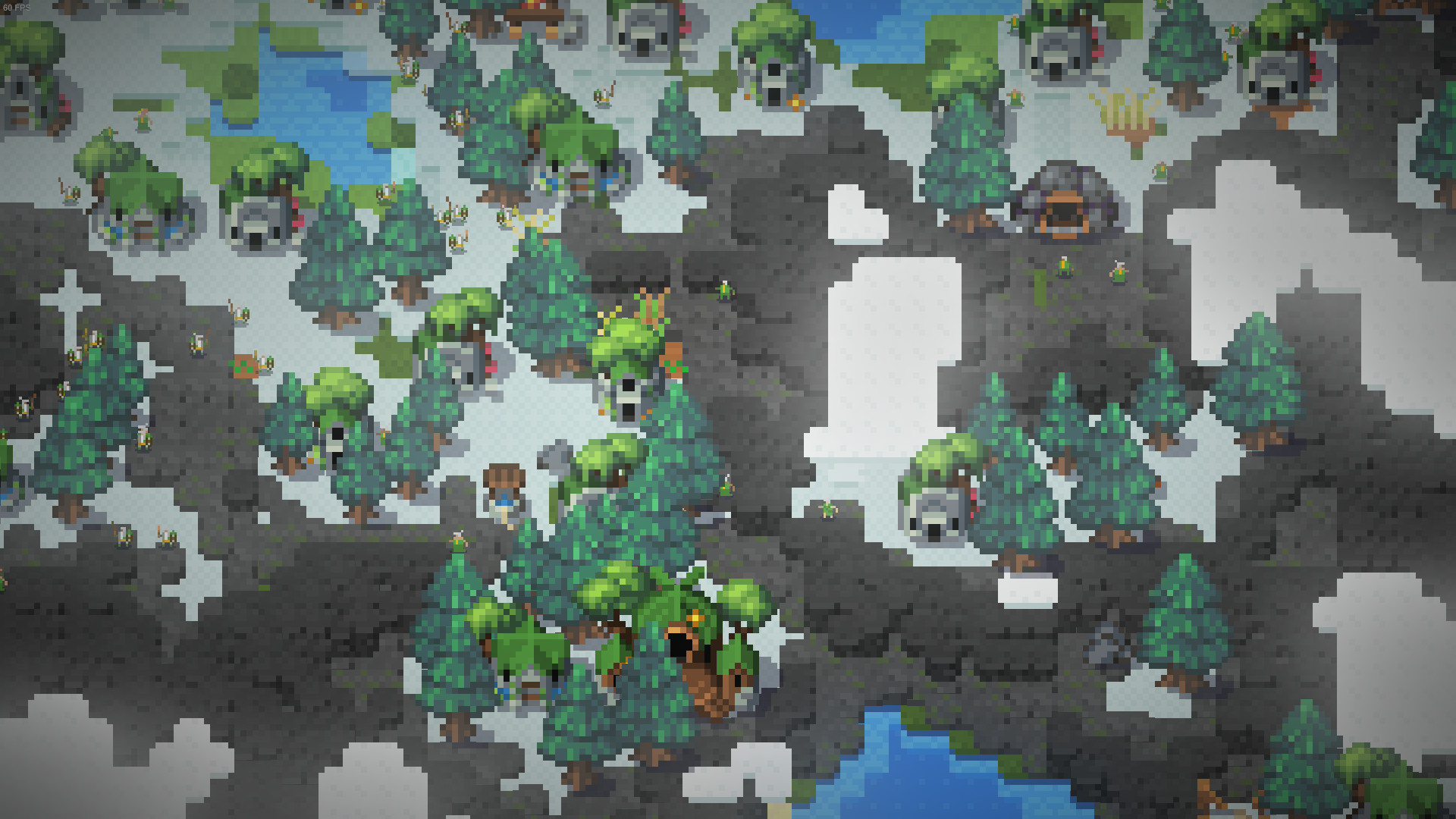
WorldBox is a sandbox god‑sim where players shape, populate, and destroy worlds using a wide range of powers that require no mana or resources. Creatures act on basic needs, forming kingdoms that expand, wage war, and sometimes rebel, while the player can intervene with divine tools. The game runs on Windows, macOS, and Linux and supports single‑player, Steam Workshop, and cloud saves, allowing creators to share maps with the community.
01 / THE GUIDE
World Creation
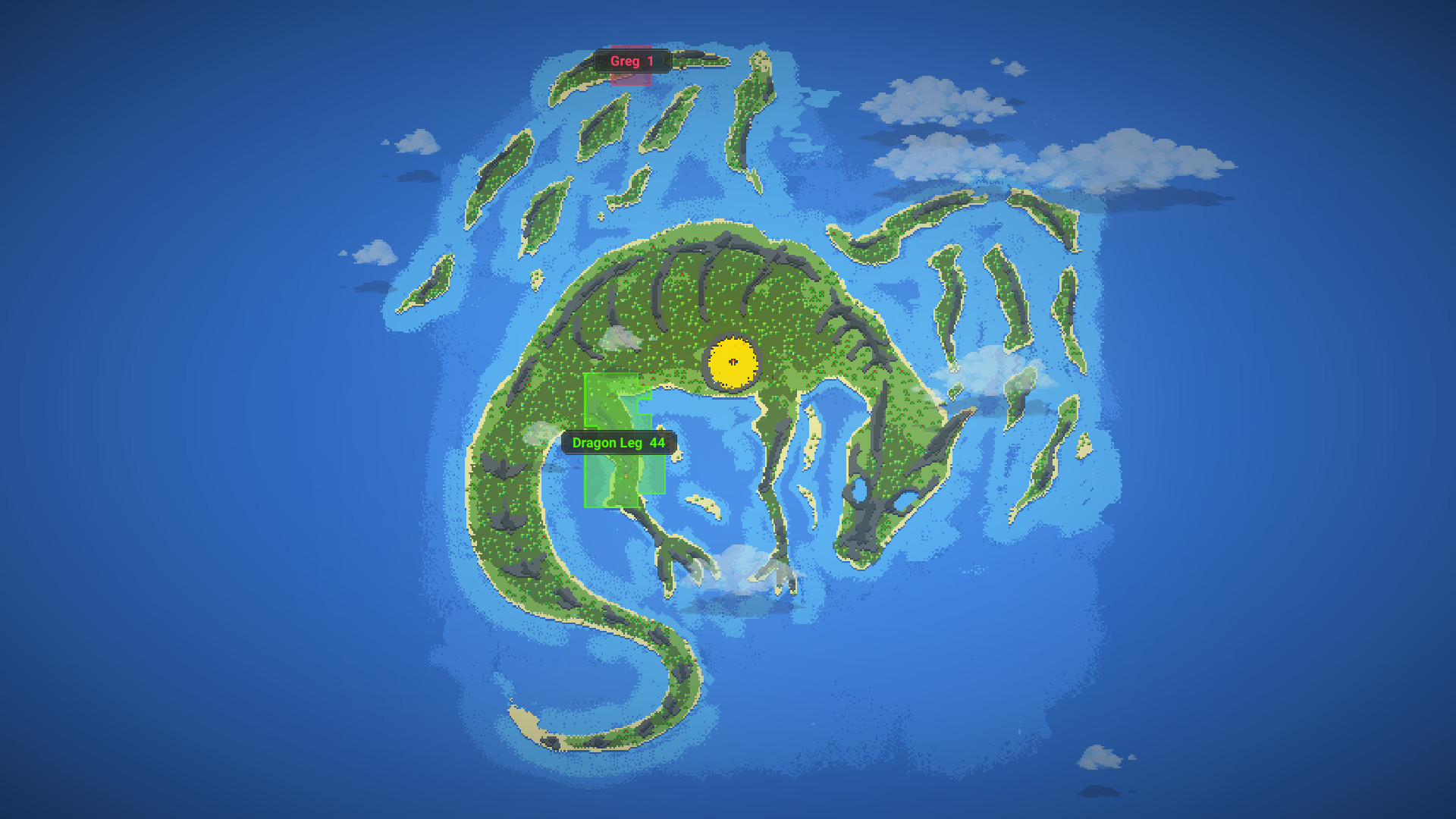
Procedural generation creates worlds of varying sizes, each populated with kingdoms that have unique flags and names. Players can generate new maps at any time, providing fresh terrain for experimentation.
The built‑in level editor lets users place terrain features, adjust climate, and set initial conditions before the simulation begins, giving full control over the starting environment.
- Start with a larger world to give civilizations more space to expand and interact.
- Use the editor to place resources near each race’s spawn point for balanced early growth.
02 / THE GUIDE
Civilizations
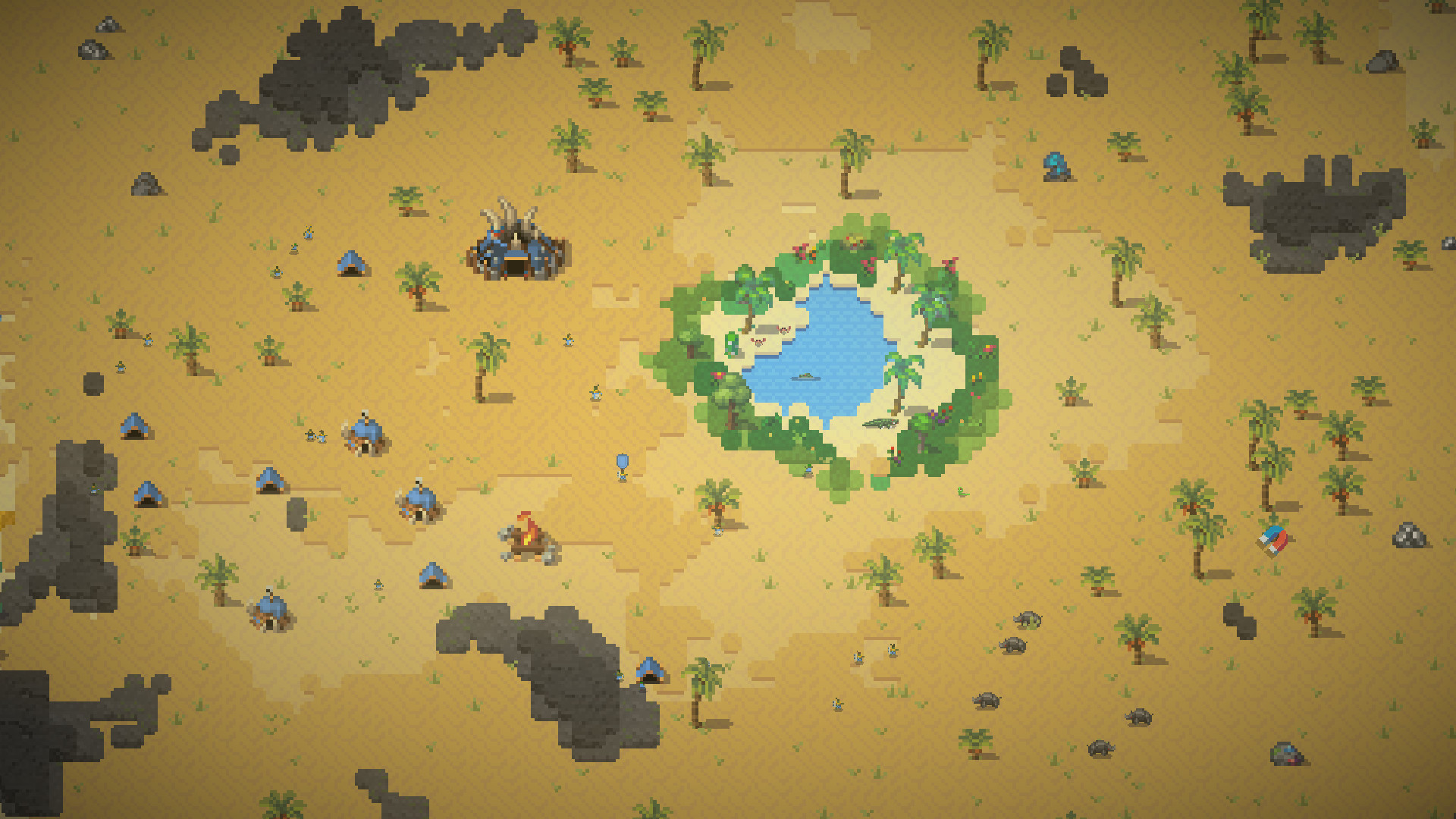
Four civilized races—humans, orcs, elves, and dwarves—appear with distinct designs and traits. They form kingdoms, colonize new lands, and can sail to distant continents you create.
These societies engage in diplomacy, warfare, and rebellion, allowing players to watch or influence their rise and fall.
- Observe each race’s traits to predict how they’ll expand or defend territory.
- Trigger diplomatic events to see how kingdoms react to external pressures.
03 / THE GUIDE
Destruction Powers
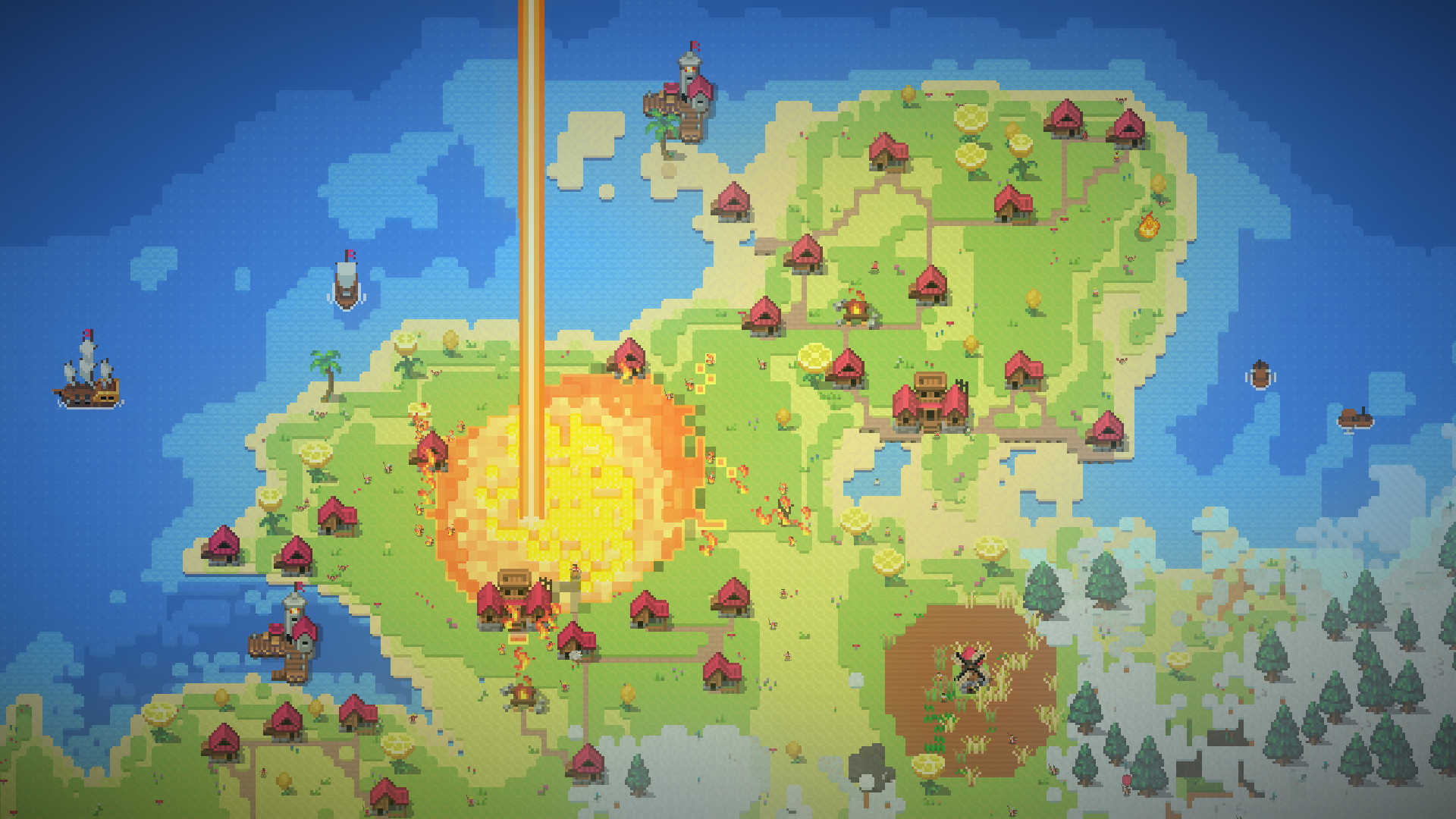
A toolbox of powers—lightning, tornadoes, acid rain, nukes, meteorites, plague, dragons, and UFOs—allows players to wreak havoc without resource limits. These abilities can target specific areas or entire continents.
Using these powers can reshape the map, eliminate threats, or create dramatic scenarios for the surviving civilizations.
- Combine weather effects like tornadoes and acid rain for layered devastation.
- Deploy a meteorite after a kingdom has expanded to maximize impact.
04 / THE GUIDE
Creature Spawning
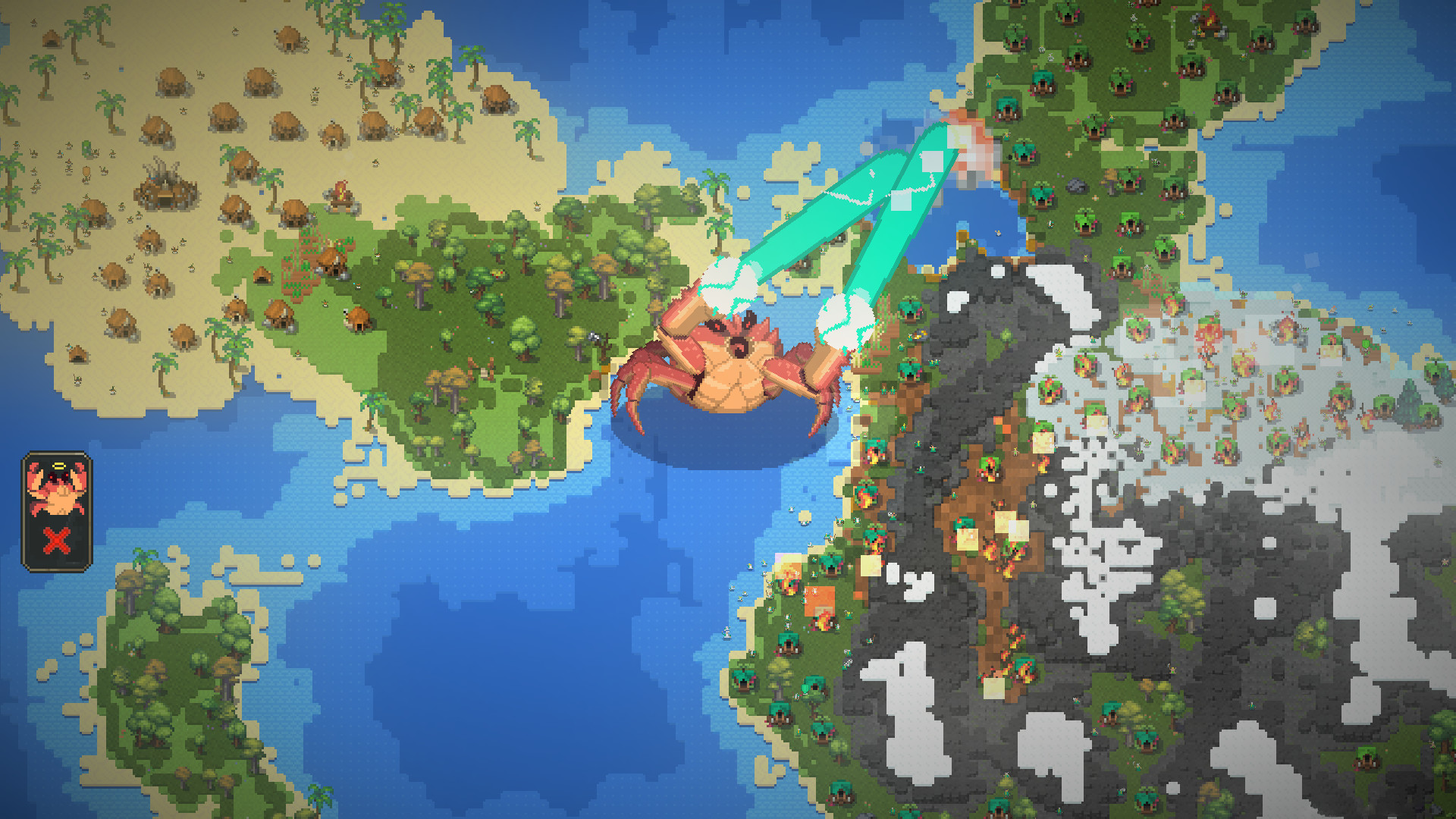
Players can summon a variety of creatures—demons, skeletons, zombies, tumors, cold ones, dragons, UFOs, and a giant Crabzilla—to interact with the world. Some can be directly controlled.
These entities can serve as threats, allies, or experimental subjects within the simulation.
- Introduce a dragon near a kingdom to test its defensive capabilities.
- Use the giant Crabzilla to create a moving obstacle across the map.
05 / THE GUIDE
Community Sharing
WorldBox integrates Steam Workshop and cloud saves, enabling players to upload and download custom maps. This fosters a community where creations can be showcased and reused.
Family Sharing allows multiple accounts to access the same game library, expanding the audience for shared worlds.
- Upload your most interesting scenario to receive feedback from other players.
- Browse the workshop for maps that match your preferred world size or race composition.
COMMUNITY
Player discussion