 GameWiki
GET YOUR BEARINGS
About World of Warships: Legends
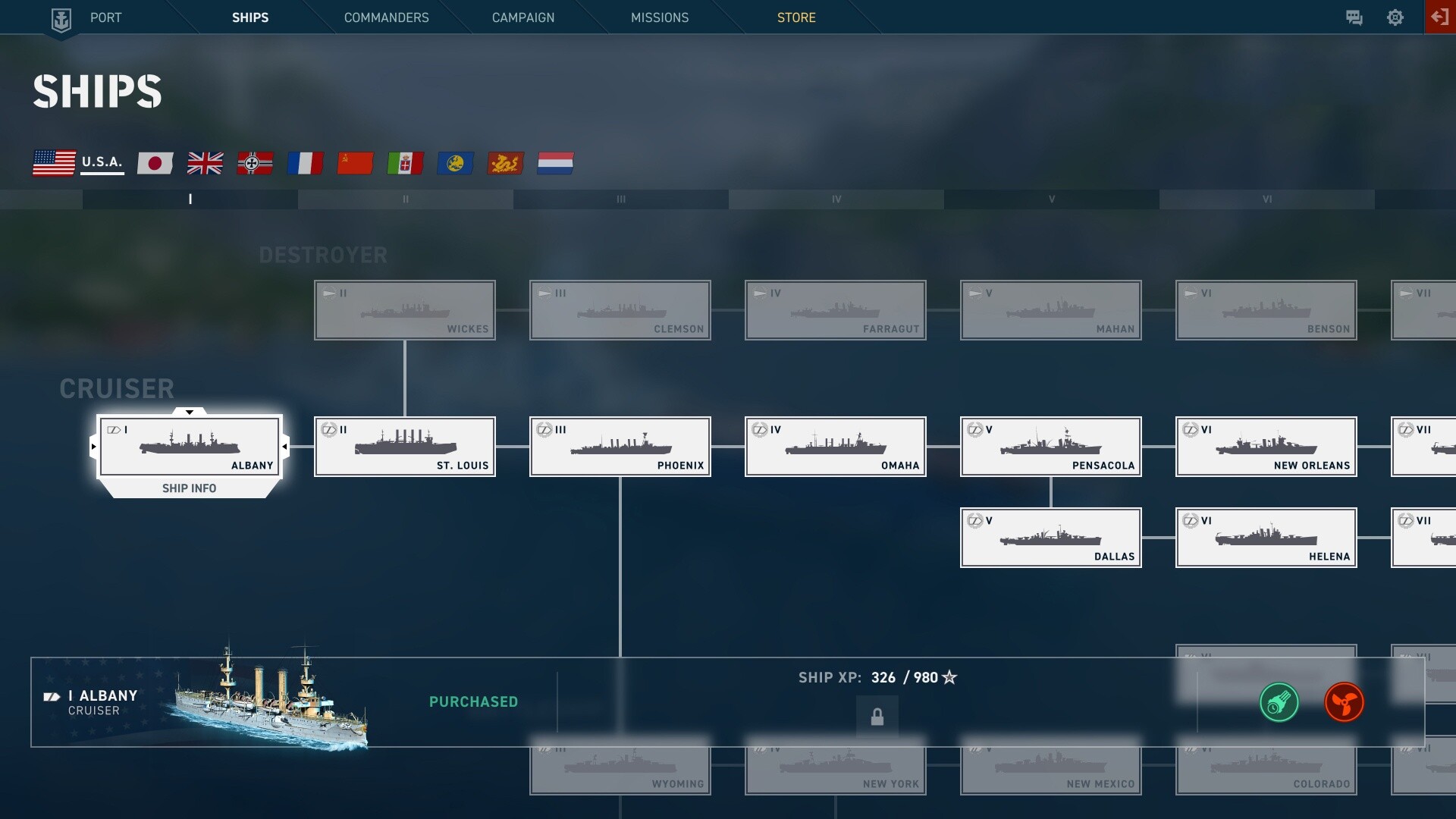
World of Warships: Legends brings console‑style naval combat to PC, offering fast battles where positioning and teamwork decide victory. Choose from over 600 historically inspired ships, from destroyers to aircraft carriers, each with distinct roles. The game blends tactical depth with accessible controls, supporting keyboard, gamepad, and handheld devices. Regular updates add new ships, commanders, and modes, while cross‑progression lets you keep progress across console, mobile, and PC platforms.
01 / THE GUIDE
Ship Types
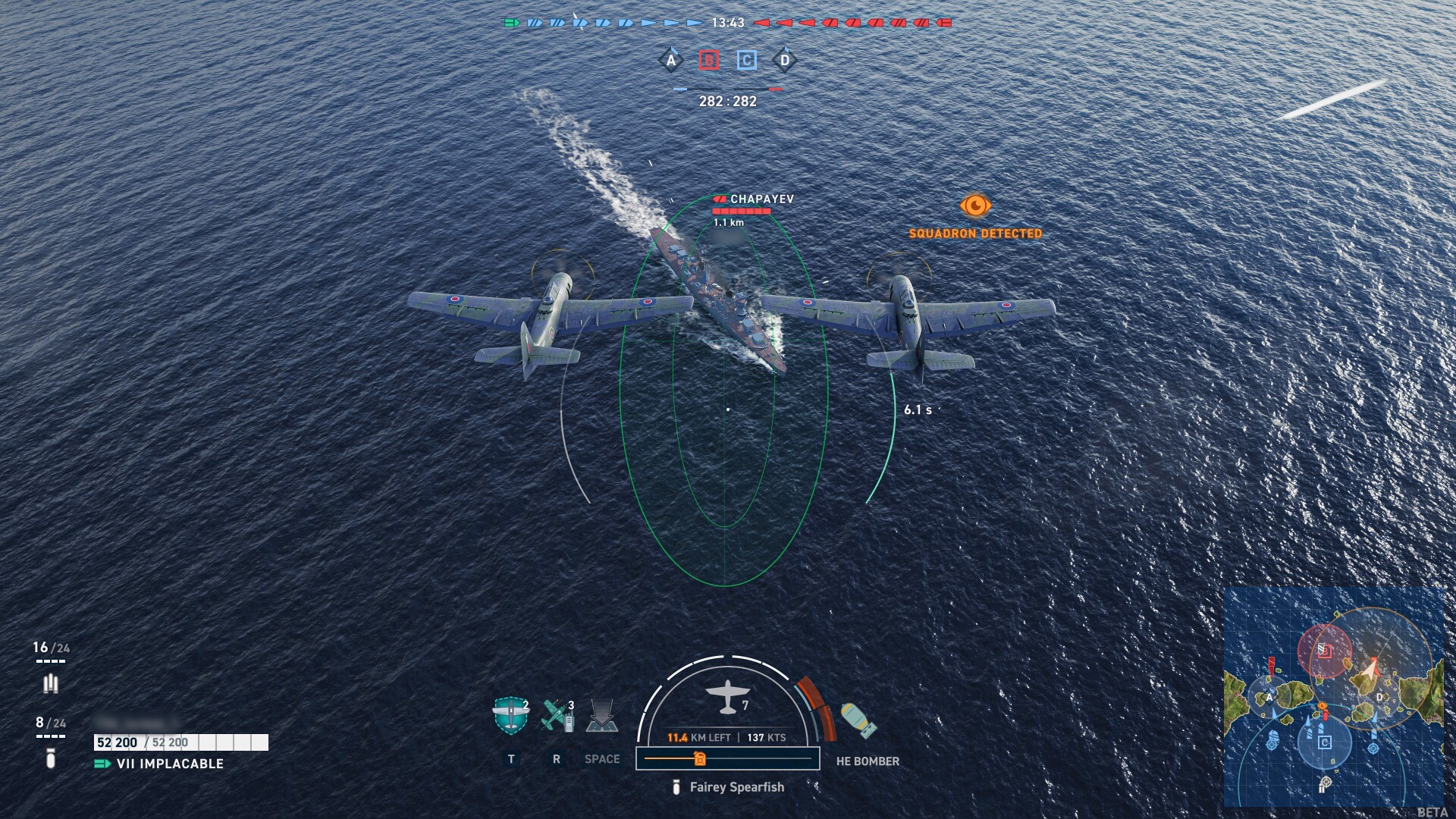
Four ship classes shape the battlefield: destroyers prioritize speed and stealth, battleships rely on armor and firepower, cruisers offer versatility, and aircraft carriers project power from the air. Each class demands different tactics, from flanking to long‑range bombardment. Understanding each class’s strengths lets you adapt your playstyle to the flow of battle, whether you’re hunting enemy destroyers or supporting allies with carrier‑borne squadrons.
- Experiment with each class to discover which fits your preferred combat rhythm.
- Watch enemy positioning to choose the class that can exploit gaps.
02 / THE GUIDE
Commanders
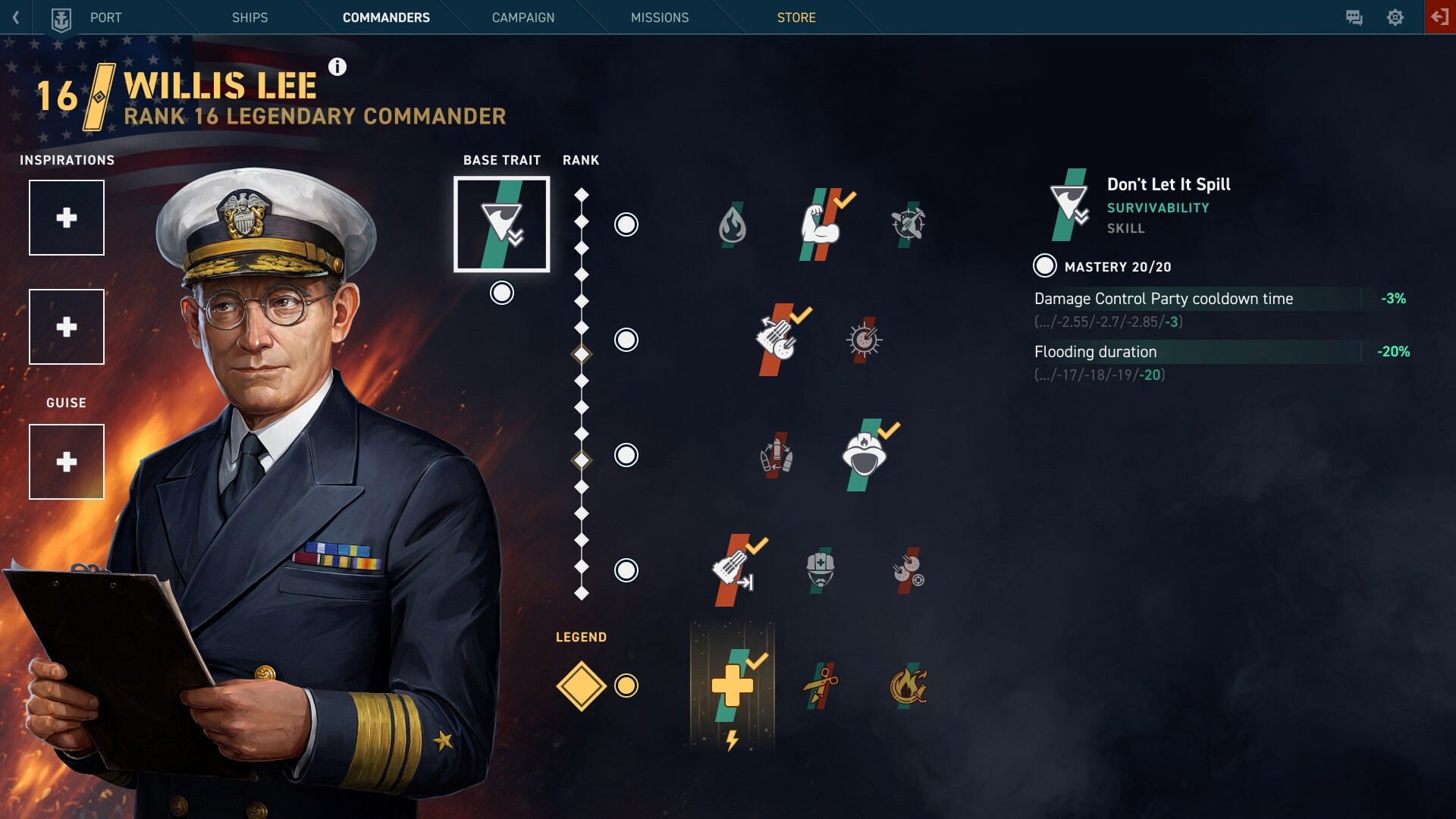
Over 150 historical and fictional commanders are available, each with a unique skill tree for specialized builds. You can also change a commander’s visual style and voice with guises. Tailoring skills to your ship enhances its effectiveness in combat. Customizing commanders allows you to align abilities with your tactical approach, whether focusing on survivability, damage output, or support functions.
- Plan your skill tree around your ship’s role for maximum impact.
- Swap guises for a fresh visual experience without affecting gameplay.
03 / THE GUIDE
Game Modes
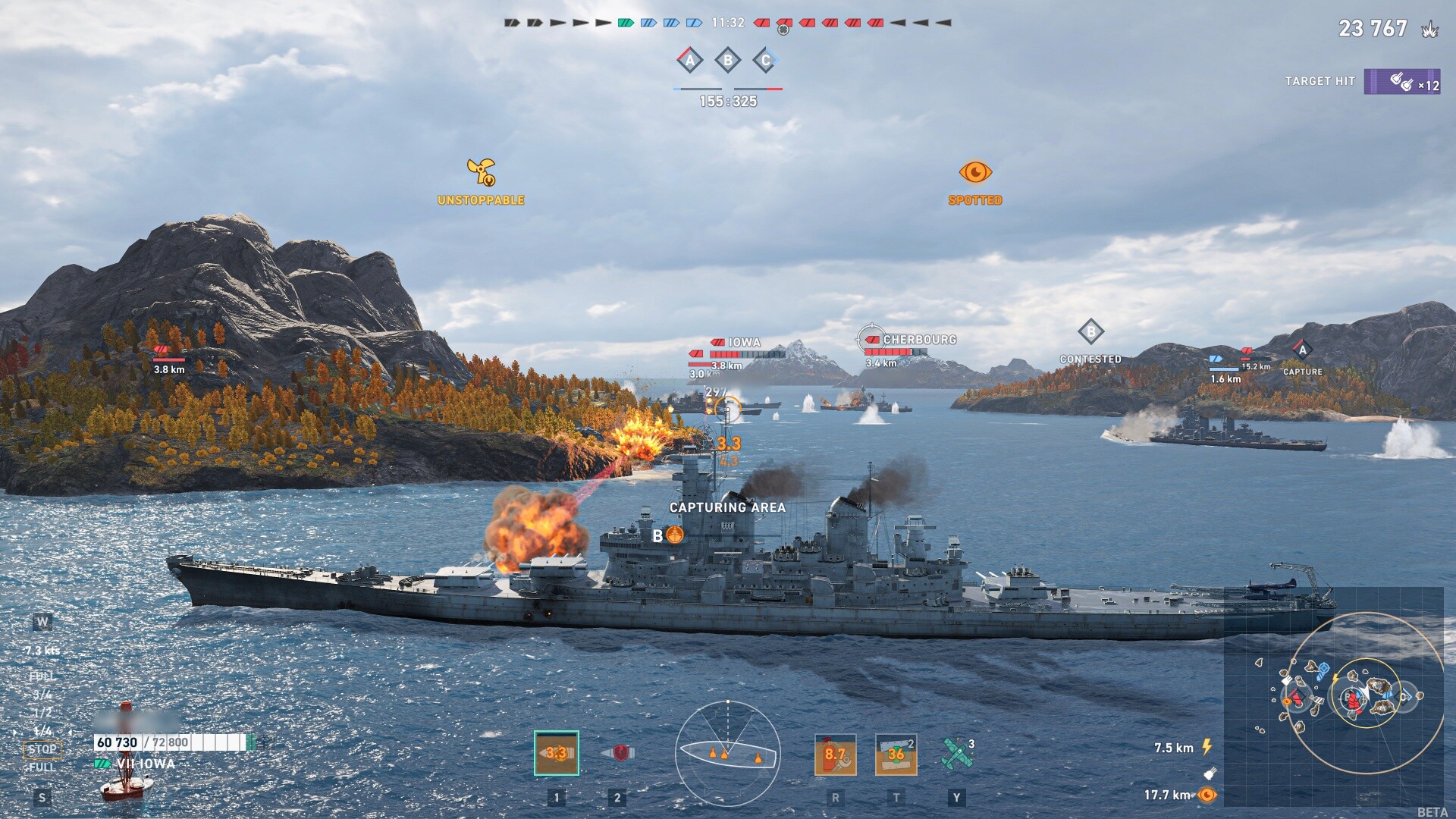
The game offers casual PvE events, intense PvP battles, and special collaborations that introduce themed ships and cosmetics. Content updates each month add new ships, commanders, and modes, keeping the experience fresh. Participating in varied modes lets you practice different strategies, from cooperative missions to competitive ranked matches.
- Try PvE events to practice ship handling before jumping into PvP.
- Explore collaboration content for unique cosmetic rewards.
04 / THE GUIDE
Cross‑Progression
Link your console or mobile account to Steam and retain all progress, ships, and commanders. This feature enables teammates on PC, console, or mobile to play together without losing their achievements. Some account‑linking rules apply, so consult the community FAQ for details before connecting accounts.
- Check the FAQ for any restrictions before linking accounts.
- Link early to ensure all your ships appear on the new platform.
05 / THE GUIDE
Controls & Platforms
World of Warships: Legends supports keyboard, gamepad, and handheld devices, including the Steam Deck. Full controller support is provided, and the game runs on Windows PCs via Steam. These options let you choose the input method that feels most comfortable, whether you prefer mouse‑aimed fire or analog stick maneuvering.
- Adjust custom volume controls for clearer audio cues.
- Enable HDR if your monitor supports it for improved visual clarity.

COMMUNITY
Player discussion