 GameWiki
GET YOUR BEARINGS
About World Climate Lab
World Climate Lab lets you place any custom map into a desktop climate engine that runs on your graphics card. The simulation shows winds, rain, ice and ocean heat transport as the world settles year by year, all in a few minutes.
You can import heightmaps, sea masks and bathymetry, or sculpt terrain with the built‑in Topography Creator. Changing stars, orbits, tilt, day length or atmospheric composition instantly reshapes the climate, while dozens of visual layers let you read the results.
01 / THE GUIDE
Topography Creator
The editor starts from a blank ocean, an imported map, or a procedurally generated plate world. You sculpt the globe with 73 brushes, stencils and generated landmasses, then reshape overall elevation using a height‑curve before eroding valleys.
Export options include 16‑bit heightmaps or direct transfer to the climate simulation. Guide overlays let you trace reference images, and a sea‑mask slider lets you raise or lower water levels instantly for quick coastal tests.
- Begin with the height‑curve tool to set global elevation before adding detailed brushes.
- Use the sea‑mask slider after sculpting to see how a small rise in sea level floods coastlines.
02 / THE GUIDE
Stellar and Orbital Settings
You can choose any star type—from cool brown dwarfs to hot blue stars, white dwarfs or binary pairs—and place it at any distance, eccentricity or season of closest approach. Tilt can be set up to 180°, allowing backward rotation and sunrise in the west.
Day length, tidal locking and up to three moons are also configurable. Each celestial parameter automatically influences the climate model, changing temperature distribution, wind patterns and tidal behavior without additional user input.
- Set extreme tilts to watch climate bands widen or reverse direction.
- Add a second moon to compare how multiple tidal sources affect sea level variation.
03 / THE GUIDE
22 Climate Views
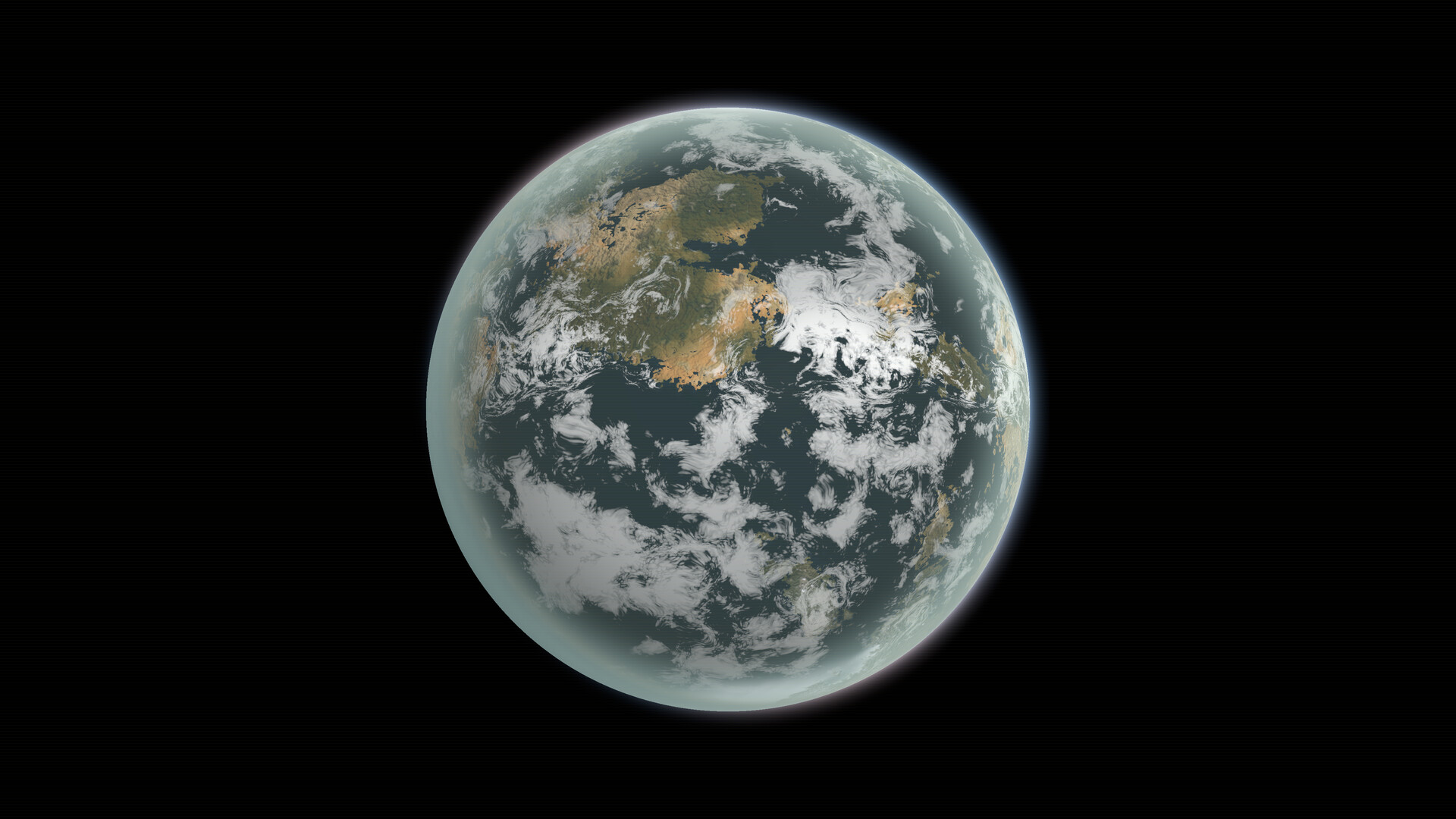
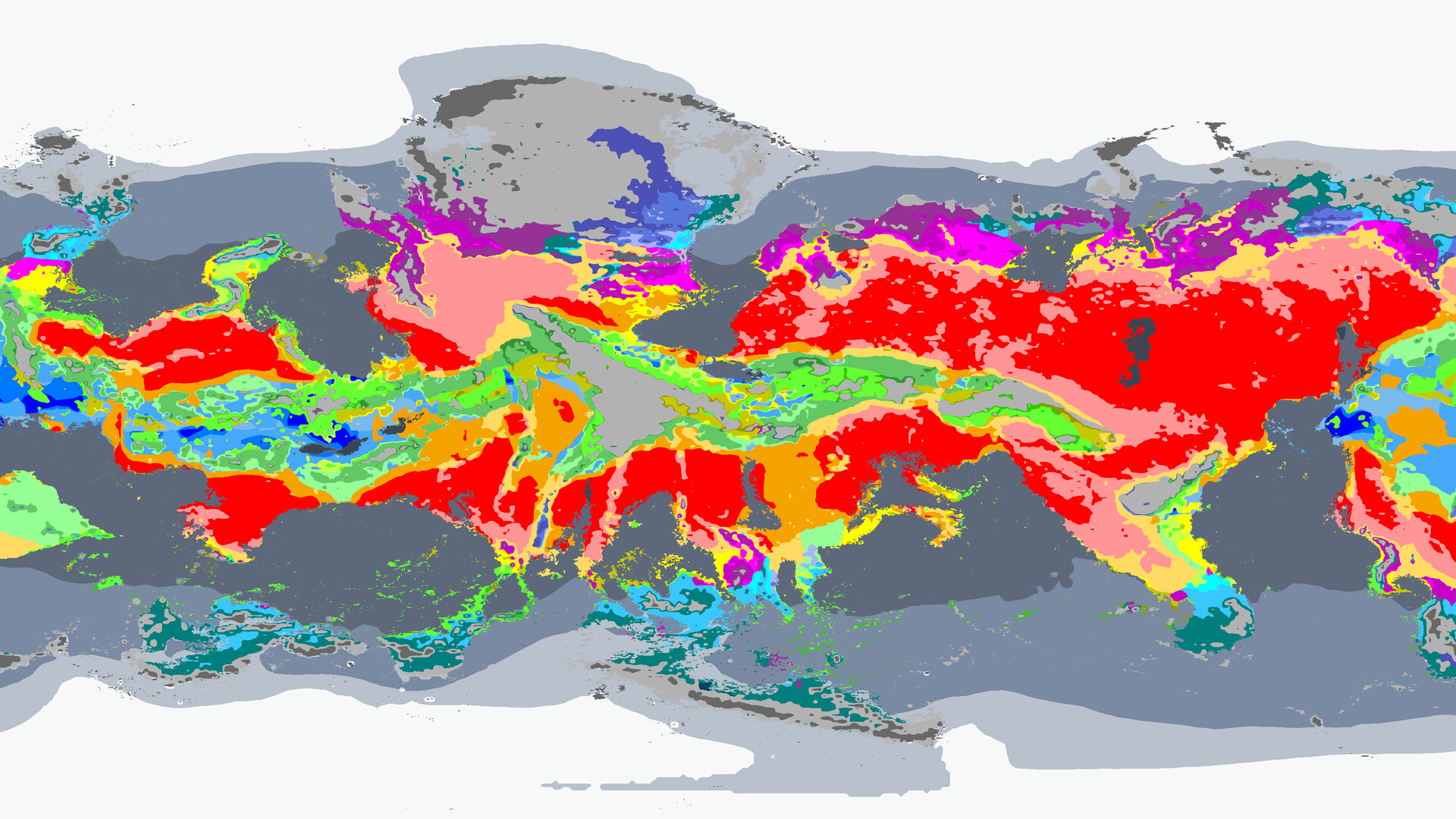
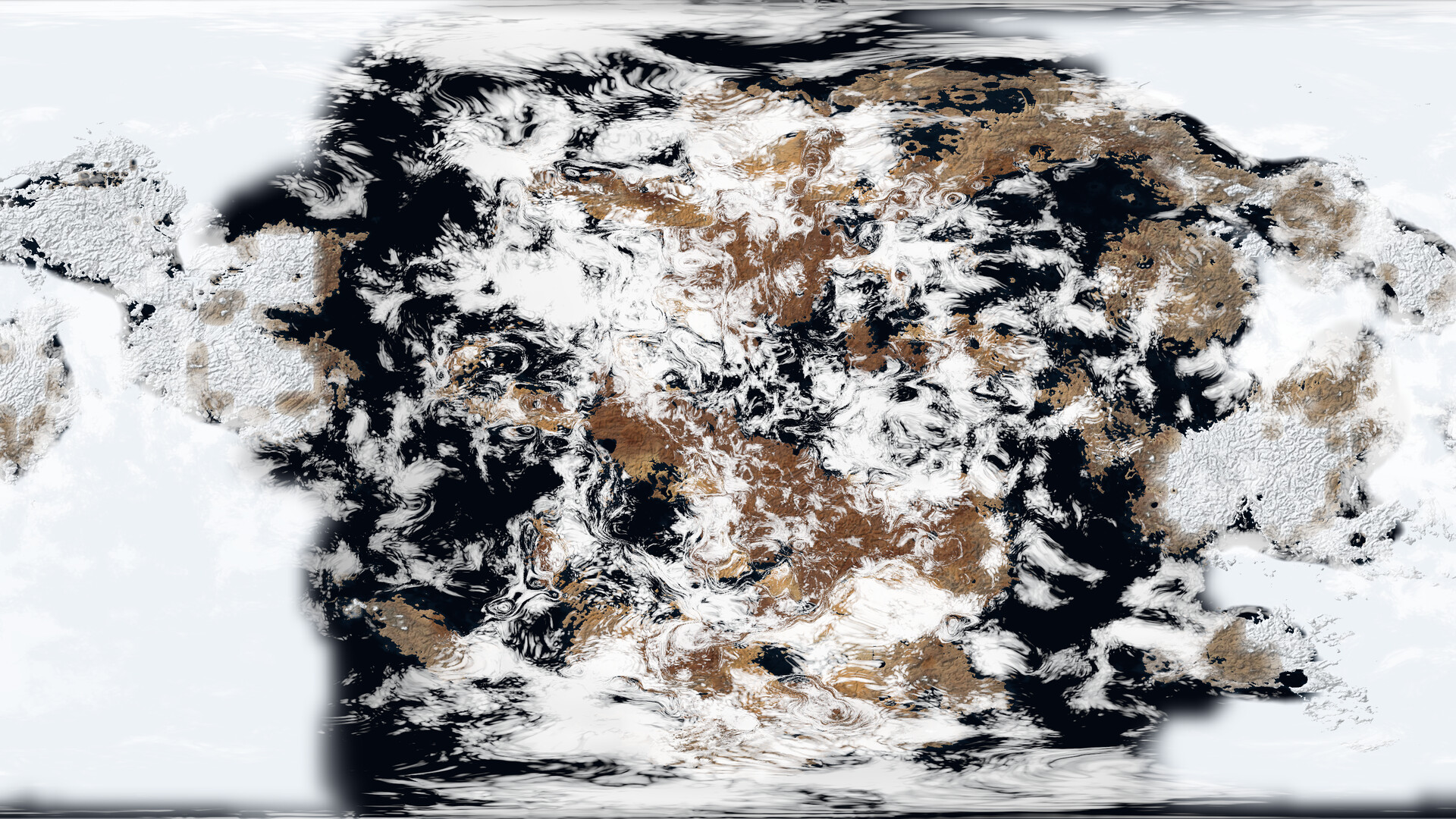
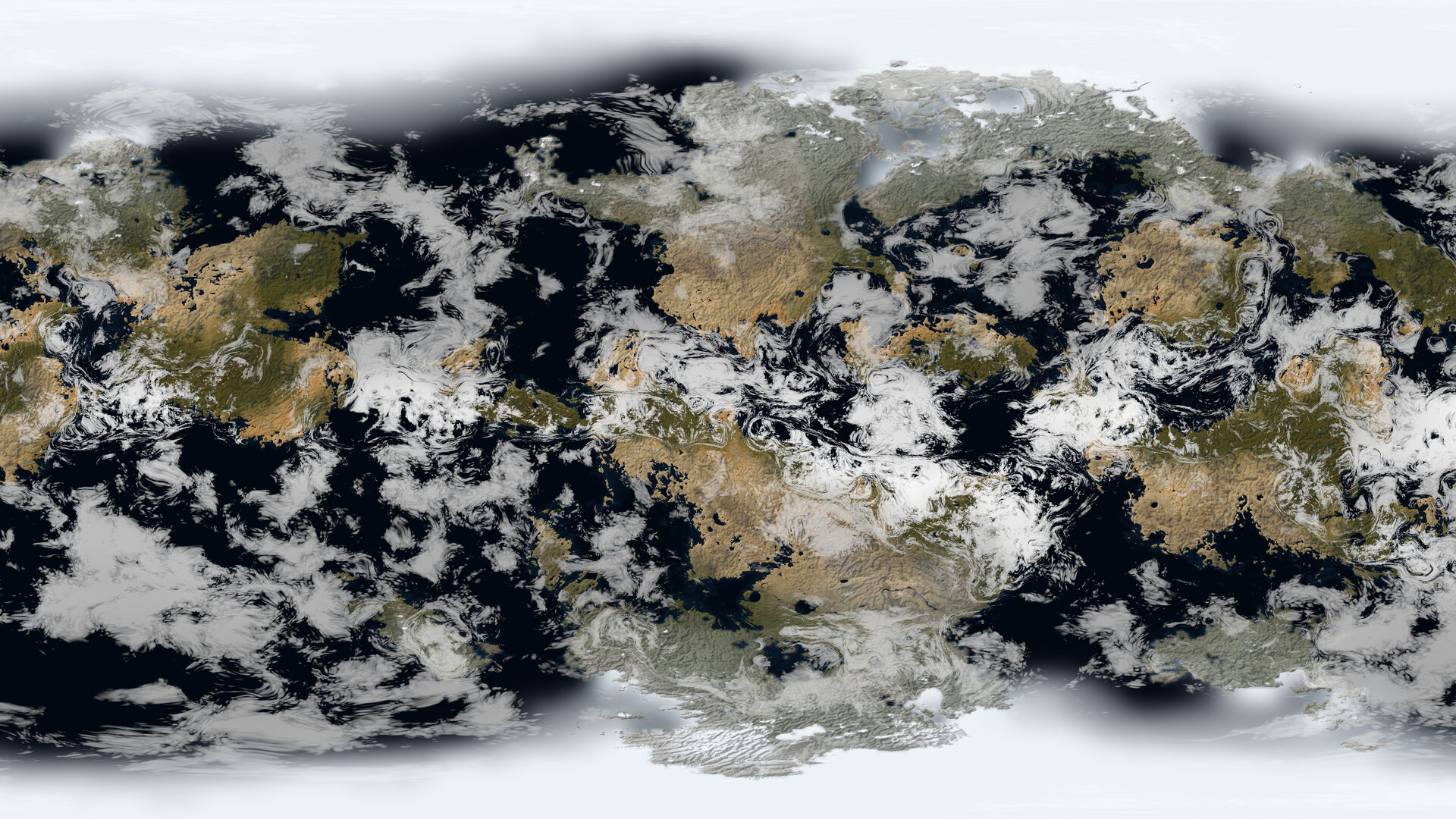
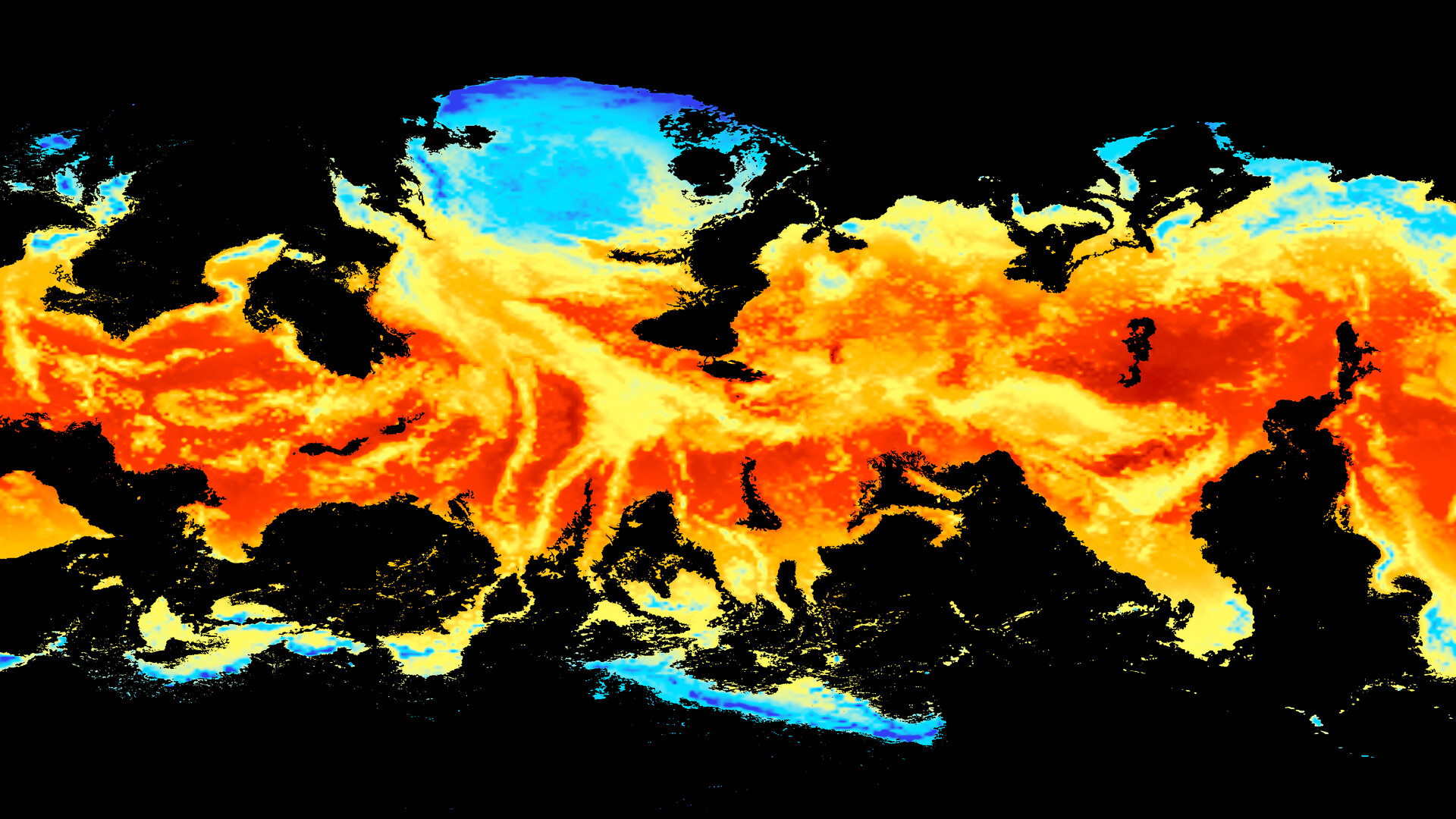
Each run generates 22 visual layers, including topography, rivers, ice cover, a true‑colour satellite view, vegetation, climate zones, atmospheric pressure, winds, humidity, ocean currents and tides. Hovering over any point shows numeric data, and you can step through orbital seasons.
The Energy Flow view traces where planetary energy goes, indicating whether the world has settled, is still warming, cooling or diverging. This helps you judge if a recent change has reached equilibrium.
- Switch to the Energy Flow view after major parameter changes to see if the climate has stabilised.
- Use the satellite view to spot unexpected cloud patterns that differ from Earth‑like expectations.
04 / THE GUIDE
Exporting Climate Data
The program can output plain maps or framed posters up to 8192 × 4096 pixels, showing any layer or a full year of seasonal change. Animations of clouds, winds, currents, temperature or rain are also available for presentation or analysis.
Numerical climate data—temperature, precipitation, snow, soil moisture and climate classes—can be exported month‑by‑month for use in other software, letting you perform external statistical or visual work.
- Export a full‑year animation to compare seasonal shifts after altering orbital parameters.
- Save the climate‑class map to quickly locate potential habitable zones for world‑building.
05 / THE GUIDE
Performance Options
World Climate Lab includes settings for laptops and older graphics cards that change simulation pace without altering results. Interface scaling ranges from 75 % to 300 %, and the UI is localized into eight languages for broader accessibility.
An experimental beta adds a twelve‑layer deep ocean, but the core model runs on all supported Windows machines, ensuring that performance tweaks affect speed only, not scientific output.
- Lower the simulation speed on older GPUs to keep the display smooth while preserving accuracy.
- Increase UI scaling if text becomes hard to read on high‑resolution displays.
COMMUNITY
Player discussion