 GameWiki
GET YOUR BEARINGS
About Word Play
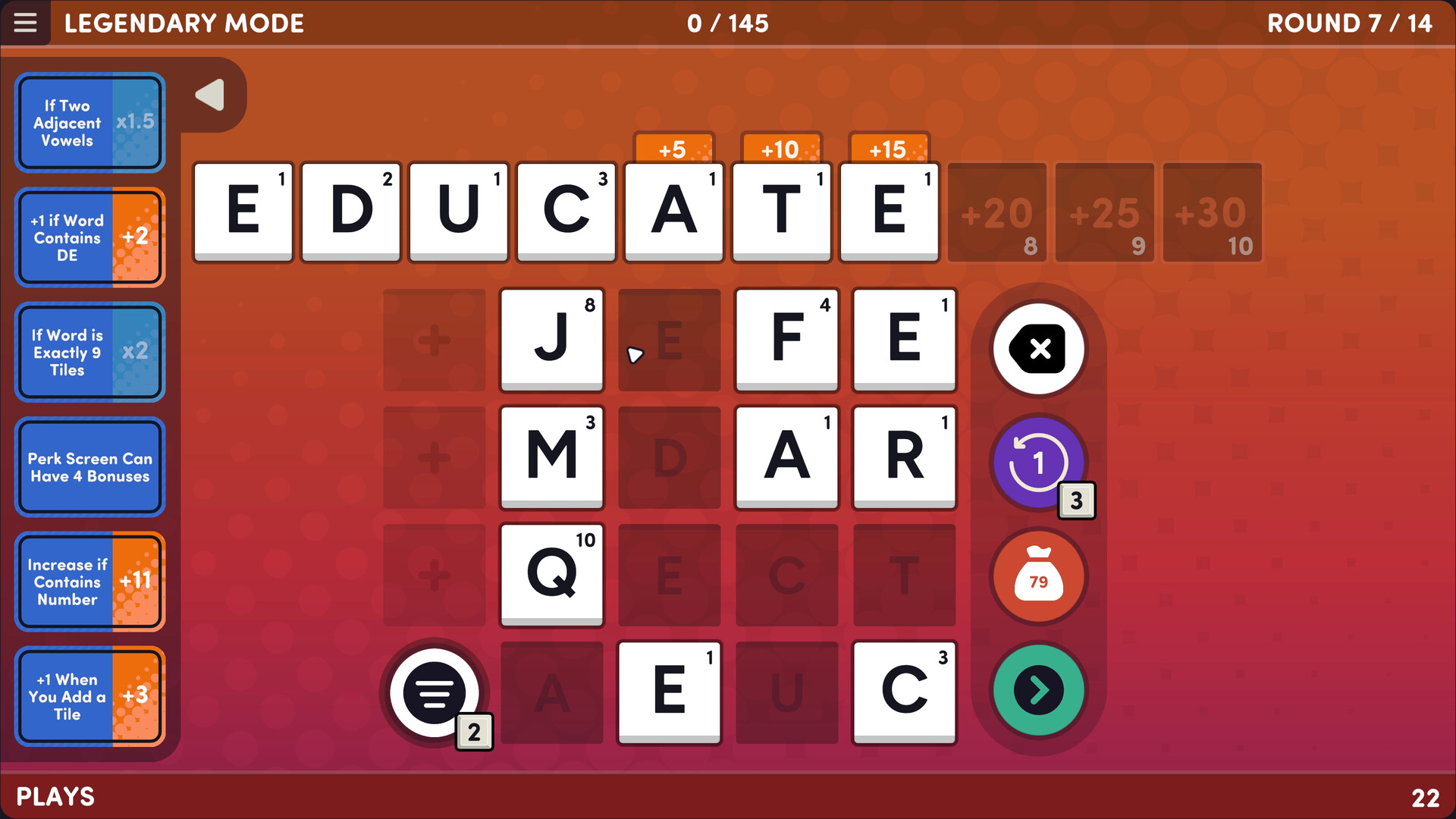
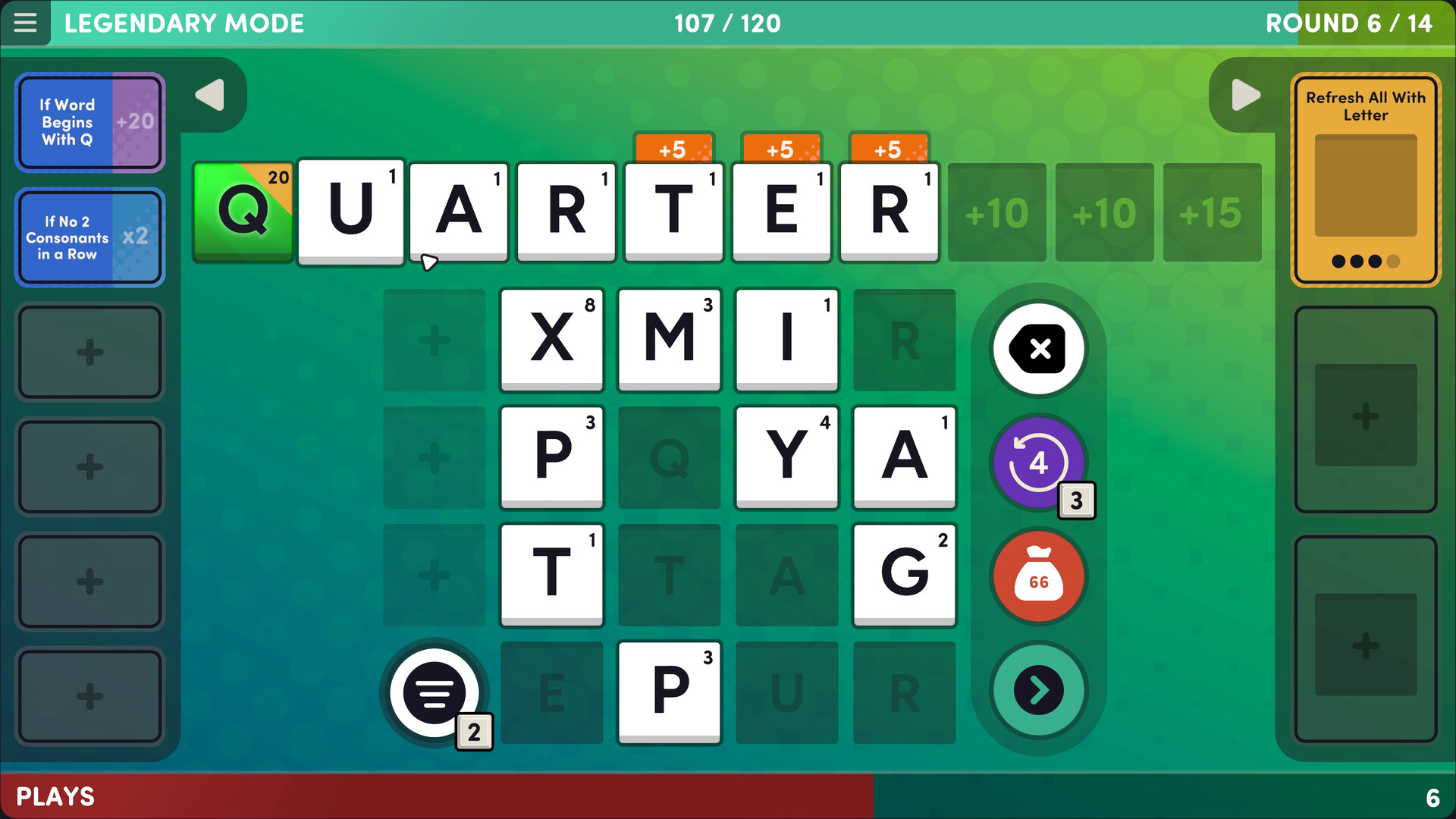
Word Play is a single‑player spelling game where you click, drag, or type letters to form words. Points are earned from each letter’s value and the length of the word, and clearing a round lets you choose from many perks.
The title adds modifiers, upgrades, gifts, and special tiles that change rule details, add new tiles, or increase point values. Multiple difficulty levels and a Quick Play mode let you decide how much strategy to use, while accessibility options support mouse, keyboard, or controller.
01 / THE GUIDE
Perks & Modifiers
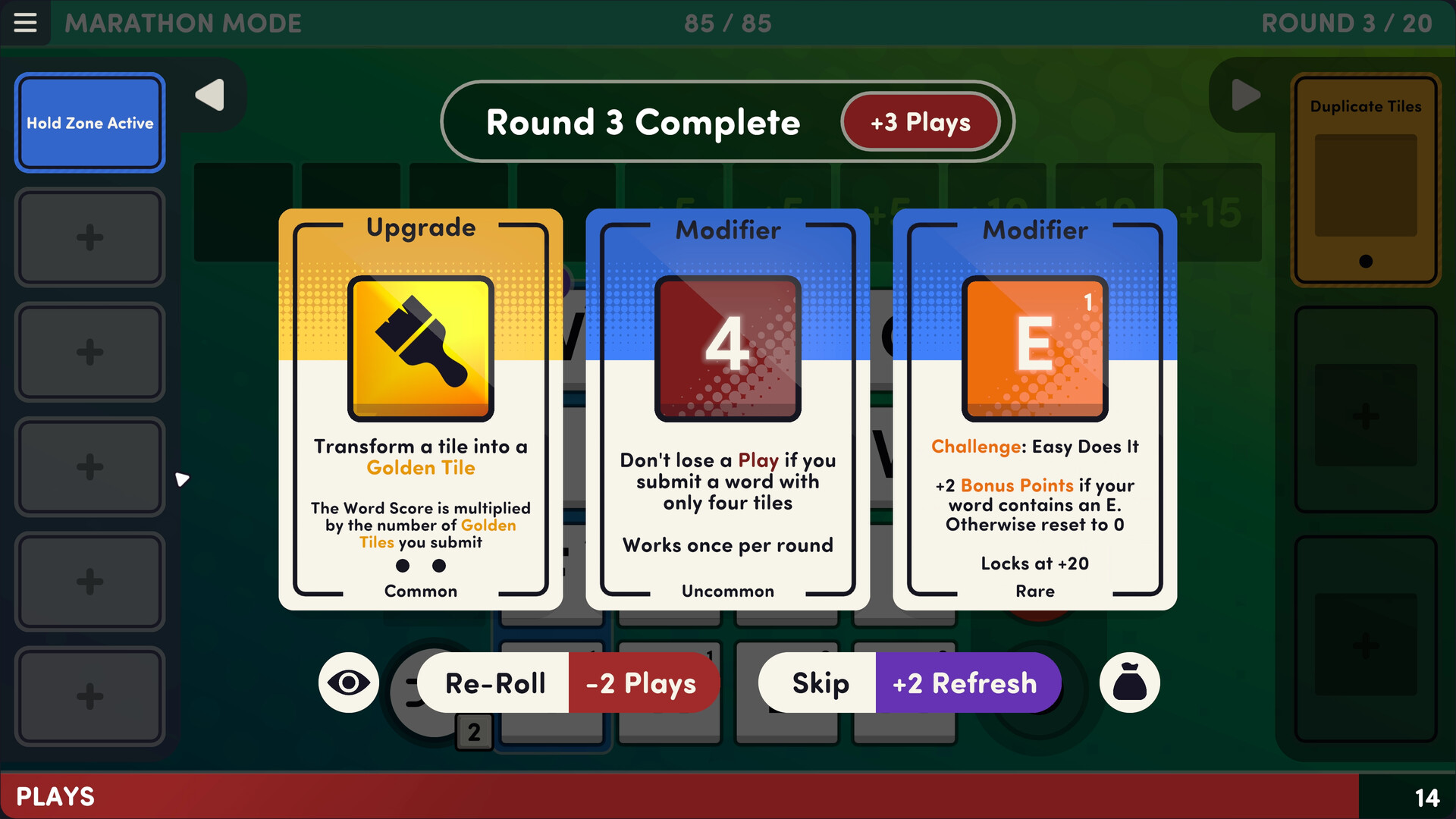
When you clear a round you may pick from more than 150 perks. Some perks act as modifiers that change the rules for the current round, such as adding extra tile spaces or turning Q tiles into QU tiles.
Modifiers can be combined in a single round, allowing you to experiment with how rule changes affect the words you can build and the points you earn.
- Try a tile‑space perk early in a round to see how the extra space influences word length.
- Use the Q‑to‑QU modifier when you have many words that need a vowel after Q.
02 / THE GUIDE
Upgrades & Gifts
Upgrades let you improve, destroy, discard, or duplicate tiles, giving you direct control over the letters you can use. Gifts add new tiles to your letter bag, including wildcards, mirror tiles, and the legendary + tile.
Special tiles can be upgraded to forms such as Golden, Diamond, Emerald, or Potion, each providing higher point values when they appear in a word.
- Add a wildcard gift when you need a missing letter for a high‑value word.
- Upgrade a tile to a special form before attempting a long word to boost its score.
03 / THE GUIDE
Difficulty Settings & Modes
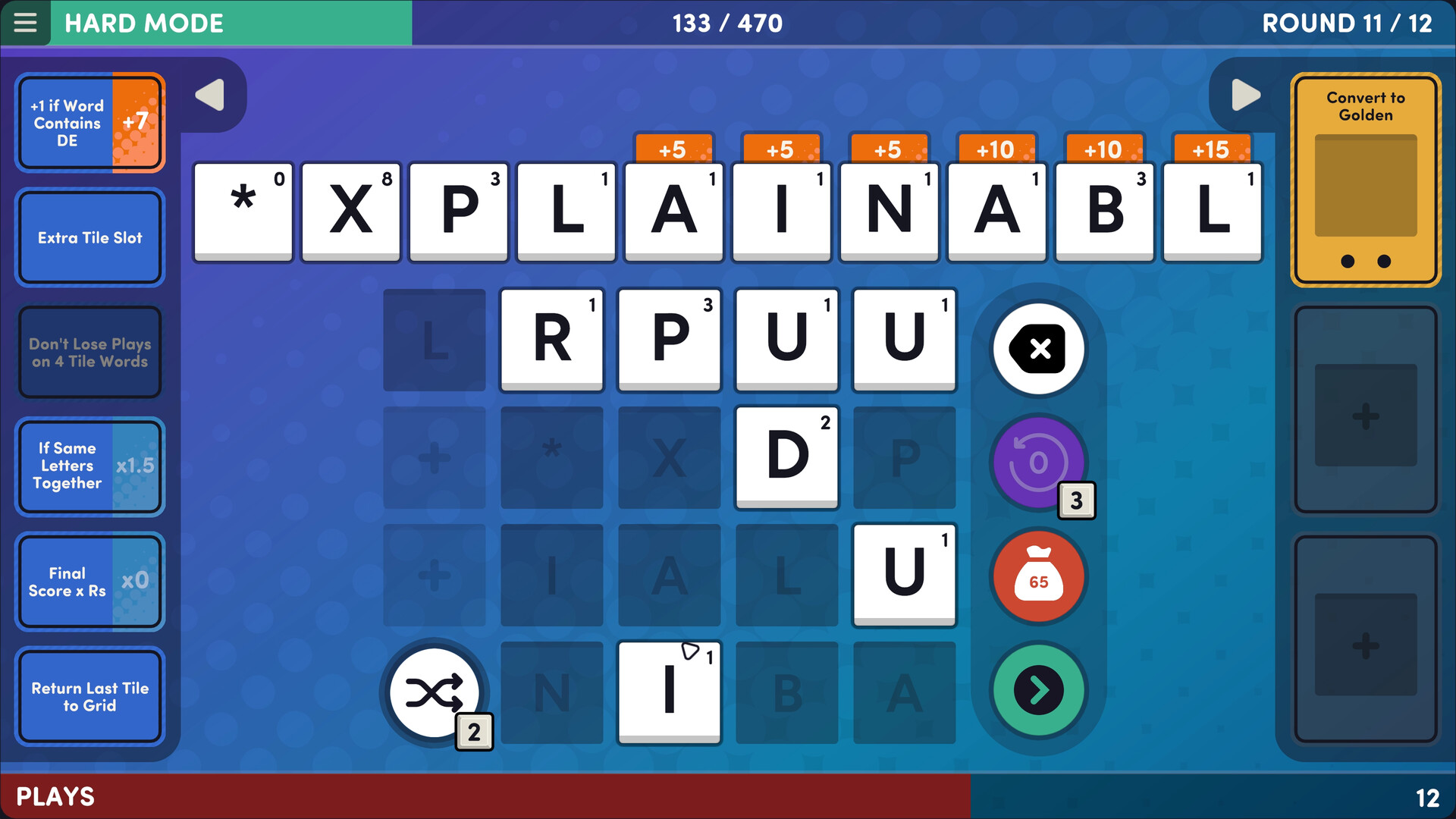
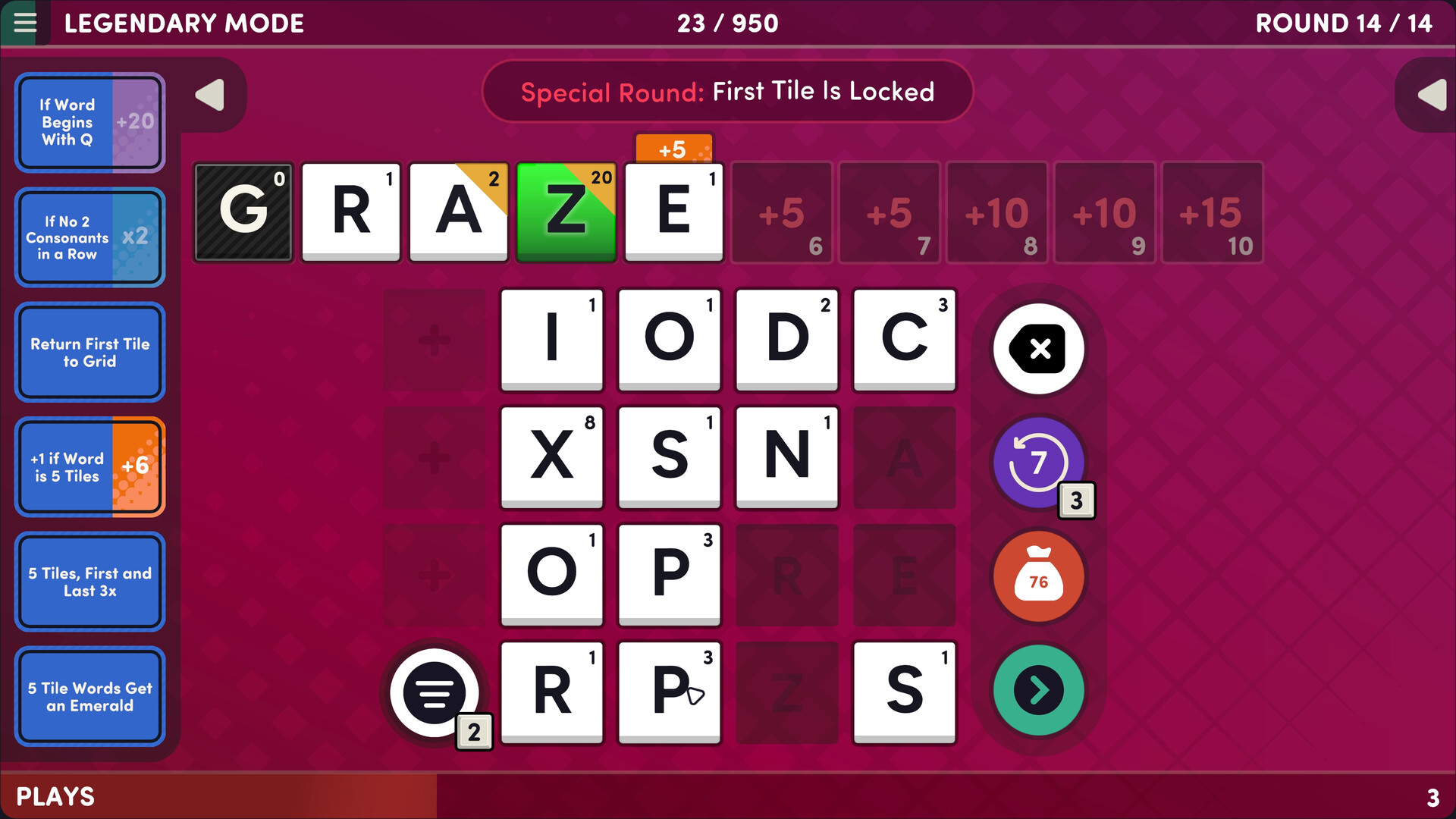
The game includes Easy, Normal, Hard, Legendary, and Marathon difficulty levels, letting you start simple and progress to tougher challenges. Quick Play is a casual mode with fewer strategic elements, focusing on spelling and medal collection.
Special Rounds are distinct challenges that require perfect play, adding variety beyond the standard rounds.
- Begin with Easy to learn how perks and upgrades affect scoring.
- Use Quick Play for a low‑pressure environment to practice word formation.
04 / THE GUIDE
Accessibility & Input Options
Word Play can be played with mouse, keyboard, or controller, and offers a Keyboard Only, Mouse Only, and Touch Only option. Optional dyslexic fonts and high‑contrast mode help players with visual preferences.
Spelling suggestions are available to assist when you are unsure of a word’s correct spelling, and the game is verified for Steam Deck with tuned graphics and controls.
- Enable high‑contrast mode if it makes letters easier to distinguish.
- Turn on spelling suggestions when trying unfamiliar words.
05 / THE GUIDE
Steam Integration
Word Play includes more than 20 Steam achievements and uses Steam Cloud to sync save games across devices. Family Sharing allows other accounts on the same library to play without a separate purchase.
The Steam Deck verification ensures that gamepad and touchscreen inputs work smoothly, making portable play convenient.
- Check the achievement list to set personal goals.
- Enable Steam Cloud if you switch between PC and Steam Deck.
COMMUNITY
Player discussion