 GameWiki
GET YOUR BEARINGS
About WooLoop
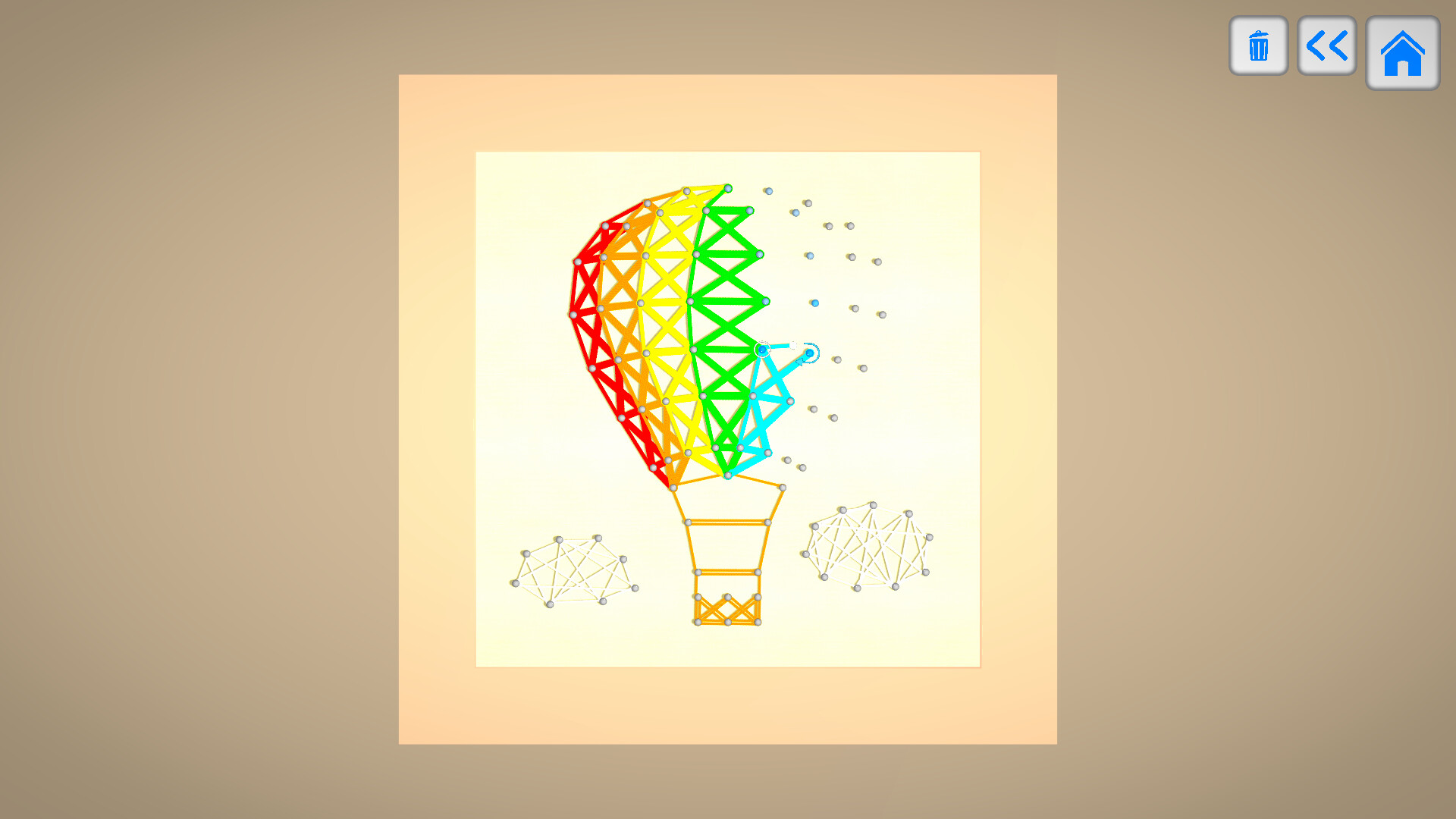
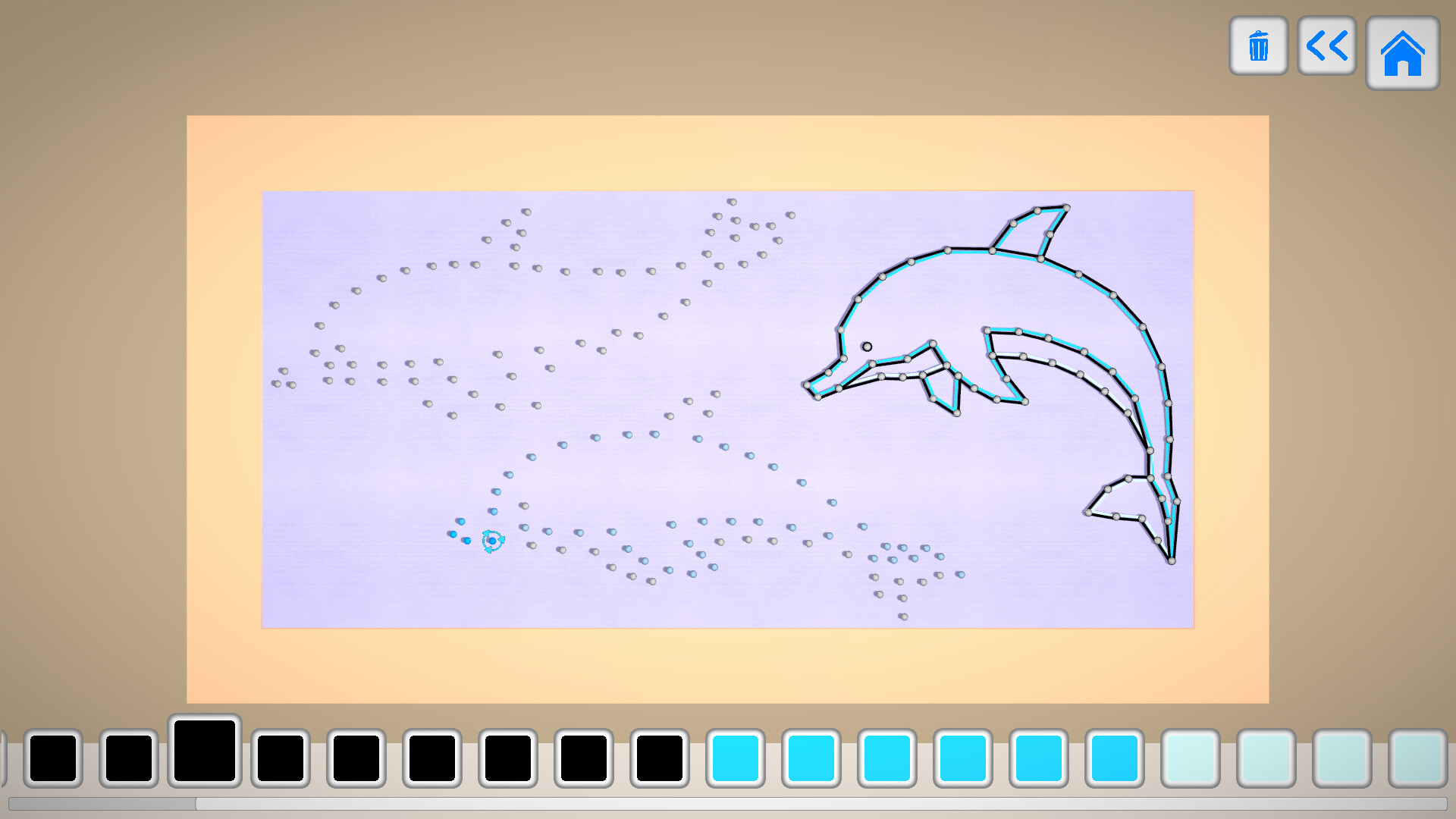
WooLoop invites players to craft intricate yarn art by dragging loops around pins on a canvas. Each level presents a new pattern to weave, letting the player build a masterpiece strand by strand while listening to a soothing soundtrack. The game offers over 100 levels, a New Game+ replay mode with colour customisation, and a relaxed atmosphere designed to help players unwind.
01 / THE GUIDE
Gameplay Loop
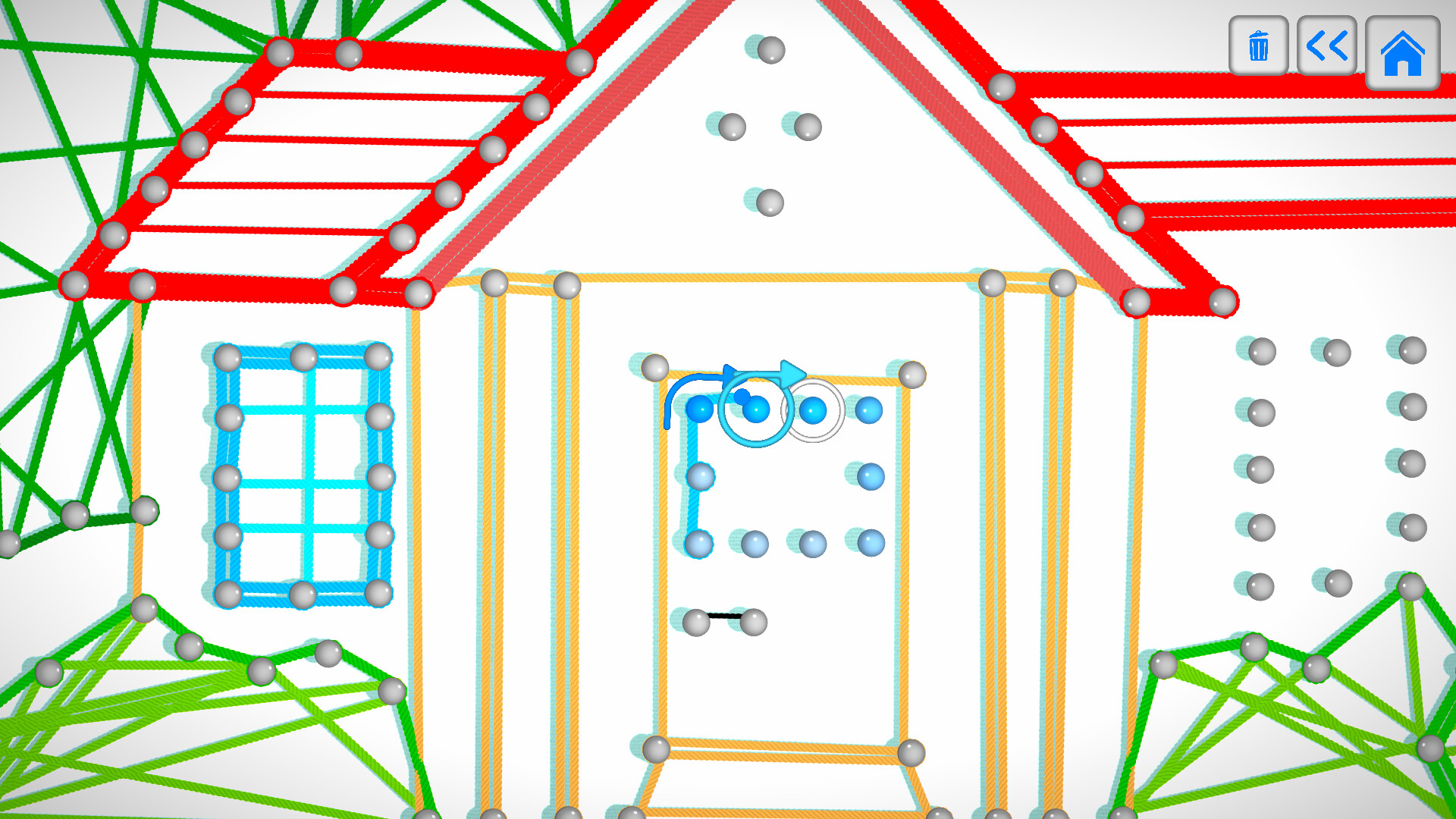
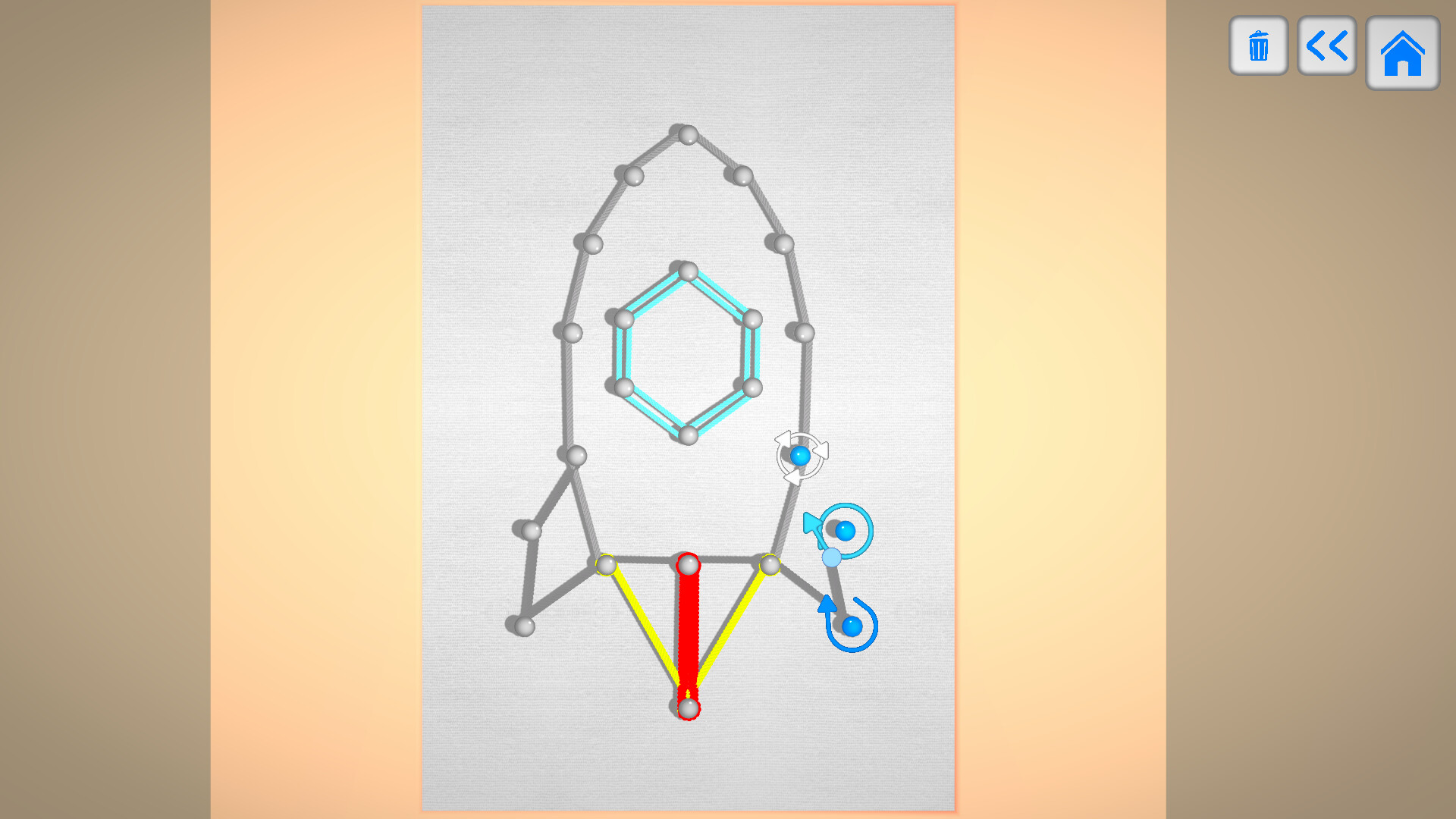
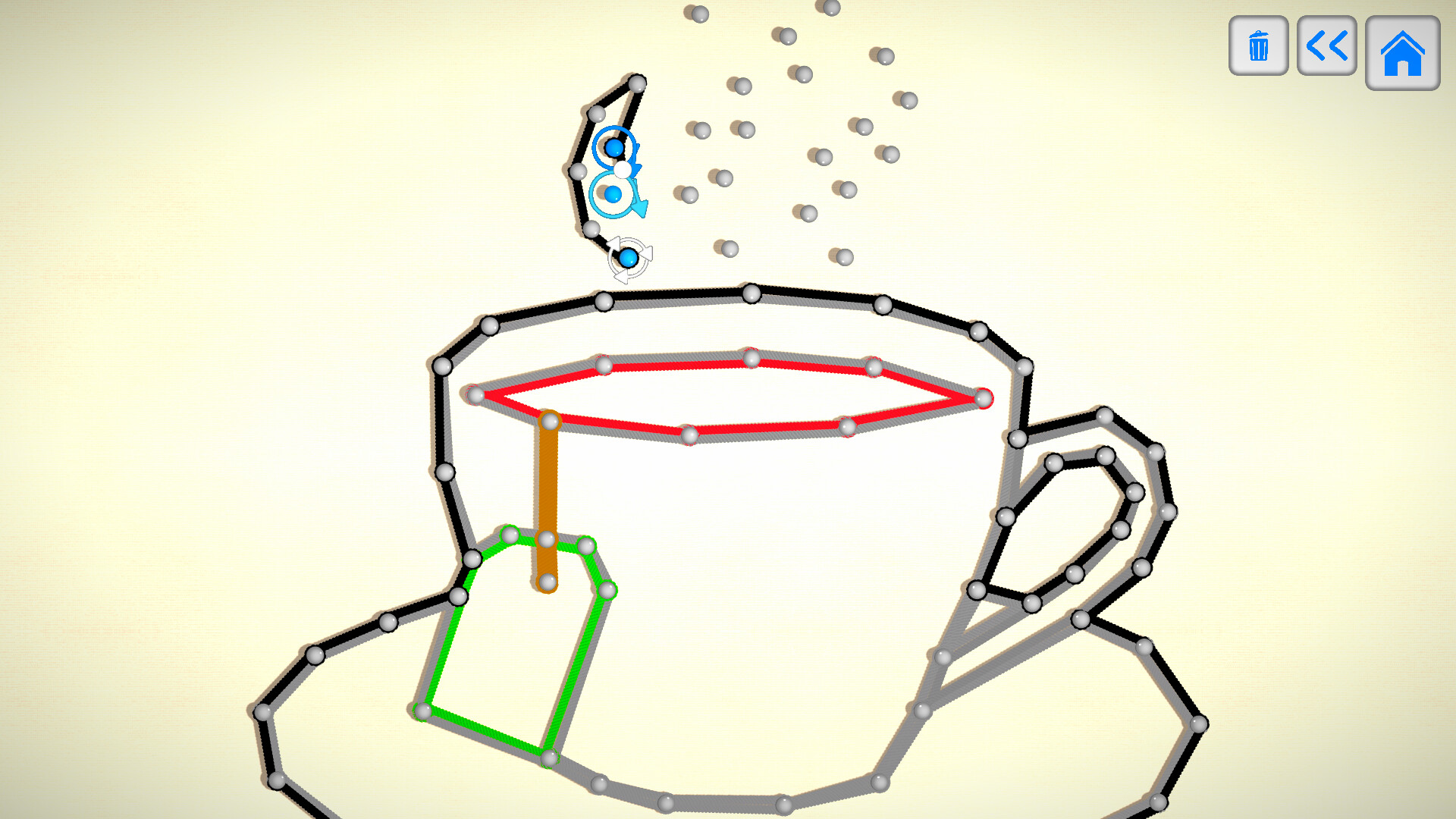
Players create art by dragging yarn in loops around pins on the canvas. Patterns emerge slowly as each thread is placed, forming a woven design.
The process is described as “one thread at a time, patterns will form, until eventually, you construct a beautifully woven masterpiece.”
- Experiment with different loop paths to see how patterns evolve.
- Observe how each added strand changes the overall shape before committing.
02 / THE GUIDE
Levels and New Game+
WooLoop includes more than 100 levels, each offering a distinct layout of pins and yarn challenges. Players progress through these levels to unlock the next designs.
A New Game+ replay mechanic unlocks customisation for each level, allowing a variety of colours to be applied to every string.
- Try New Game+ on earlier levels to experiment with colour palettes.
- Use the colour options to highlight specific parts of a pattern.
03 / THE GUIDE
Audio and Relaxation
The game’s soundtrack is intended to be soothing, contributing to a relaxing experience from start to finish.
Even mistakes are framed as part of the calming atmosphere, reinforcing the game’s unwind focus.
- Play with headphones to fully appreciate the calming music.
- Take short breaks between levels to maintain the relaxed feeling.
04 / THE GUIDE
Platform Availability
WooLoop is available for free on Windows, macOS, and Linux, allowing a wide range of PC users to download and play.
The game supports single‑player mode and integrates with Steam features such as Achievements and Cloud saves.
- Check the Steam store page for the latest compatible OS version.
- Enable Steam Cloud to keep progress across multiple computers.
05 / THE GUIDE
Steam Achievements and Cloud
Players can earn Steam Achievements while completing levels, adding a light goal‑oriented layer to the creative process.
Steam Cloud support is listed, so your progress can be synced through Steam.
- Review the achievement list to set personal milestones.
- Use Cloud sync to continue a session on a different machine.
COMMUNITY
Player discussion