 GameWiki
GET YOUR BEARINGS
About Woodo
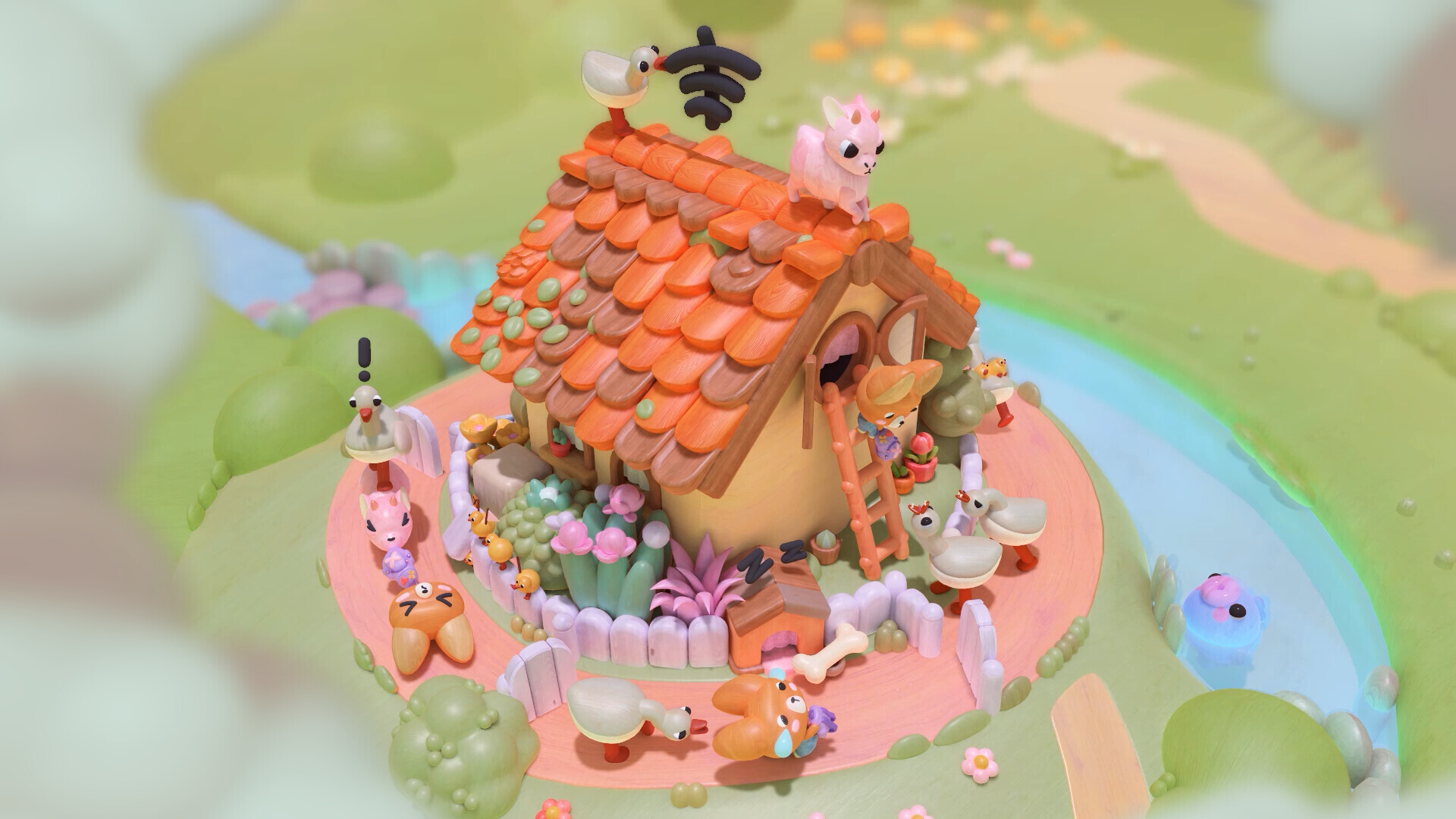
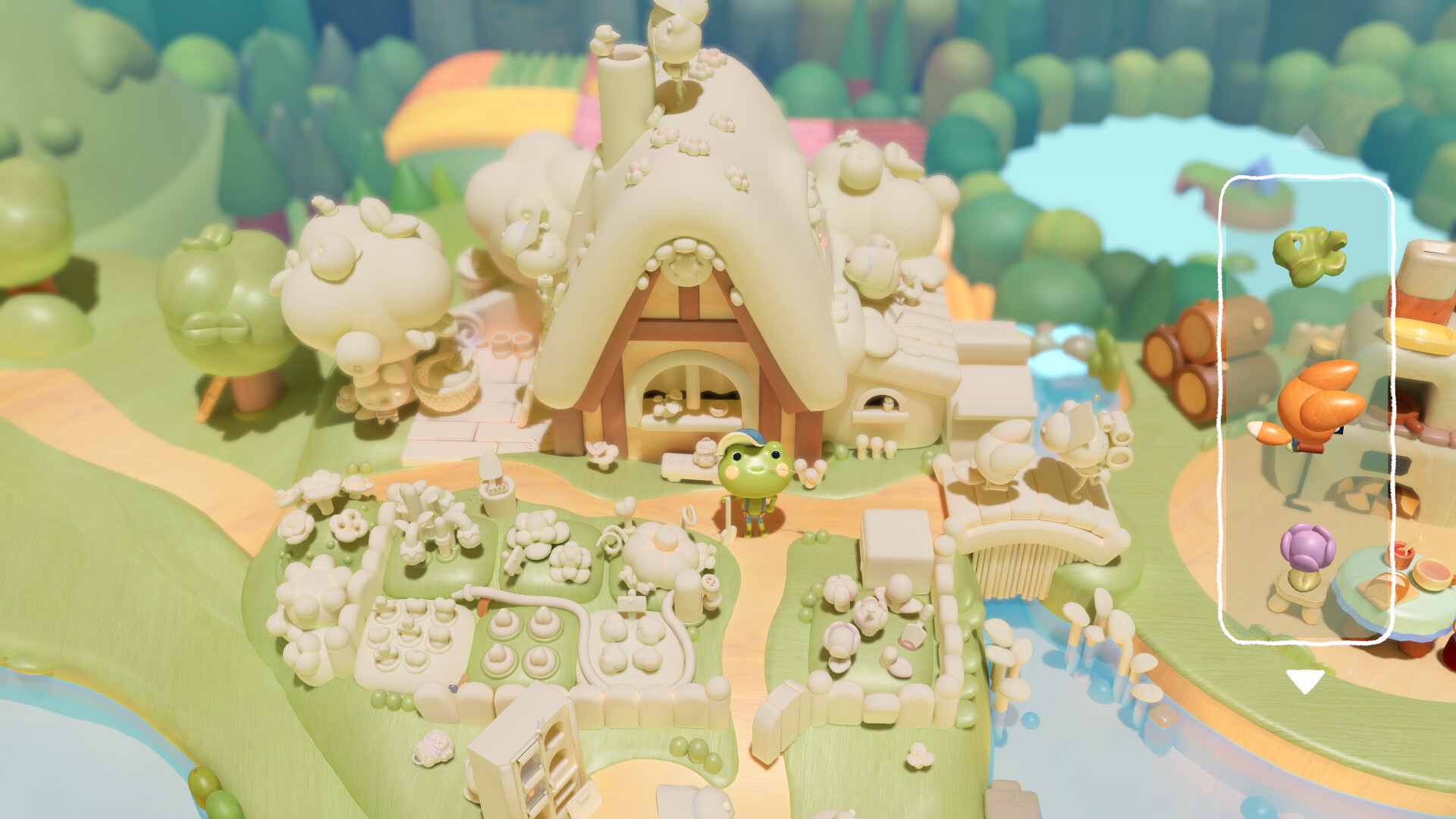
Woodo is a cozy diorama puzzle game where you assemble wooden scenes piece by piece. Each correctly placed object fills the scene with color, triggers charming animations, and reveals small surprises, giving a tactile feeling as if you were handling a real toy.
The story follows Foxy and Ben the frog through interconnected dioramas, narrated by a friendly voice. The game adapts to your pace, offers assistance when needed, and evokes nostalgic, carefree feelings of childhood adventure.
01 / THE GUIDE
Gameplay Mechanics
Players explore a 3D space, turning and searching for hidden pieces that fit into each diorama. Placement is not linear; you must locate and click objects in the correct spots to progress.
Each successful placement transforms the world around it, activating playful animations that react to your actions. The puzzle system is simple yet meaningful, encouraging curiosity and observation.
- Take time to rotate the scene; hidden pieces often appear from different angles.
- Listen for the narrator’s cues—they can hint where a missing piece belongs.
02 / THE GUIDE
Narrative & Characters
The game follows the adventure of Foxy and Ben the frog, presented through a series of linked dioramas. Their interactions are light‑hearted, creating a carefree atmosphere.
A friendly narrator’s voice guides you, adding humor and nostalgia. The story is simple but deeply meaningful, reminding players of childhood wonder.
- Pay attention to the narrator’s tone; it often reflects the emotional beat of the scene.
- Enjoy the silly animations—they reinforce the characters’ playful personalities.

03 / THE GUIDE
Accessibility Options
Woodo includes adjustable text size, subtitle options, and color alternatives, allowing players to tailor visual presentation to their needs. Custom volume controls let you balance narration and sound effects.
These settings let players tailor the visual presentation and audio balance to their preferences.
- Increase text size if the subtitles feel cramped.
- Experiment with color alternatives to find the most comfortable palette.
04 / THE GUIDE
Controller & Input Support
The game offers full controller support, including DualShock and DualSense compatibility, as well as a mouse‑only option. This lets players choose the input method that feels most natural.
Regardless of the device, the core puzzle actions—rotating the scene and placing pieces—remain consistent across all supported inputs.
- Try the controller if you prefer tactile feedback while rotating scenes.
- Switch to mouse‑only mode for precise clicking when searching for hidden pieces.
05 / THE GUIDE
Platform & Save Features
Woodo is available on Windows and macOS, supporting Steam Cloud and Family Sharing. Steam Cloud support lets you continue where you left off on another computer.
Single‑player mode lets you play at your own pace without timed input, and the game provides assistance when needed.
- Enable Steam Cloud to keep your puzzle progress synced across computers.
- Use Family Sharing to let friends experience the game without purchasing a separate copy.


COMMUNITY
Player discussion