 GameWiki
GET YOUR BEARINGS
About WolfQuest: Classic
WolfQuest: Classic is the original wildlife simulation where you begin as a two‑year‑old gray wolf born in Yellowstone’s Northern Range. After learning pack life, you set out alone from Amethyst Mountain and travel across the Lamar Valley toward Slough Creek.
The game follows the wolf’s life cycle: establishing a territory, pairing with a mate, raising a litter, and guiding the pups on a cross‑country journey to a summer home. All of this is presented in a single‑player experience that mirrors real wolf ecology.
01 / THE GUIDE
Game premise and setting
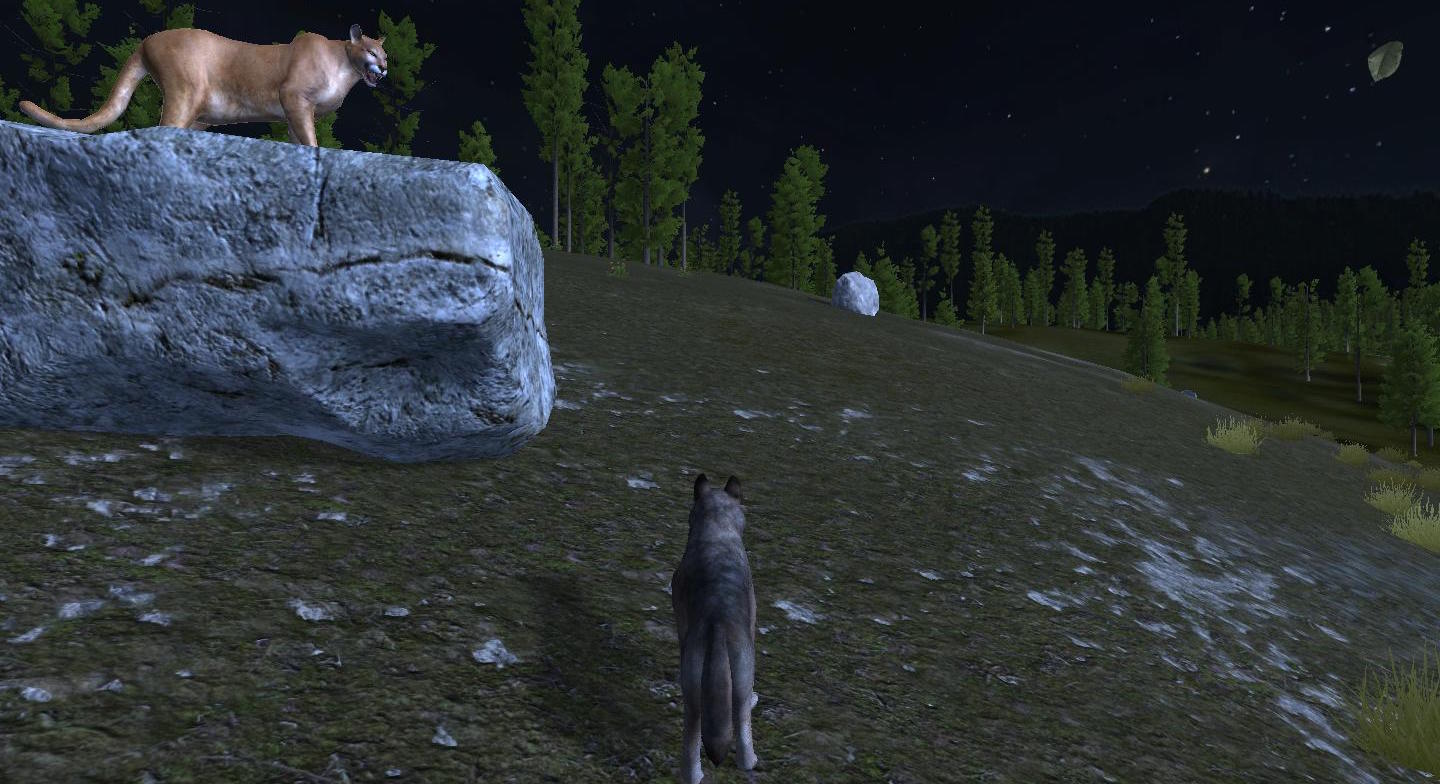
The adventure starts on the slopes of Amethyst Mountain and proceeds across the Lamar Valley to Slough Creek. Players must navigate Yellowstone’s terrain, locate food, and avoid predators while acting as a lone wolf before forming a pack.
Success is measured by securing a territory, raising a litter, and completing the pups’ cross‑country trek to a summer home. These goals reflect documented wolf ecology and form the core progression of the simulation.
- Observe natural landmarks early to help orient later travels.
- Take note of predator locations to plan safer routes.
02 / THE GUIDE
Single‑player mode
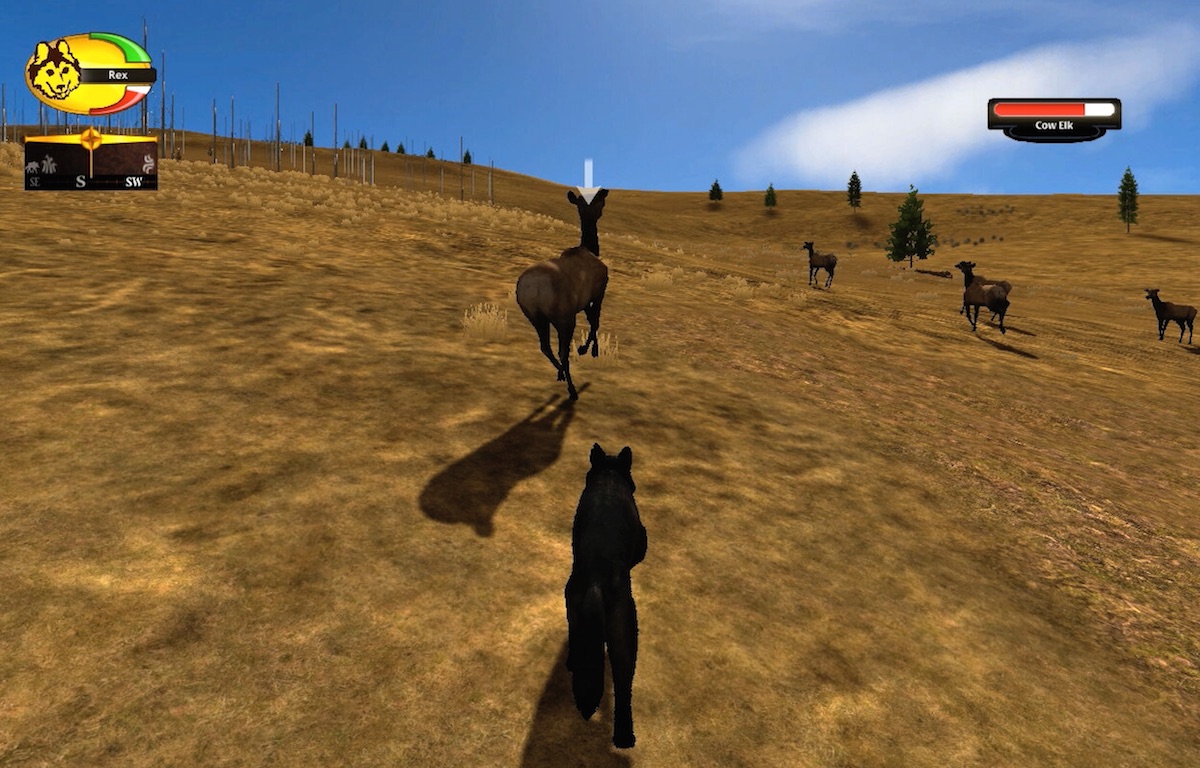
WolfQuest: Classic continues to operate in single‑player after the multiplayer shutdown. The mode lets you experience the full wolf life cycle without needing other players.
All core gameplay—territory establishment, pup training, and predator defense—remains accessible in this solo experience, providing a complete simulation of wolf survival.
- Use the uninterrupted solo play to experiment with different hunting approaches.
- Track pup development milestones to gauge pack health.
03 / THE GUIDE
Multiplayer shutdown
Multiplayer for WolfQuest 2.7 was officially closed on March 31, 2025. No online wolf packs can be formed after that date.
The shutdown does not affect the single‑player storyline, which remains fully functional and continues to deliver the same objectives and challenges.
- Focus on solo objectives now that multiplayer is unavailable.
- Revisit earlier solo sections to refine your hunting techniques.
04 / THE GUIDE
Platform availability
WolfQuest: Classic is released for Windows and macOS platforms; Linux is not listed as a supported operating system. The game is offered on both of these platforms.
Players should verify that their system meets the listed hardware requirements before installing, as the newer Anniversary Edition has higher requirements.
- Check your system specifications against the listed requirements.
- Update graphics drivers to ensure smoother performance.
05 / THE GUIDE
Partial controller support and family sharing
The game includes partial controller support, meaning some actions can be performed with a gamepad while others may require alternative input methods.
Family Sharing is enabled, allowing multiple Steam accounts to access the game from a single purchase, which can be useful for households with several players.
- Test which actions respond to controller input early in a session.
- Enable Family Sharing to let other household members try the game without extra cost.
COMMUNITY
Player discussion