 GameWiki
GET YOUR BEARINGS
About Wizardry: The Five Ordeals
Wizardry: The Five Ordeals brings classic hardcore dungeon‑crawling to modern PCs. Built on the same system used by the 2006 RPG series, it offers grid‑based exploration, turn‑based combat, and permanent character loss. The Unity‑based Steam release adds widescreen, high‑resolution UI, 3D mazes, and a variety of input options while keeping the original gameplay intact.
Players create a tabletop‑style hero and lead a party of up to six through dozens of hours of new scenarios. The game supports Steam Cloud, custom portraits, and multiple controller configurations, making the experience accessible yet unforgiving.
01 / THE GUIDE
Character Creation
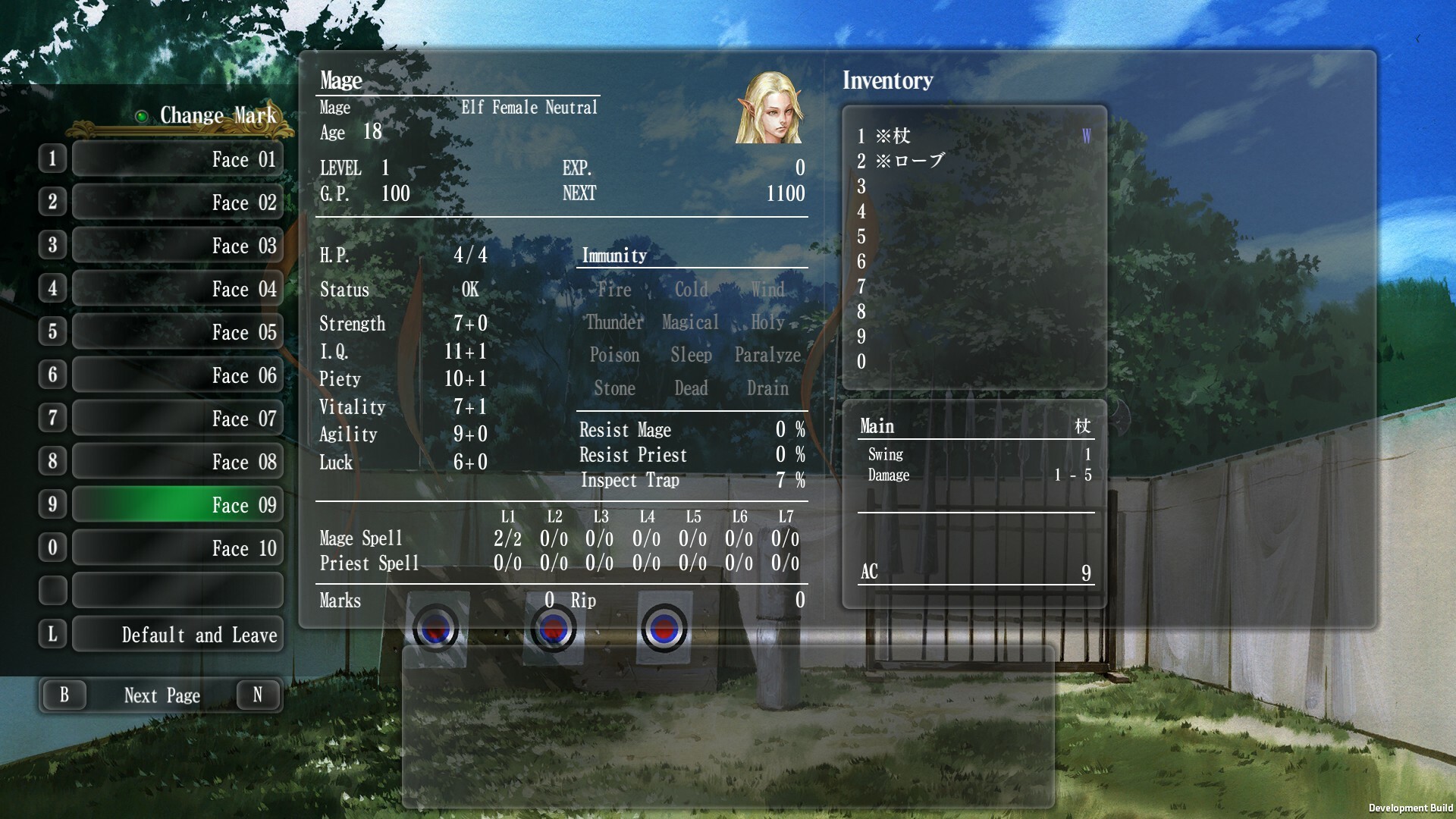
The game begins with a traditional tabletop‑style character builder. Players allocate attributes and select a portrait, then assemble a party of up to six members. This initial setup determines how the party handles the grid‑based dungeons and turn‑based battles.
Because characters can be lost forever, careful planning at creation is crucial. The system does not reset between scenarios, so early choices affect later challenges.
- Balance offensive and defensive stats to survive permanent death.
- Use the custom portrait feature to personalize each party member.
02 / THE GUIDE
Turn‑Based Combat
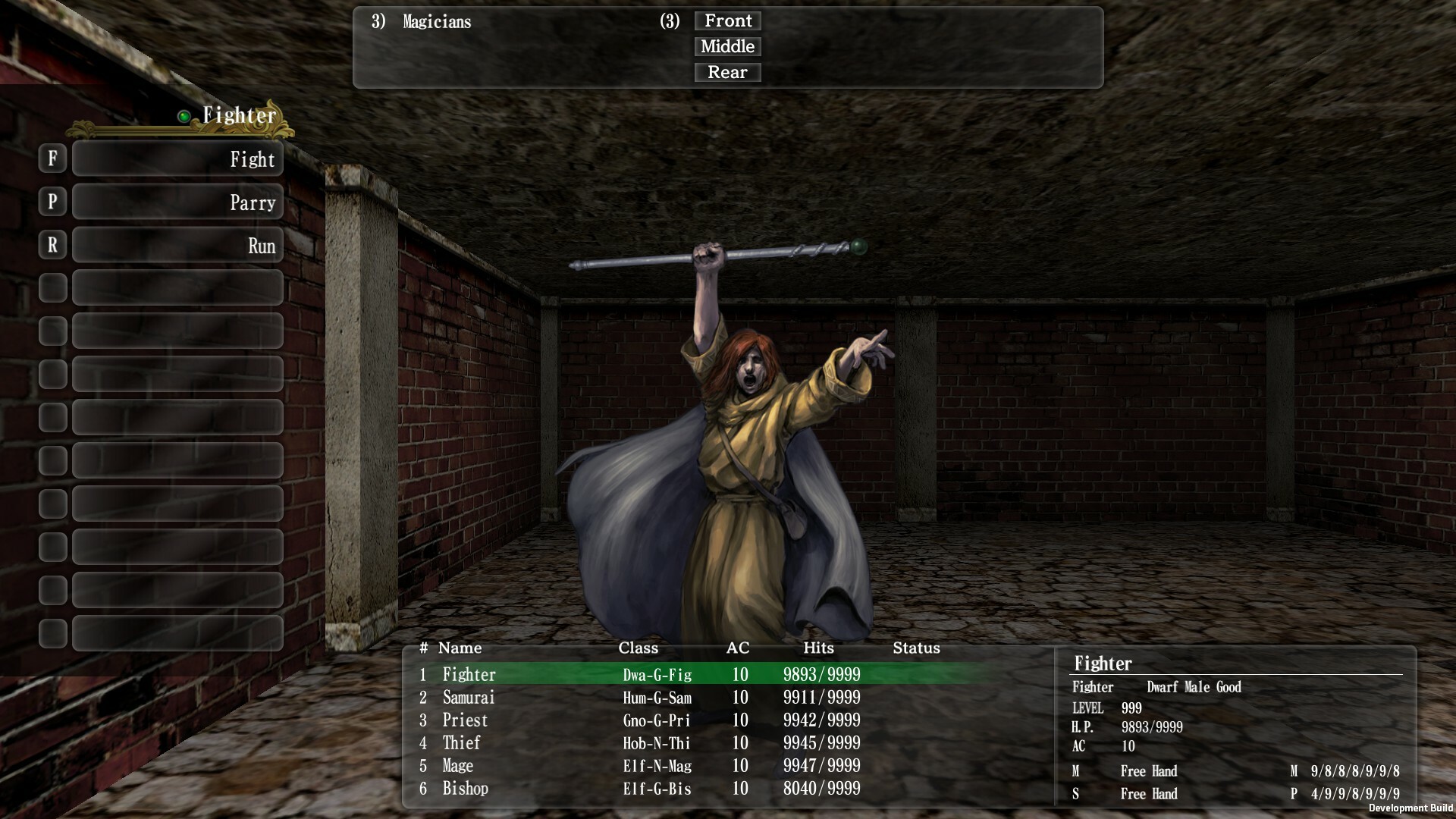
Combat follows a turn‑based system that blends JRPG simplicity with tabletop difficulty. Each character acts in order, using abilities that rely on an internal dice mechanic that is not rigged. The difficulty level encourages strategic planning.
Loss is permanent; if a character falls, the save is overwritten. This reinforces the hardcore nature of the game and rewards cautious play.
- Consider defensive actions early to avoid permanent loss.
- Watch the dice outcomes to gauge risk before committing.
03 / THE GUIDE
UI and Visual Upgrades
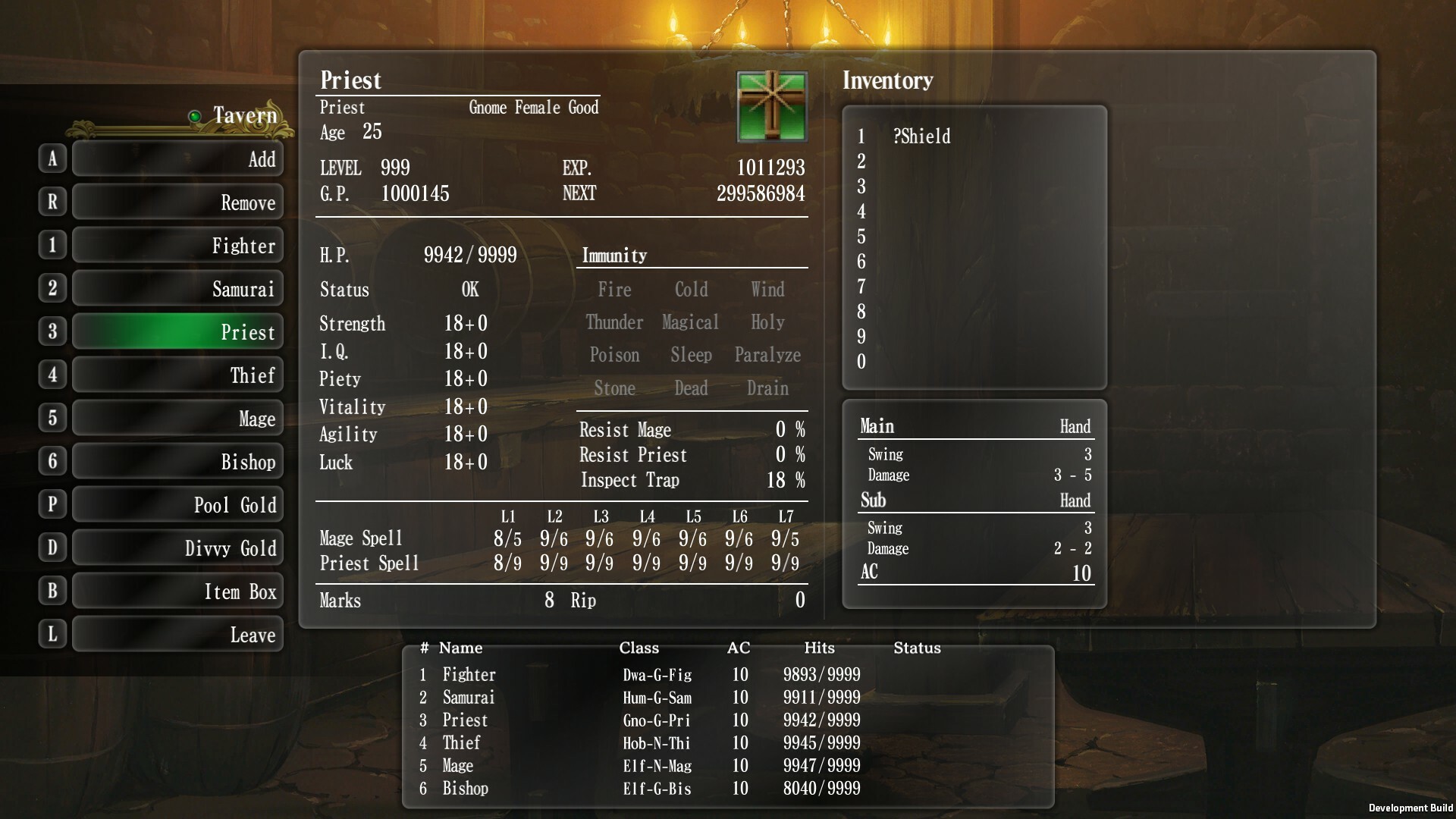
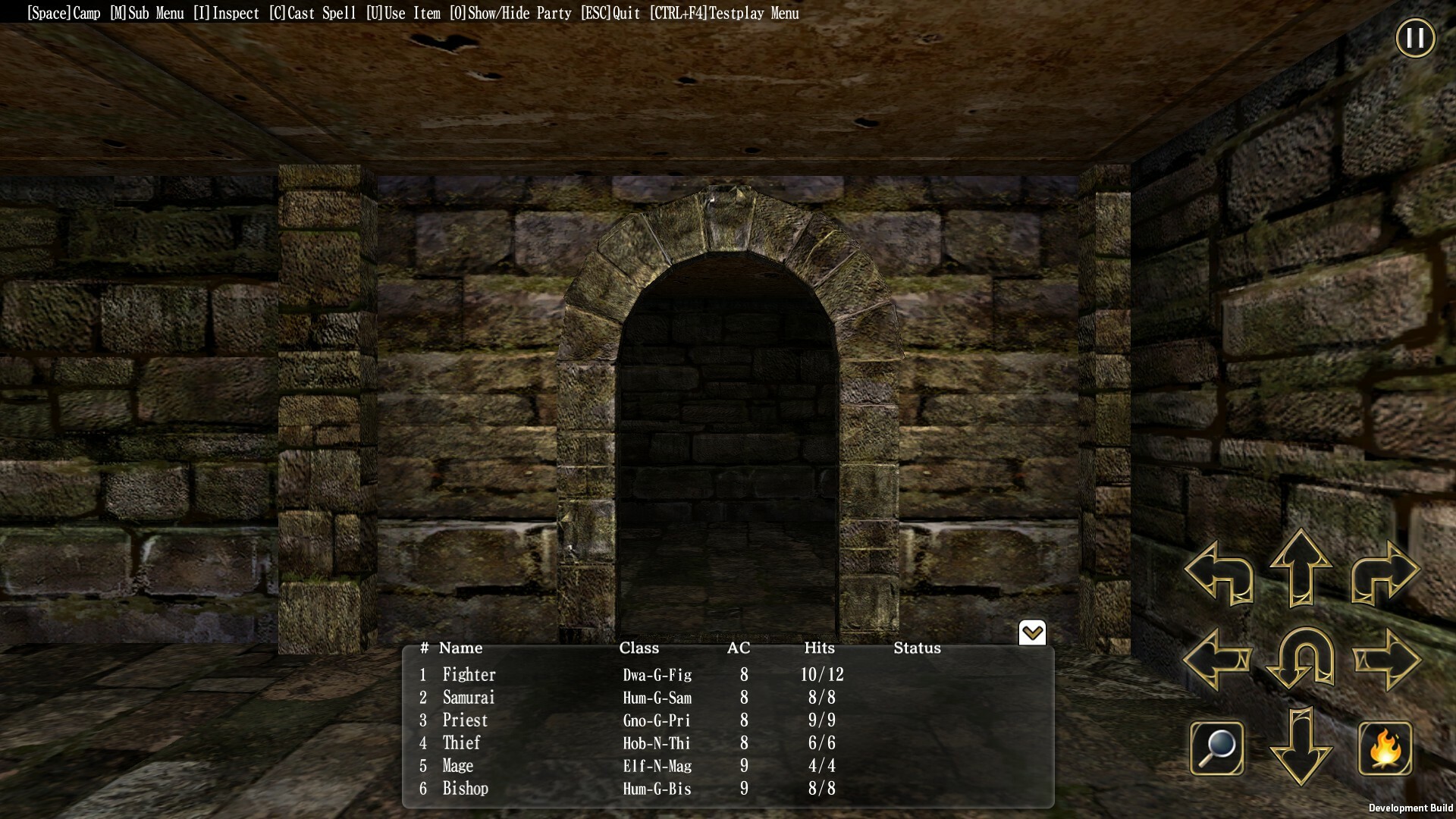
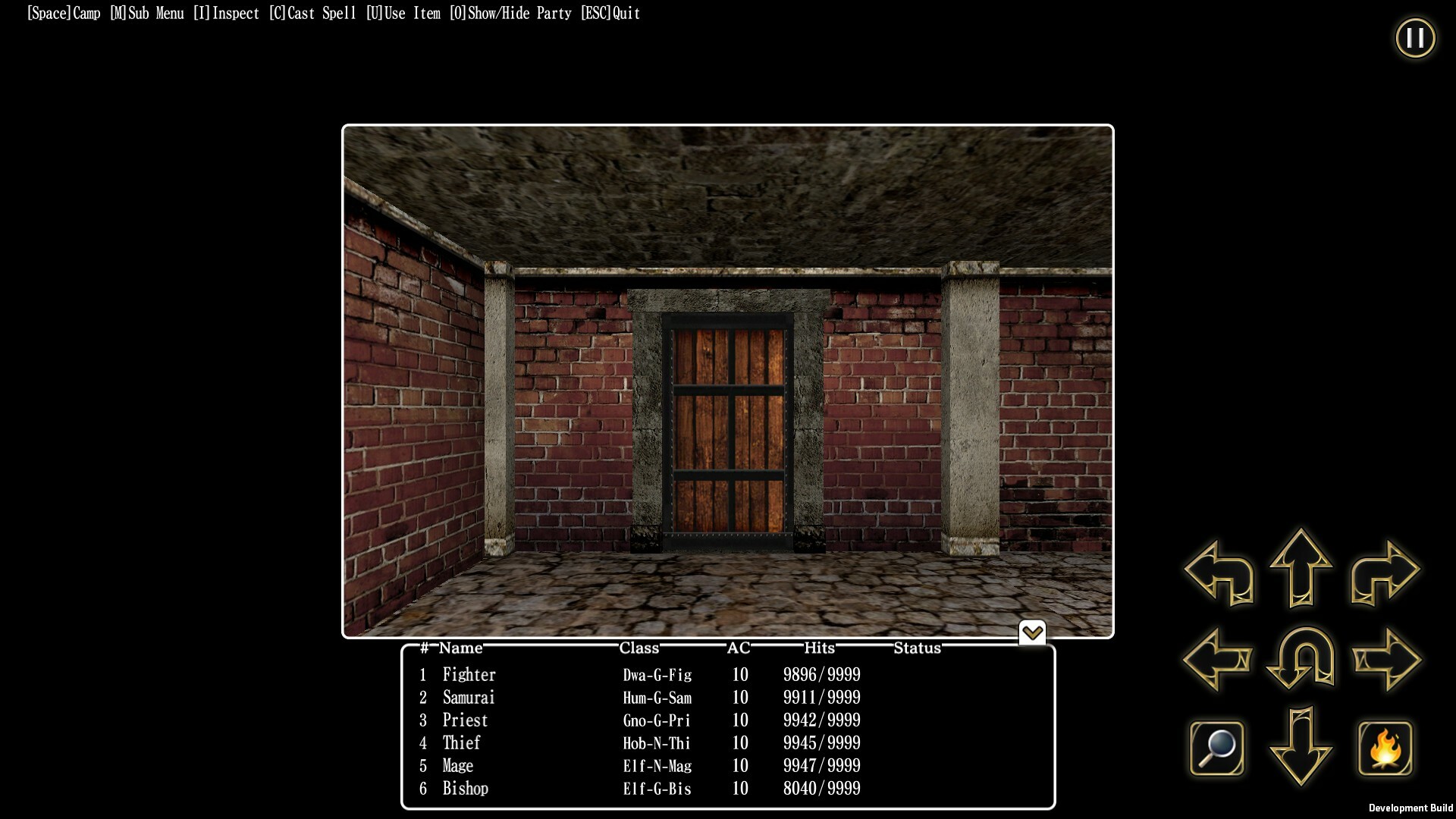
The Steam version runs on Unity, delivering widescreen and high‑resolution support. New UI elements replace the original 2006 layout, and 3D mazes feature high‑resolution monster models. These changes aim to ease navigation for modern audiences.
Despite visual enhancements, core gameplay remains unchanged, preserving the classic feel while improving readability and comfort.
- Adjust text size in the settings for clearer reading.
- Enable color alternatives if you need higher contrast.
04 / THE GUIDE
Input Options
Wizardry: The Five Ordeals supports a wide range of input methods. Players can use keyboard‑only, mouse‑only, or partial controller configurations, including DualShock and DualSense via Steam Input API. Remote Play extends the experience to phones, tablets, and TVs.
Steam Cloud saves ensure progress travels across devices, and Family Sharing lets multiple accounts access the game without separate purchases.
- Try the keyboard‑only option for precise menu navigation.
- Use Steam Cloud to keep saves synced between PC and remote devices.
05 / THE GUIDE
Scenario Selection
The game offers official scenarios that debut on this release, each providing dozens of hours of gameplay. Players choose a scenario from the in‑game menu, then dive into its unique dungeon layout and story.
Scenarios are self‑contained; completing one does not affect the availability of others, allowing players to tackle them in any order they prefer.
- Start with a shorter scenario to learn mechanics before tackling longer ones.
- Save before entering a new scenario to avoid overwriting progress.
COMMUNITY
Player discussion