 GameWiki
GET YOUR BEARINGS
About Wizardry 8
Wizardry 8 continues the long‑running fantasy RPG series, placing a small band of heroes in a universe on the brink of cataclysm. Players explore a vast 3D world, uncover forgotten secrets, and confront the Dark Savant in a non‑linear storyline that reacts to how they treat intelligent characters.
The game offers deep party customization, an auto‑targeting combat system with over 300 monster types, and more than 100 spells using a unique power‑level system. It runs in single‑player mode on Windows and macOS and supports Steam Cloud and Family Sharing.
01 / THE GUIDE
Custom Party Creation
Wizardry 8 lets you assemble a party from races such as gnome gadgeteers, lizardman fighters, rawulf lords, and faerie ninjas. Each character receives a selectable personality, and the game provides over one hundred spoken dialogue lines that reflect those choices.
Because the system does not restrict combinations, you can experiment with any mix of races and personalities. This flexibility influences how characters converse with NPCs, giving each playthrough a distinct narrative flavor.
- Try different race and personality pairings to notice how dialogue lines vary during encounters.
- Record which personality lines you find most engaging for future reference.
02 / THE GUIDE
Non‑Linear Storyline
The plot unfolds through a non‑linear structure, allowing players to pursue multiple quests in varied order. Interacting with dozens of intelligent characters lets you decide whether they become allies or enemies based on your treatment of them.
These decisions are reflected later in the game, influencing whether characters become powerful allies or deadly enemies as you confront the Dark Savant. The storyline therefore adapts to the cumulative impact of your choices.
- Keep brief notes on NPC reactions to help anticipate future alliance options.
- Review earlier choices before major plot points to understand possible outcomes.
03 / THE GUIDE
Combat System
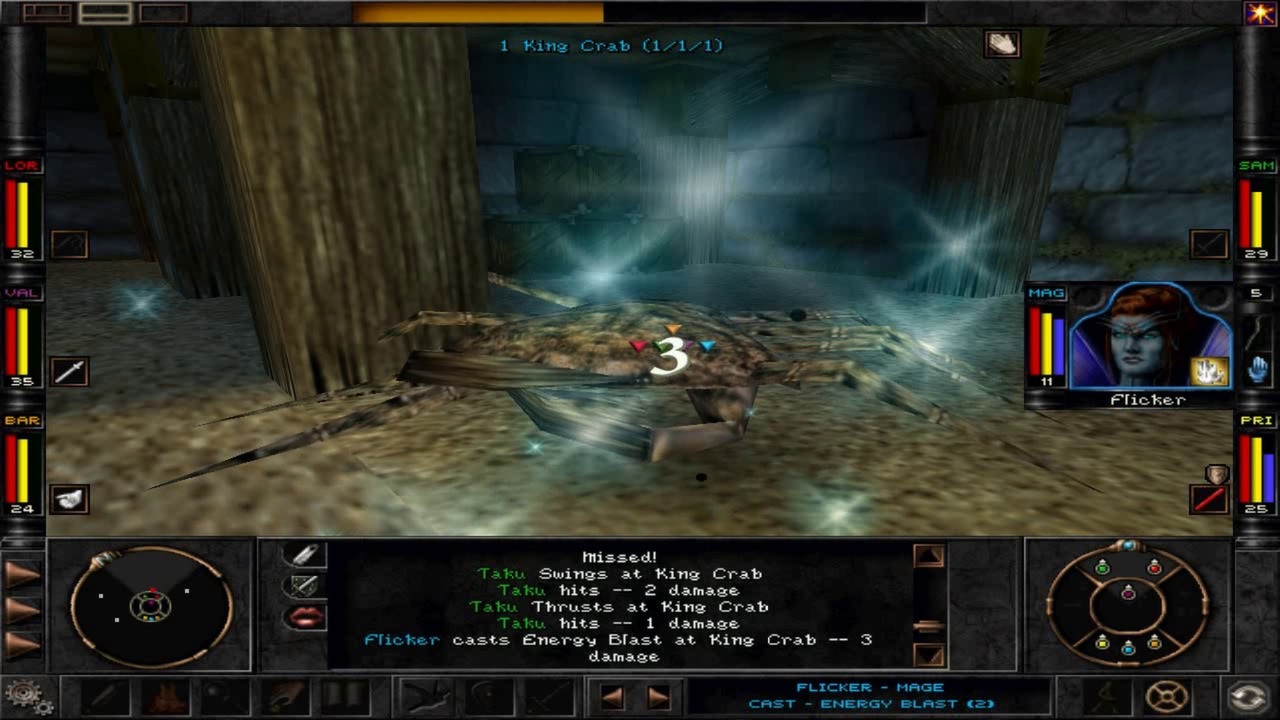
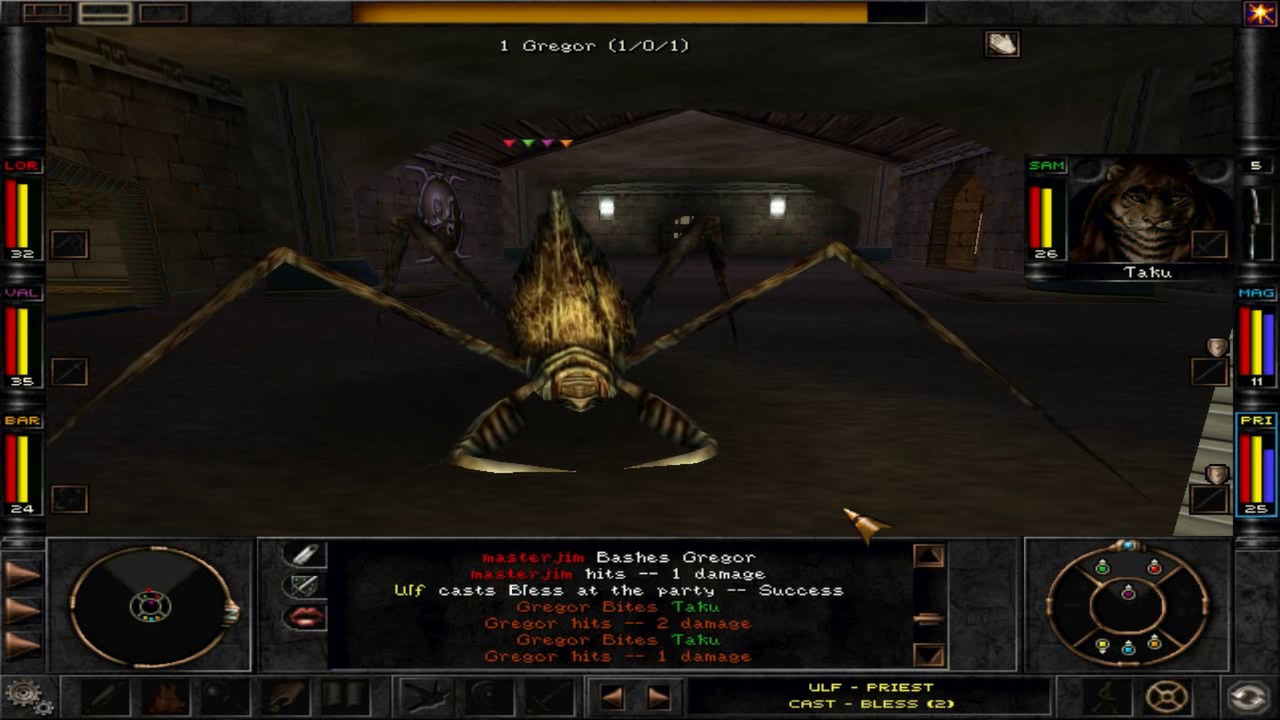
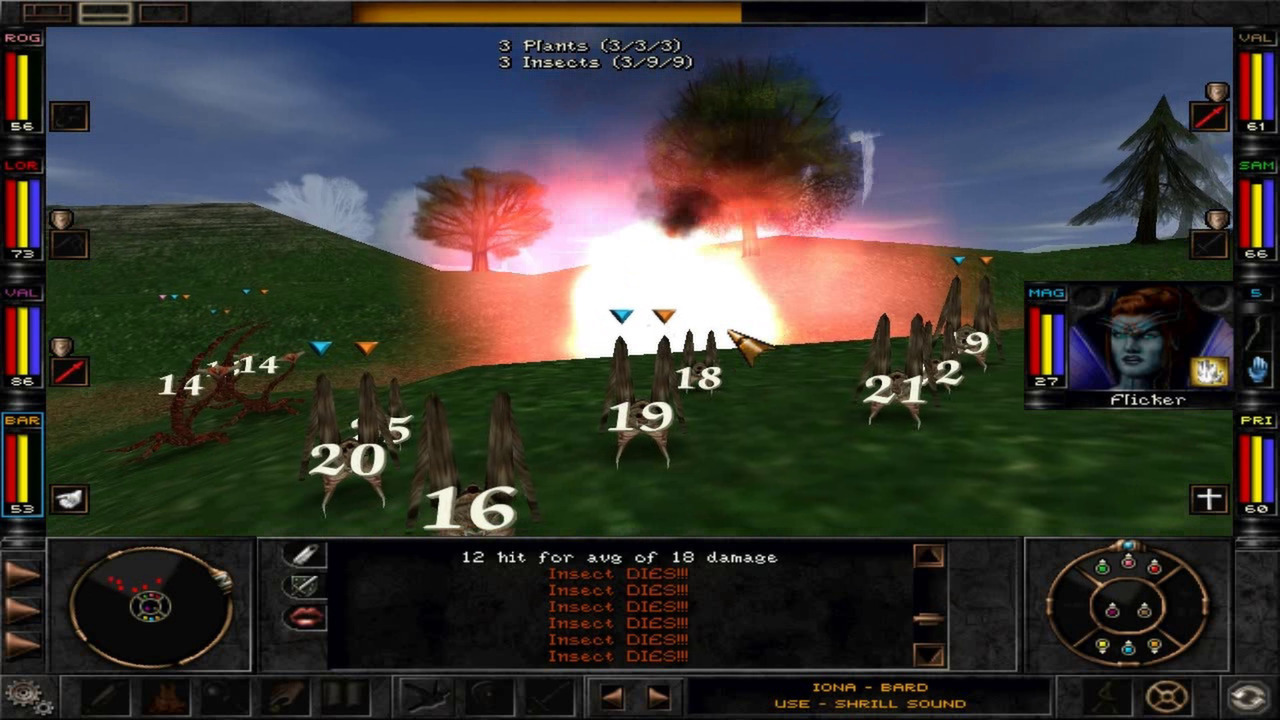
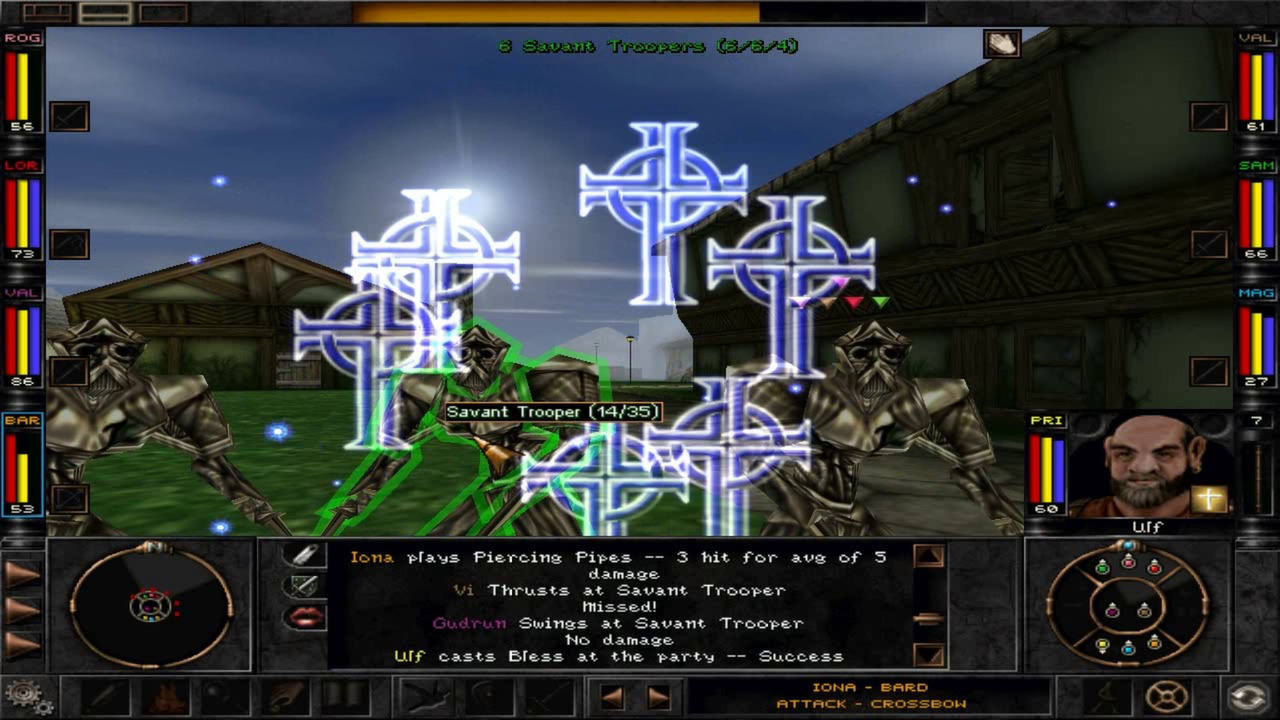
Combat uses an auto‑targeting system that makes engagements easy to start while still offering depth through over three hundred monster types. Advanced creature AI allows monsters to hunt the player as well as being hunted.
Players can wield swords, cast more than one hundred spells via a power‑level system, and employ tactical positioning. The combination of weapon variety and spell options creates many viable strategies for each encounter.
- Experiment with different spell power levels to see which remain effective against varied monster types.
- Observe monster movement patterns to identify moments when they are most vulnerable.
04 / THE GUIDE
Exploration Environments
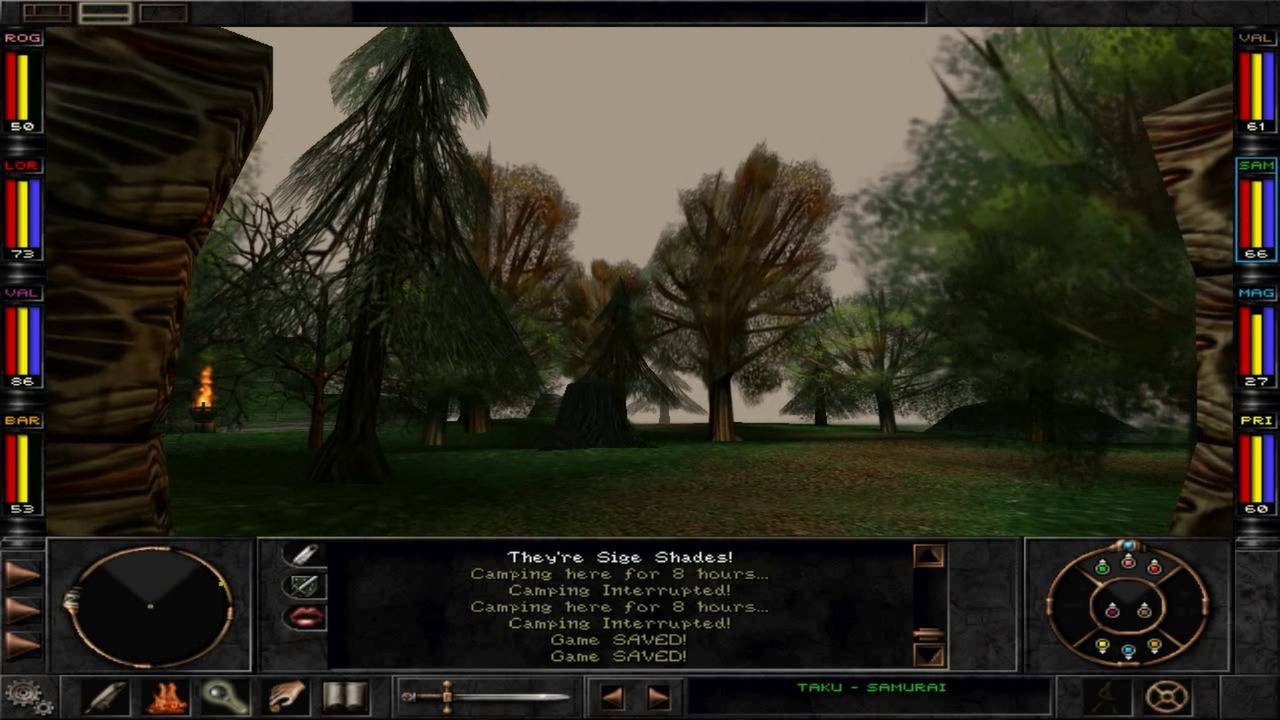
Wizardry 8 presents a 3D world that includes dark dungeons, lush landscapes, scorching volcanoes, and underwater areas. Each environment features distinct visual and atmospheric design, contributing to the overall sense of scale.
Traveling through these varied locales introduces different enemy encounters and environmental cues, encouraging players to adapt their approach as they move from one region to another.
- Take note of environmental cues that signal upcoming combat or narrative events.
- Compare how monster appearances differ between surface and underwater zones.
05 / THE GUIDE
Platform Support
The title is available for Windows and macOS, offering single‑player gameplay with Steam Cloud synchronization and Family Sharing options. These features let saved progress be stored online and accessed from multiple devices using the same Steam account.
Linux is not listed as a supported platform, and the description does not detail any additional controller configurations beyond standard platform input.
- Enable Steam Cloud in the client settings to back up your save data automatically.
- Verify that Family Sharing is set up if you wish to share the game library with household members.
COMMUNITY
Player discussion