 GameWiki
GET YOUR BEARINGS
About WILD HEARTS
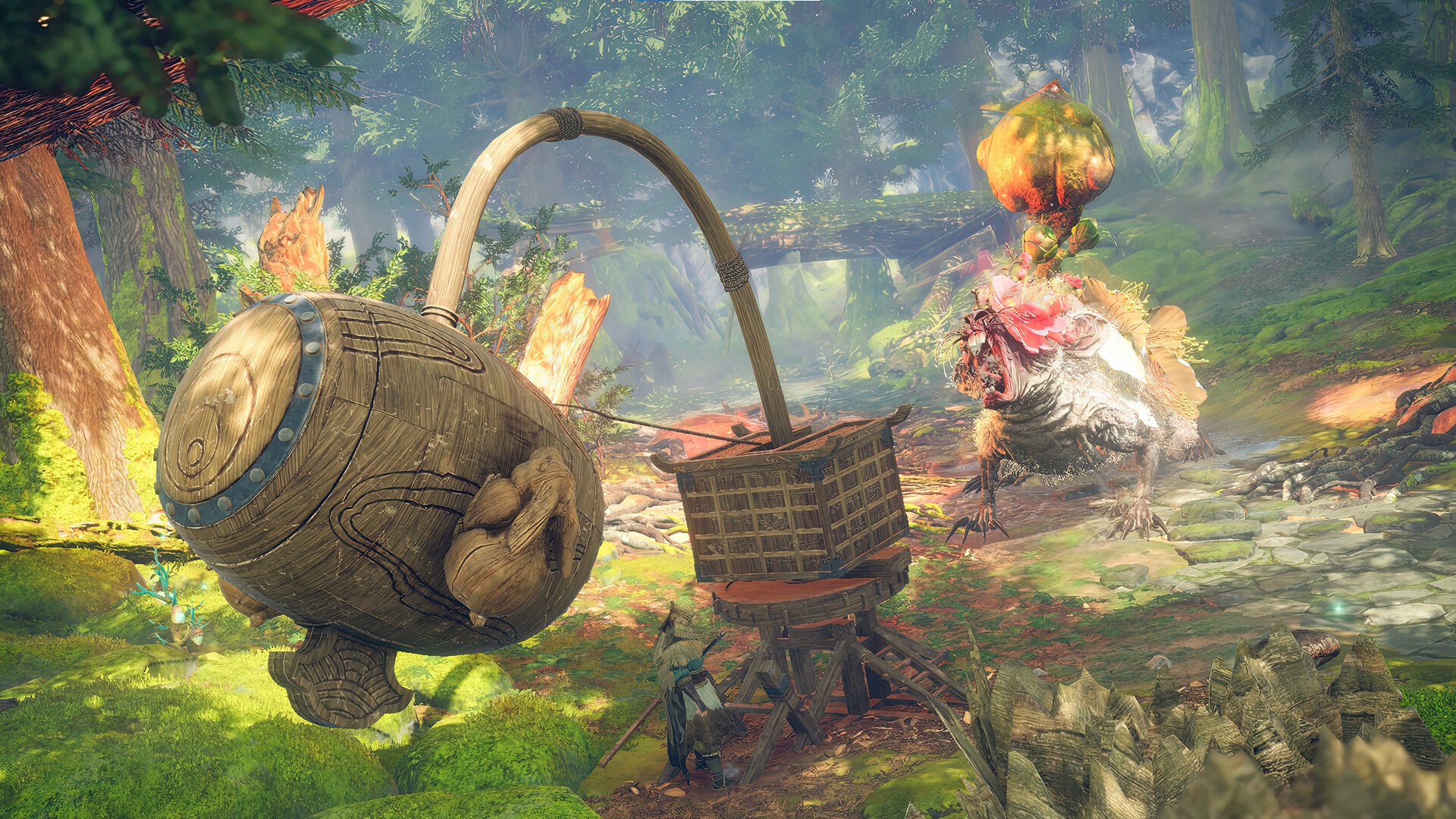
WILD HEARTS™ reimagines the hunting genre by letting players face "fearsome beasts infused with the ferocious power of nature itself" while wielding ancient Karakuri technology.
The game supports solo play and "hunt with friends in seamless co‑op", and includes accessibility options such as full controller support, narrated menus, and customizable audio settings, all provided in English.
01 / THE GUIDE
Story and Setting
"No one remembers why the Kemono began their rampage through a once‑prosperous Azuma" sets the mystery that drives the hunt.
Players act as hunters in a world "inspired by feudal Japan", confronting supernatural beasts while exploring a fantasy landscape shaped by ancient technology.
- Listen to narrated menu entries for lore clues about the Kemono.
- Watch environmental cues that hint at creature habits.
02 / THE GUIDE
Gameplay Modes
"Take on these creatures alone or hunt with friends in seamless co‑op" describes the core modes available.
Both solo and cooperative play share the same combat mechanics and objectives, allowing flexible team sizes.
- Coordinate with teammates before engaging a large Kemono.
- Solo players should experiment with Karakuri tools early to learn their functions.

03 / THE GUIDE
Controls and Accessibility
The feature list includes "Full controller support", "DualShock Controller Support", "DualSense Controller Support", and a "Keyboard Only Option", giving players multiple input choices.
"Narrated Game Menus", "Chat Speech-to-text" and "Chat Text-to-speech" are available in English only, expanding accessibility for diverse play styles.
- Enable narrated menus if you prefer auditory guidance.
- Adjust subtitle size for clearer dialogue during intense battles.
04 / THE GUIDE
Progress and Saving
"Save Anytime" lets players record progress at any moment, offering flexibility for long hunting sessions.
The presence of "Steam Achievements" provides optional milestones beyond the main storyline.
- Save before entering a new area to avoid losing progress.
- Review Steam achievements to set short‑term objectives.
05 / THE GUIDE
Visual and Audio Options
"Color Alternatives" let players adjust visual palettes, while "Stereo Sound" and "Surround Sound" cater to different audio setups.
"Subtitle Options" and "Custom Volume Controls" give further control over how information is presented.
- Experiment with color alternatives if you experience visual strain.
- Use surround sound to better locate Kemono movements.



COMMUNITY
Player discussion