 GameWiki

GET YOUR BEARINGS
About while True: learn()
while True: learn() is an indie simulation‑puzzle title that introduces real machine‑learning ideas through a block‑based workflow. You play as a coder whose cat, brilliant at algorithms but mute in human language, helps you build a cat‑to‑human translator. Each level presents a ready‑made block—expert system, decision tree, perceptron, neural network, and others—mirroring the historical development of the field. By dragging blocks onto a board, wiring them together, and pressing Release, you watch data flow and aim for bronze or gold medals based on accuracy, speed and cost. Solutions can be saved as single reusable blocks for later jobs, letting you refine schemes without writing code. The game also features a freelance career mode: you receive emails from eccentric clients, choose contracts, and work alone in a dark room, echoing the solitary side of data‑science work. Earnings let you purchase faster hardware that runs schemes quicker, as well as purely cosmetic items such as cat outfits or geeky figurines. Accessibility is a focus, with mouse‑only play, full controller support (including DualShock, DualSense and Steam Deck), Adjustable Text Size, Camera Comfort, custom volume controls, Save Anytime, Steam Cloud and Family Sharing. The experience is designed for curious players, educators and anyone who wants a hands‑on glimpse of machine‑learning concepts without learning to code.
01 / THE GUIDE
Puzzle Mechanics
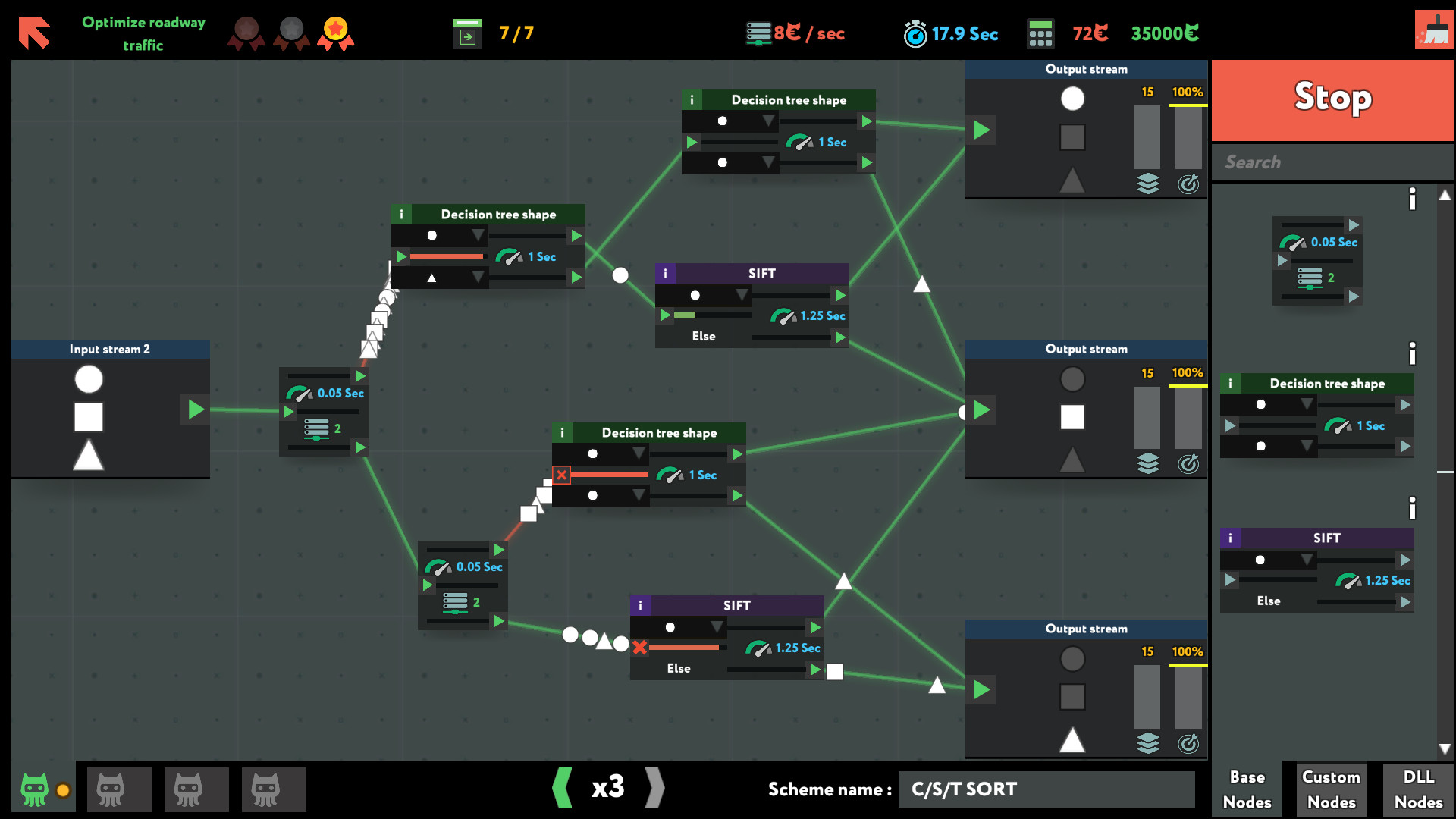
Each puzzle supplies a ready‑made block that represents a real machine‑learning technique—expert systems, decision trees, perceptrons, neural networks and more. Players drag these blocks onto a board, connect them, and press Release to watch the data flow, aiming for bronze or gold medals based on accuracy, speed and cost.
Successful configurations can be saved as single blocks and reused in later jobs, encouraging refinement and reuse of effective schemes.
- Begin with the simplest blocks to grasp data flow before tackling larger networks.
- Save configurations you like; they become shortcuts for future puzzles.
02 / THE GUIDE
Machine Learning Concepts
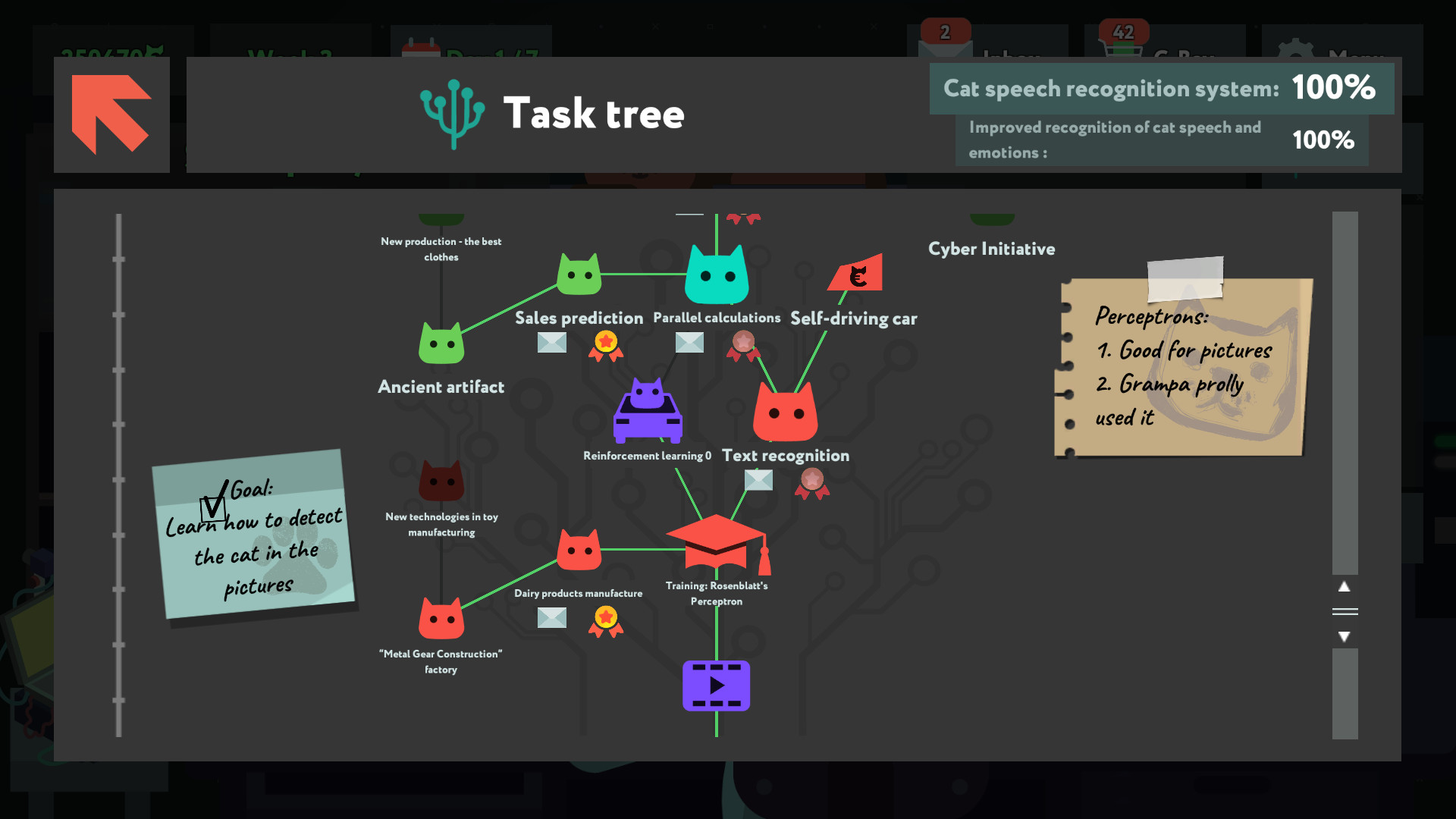
Puzzles introduce techniques in the order they appeared historically, from 1960s expert systems to modern recurrent neural networks. A short note explains each block’s in‑game function and its real‑world counterpart, and links to articles, videos and courses let players explore deeper.
The goal is to familiarize players with terminology, purpose and significance of each idea, offering a first map of the field without being a formal course.
- Read the in‑game notes to connect blocks with their real‑world analogues.
- Follow the provided links if you want to study a technique beyond the puzzle.
03 / THE GUIDE
Freelance Career Mode
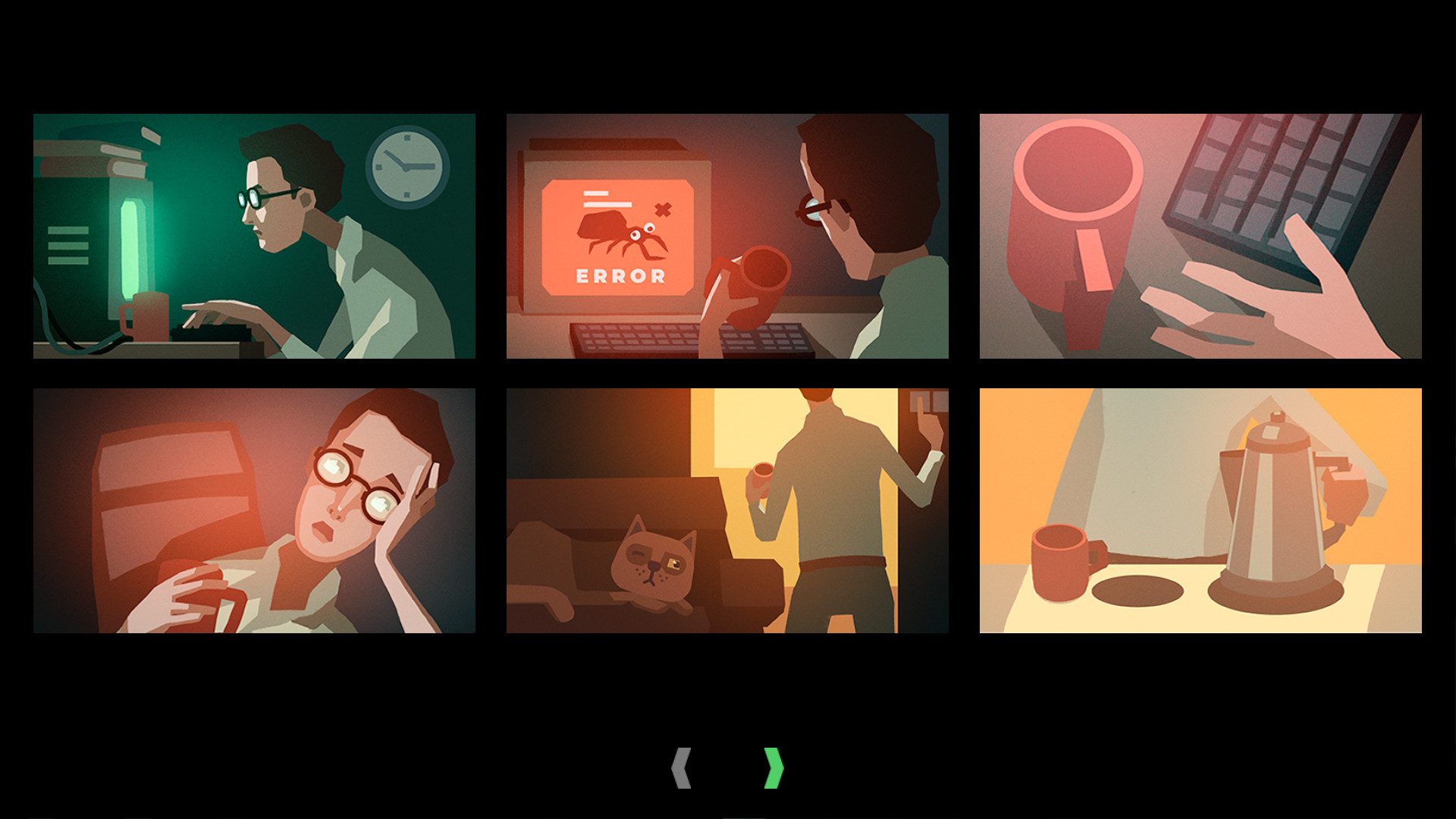
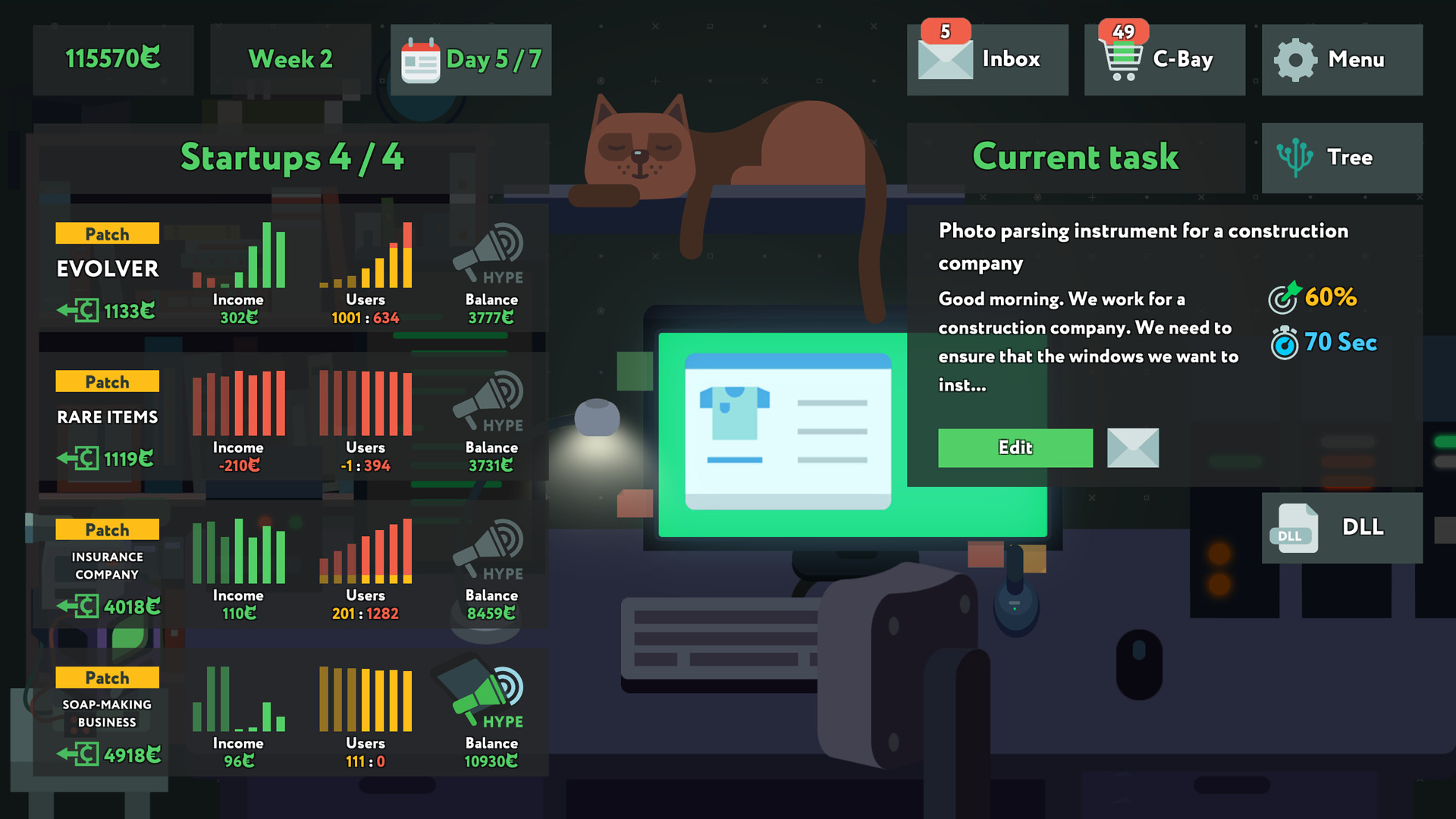
You receive emails from very strange clients, pick contracts, and work alone in a dark room, mirroring a common image of data‑scientist life. Successful jobs earn money that can be spent on faster hardware, cat outfits, or startup ventures.
As earnings grow, you can become a startup CTO, cash out, or risk losing everything and returning to an HR department, reflecting the volatile nature of tech entrepreneurship.
- Match contract difficulty with your current hardware to avoid costly failures.
- Consider startup investments only after you have a stable freelance income.
04 / THE GUIDE
Hardware & Customization
Money earned lets you buy faster hardware that runs your schemes quicker, helping you meet gold‑medal criteria that involve speed.
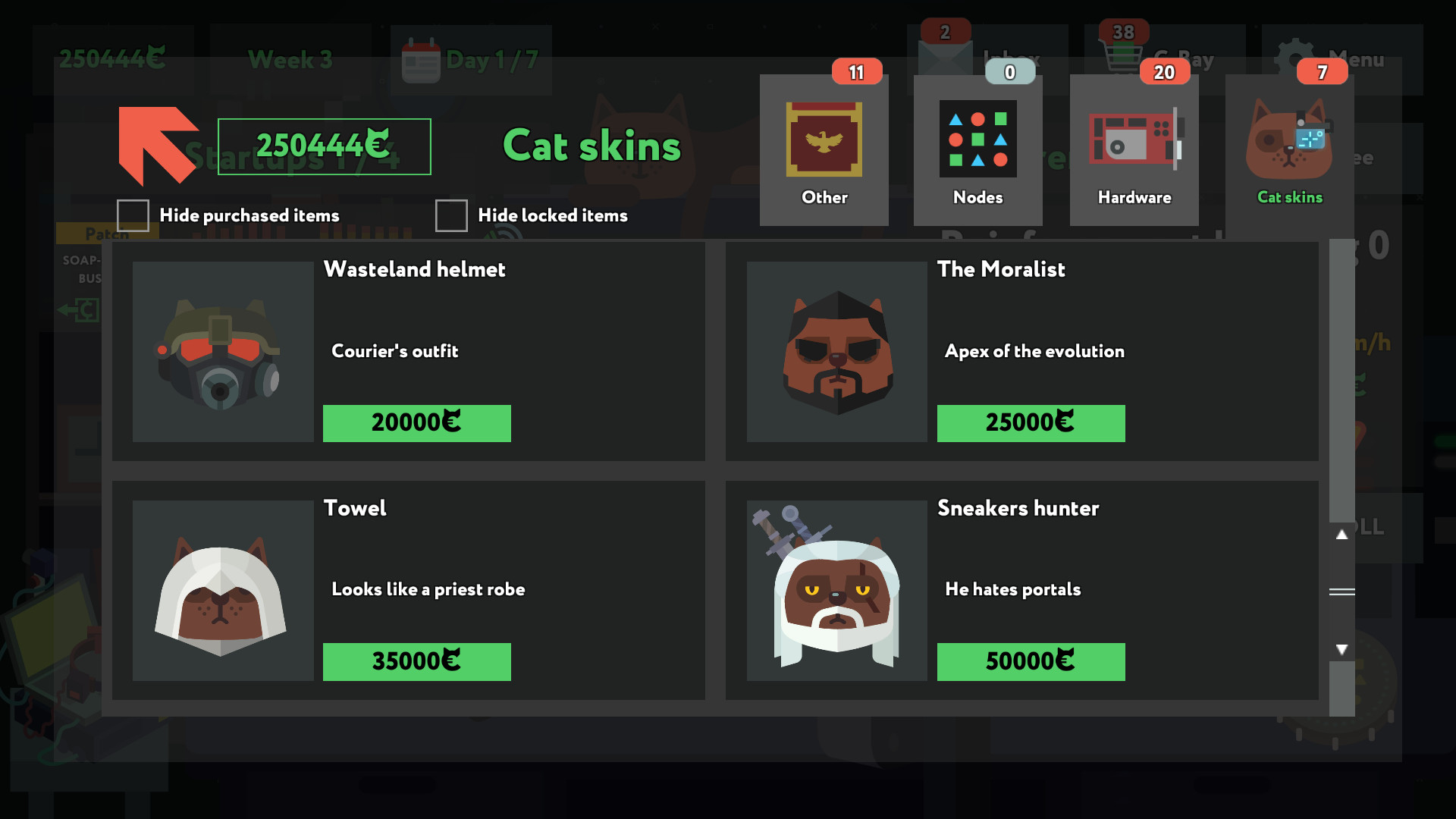
Cosmetic items—new smartphones, geeky figurines, fancy cat outfits, even an aloe plant—let you personalize the experience without affecting puzzle logic.
- Prioritize hardware upgrades before cosmetic items for better puzzle performance.
- Weigh cost versus speed gains when buying new hardware.
05 / THE GUIDE
Accessibility & Controls
The game supports mouse‑only play, full controller support, DualShock and DualSense compatibility, and Steam Deck operation. Adjustable Text Size, Camera Comfort and custom volume controls address varied player needs.
Features such as Save Anytime, Steam Cloud and Family Sharing let you pause and resume at your own pace without timed‑input pressure.
- Enable Adjustable Text Size for clearer reading of block notes.
- Use Save Anytime to experiment without fear of losing progress.
COMMUNITY
Player discussion