 GameWiki
GET YOUR BEARINGS
About When the Darkness comes
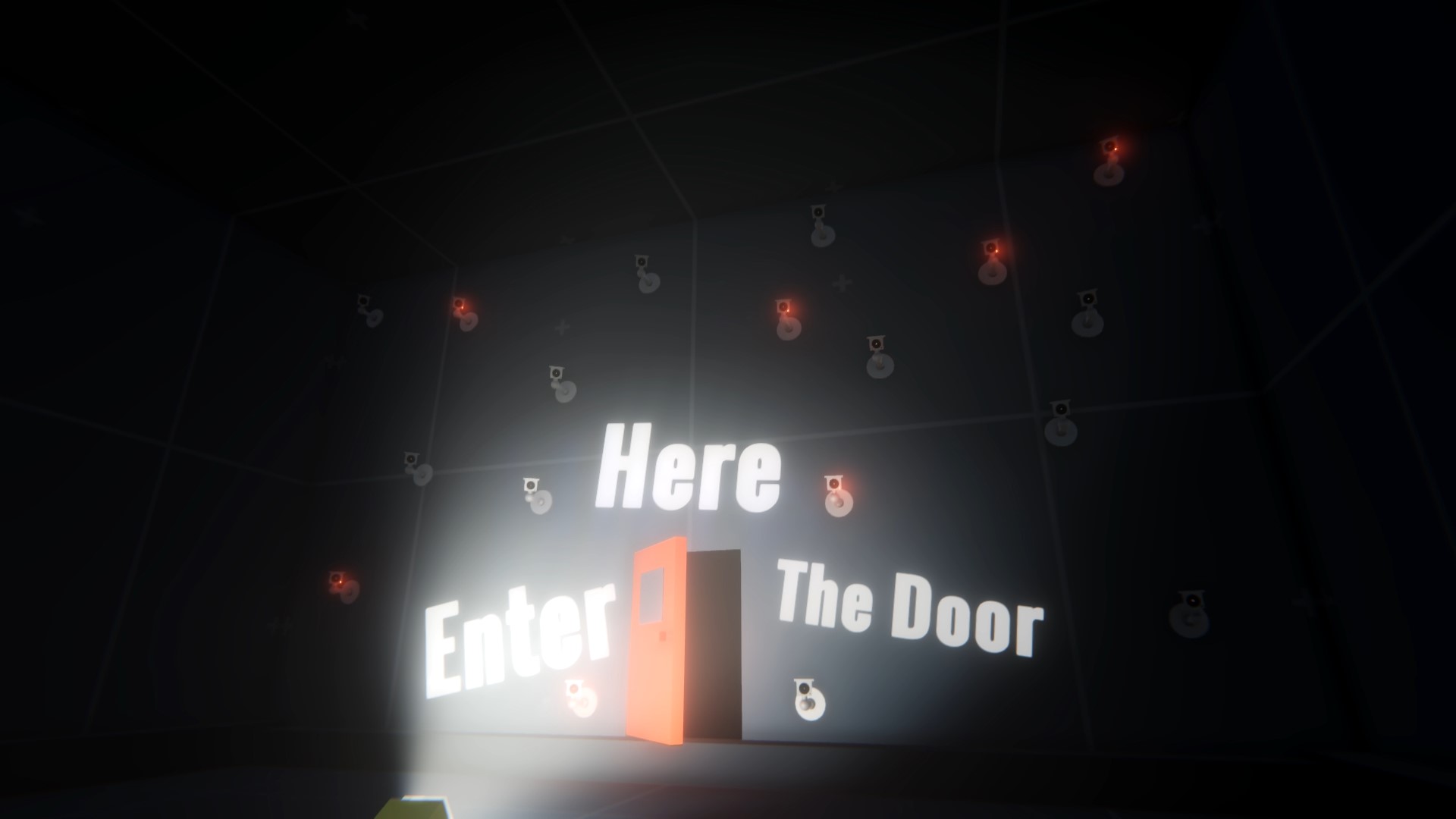
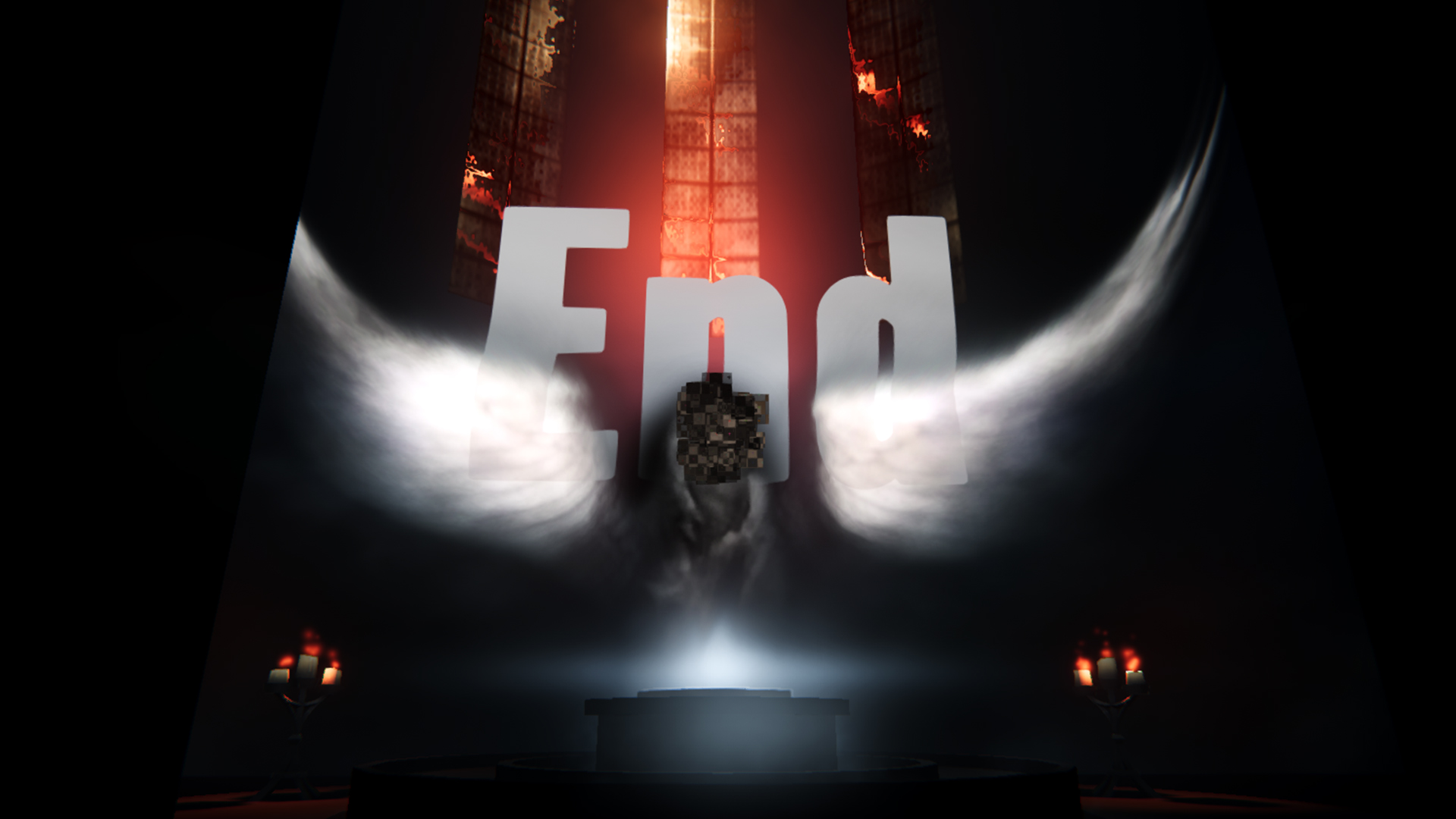
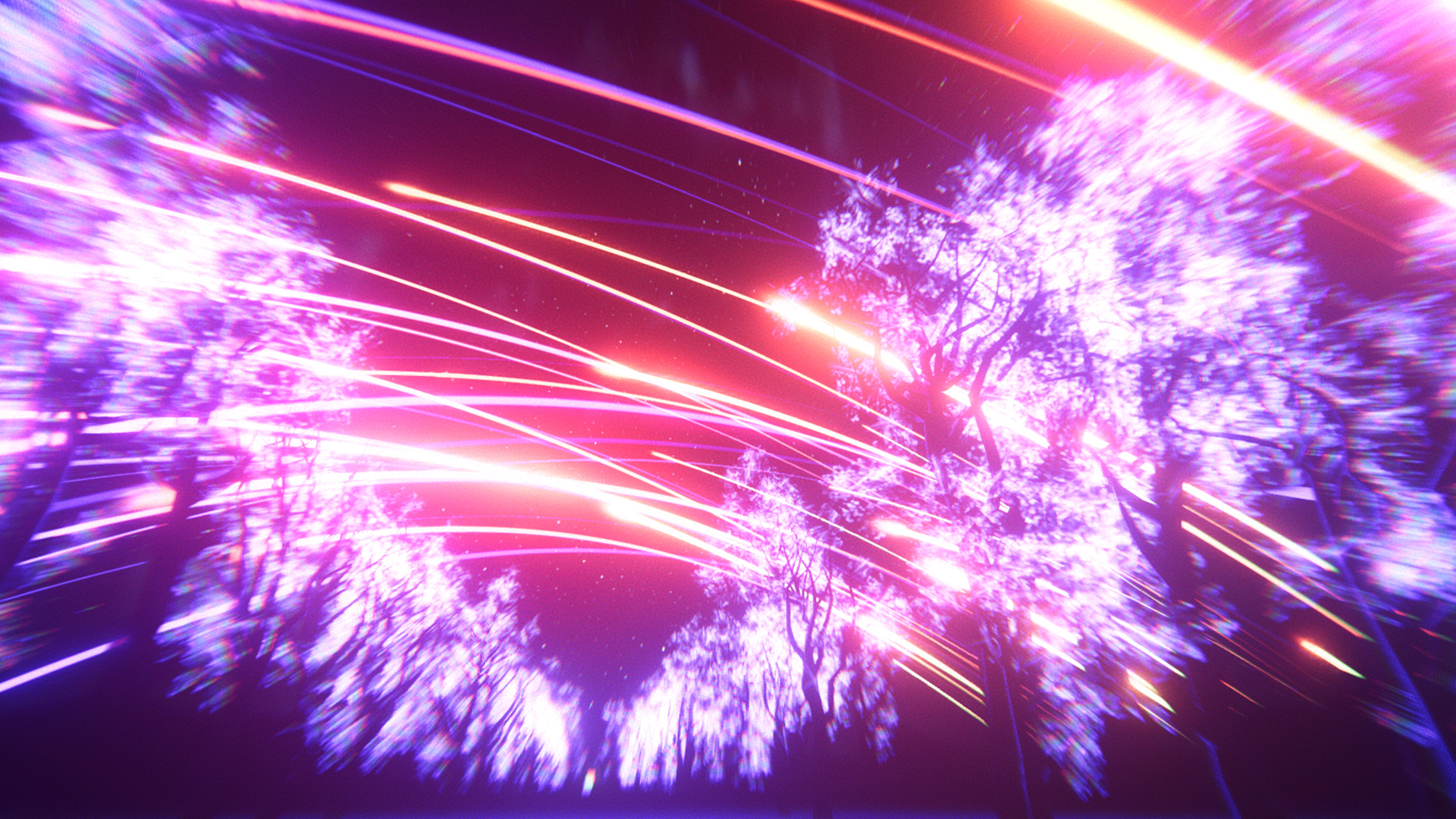
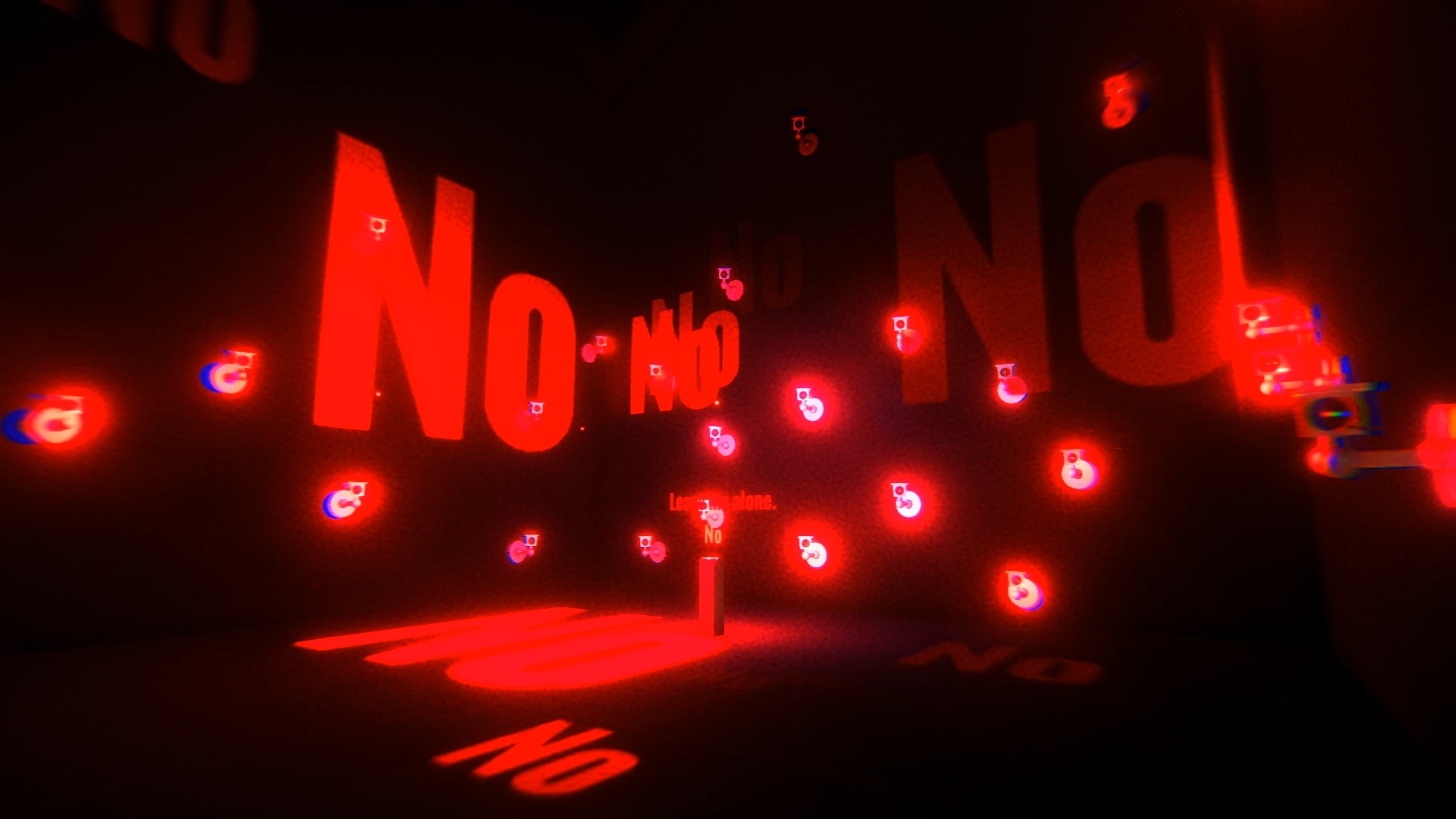
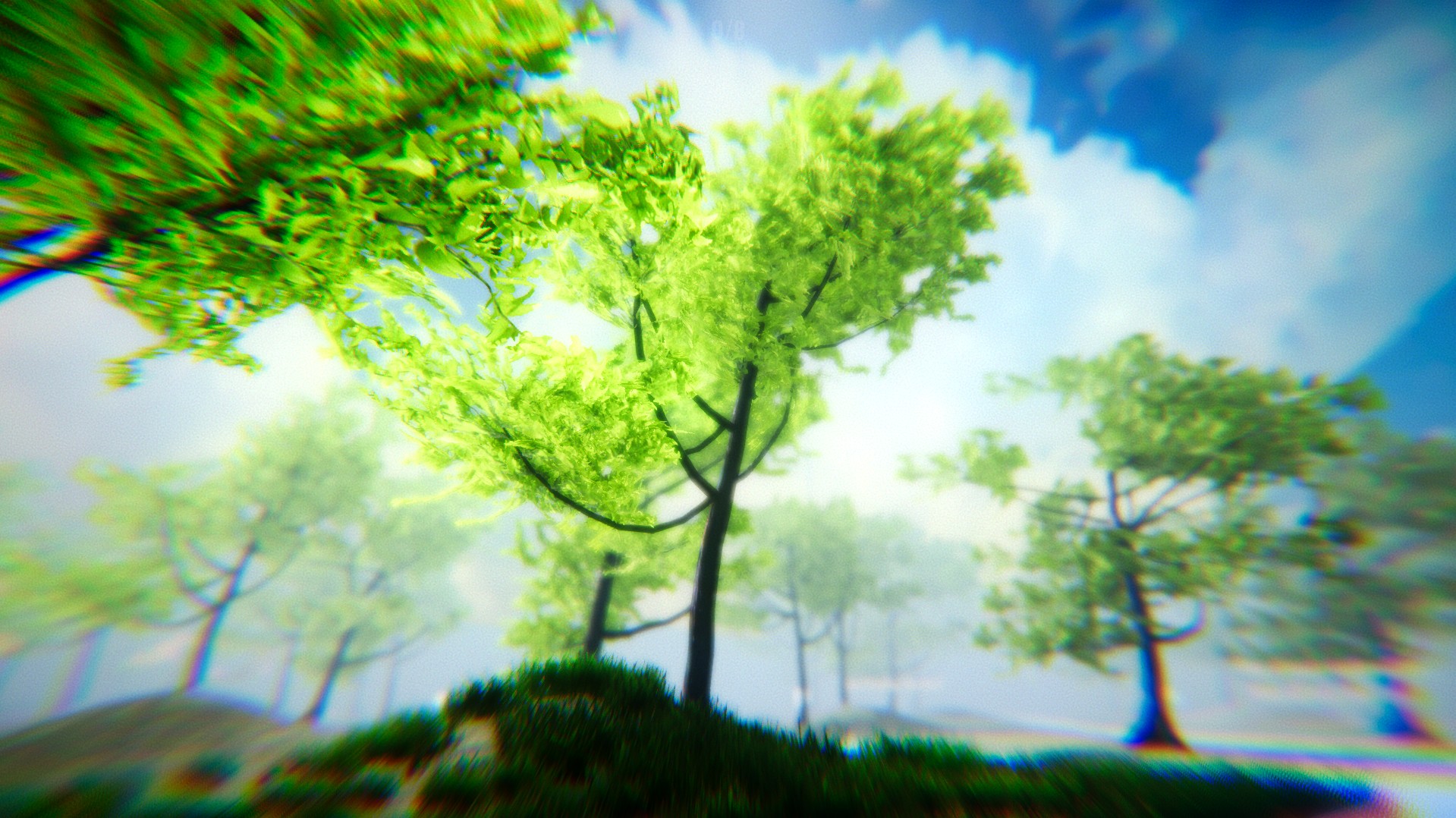
When the Darkness Comes is a walking‑simulator that uses glitchy digital landscapes to explore depression, anxiety, verbal abuse, manipulative control and suicide. The experience follows a clock, a piano and a girl through abstract scenes that question meaning and purpose.
The first arc lasts about one hour and is presented as a personal self‑exploration rather than a conventional game. It is free to play, single‑player, and available on Windows via Steam with achievements and Family Sharing support.
01 / THE GUIDE
Narrative Themes
The description says the game’s story is built around a clock, a piano and a girl, using these symbols to ask what meaning is and whether any purpose is predetermined. The narrative is intentionally vague, encouraging personal reflection rather than delivering a clear plot resolution.
The creator notes the work is an outlet for their own psyche and hopes it may help others explore theirs. Themes of loneliness, fear, despair and fleeting hope are presented without conventional resolution, reinforcing the artistic intent of the experience.
- Play in a quiet environment to give space for processing heavy themes.
- Take short breaks if the content feels overwhelming.
02 / THE GUIDE
Basic Controls
Movement is handled with WASD or the arrow keys, interaction uses the F key, jumping is bound to Space and sprint to Shift. These are the only input actions described, establishing a simple navigation focus.
No combat, inventory or puzzle systems are described in the available information, so the experience appears to rely on walking and occasional interaction to convey its atmosphere.
- Experiment with both WASD and arrow keys to see which feels more natural.
- Use sprint sparingly to avoid missing subtle environmental details.
03 / THE GUIDE
Keyboard Layout Toggle
Within the game a toggle lets players switch between AZERTY and QWERTY keyboard layouts, accommodating different regional keyboard standards without altering any other bindings.
The toggle is the sole documented input option; all other keys remain the same regardless of layout, so players should set the appropriate layout before beginning to avoid confusion.
- Check the layout setting early to ensure the interaction key matches your keyboard.
- If you use a non‑standard layout, verify the toggle reflects your hardware before moving forward.
04 / THE GUIDE
Steam Features
The title supports Steam Achievements, allowing players to earn recognitions for completing the experience. It also works with Steam Family Sharing, so other account holders can play the same copy without purchasing a separate license.
No other Steam‑specific services such as cloud saves are listed, so the documented features are limited to achievements and family sharing.
- Review the achievement list after finishing to see which milestones were tracked.
- Share the game via Family Sharing to let friends experience it without buying.
05 / THE GUIDE
Update Policy
The developer states the game will not receive new content, only major bug fixes. This positions the experience as a finished artistic piece rather than a live service.
Players can therefore expect the current state to remain unchanged, aside from potential stability improvements, because the creator says they will not be updating it beyond major bugs.
- Report any major bugs to the developer for possible fixes.
- Enjoy the existing content knowing it represents the creator’s final vision.
COMMUNITY
Player discussion