 GameWiki
GET YOUR BEARINGS
About WheelMates
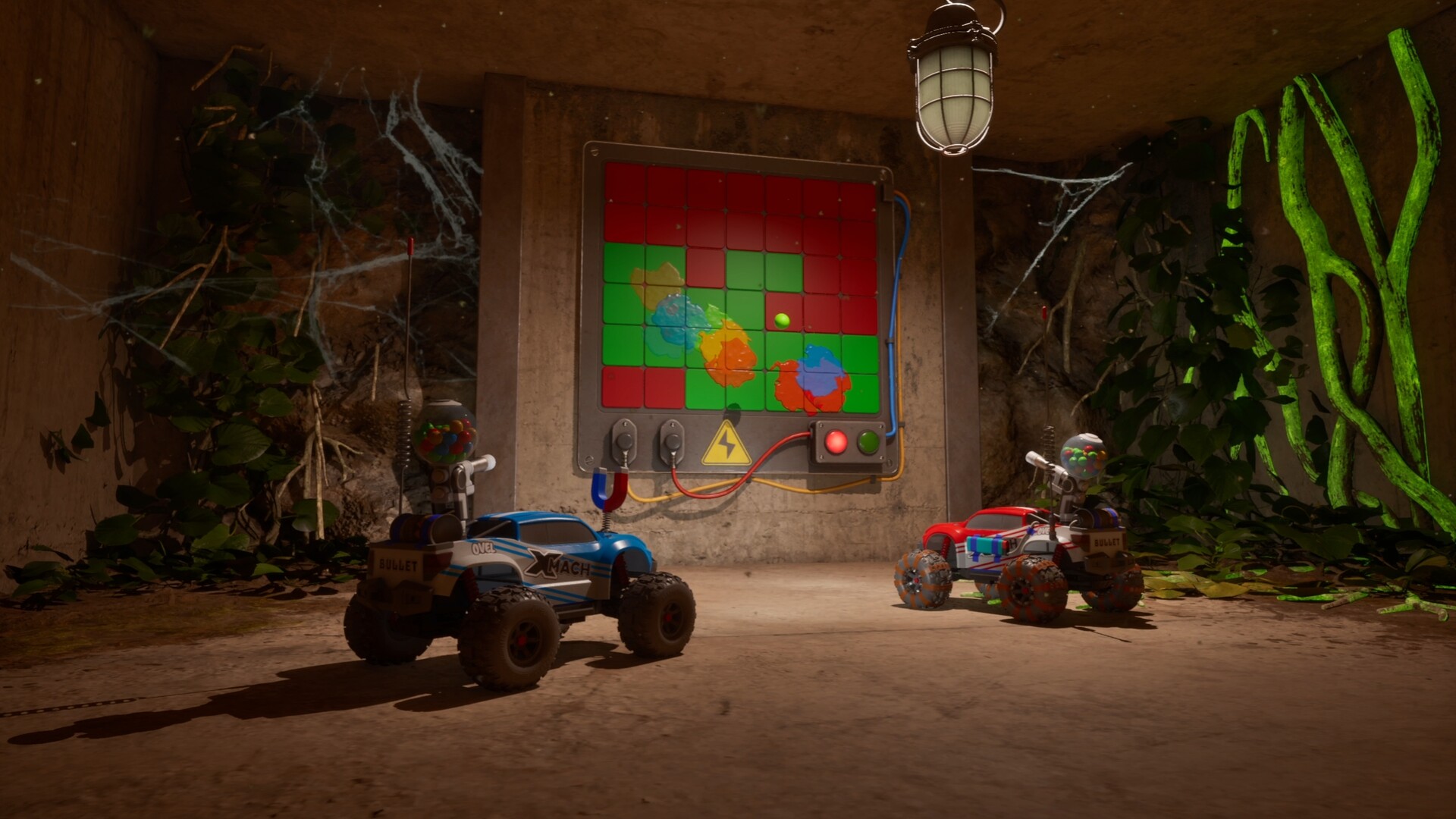
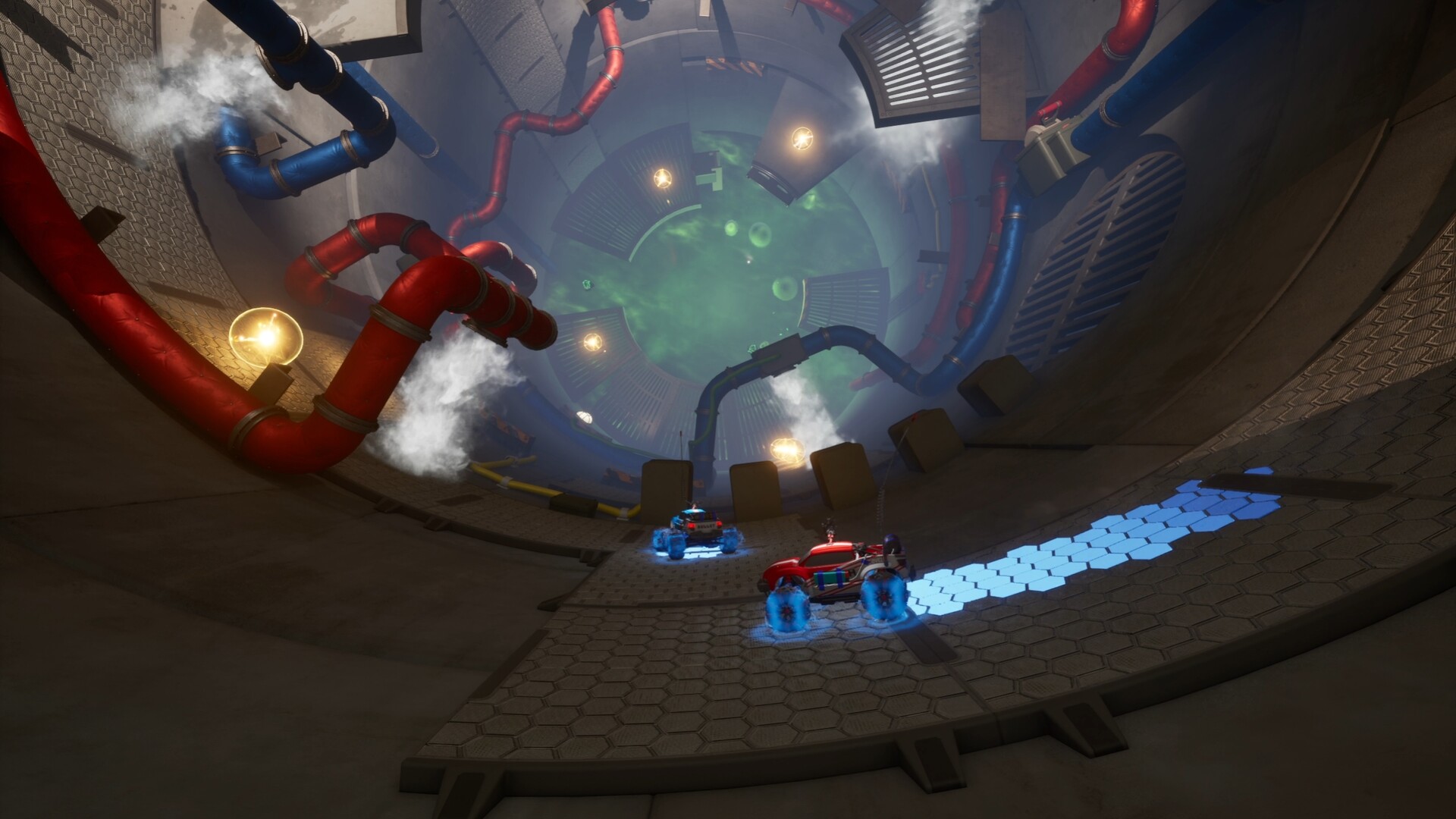
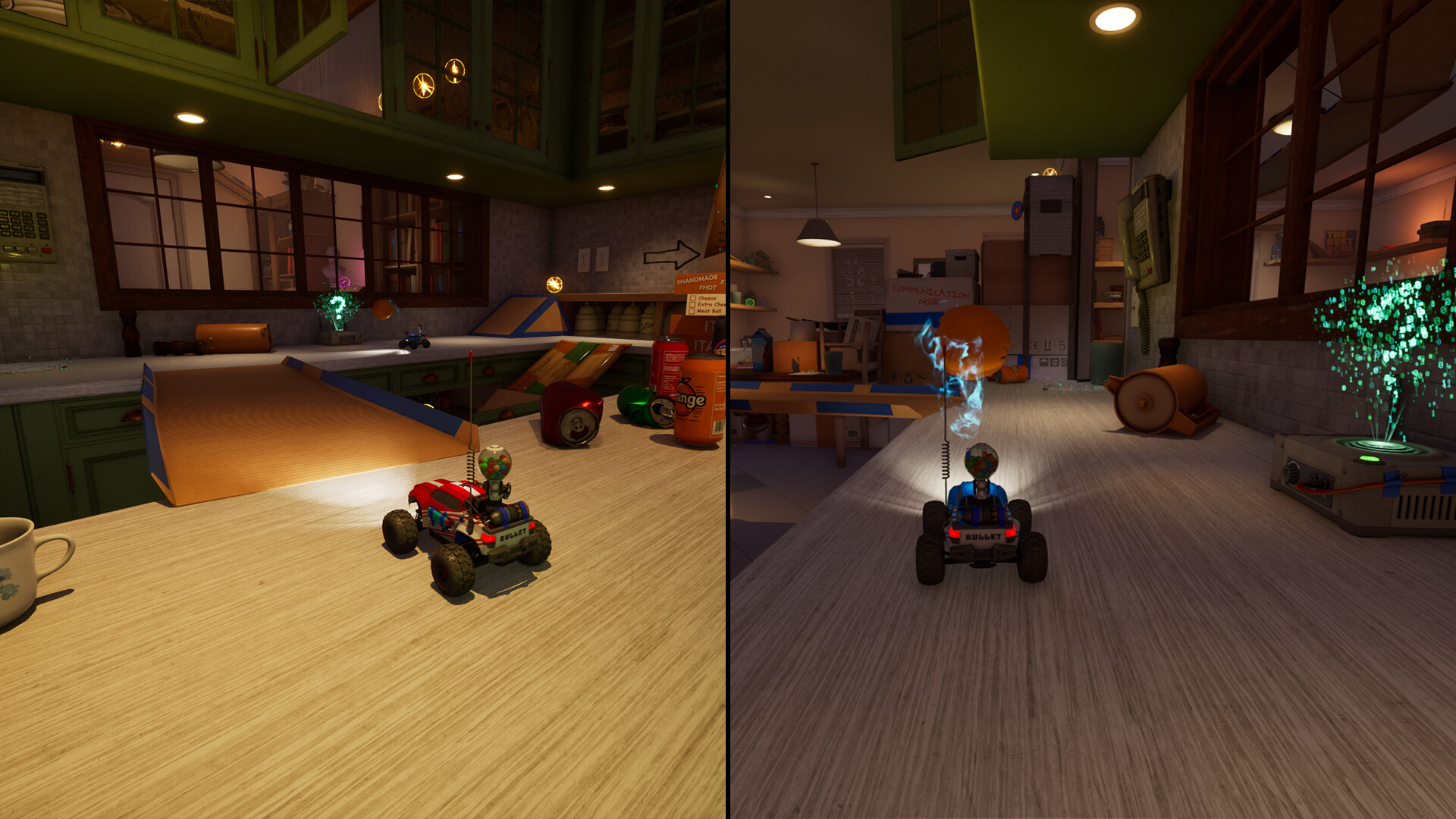
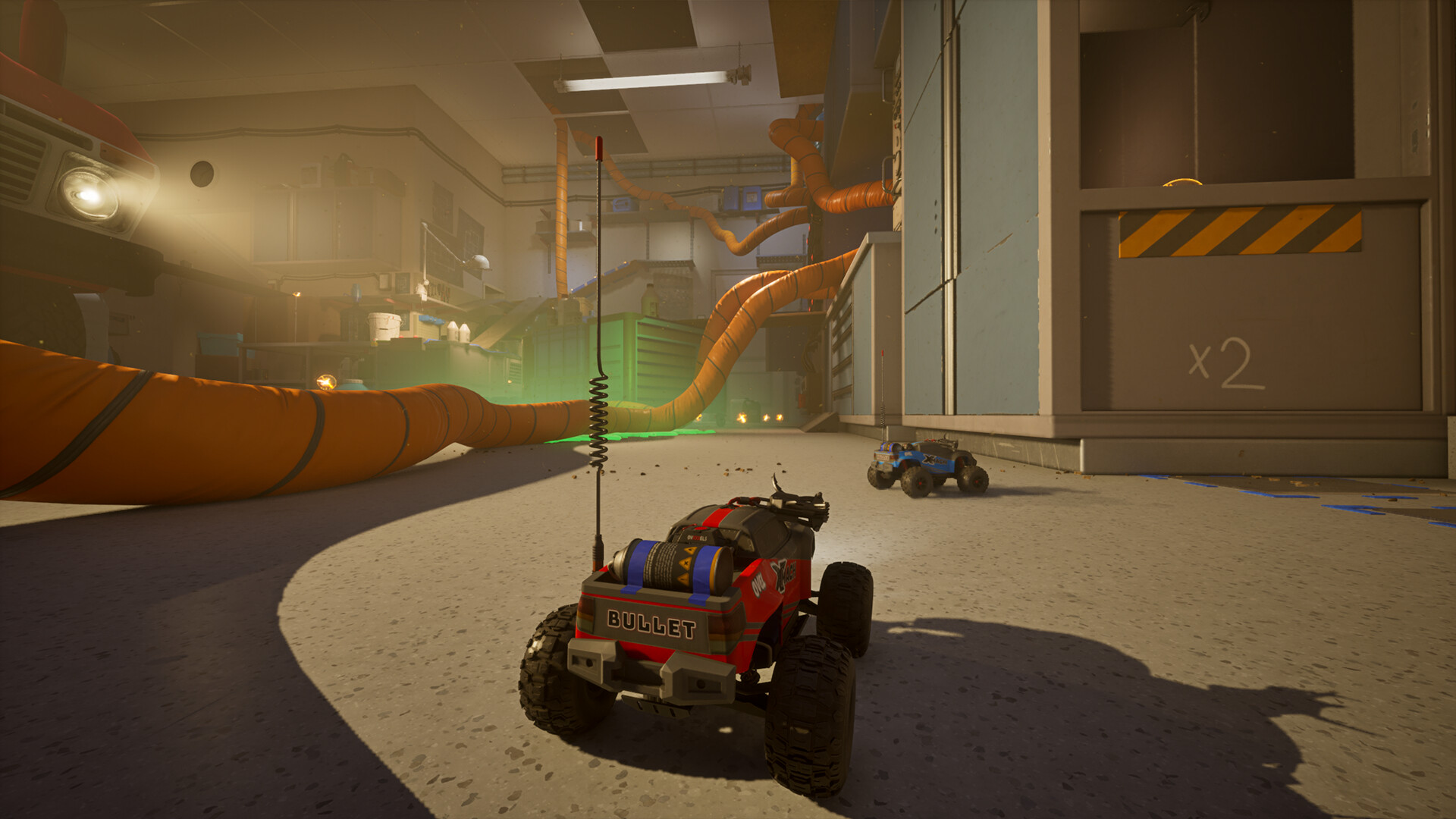
WheelMates drops two players into a professor’s cluttered home laboratory, where they control tiny RC cars to navigate maze‑like rooms. The co‑op focus means progress hinges on communication, timing, and each player handling their car’s role. As you explore, new gadgets such as rope‑swings and magnetic wheels unlock fresh routes, and hidden rooms appear, expanding the house’s playground. The game blends adventure, indie charm, and light racing elements while supporting split‑screen and online co‑op on Windows.
01 / THE GUIDE
Co‑op Gameplay
The core experience requires two players to work together, solving puzzles that need both cars to act in sync. Communication and timing are emphasized, as each challenge expects each player to contribute. Progression is tied to the duo’s ability to navigate oversized obstacles and explore every location, with the house opening up as the pair advances.
- Discuss each obstacle before attempting it to coordinate actions.
- Use voice chat or a quick call to keep timing tight.
02 / THE GUIDE
RC Car Upgrades
Cars can be upgraded with rope‑swings, magnetic wheels, magnet grabs, and other power‑ups. Each new gadget creates a fresh way to explore the professor’s home. These upgrades are introduced as you move forward, allowing access to previously unreachable areas and hidden rooms.
- Experiment with each upgrade in a safe area to learn its range.
- Combine upgrades when possible for creative navigation.
03 / THE GUIDE
House Exploration
Every room transforms into a playground for the tiny cars, turning shelves, desks, and clutter into race tracks. The house continuously reveals new rooms as you progress. Exploring familiar spaces in new ways is encouraged, as hidden rooms become accessible once upgrades are obtained.
- Take a moment to scan each room for alternative paths.
- Revisit earlier areas after gaining new upgrades.
04 / THE GUIDE
Controller Support
WheelMates includes DualShock and DualSense controller support, as well as partial controller support for other devices. Players can use split‑screen or online co‑op with these controllers on Windows. Steam’s feature list also notes custom volume controls and color alternatives, giving players some flexibility in audio and visual settings.
- Test both controller types to see which feels smoother for steering.
- Adjust volume settings early to balance game sounds with chat.
05 / THE GUIDE
Steam Achievements
The game integrates Steam achievements, recognizing player progress through the Steam client. These achievements are tracked automatically through the Steam client. While the list of specific achievements isn’t detailed, the presence of the feature indicates progress can be recognized beyond in‑game milestones.
- Check the achievement list before starting a session to set goals.
- Coordinate with your partner to target achievement‑related tasks.

COMMUNITY
Player discussion