 GameWiki
GET YOUR BEARINGS
About Weed Supermarket Simulator: Prologue
Weed Supermarket Simulator: Prologue is a standalone first‑person experience that lets you run a small weed shop. The game centers on hands‑on store management, from arranging shelves to handling the checkout line, and it runs on Windows.
The Prologue offers a relaxed, self‑paced loop with no timed input, manual restocking, and the ability to save anytime. Achievements and income milestones give optional goals while the core loop stays focused on daily store routines.
01 / THE GUIDE
Store Design
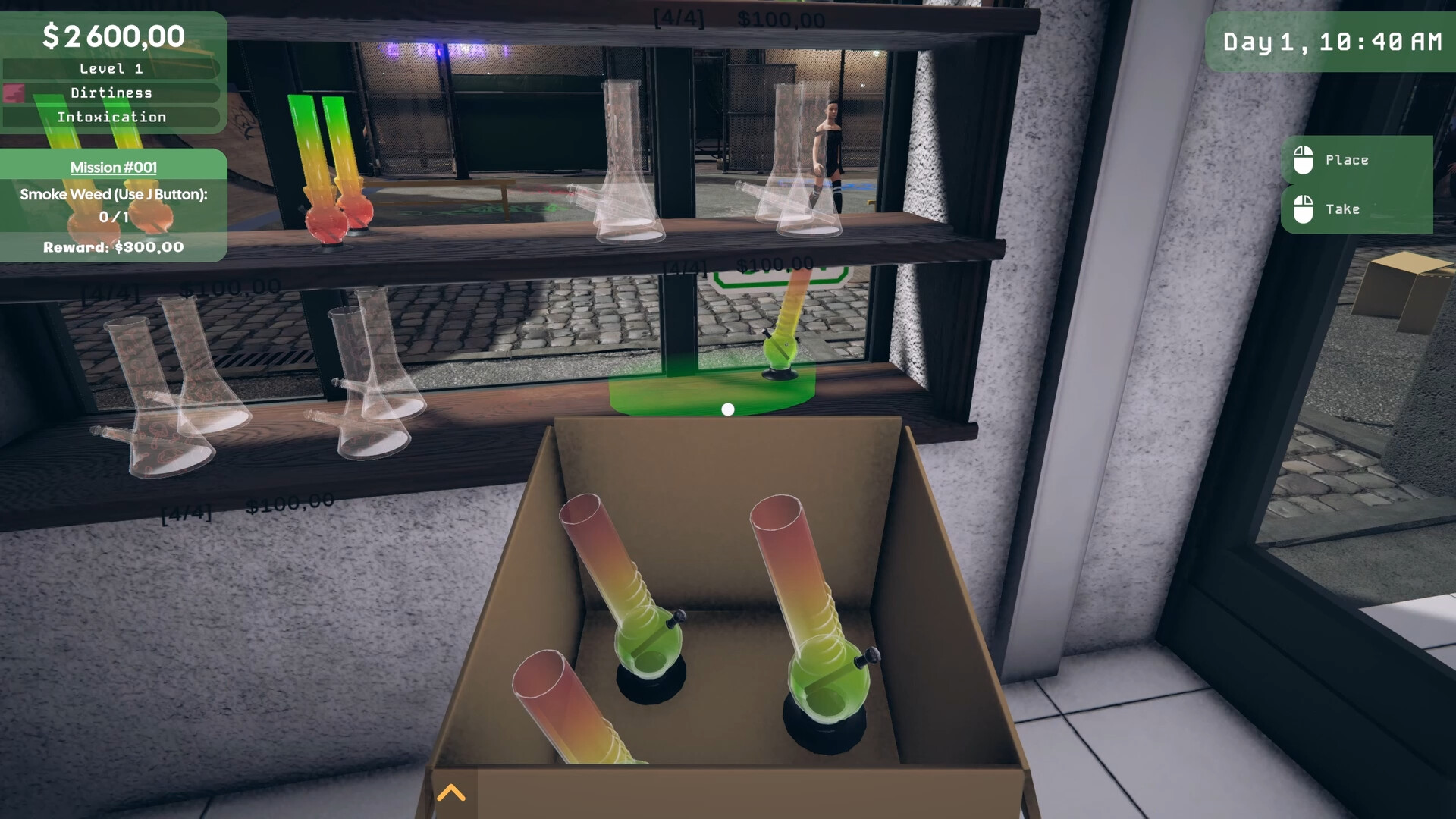
You control every detail of the shop’s interior. Products can be placed freely, walls can be painted, and shelves can be rearranged at any moment, letting you shape both appearance and workflow.
The back‑room can also be organized, part of improving the look and efficiency of your store.
- Group similar items together to reduce the distance you travel when restocking.
- Choose wall colors that contrast with shelf colors to make items easier to spot.
02 / THE GUIDE
Inventory Management
Stocking shelves is a manual process. You order products using the in‑game computer, receive deliveries, and unpack boxes yourself, while keeping an eye on limited storage space.
Regularly checking your inventory prevents empty shelves and helps maintain a steady flow of customers through the checkout.
- Schedule deliveries when you have free time to avoid queue buildup.
- Keep a small buffer of popular items to reduce how often you need to restock.
03 / THE GUIDE
Checkout Operation
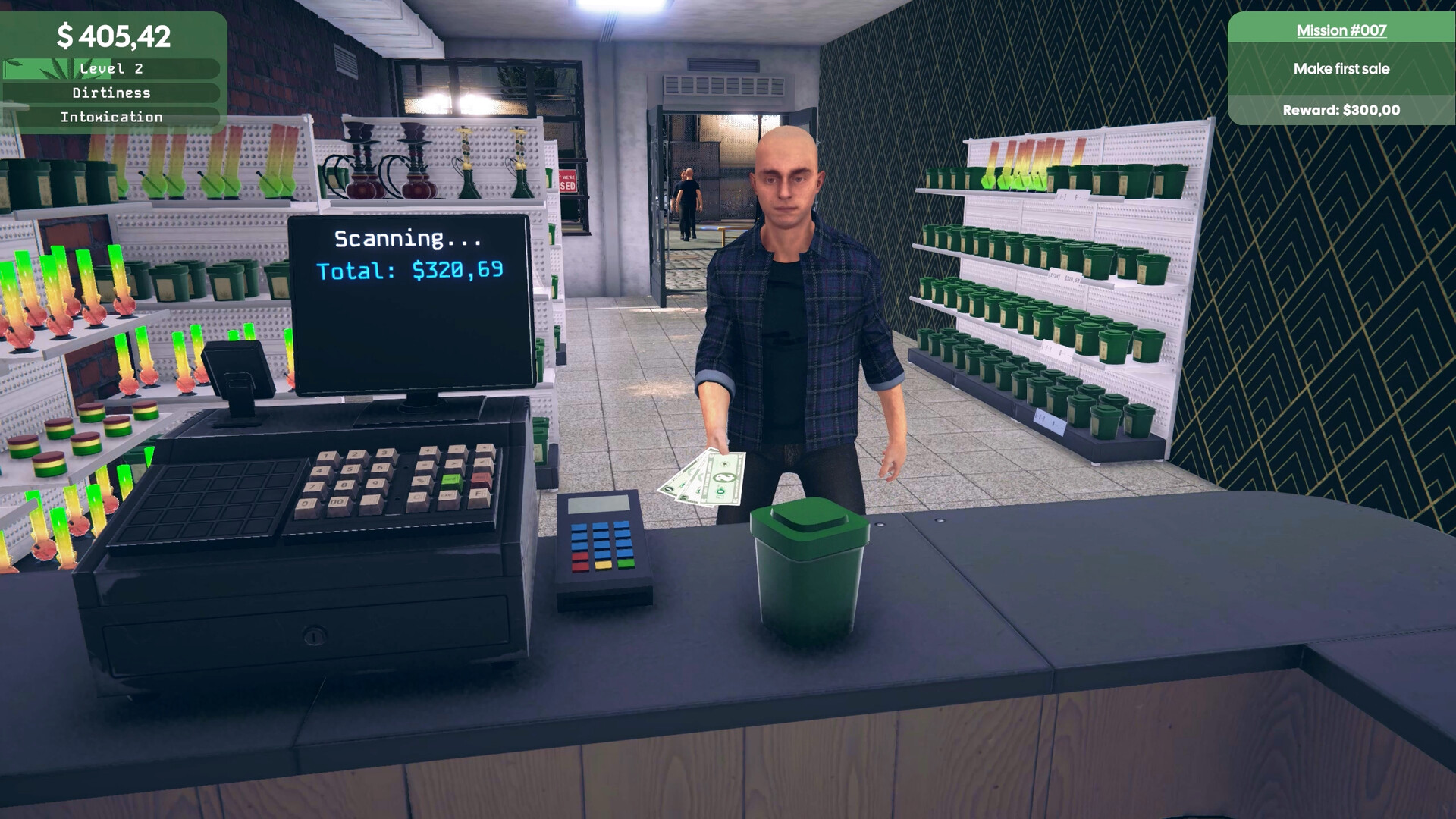
At the register you scan items, accept payments, and manage customer queues. Each transaction requires attention, mirroring a real‑world retail experience.
Keeping scanning and payment handling efficient shortens lines, which contributes to higher customer satisfaction and faster income growth.
- Practice scanning speed during low‑traffic periods to build confidence.
- When queues grow, prioritize customers with fewer items to keep lines moving.
04 / THE GUIDE
Progression & Goals
The Prologue tracks income milestones and Steam achievements, giving you clear targets to work toward. Basic capacity upgrades are among the goals you can pursue alongside income milestones.
Achievements are optional challenges that reward players who explore different aspects of store management, such as efficient restocking or high sales volume.
- Focus on one milestone at a time to avoid feeling overwhelmed.
- Read achievement descriptions for hints on efficient store practices.
05 / THE GUIDE
Technical Features
The game runs on Windows and supports Steam Cloud, which stores your progress so you can retrieve it after reinstalling the game.
Custom volume controls let you adjust stereo sound to a comfortable level, and the Save Anytime feature lets you record progress whenever you choose.
- Adjust volume sliders before long sessions to prevent ear fatigue.
- Steam Cloud is listed as a supported feature for keeping your save available across installations.

COMMUNITY
Player discussion