 GameWiki
GET YOUR BEARINGS
About We Were Here Expeditions: The FriendShip
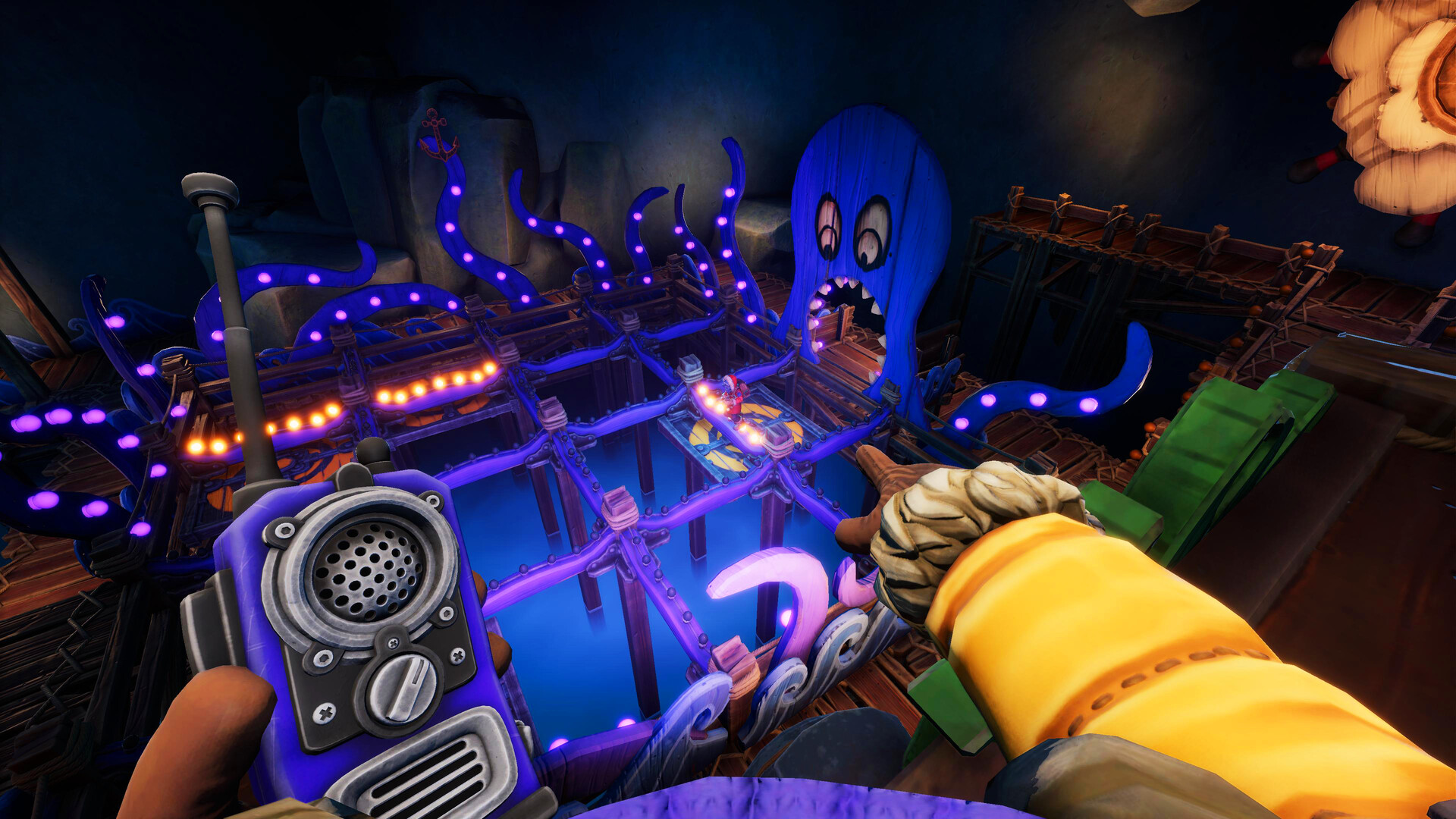
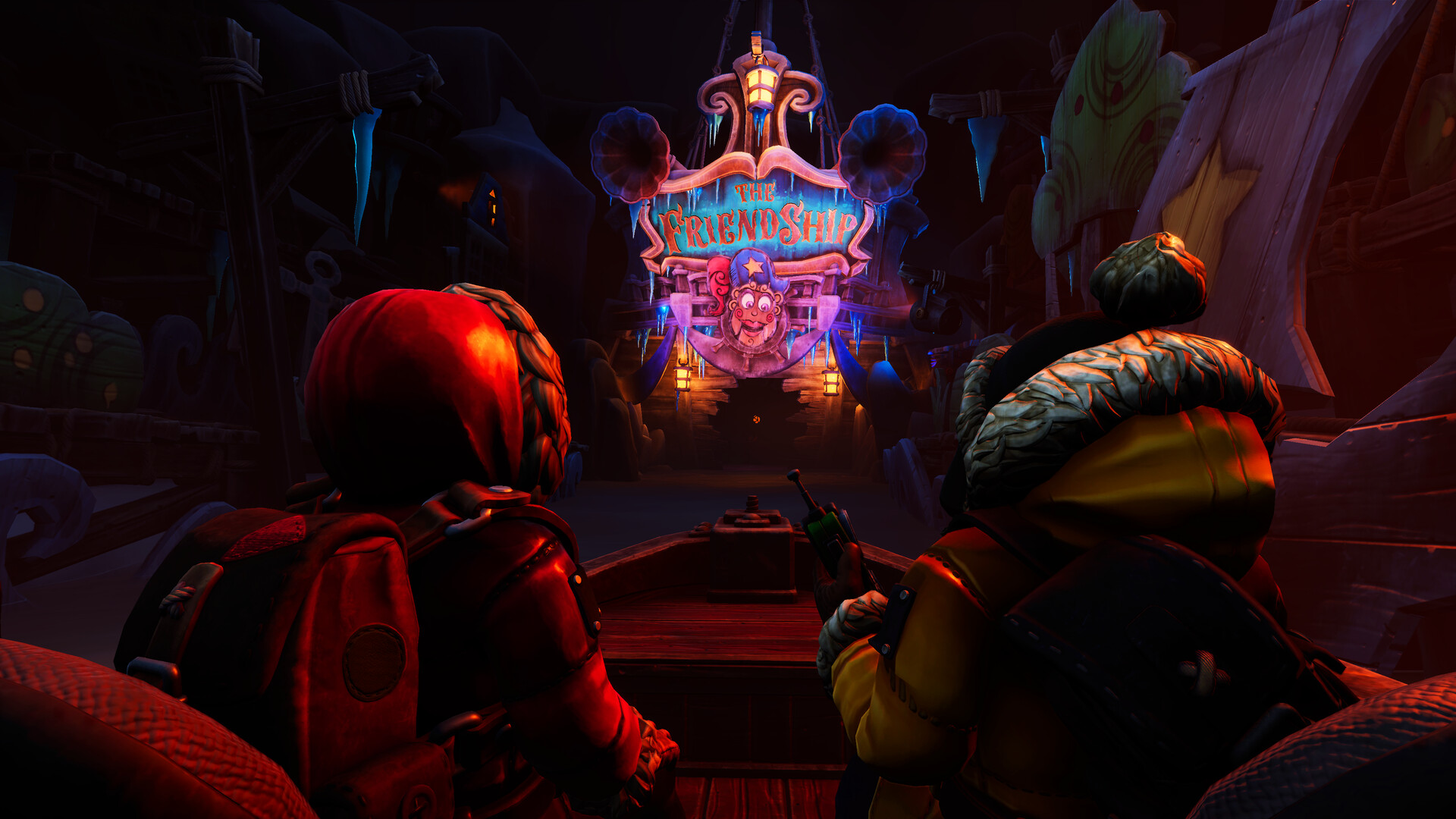
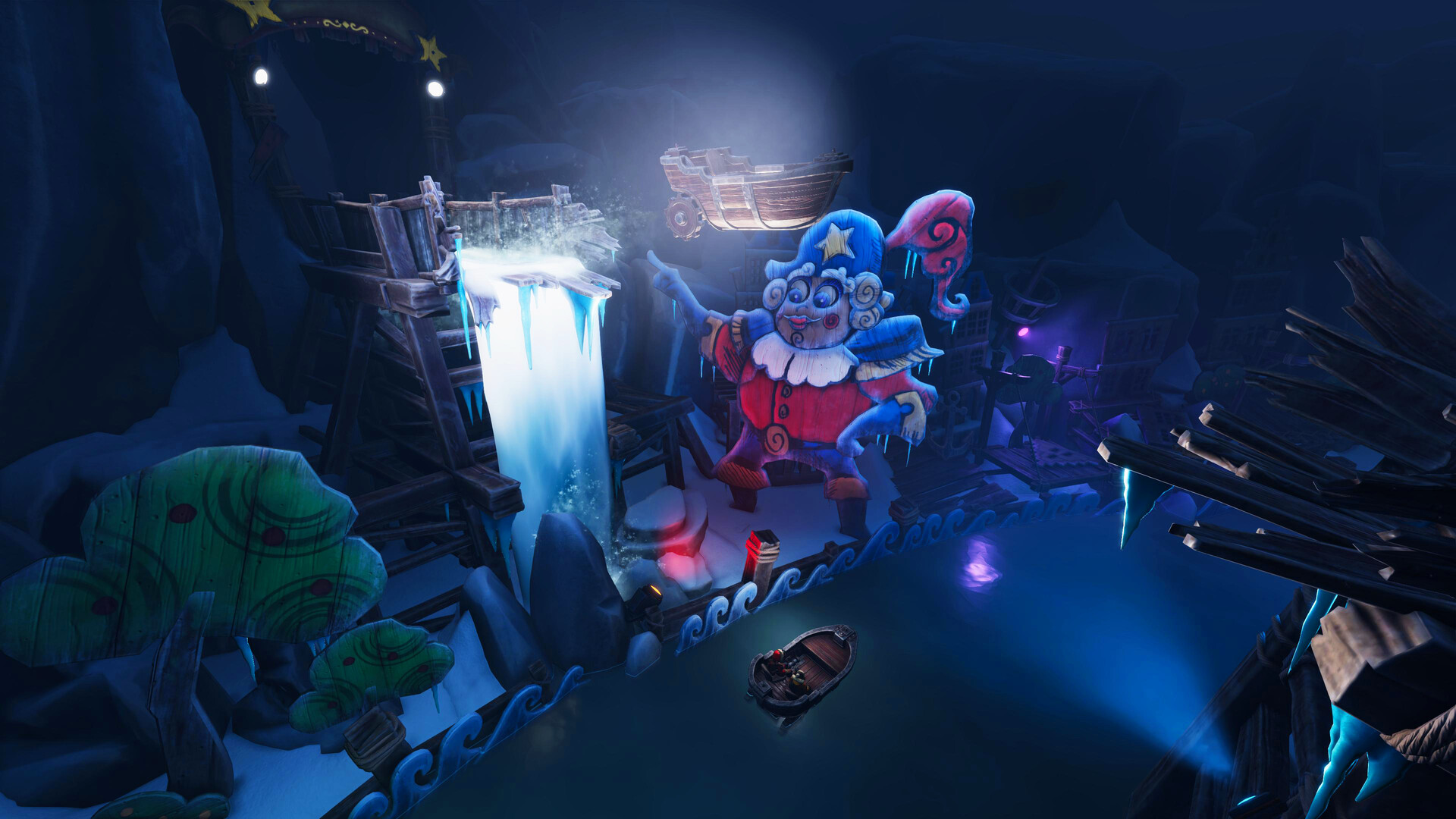
We Were Here Expeditions: The FriendShip is a bite‑sized co‑op puzzle adventure designed for two players on Windows PCs. The story drops the duo on a deserted island after answering a distress call, leading to an abandoned amusement‑park boat ride.
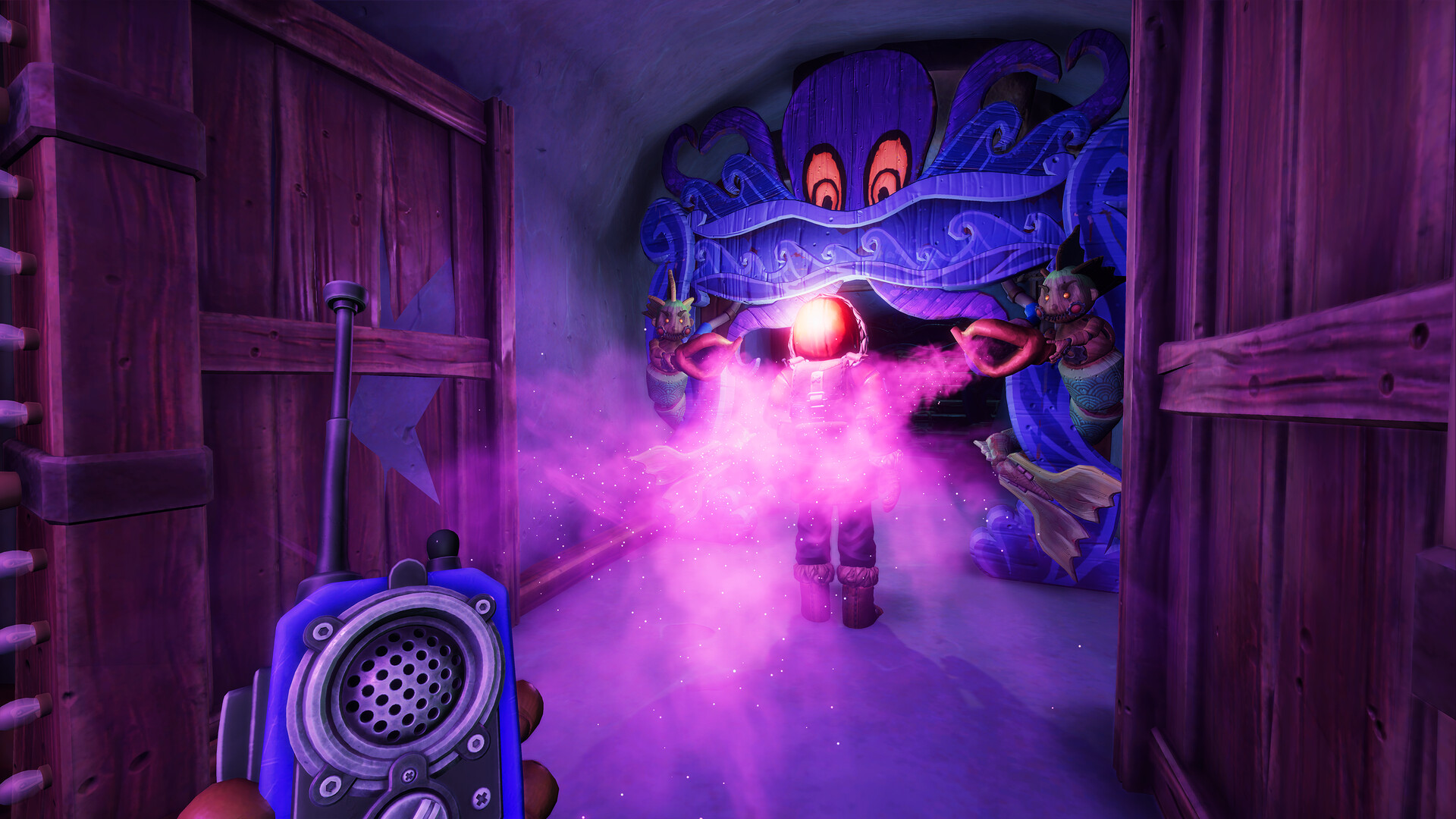
Every challenge requires both participants to share what they see, trust each other's decisions, and speak through the in‑game walkie‑talkies. Performance is graded, tying the result to the “friend‑ship” theme.
01 / THE GUIDE
Co‑op Gameplay
The title operates strictly as co‑op; only two players can join a session and all puzzles demand simultaneous interaction.
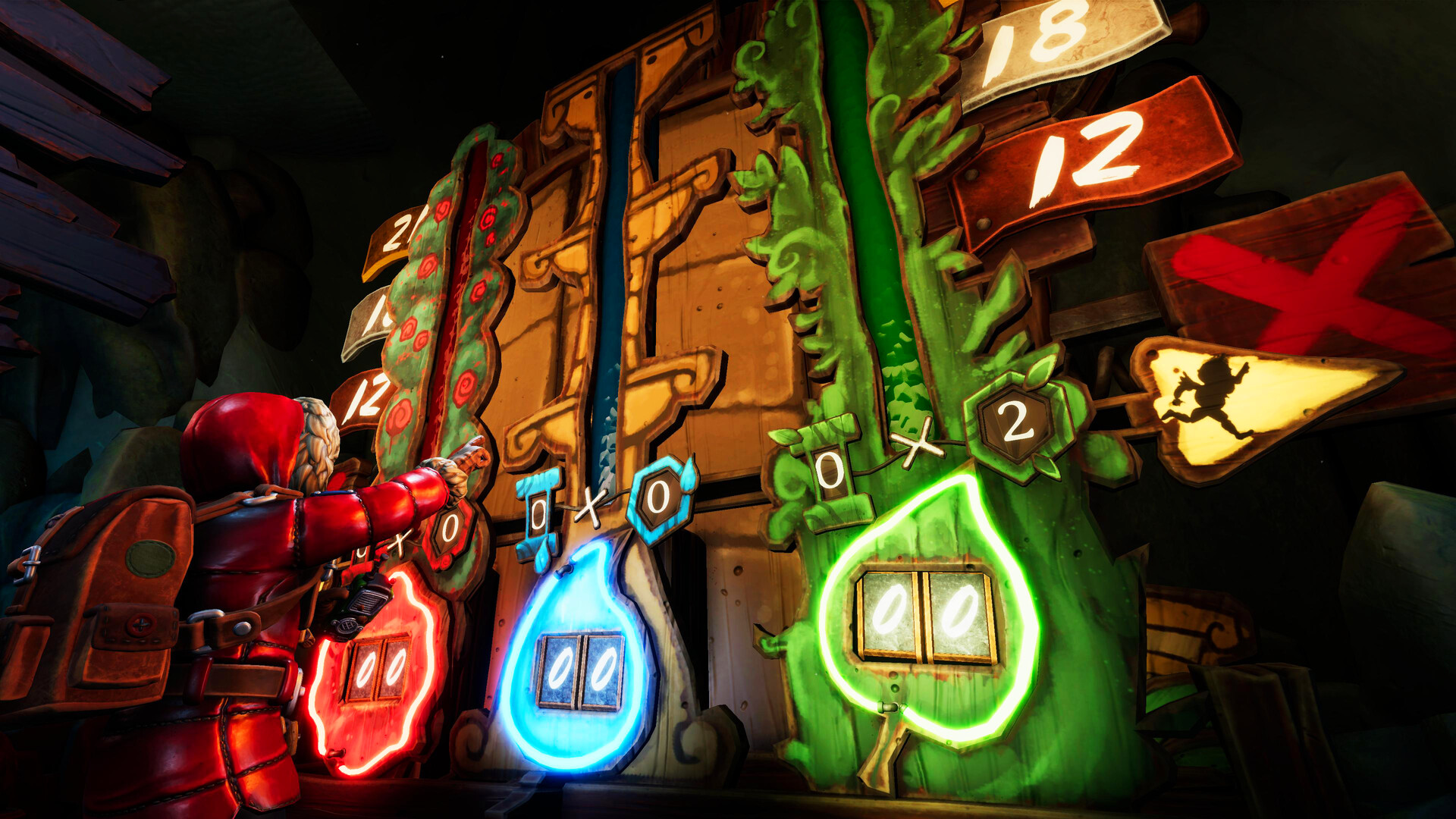
Each player experiences a unique perspective, so solving a room depends on exchanging information and coordinating actions in real time.
- Agree on a start signal before moving.
- Keep both microphones active throughout the session.
02 / THE GUIDE
Communication Tools
Players communicate via an in‑game walkie‑talkie that provides continuous voice chat regardless of each player's visual angle.
Because puzzles are asymmetrical, describing exact objects, colors, or sounds lets the partner locate matching elements on their screen quickly.
- Speak clearly and pause after each description.
- Confirm the partner heard the clue before acting.
03 / THE GUIDE
Friendship Grading
After completing each challenge the game assigns a grade that reflects how efficiently the duo solved the puzzle.
Higher grades indicate smoother communication and trust, while lower grades highlight moments where coordination faltered.
The score appears on a summary screen that both players can review together.
- Note the grade immediately and discuss what helped.
- Use the feedback to adjust your communication style for the next room.
04 / THE GUIDE
Platform Availability
We Were Here Expeditions: The FriendShip is released for Windows PCs; macOS and Linux are not listed as supported platforms.
Steam features such as Cloud saves and Family Sharing are indicated, allowing progress to persist across installations linked to the same Steam account.
- Check that both players run the Windows version.
- Make sure each account has internet access for Steam Cloud synchronization.
05 / THE GUIDE
Accessibility Options
The game lists Partial Controller Support, Custom Volume Controls, and Subtitle Options, giving players ways to adjust input and audio presentation.
These settings can be changed before starting a session, helping accommodate different hardware setups or hearing environments.
- Set subtitle visibility if background noise interferes with voice chat.
- Adjust volume sliders so walkie‑talkie audio is clear.
COMMUNITY
Player discussion