 GameWiki
GET YOUR BEARINGS
About Watch Your Plastic Duck
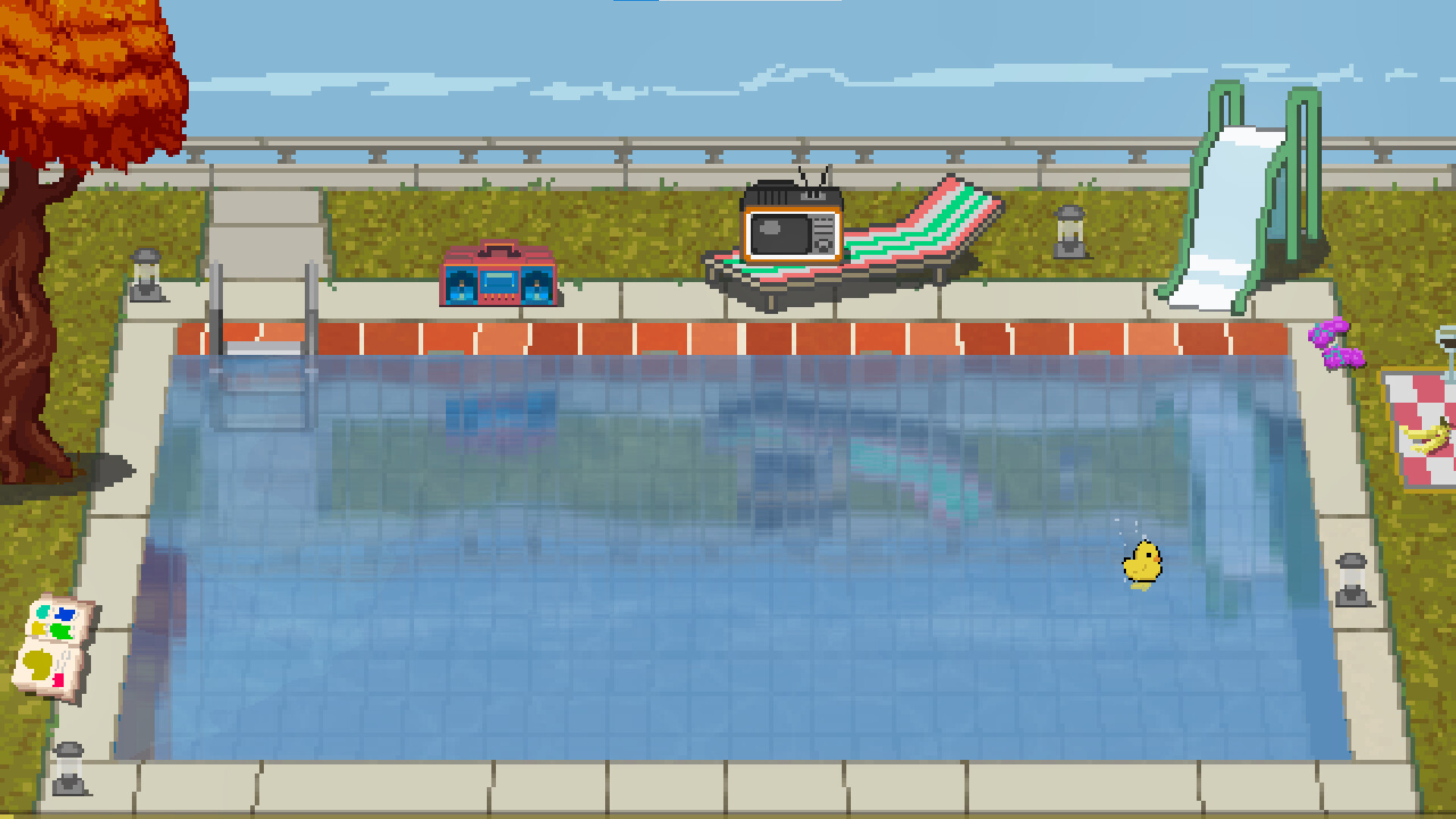
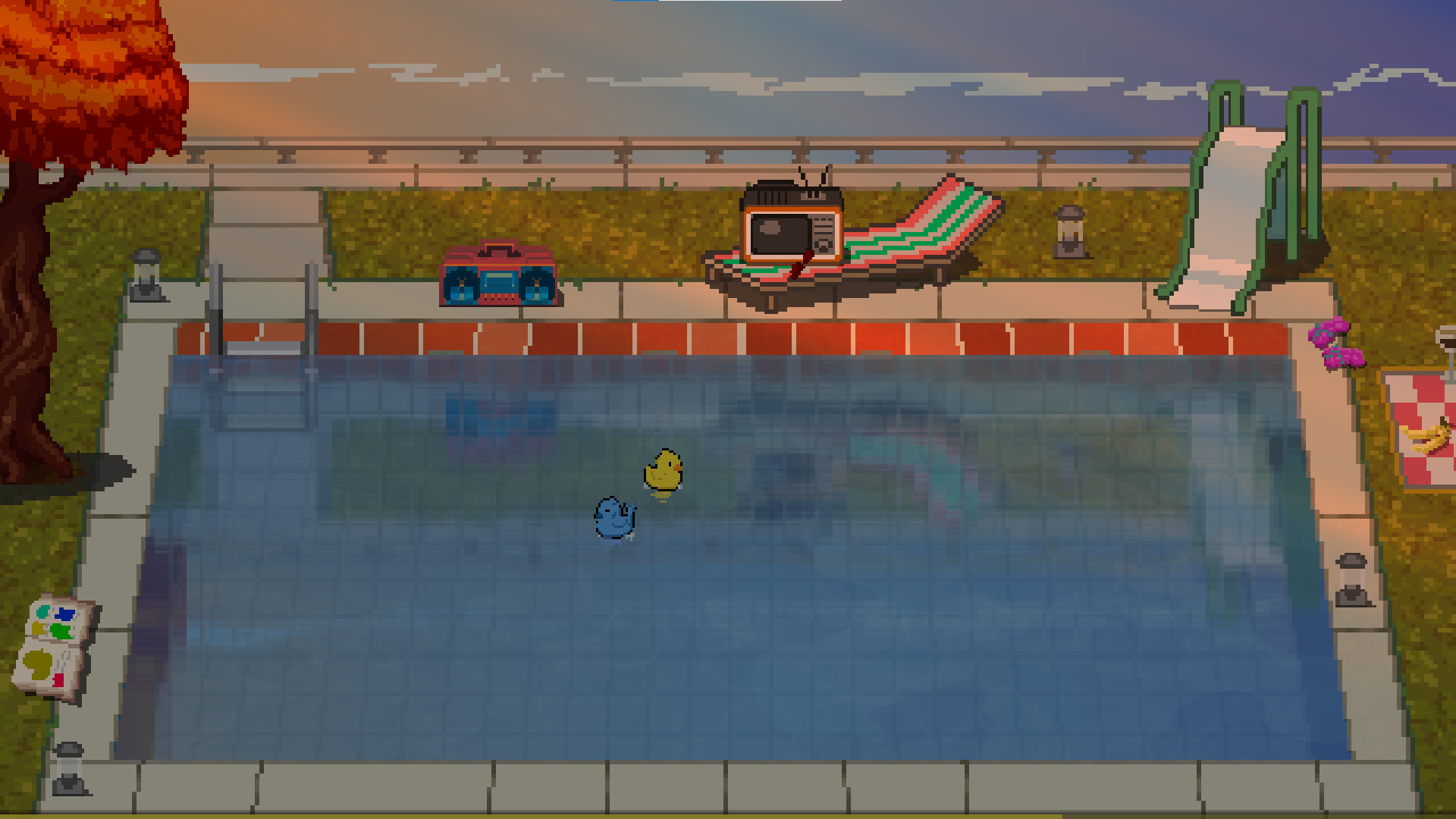
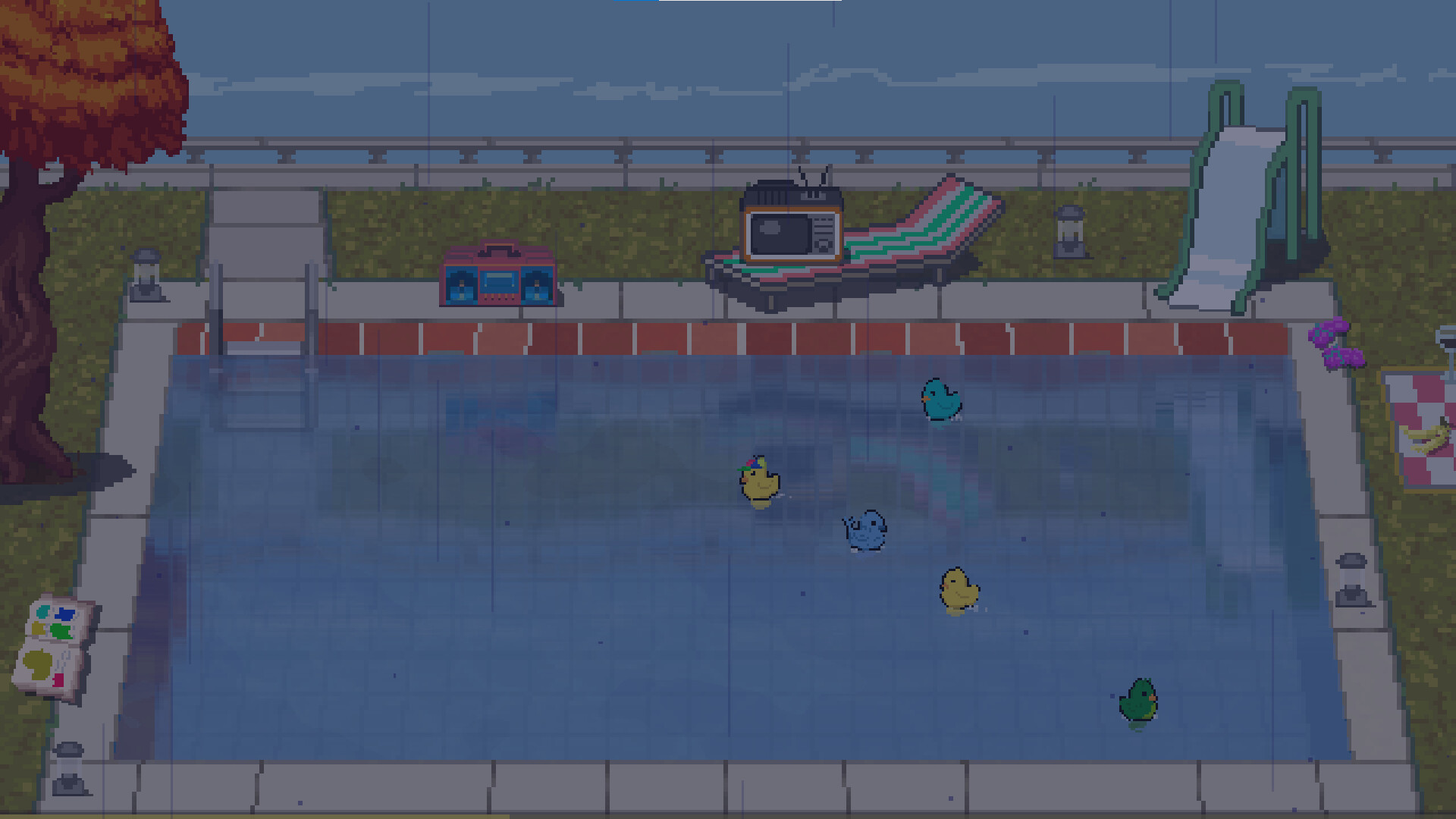
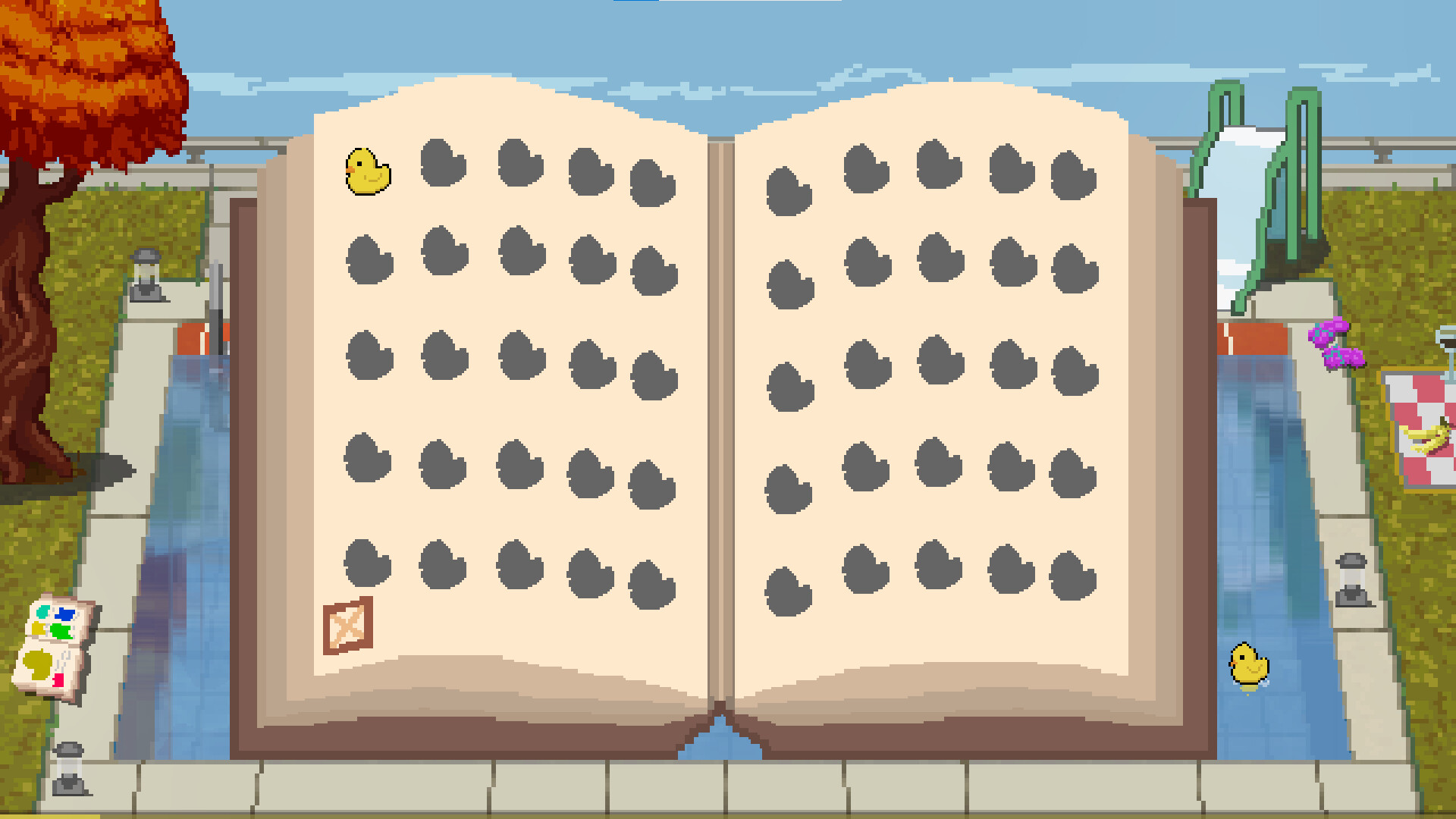
Watch Your Plastic Duck places you beside a quiet pool where rubber ducks drift under a soft, shifting light. The setting moves from daylight toward evening, hinting at autumn with distant birds and later fireflies, creating a calm visual frame.
A light‑jazz soundtrack plays from an audiomagnetic while you recline on a sun lounger with a drink. Streamers can link a Twitch channel so new ducks display the names of active chat participants, adding a simple social layer without altering gameplay.
01 / THE GUIDE
Ambient Atmosphere
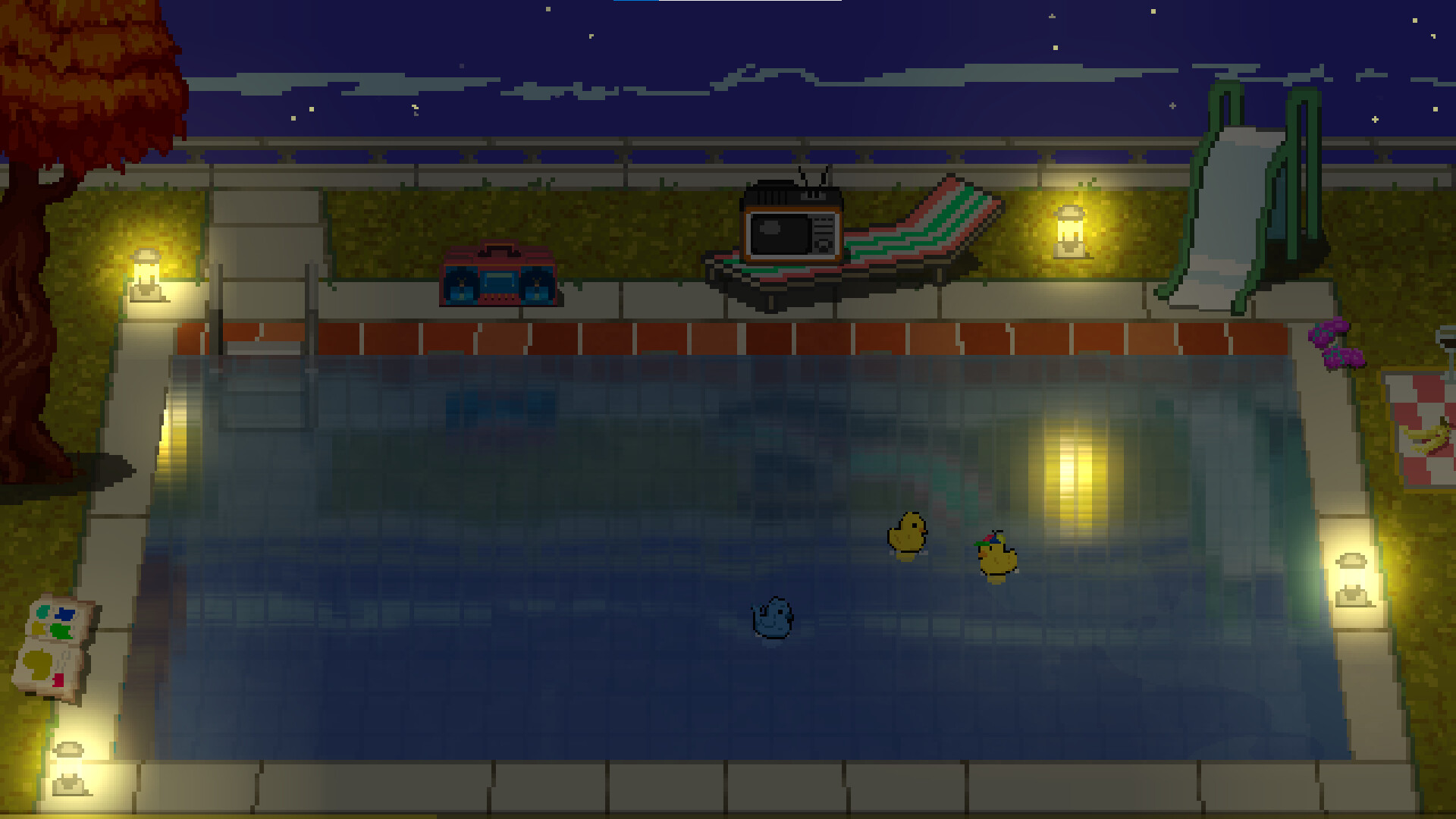
The poolside scene evolves from daylight to night, with autumn hinted by color shifts and distant birds that fly in the background. As darkness deepens, a soft glow reflects off the water, framing the view.
Fireflies appear around the pool as night falls, reinforcing the tranquil mood. These visual elements reinforce the game’s relaxing, tranquil tone.
- Observe the timing of the light change to notice how the reflection alters the scene.
- Watch the fireflies’ movement for a natural pause point.
02 / THE GUIDE
Audio Design
Stereo sound delivers light jazz from an audiomagnetic, accompanied by subtle pool ambience. The description calls the music “light jazz,” providing a low‑stress audio backdrop.
The audio simply reinforces the relaxed setting while you watch the ducks.
- Use headphones to separate the jazz from ambient sounds.
- Lower the music volume if you prefer real‑world background noise.
03 / THE GUIDE
Twitch Viewer Integration
Streamers may enter their Twitch channel name in the main menu or settings. After activation, each newly spawned duck receives the name of an active viewer who writes in chat.
The naming process runs automatically; no additional steps are required during play, and the official description describes it as easy and simple to enable.
- Enter the channel name before starting a stream to avoid delays.
- Encourage early chat activity so viewer names appear on the first ducks.
04 / THE GUIDE
Save and Cloud Features
Players can save at any moment, ensuring that the current pool state is recorded. The description explicitly mentions “Save Anytime.”
Saved files are uploaded to Steam Cloud, allowing the same progress to be accessed from any computer linked to the same Steam account.
- Save whenever you like to keep your current pool state recorded.
- Verify cloud sync after a major update to confirm your save transferred.
05 / THE GUIDE
Controls and Accessibility
Interaction is limited to mouse input, as indicated by the “Mouse Only Option.” This simplifies navigation and matches the game’s relaxed pacing.
Custom volume controls let players fine‑tune the jazz and ambient sounds, supporting varied listening environments.
- Use the mouse to move the cursor across the pool view at a comfortable pace.
- Use the volume sliders to balance music and ambient noise to your liking.
COMMUNITY
Player discussion