 GameWiki
GET YOUR BEARINGS
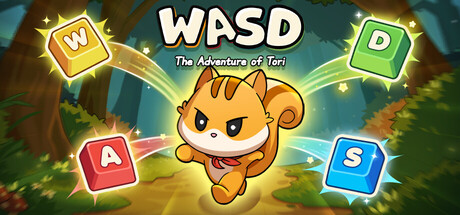
About WASD : The Adventure of Tori
WASD: The Adventure of Tori is an online co‑op adventure that supports 2–4 players, each locked to a single WASD key. The game also offers a single‑player mode on Windows.
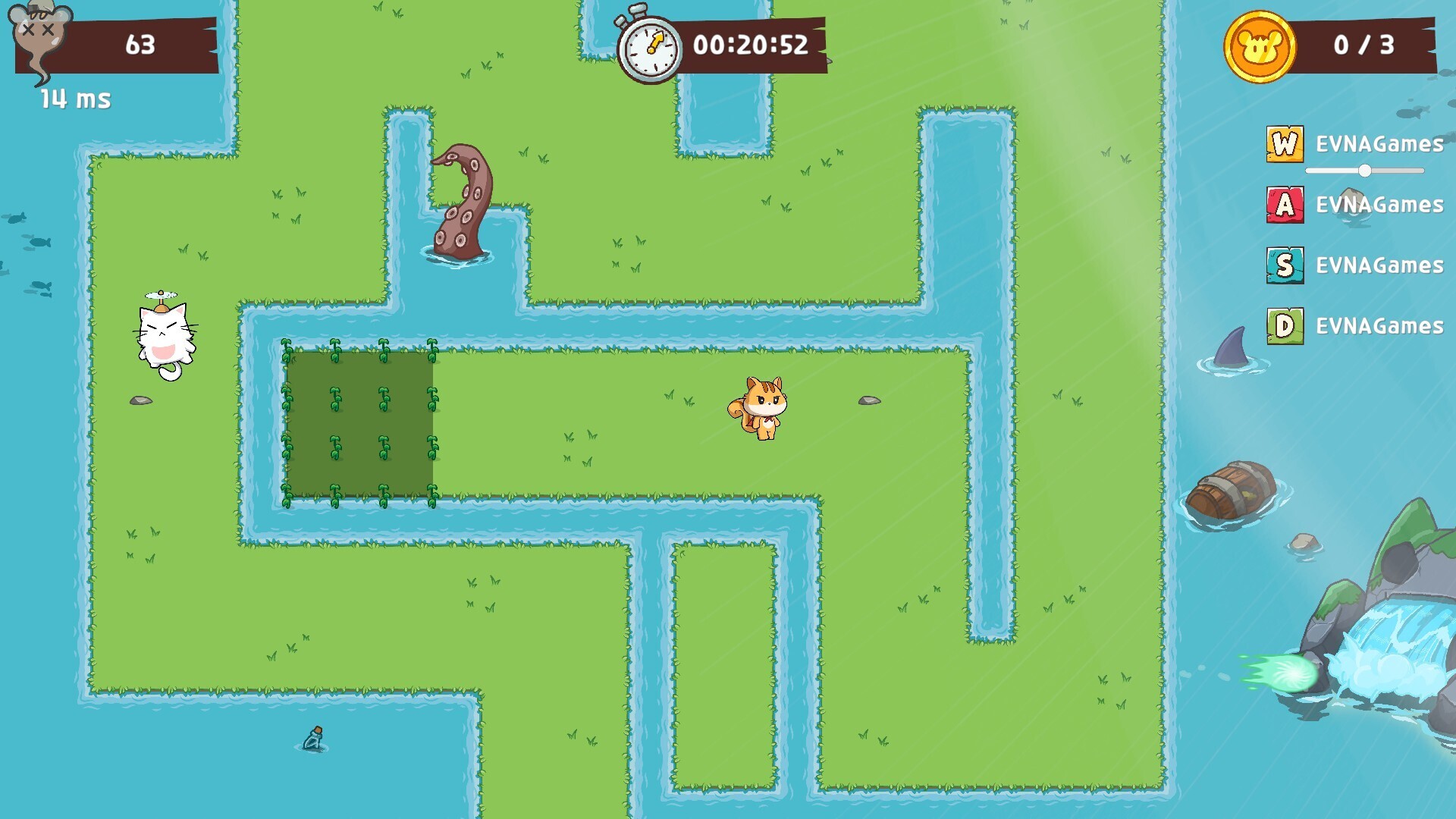
Characters move continuously; once motion starts it cannot stop, and direction changes are limited to the assigned key. Stages contain blocks, traps and time limits, and hitting a wall causes instant death.
01 / THE GUIDE
Game Rules
When multiple players are present, the stage must be cleared together; the design expects coordinated movement among all participants. The rule "You can’t clear alone, you must move together!" applies to co‑op play.
Movement is constant—once a character starts moving it cannot stop, and only the assigned WASD key can change direction. Colliding with a wall results in instant death, forcing a restart of the stage.
- Coordinate the timing of direction changes before the stage begins.
- Watch teammates’ positions to avoid simultaneous wall collisions.
02 / THE GUIDE
Control Scheme
Each player is automatically assigned one of the four keys—W, A, S, or D—and may only use that key to alter direction. No other inputs affect movement.
The limited input set creates a reliance on timing and communication rather than complex button combinations, making the control scheme a core part of the challenge.
- Keep your hand over your assigned key for rapid response.
- Agree on a shared rhythm for direction changes.

03 / THE GUIDE
Communication
In‑game voice chat is enabled by default, allowing players to talk, shout, or laugh while navigating stages. Clear communication helps synchronize direction changes.
While voice chat is available, the game does not require it; any method of coordination that conveys timing can be used.
- Use short, precise commands such as “left now”.
- Designate a player to call out direction changes.
04 / THE GUIDE
Stage Design
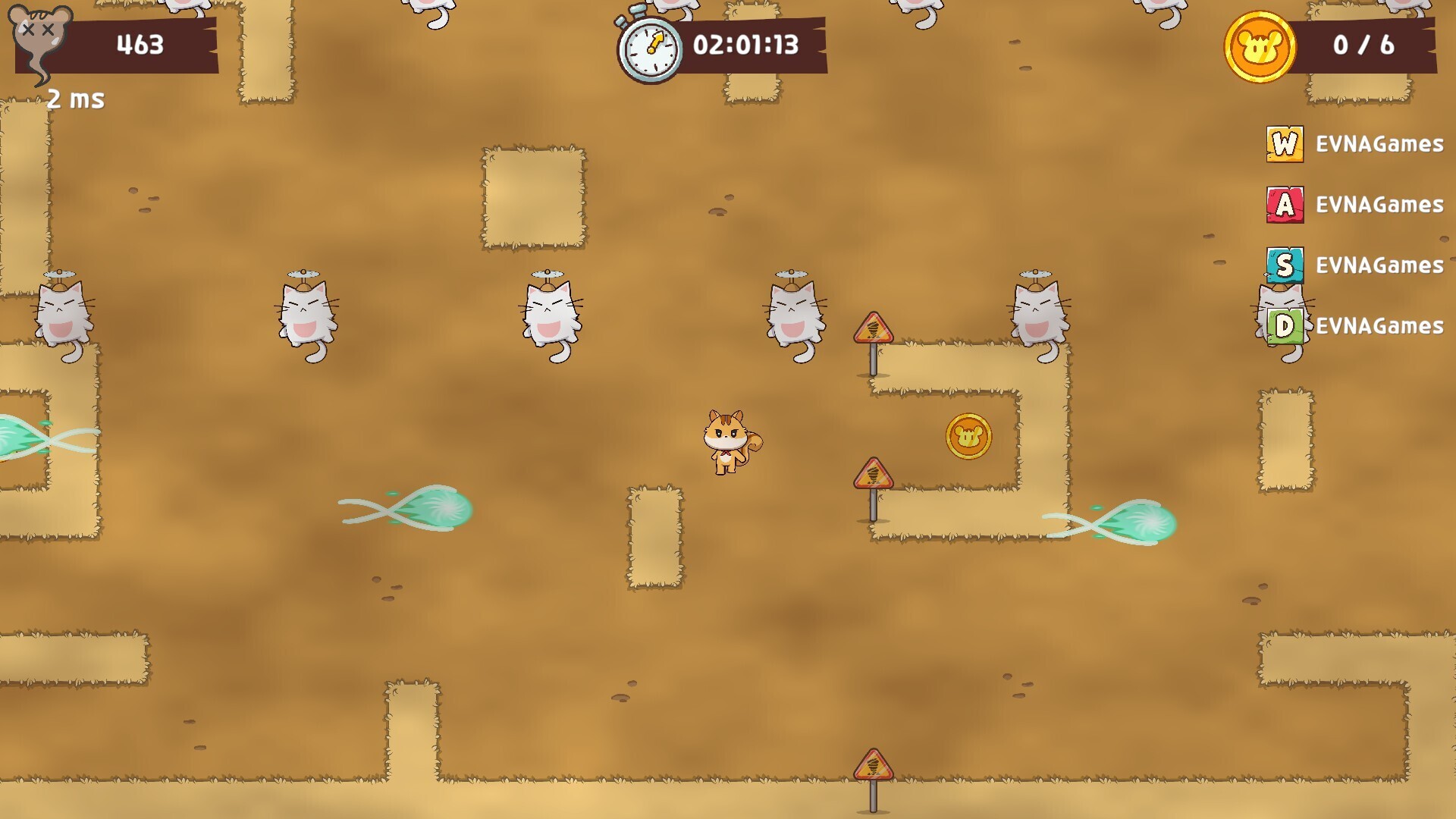
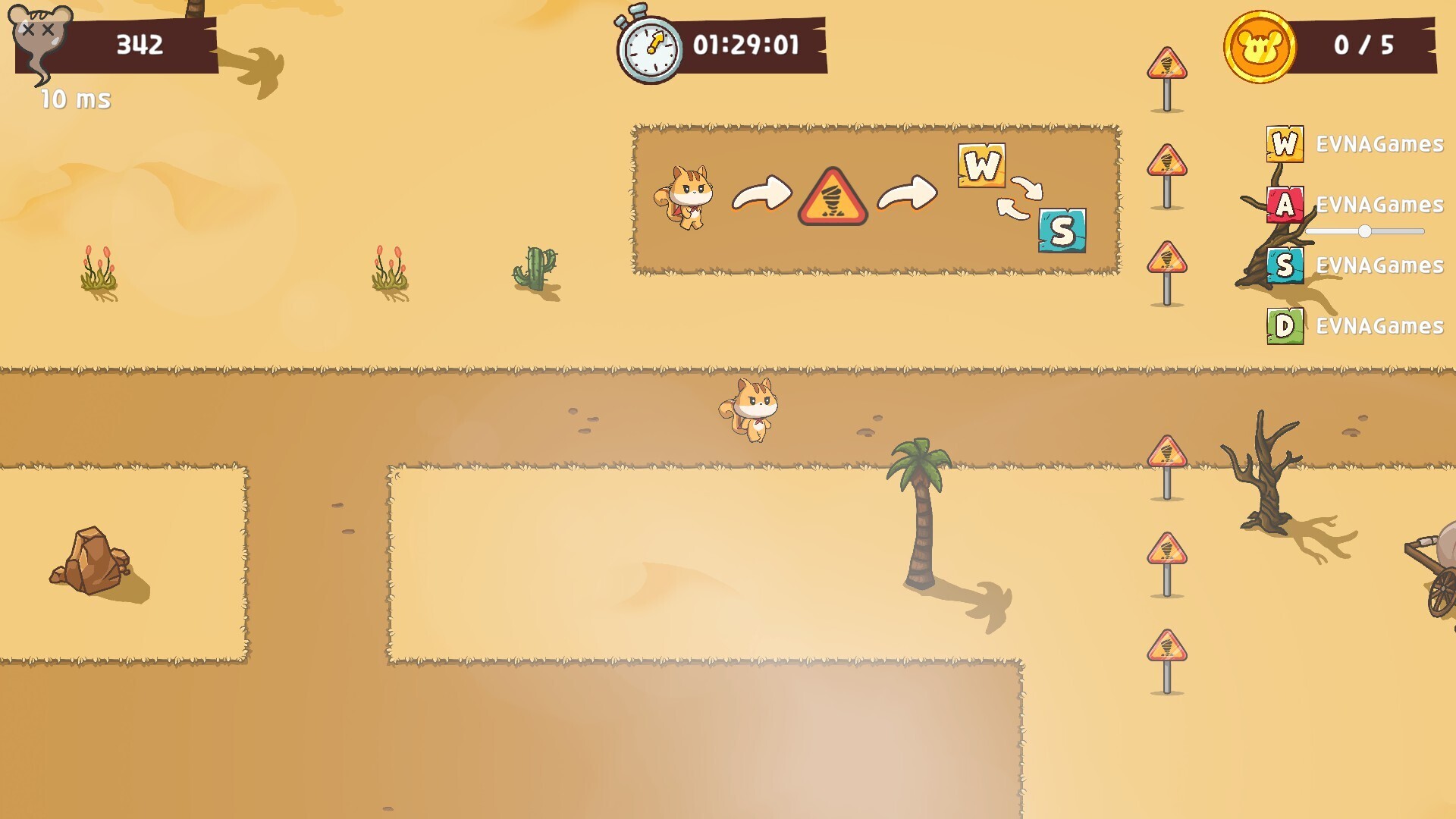
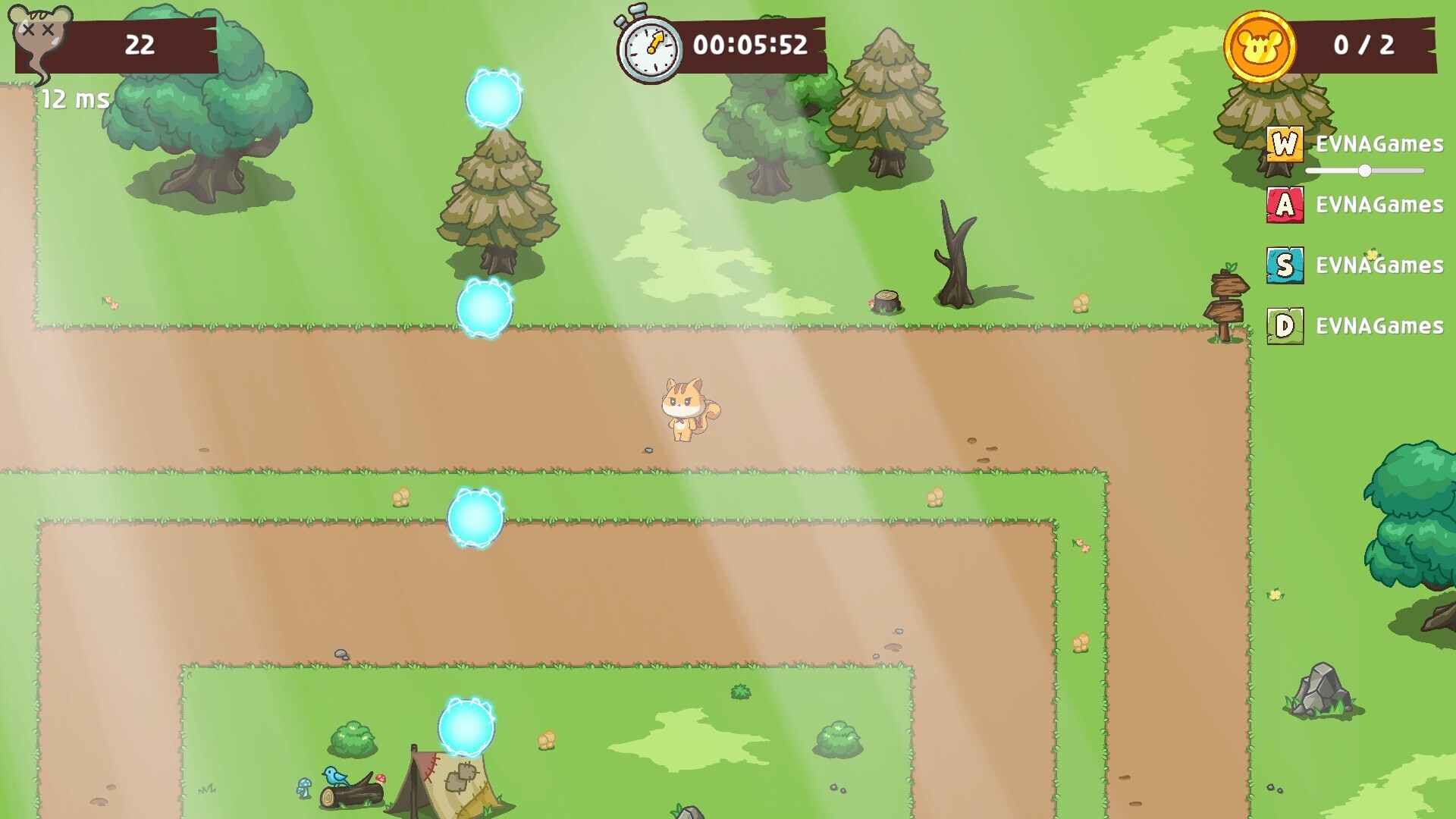
Each stage features a unique mix of blocks, traps and time limits, requiring players to adapt their strategy on the fly.
Failure often stems from mistimed direction changes or misreading a trap, leading to repeated attempts and learning through trial and error.
- Observe the first few seconds of a new stage before committing fully.
- Note recurring trap patterns to anticipate hazards.
05 / THE GUIDE
Platform Features
The game runs on Windows and includes single‑player, multiplayer, and online co‑op modes. Additional features are Steam Achievements, custom volume controls, subtitle options, and the ability to save at any time.
Family Sharing is supported, allowing multiple accounts on the same device to access the game, which can be useful for playing with relatives.
- Enable subtitles if voice chat becomes noisy.
- Adjust volume controls to balance game sounds and voice chat.
COMMUNITY
Player discussion