 GameWiki

GET YOUR BEARINGS
About WARRIORS: Abyss
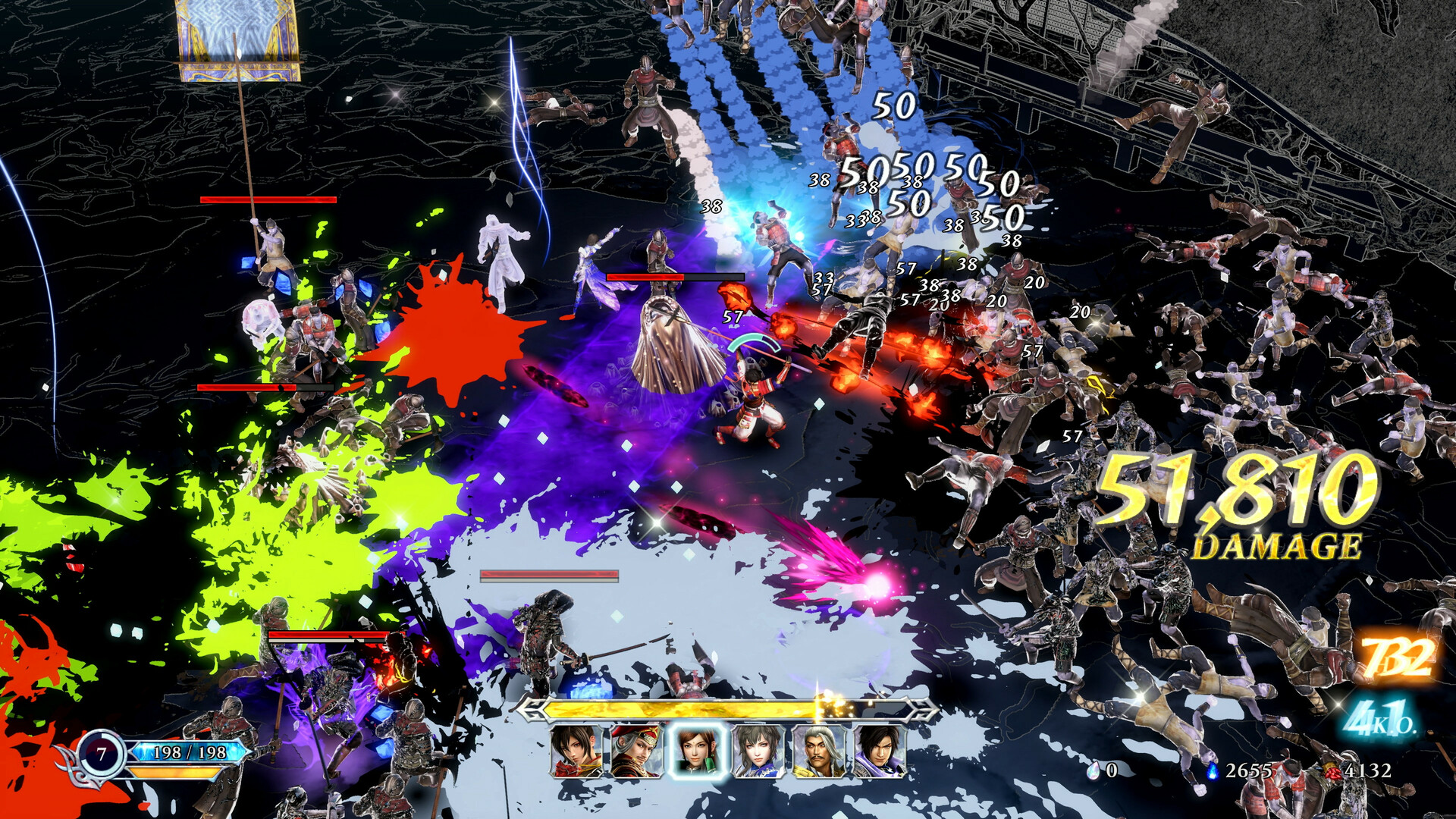
WARRIORS: Abyss puts players in command of historic warriors as they battle endless swarms in a hell‑like setting. The game highlights a roster of more than one hundred heroes that can be allied with and summoned during combat.
It runs on Windows and offers full controller support, a keyboard‑only option, and Steam integration such as achievements, cloud saves, and trading cards. Internal testing recorded 1080p at up to 120 FPS on a mid‑range PC with graphics set to “MIDDLE.”
01 / THE GUIDE
Hero Alliances
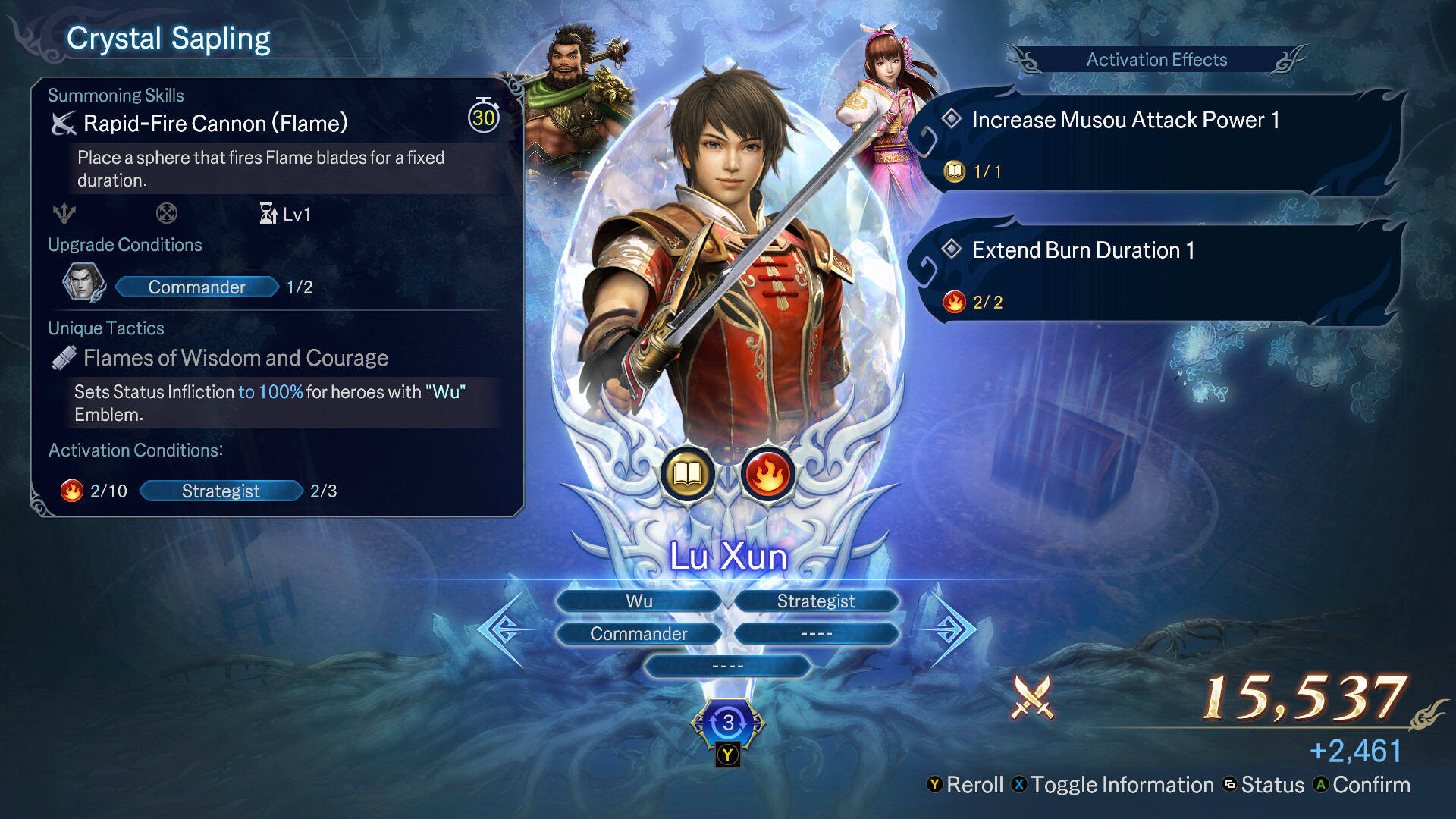
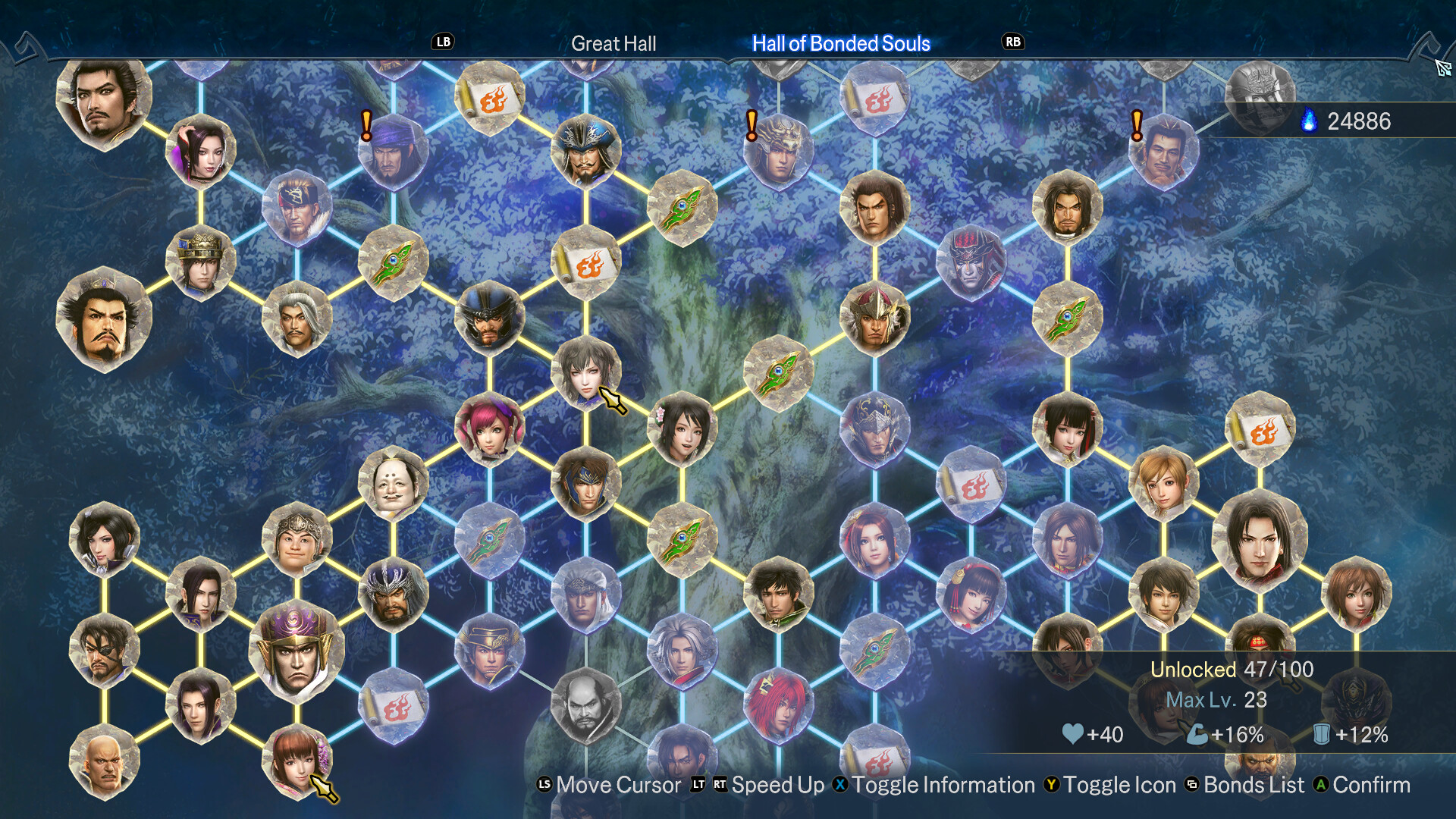
The description states there are “100 and more heroes for players to ally with,” meaning the player can choose from a large pool of distinct characters. Each hero carries unique traits that can be combined with others to form a party.
Because the game allows the combination of multiple heroes, players can experiment with different mixes of traits for each encounter. The source does not limit how many heroes may be combined, only that the roster exceeds one hundred.
- Review each hero’s trait before forming a party to ensure complementary abilities.
- Swap heroes between stages to discover which trait combinations work best against specific enemy types.
02 / THE GUIDE
Summoning Mechanic
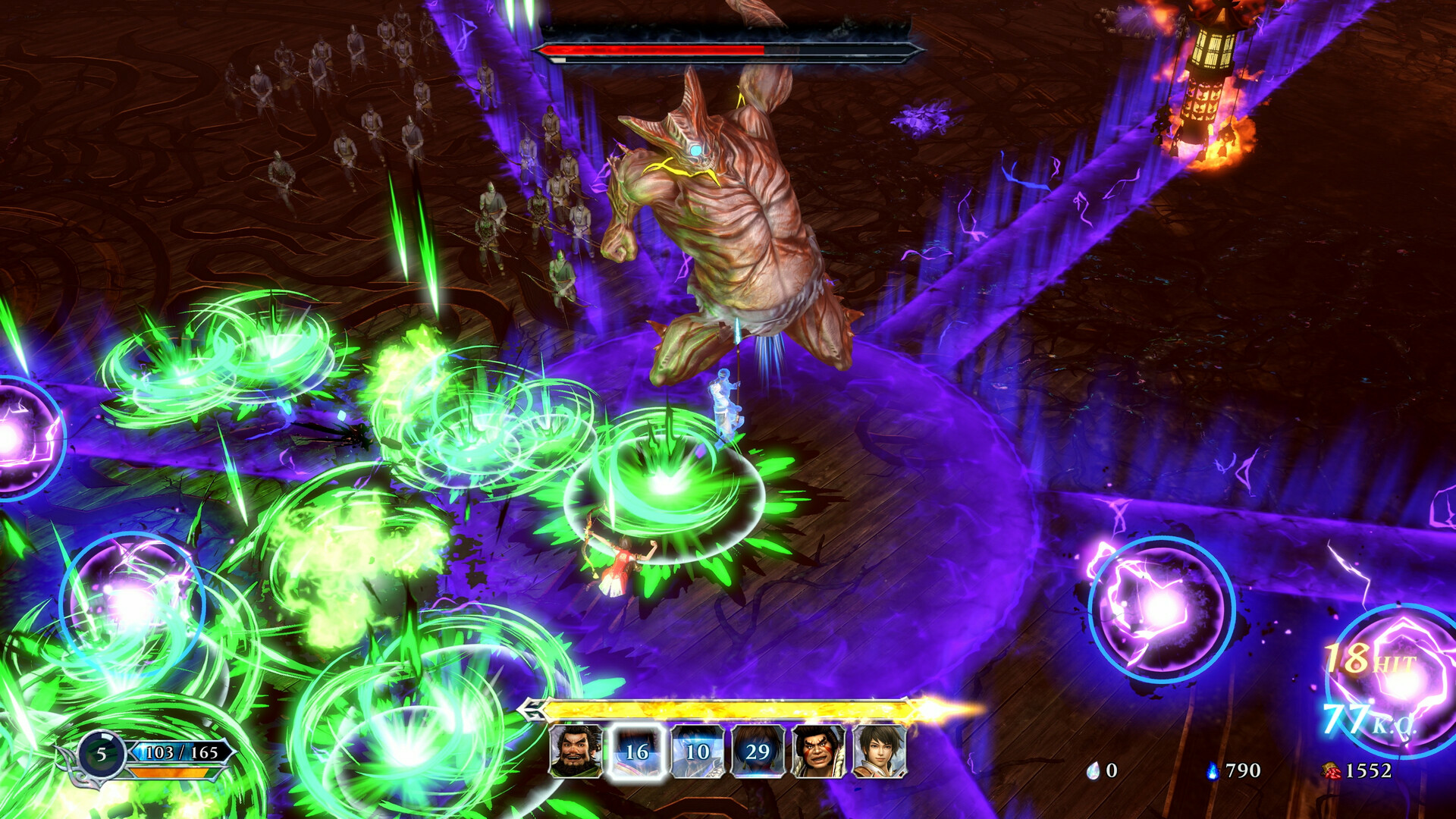
During combat, heroes can be summoned to help eliminate enemies, creating a “new form of ‘WARRIORS’” that emphasizes large‑scale battles. The description links summoning directly to the ability to rout endless hordes.
Summoning is presented as a core combat action rather than a peripheral feature, meaning players will regularly call heroes to the battlefield to manage enemy numbers.
- Summon when enemy numbers rise sharply to maximize crowd‑control impact.
- Observe which summoned heroes clear groups fastest and prioritize them in future fights.
03 / THE GUIDE
Performance Benchmarks
Internal verification recorded 1080p at a maximum of 120 FPS on an AMD Ryzen 7 3700X paired with an NVIDIA GeForce RTX 3060 when graphics are set to “MIDDLE.” This provides a concrete reference point for expected performance on similar hardware.
The same note clarifies that these results are based on internal testing and may differ depending on the specific PC environment, so individual experiences can vary.
- Match your hardware to the benchmark to gauge expected frame rates.
- If performance falls short, lower graphics settings below “MIDDLE.”
04 / THE GUIDE
Control Options
The game lists full controller support, including DualShock and DualSense, alongside a Keyboard Only Option and the note “Playable without Timed Input,” indicating players can choose either input method without mandatory timing constraints.
Audio features such as Custom Volume Controls, Stereo Sound, and Surround Sound are also listed, allowing players to tailor the sound experience to their setup.
- Select the controller type you own; both DualShock and DualSense are recognized.
- Switch to keyboard‑only mode if you prefer untimed, precise input.
05 / THE GUIDE
Steam Integration
WARRIORS: Abyss integrates with Steam features such as Achievements, Trading Cards, Cloud, and Family Sharing, linking the game to the broader Steam ecosystem and providing additional non‑gameplay benefits.
Steam Cloud stores progress online, while Family Sharing permits other accounts on the same device to access the game, expanding accessibility for multiple users.
- Enable Steam Cloud to keep saves synchronized across computers.
- Collect trading cards to complete sets and earn badges.

COMMUNITY
Player discussion