 GameWiki
GET YOUR BEARINGS
About Warhammer 40,000: Dawn of War - Definitive Edition
Warhammer 40,000: Dawn of War – Definitive Edition bundles the original 2004 real‑time strategy title with modern updates. It delivers four campaigns, nine factions, and over 100 maps, preserving the classic gameplay while adding technical refinements.
The edition introduces image‑based lighting, four‑times‑upscaled textures, improved pathfinding, a 64‑bit engine, and an integrated Mod Manager, all aimed at modern hardware and long‑term mod compatibility.
01 / THE GUIDE
Image‑Based Lighting and Textures
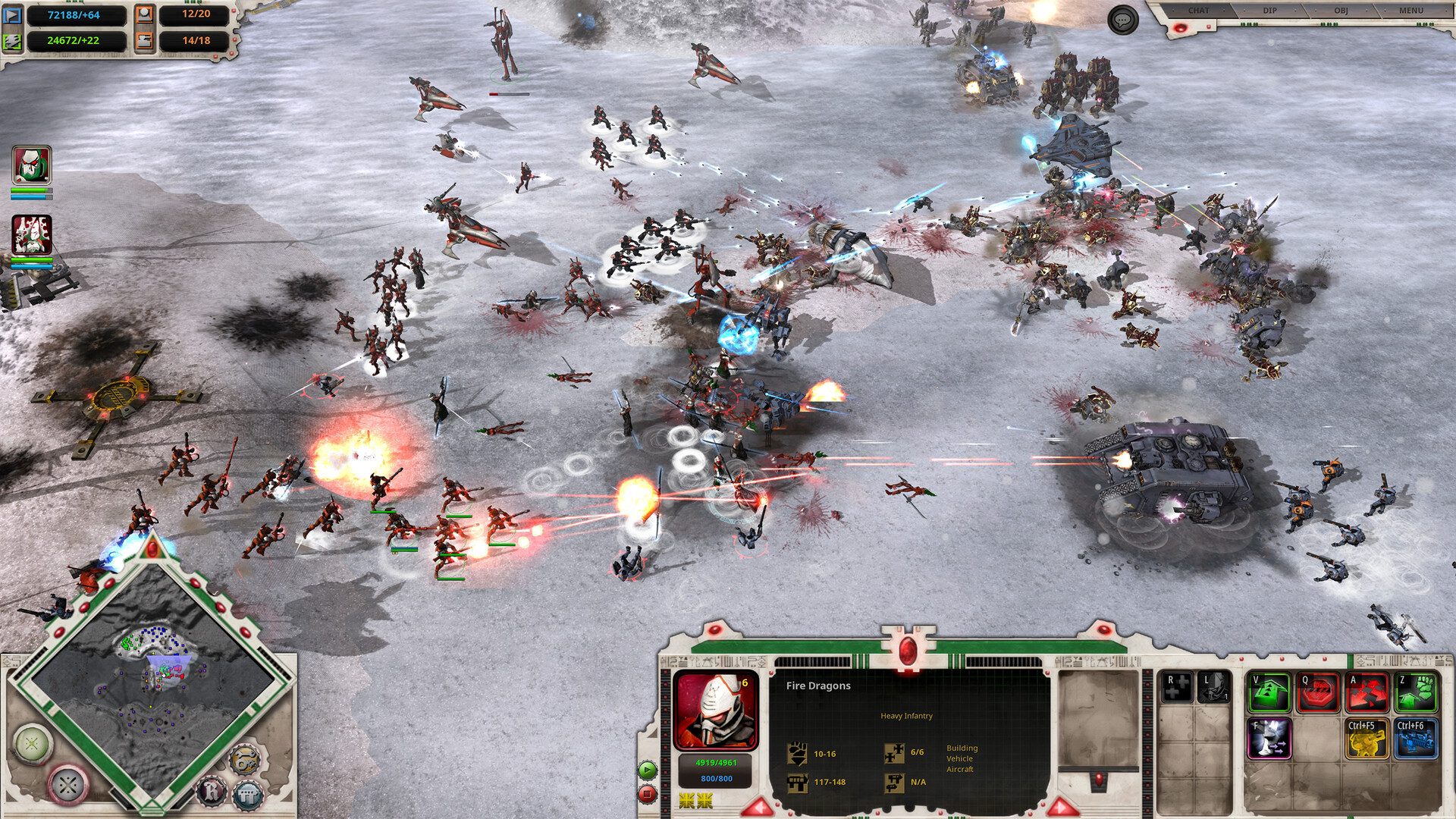
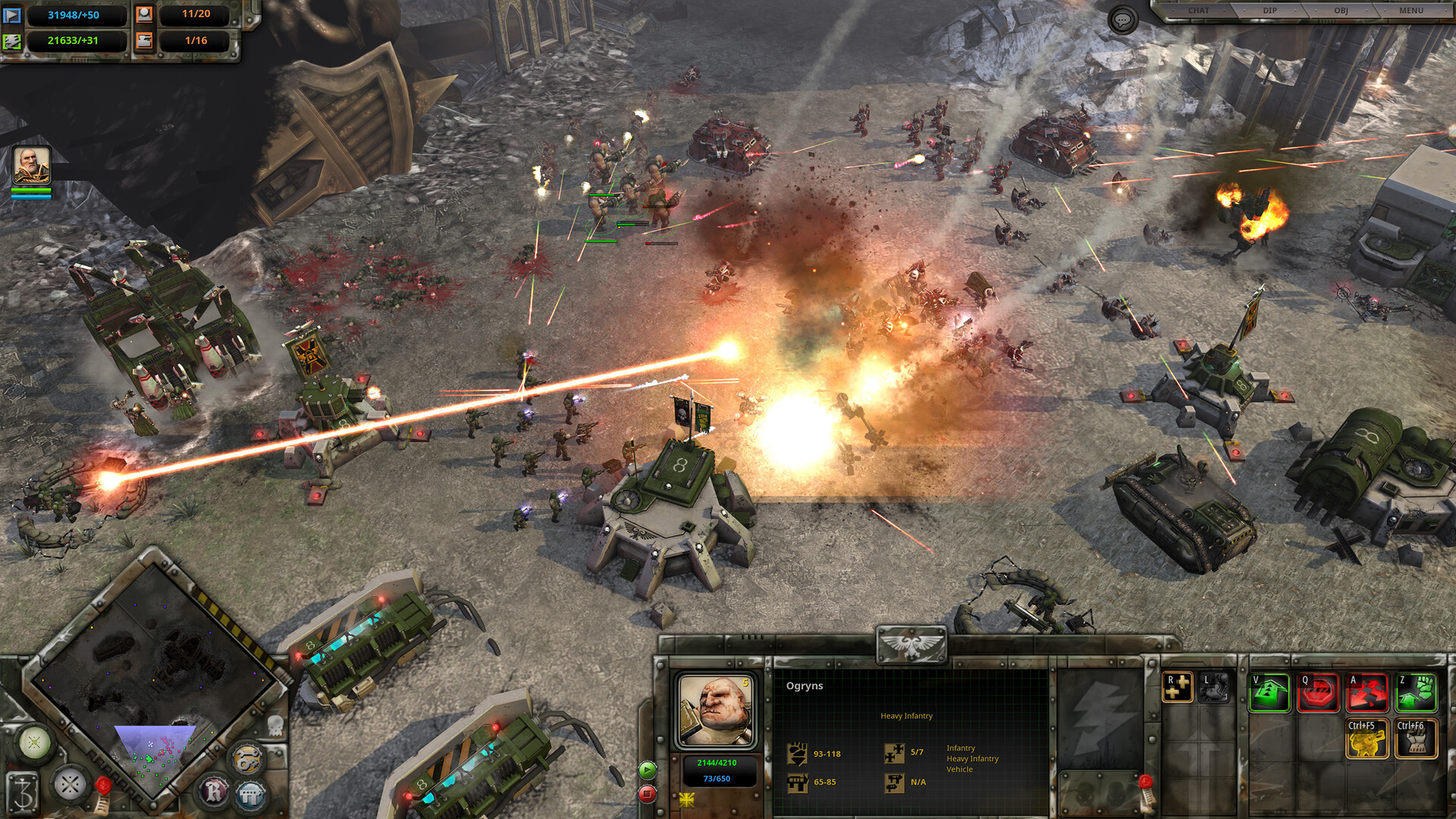
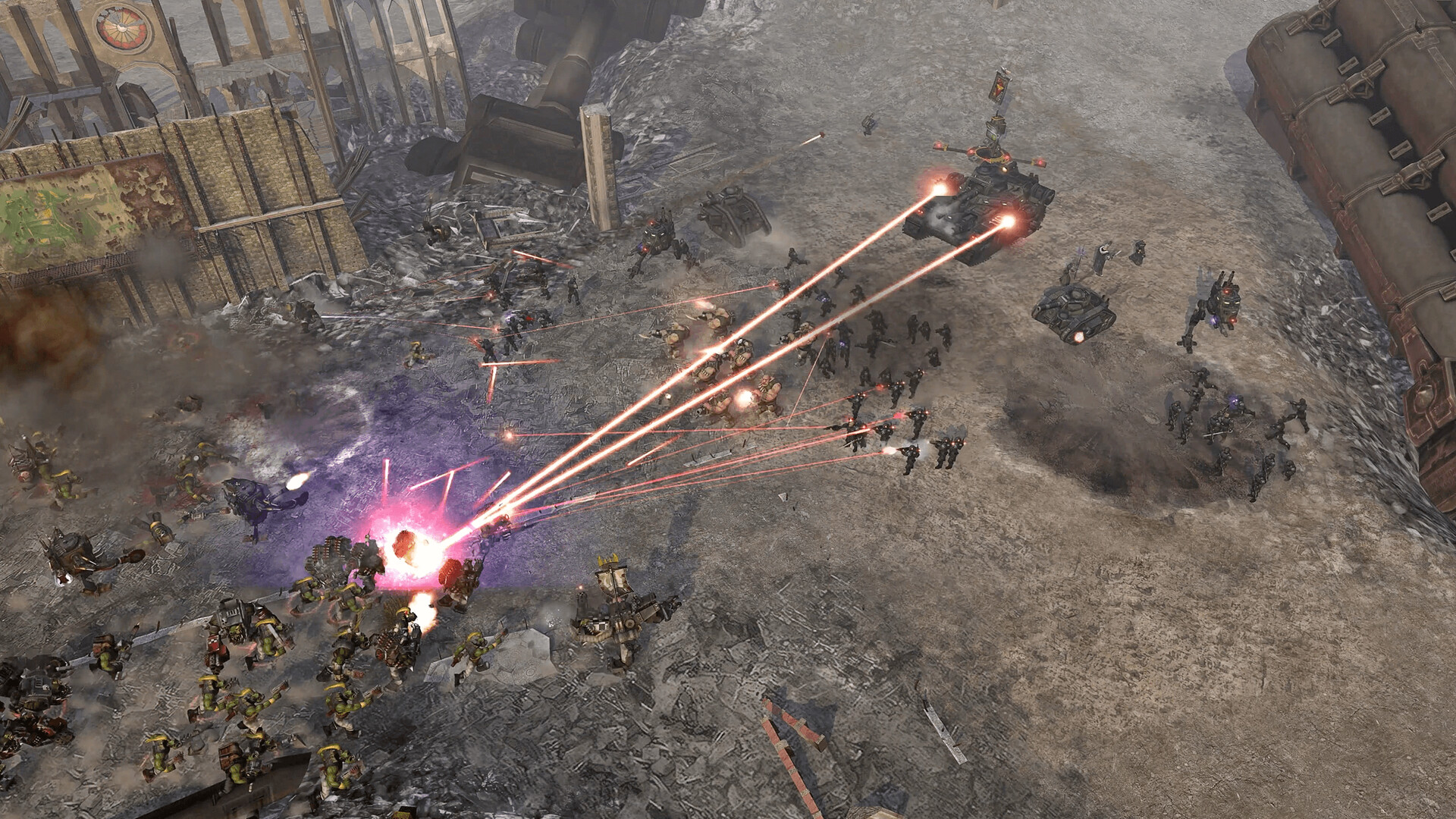
The Definitive Edition upgrades world lighting with image‑based effects, richer shadows, surface gloss and emissive highlights, creating a more cinematic battlefield view. Unit textures are upscaled at least four times, making models clearer on high‑resolution displays.
Draw distances have been increased and the gameplay camera refined, allowing players to see more of the map at once. The HUD and screen layout are also optimized for widescreen monitors, improving readability during large engagements.
- Compare a pre‑upgrade screenshot with the current game to see the impact of lighting and texture changes.
- On a 4K monitor, the refined camera works seamlessly to show the full detail of the upscaled models.
02 / THE GUIDE
Nine Playable Factions
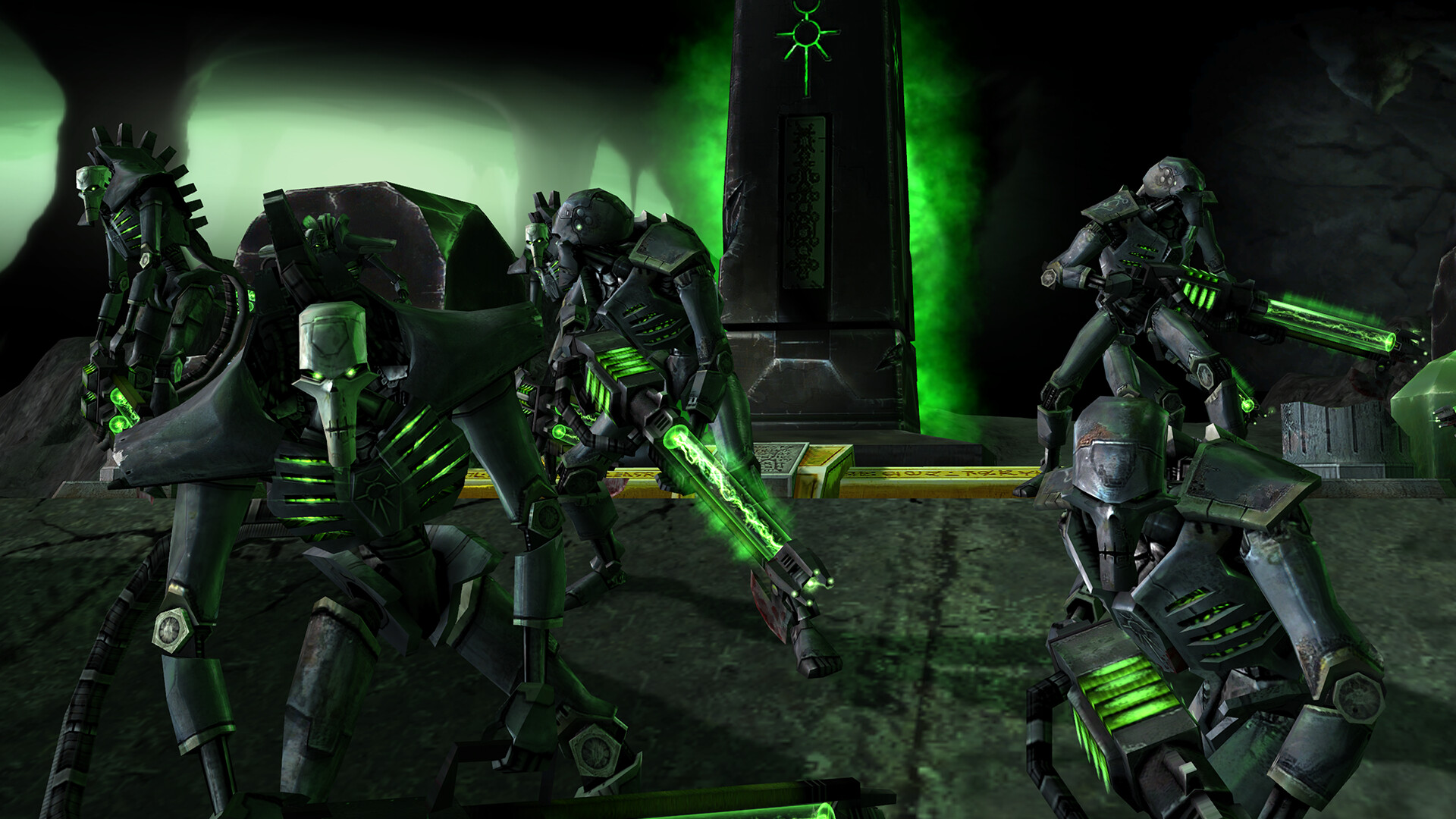
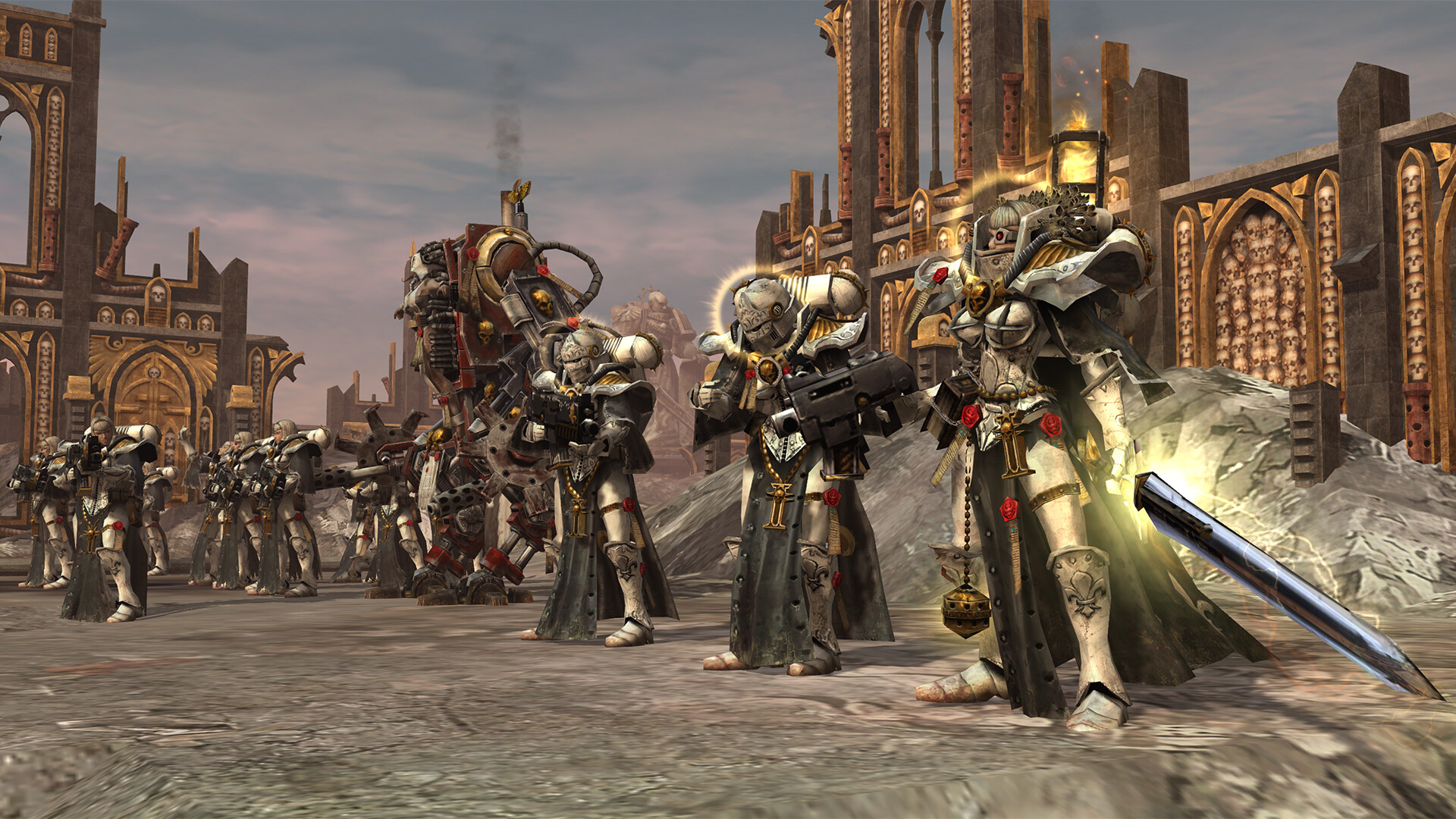
The game features nine distinct factions: Space Marines, Orks, Eldar, Chaos, Imperial Guard, Tau, Necrons, Dark Eldar, and Sisters of Battle. Each retains its classic visual style and unit roster as presented in the original release.
These factions appear across all campaigns and multiplayer, offering varied aesthetic and tactical options that let players choose a side that matches their preferred strategy.
- Try a quick skirmish with each faction to notice visual differences and unit composition.
- Use the Mod Manager to browse community mods that adjust faction models or balance.
03 / THE GUIDE
Four Full Campaigns
Four campaigns are included: the original Blood Ravens story, Winter Assault (order vs. disorder), Dark Crusade (non‑linear on Kronus), and Soulstorm (non‑linear in the Kaurava System). Each follows the narrative design of the 2004 release.
Some campaigns support multiple factions; for example, Dark Crusade can be played as Space Marines, Imperial Guard, Eldar, Orks, Chaos, Tau, or Necrons, providing varied strategic experiences on the same map.
- Play the same campaign with two different factions to compare how objectives feel from each perspective.
- Save frequently; the game allows saving at any point, which helps experiment with alternative tactics.
04 / THE GUIDE
Multiplayer Modes
Multiplayer supports 2‑8 players in team or free‑for‑all formats, offering both PvP and online co‑op experiences. Numerous modes and maps are available, matching the variety of the original title.
Matches can be set up with any combination of the nine factions, letting players test different strategies against human opponents in real time.
- Coordinate with friends to set up a balanced team match and test different faction match‑ups.
- Explore the map library to find terrain that complements your chosen faction’s strengths.
05 / THE GUIDE
Integrated Mod Manager
The Definitive Edition runs on a 64‑bit platform and includes an integrated Mod Manager, ensuring compatibility with over 20 years of community‑created mods. This tool streamlines installation and activation of user‑generated content.
Mod support allows players to extend the game's lifespan with custom graphics, balance tweaks, or new scenarios while preserving the original gameplay framework.
- Browse the Mod Manager’s library for popular graphics or balance mods before starting a session.
- After installing a mod, launch a single‑player mission to verify that the mod loads correctly.
COMMUNITY
Player discussion