 GameWiki
GET YOUR BEARINGS
About War for the Overworld
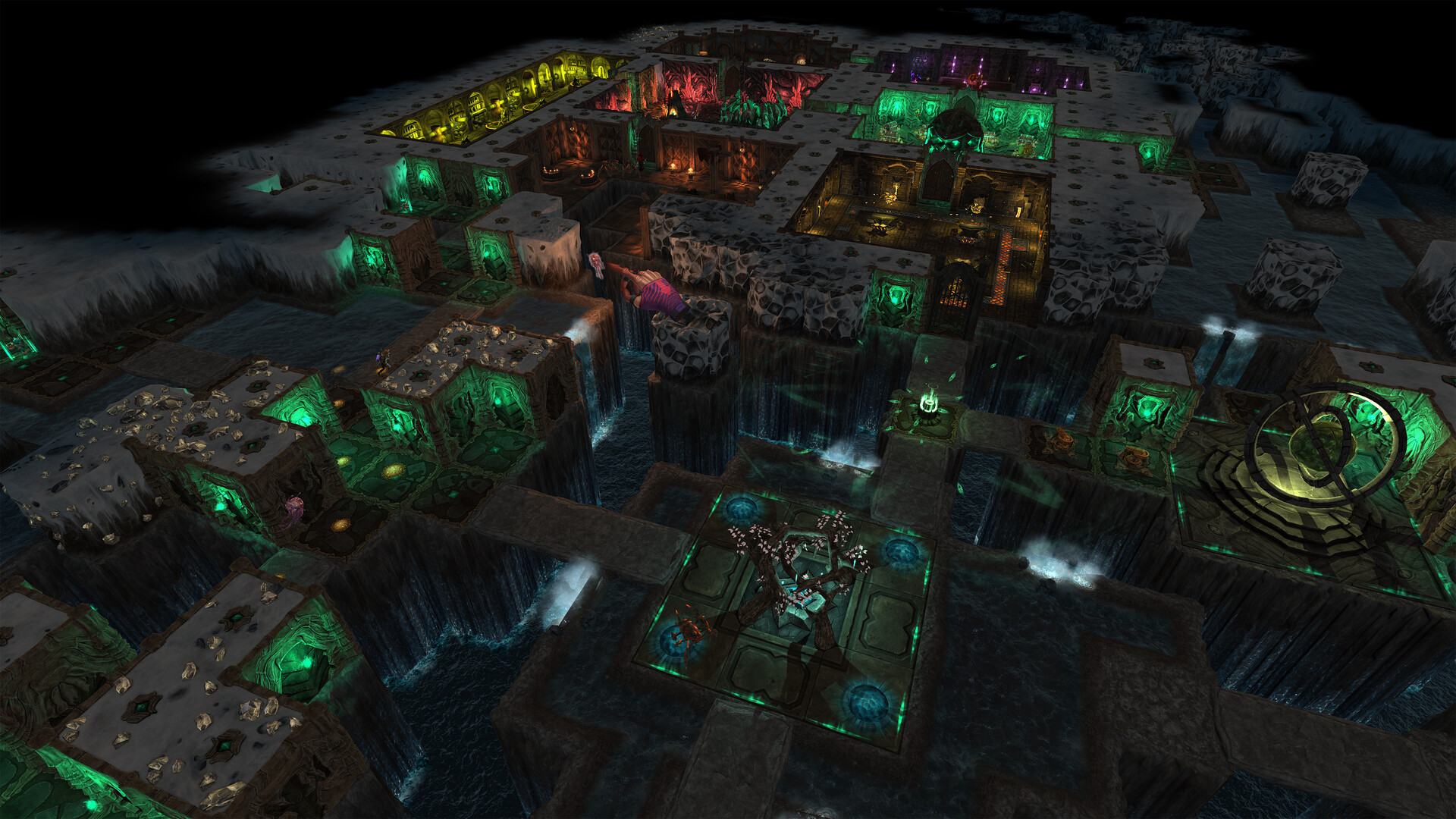
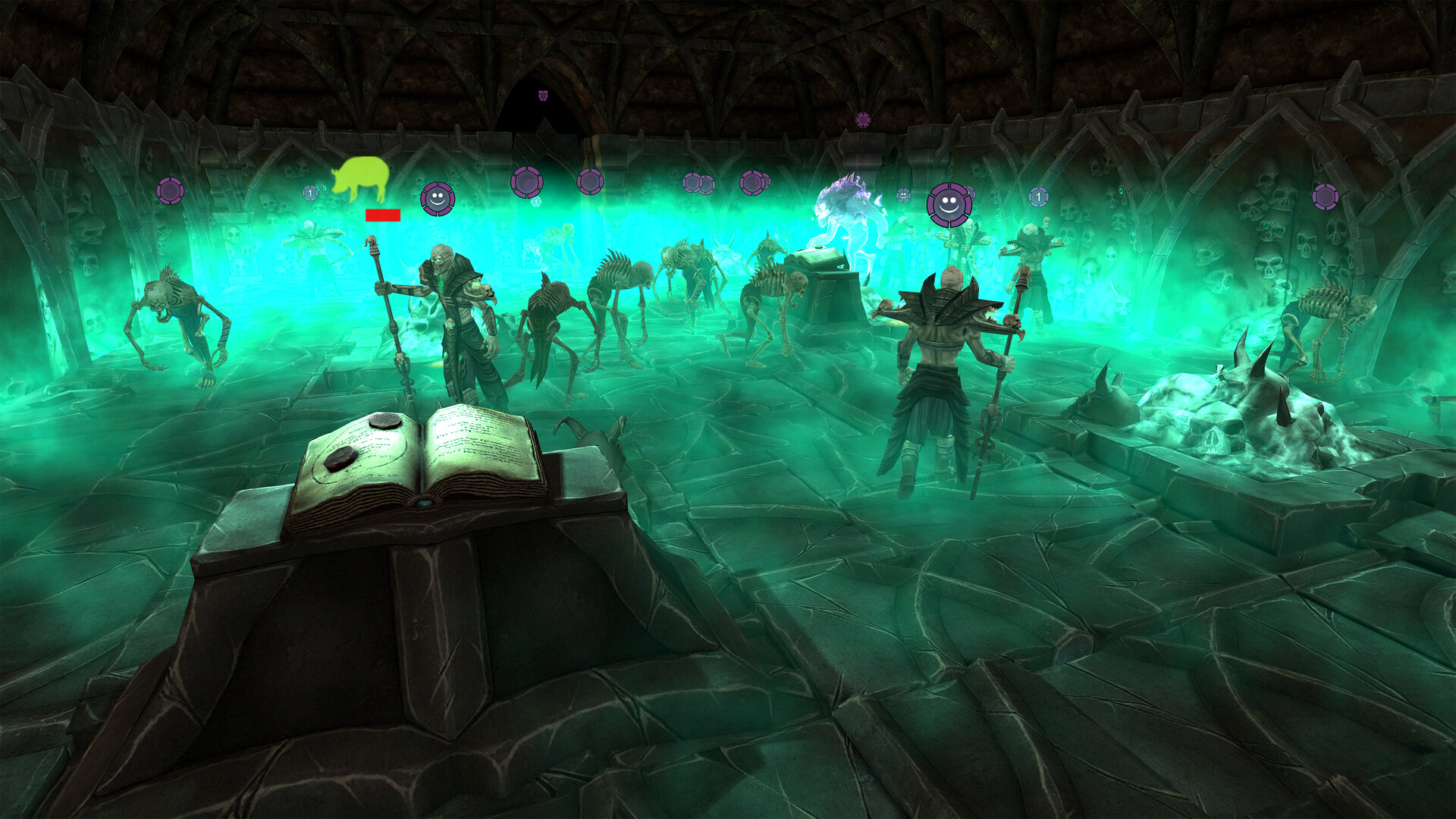
War for the Overworld lets you reverse the classic dungeon‑crawling premise: instead of exploring, you design the underground lair that heroes must brave. Guided by the iconic voice of Richard Ridings, you place rooms, traps, spells and minions to create a hostile experience.
The title supplies over sixty construction options, six distinct play modes, and a full‑featured map editor with scripting support. Community creations are shared through Steam Workshop, while cross‑platform multiplayer, achievements and cloud saves round out the experience.
01 / THE GUIDE
Dungeon Building
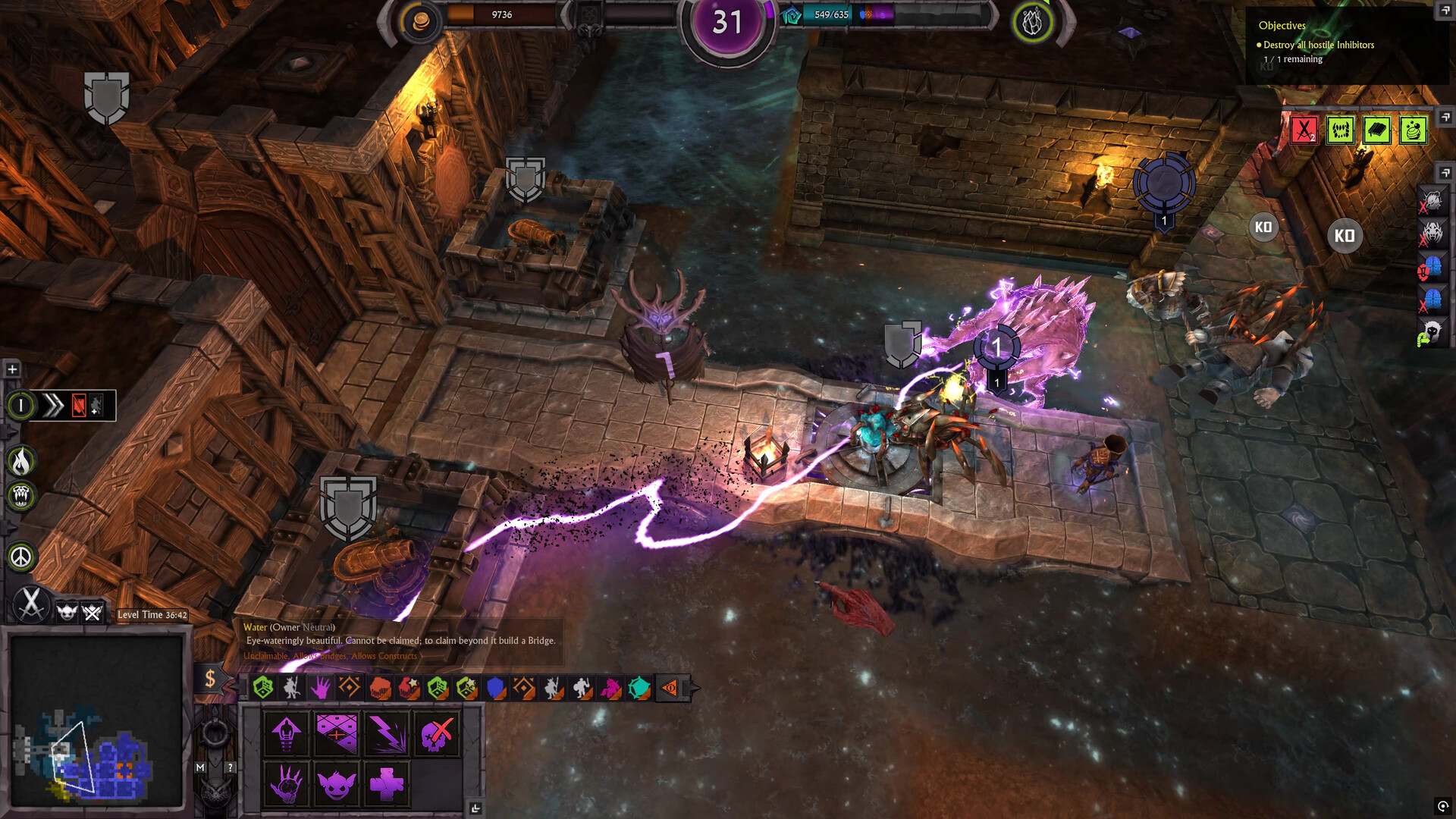
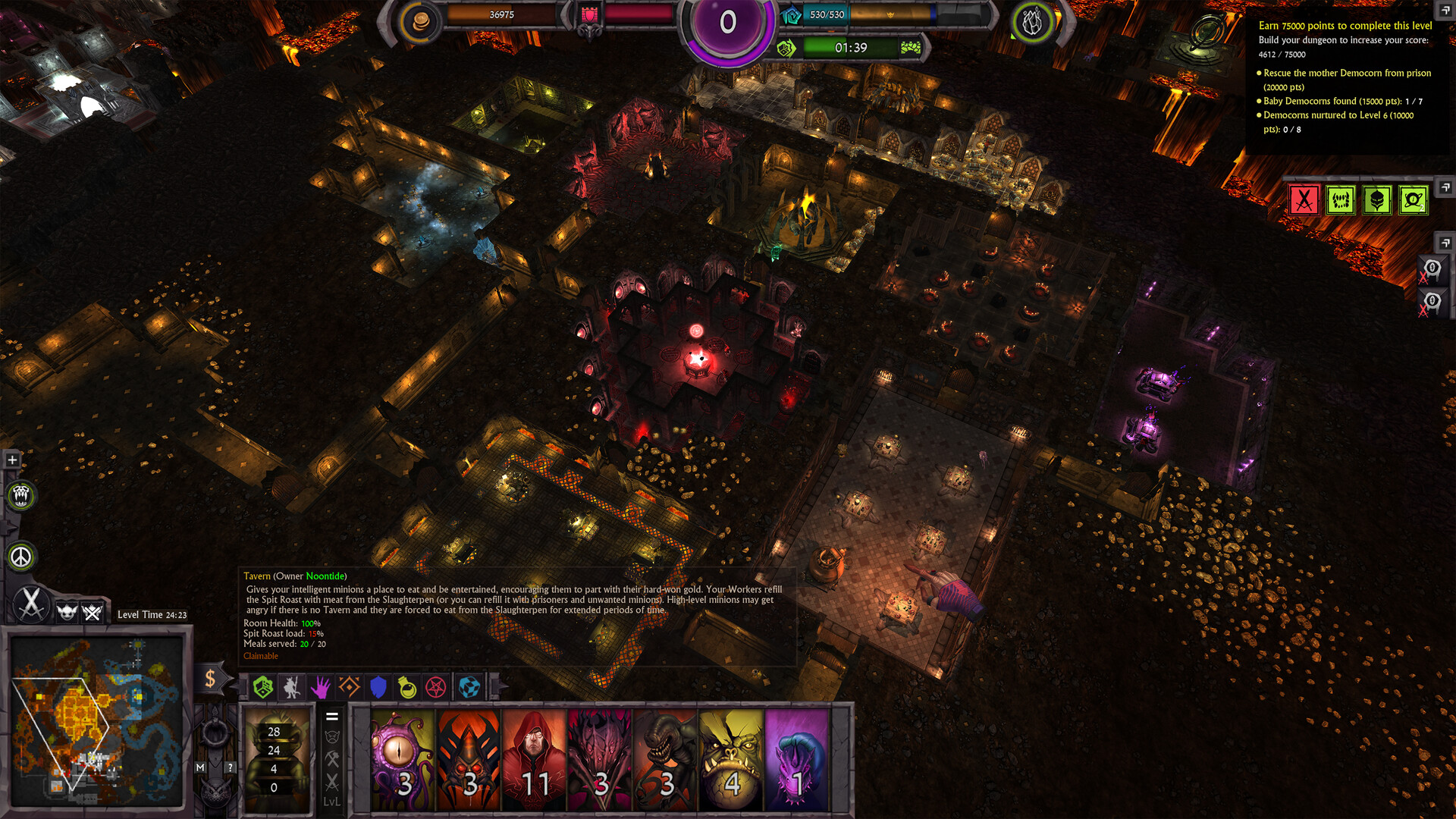
Excavate and assemble your own underground fortress using a toolbox that expands as you progress. You can select from rooms, spells, potions, rituals, defences and constructs, allowing each addition to shape the challenge presented to incoming heroes.
Strategic placement matters: traps and minions interact with the layout, influencing hero paths and overall difficulty. By layering different elements you can craft varied experiences without relying on preset scenarios.
- Mix trap types to discover unexpected interactions.
- Reserve open corridors for minion movement to keep hero routes dynamic.
02 / THE GUIDE
Game Modes
War for the Overworld offers six modes: Campaign, Skirmish, Scenarios, Multiplayer, Survival, and the My Pet Dungeon expansion demo. Each mode presents a different framework for testing your dungeon against heroes or other players.
The modes vary in structure—from story‑driven progress in Campaign to quick encounters in Skirmish—so you can select the format that best matches the time you have or the challenge you seek.
- Start with Skirmish for a brief, focused test of a new layout.
- Use Survival to evaluate how long a design can hold up under repeated hero attempts.
03 / THE GUIDE
Map Editor & Steam Workshop
The built‑in Map Editor provides an intuitive interface plus scripting support, enabling creators to design custom maps and campaigns from scratch. All tools are integrated directly into the game, so no external software is required.
Completed maps can be uploaded to the Steam Workshop, where thousands of community‑made levels are already available. This sharing system extends replay value by giving players endless new challenges to explore.
- Begin with a simple layout before adding complex scripts.
- Browse the Workshop for inspiration before committing to a large custom project.
04 / THE GUIDE
Mutators & Customization
Dozens of mutators let you alter the very rules of the game to your liking. Applying mutators changes the underlying gameplay without modifying the base toolbox of rooms and traps.
With so many mutators available, you can experiment with different rule changes across sessions, tailoring the difficulty or style to suit solo play, multiplayer battles, or personal design goals.
- Test a single mutator in Skirmish before combining it with others.
- Pair mutators that affect enemy strength with those that modify trap potency for balanced challenges.
05 / THE GUIDE
Multiplayer & Platform Support
The game supports online PvP and cross‑platform multiplayer, allowing Windows, macOS and Linux players to compete or cooperate. Steam achievements, leaderboards and cloud saves are integrated, providing persistent progress across sessions.
Additional Steam features such as Family Sharing and Trading Cards enhance community interaction, but they do not alter core gameplay mechanics.
- Enable cross‑platform play to increase the pool of potential opponents.
- Check leaderboards after matches to gauge how your dungeon compares globally.
COMMUNITY
Player discussion