 GameWiki
GET YOUR BEARINGS
About Wanna Make It
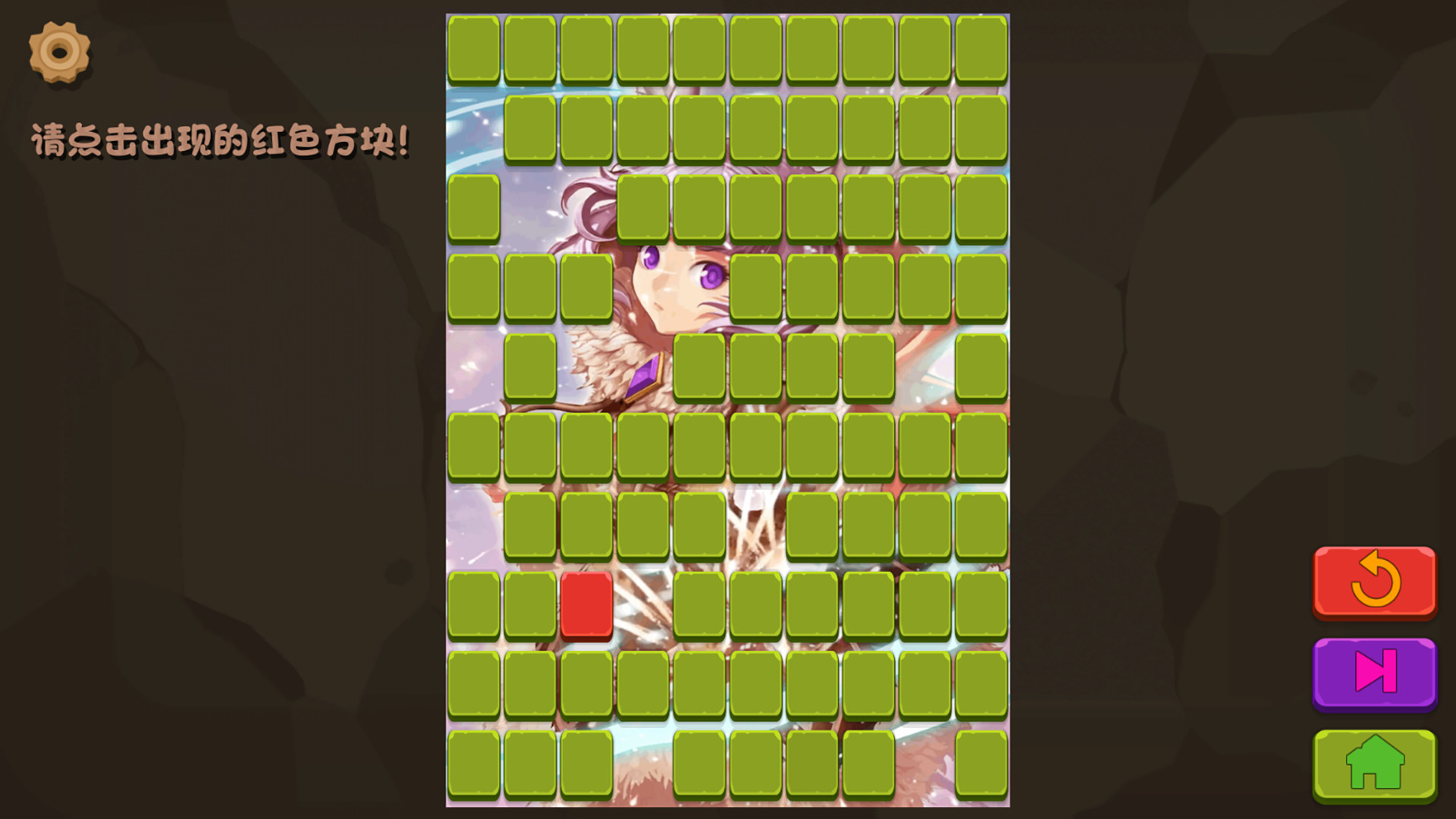
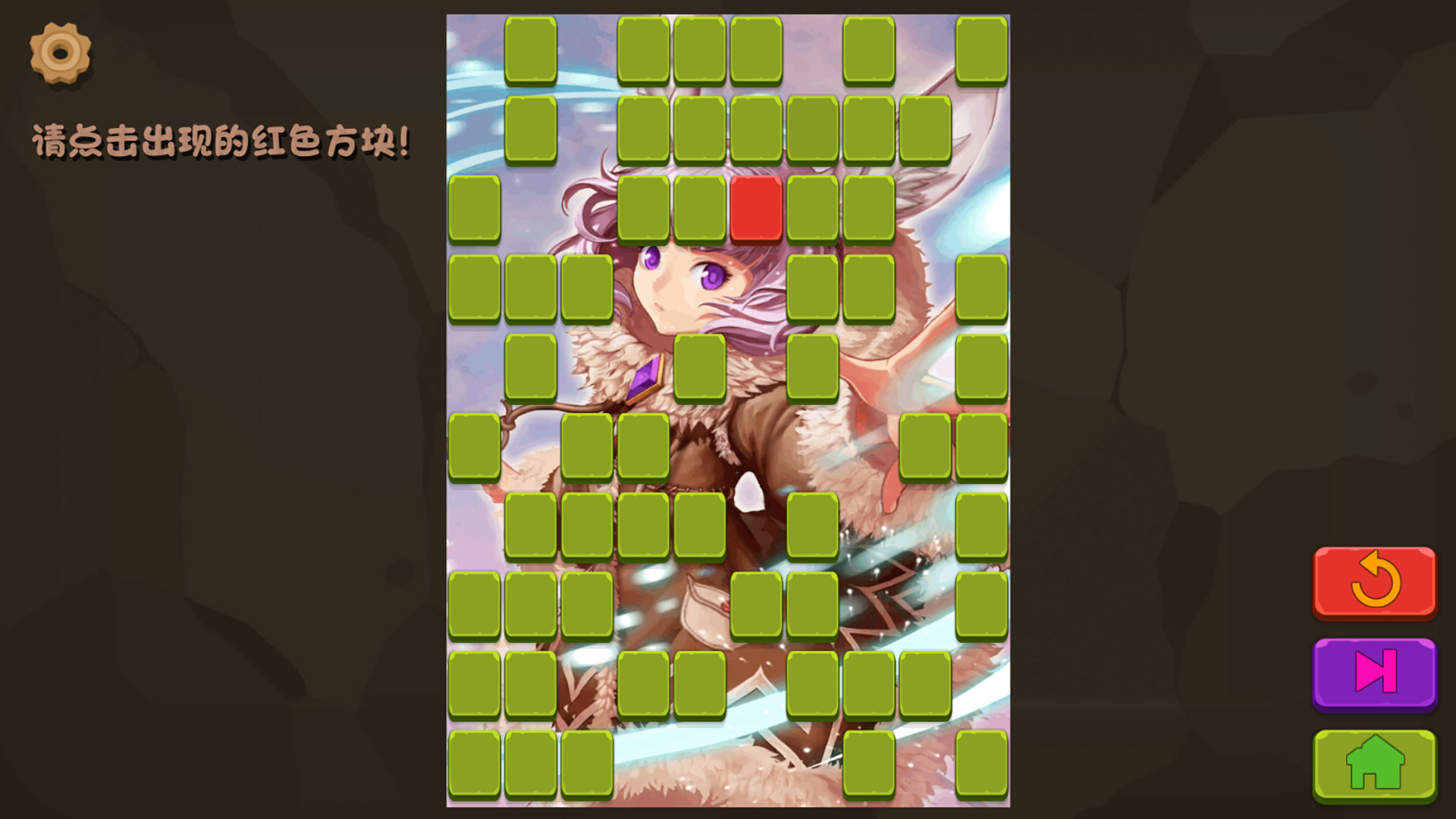
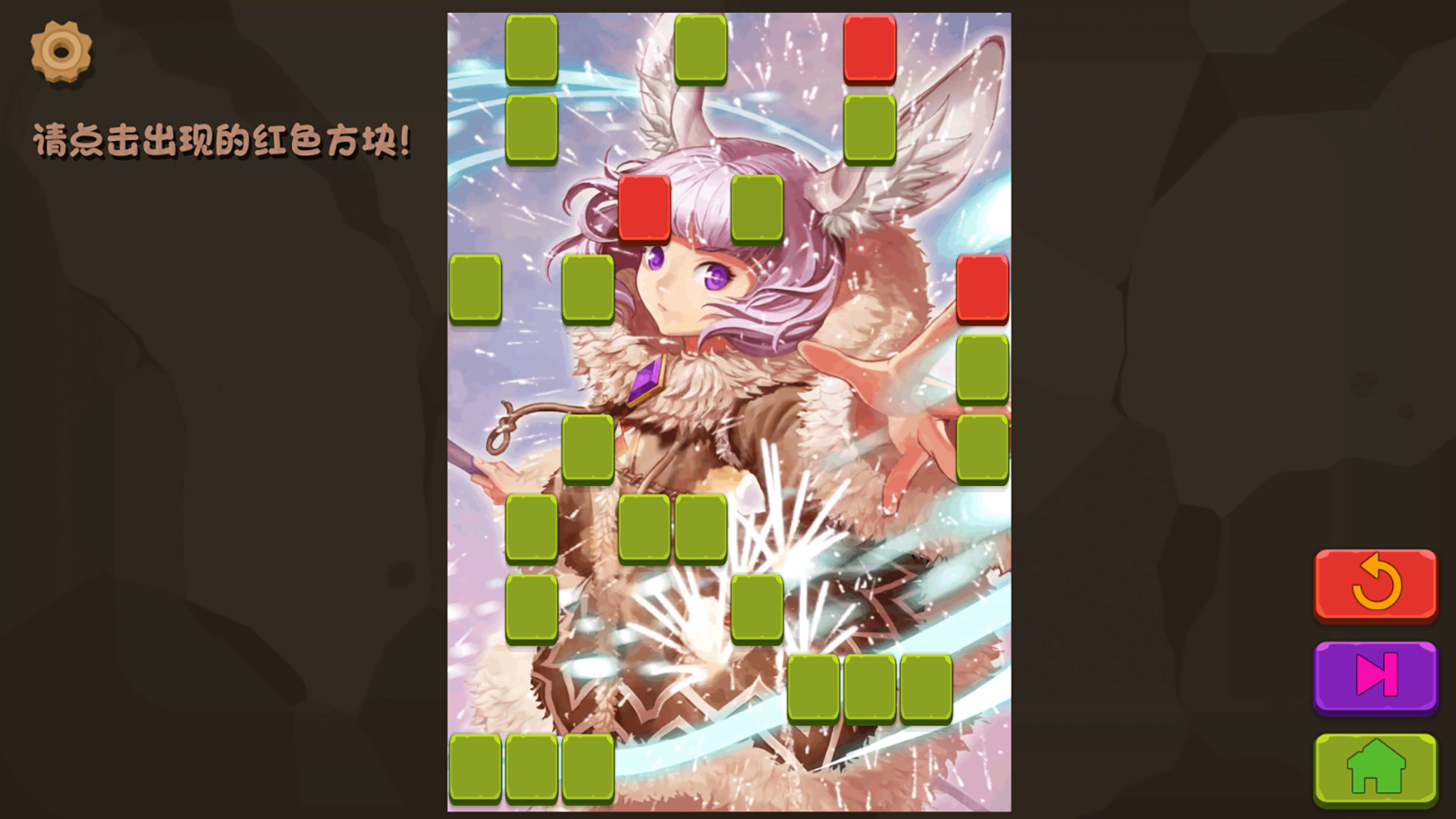
Wanna Make It is a single‑player puzzle title from CQGAME that challenges players’ reaction speed. Each level displays a beautiful CG of a woman, partially hidden behind up to 100 flickering box blocks. Players must click the blocks when they turn red to clear the screen and reveal the full artwork. The game includes up to 15 distinct CGs, a catchy background music track, and supports Steam achievements, cloud saves, and family sharing on Windows.
01 / THE GUIDE
CG Artwork
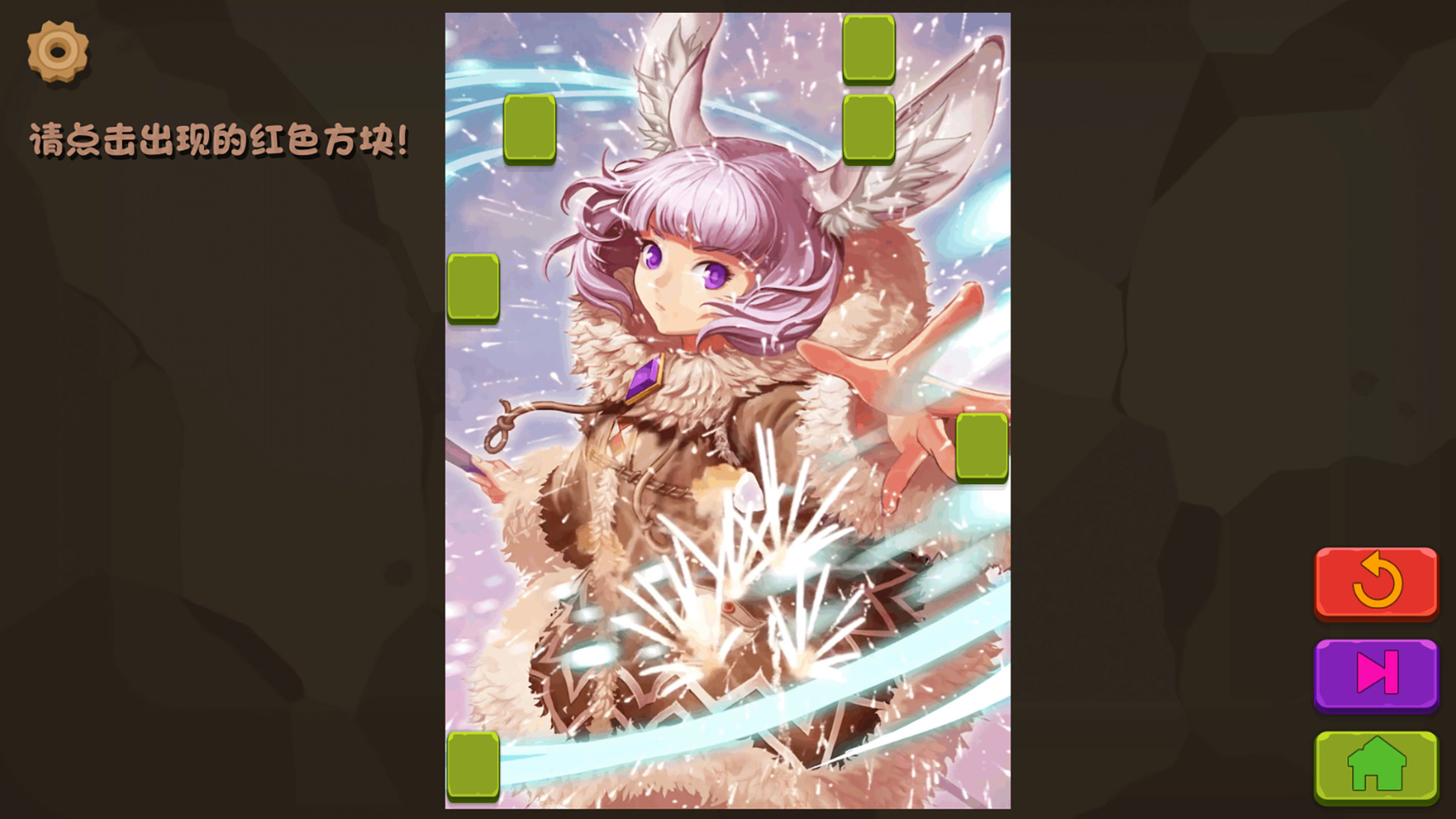
The core visual reward is a collection of up to 15 illustrated CGs that become fully visible once all blocking squares are cleared. Each CG features a different beautiful woman, providing a visual incentive to complete the puzzle.
The squares that obscure the CGs flicker randomly, creating a dynamic visual field that players must monitor while searching for the red‑highlighted blocks.
- Observe the overall composition of the CG to anticipate where blocks may appear.
- Notice patterns in the flickering to improve spotting red squares faster.
02 / THE GUIDE
Reaction and Hand Speed
Gameplay revolves around testing reaction ability and hand speed. Up to 100 squares flicker randomly, and only those turning red should be clicked to remove them.
Clearing all squares reveals the hidden CG, making quick and accurate clicks essential for progress.
- Keep your hand relaxed to reduce fatigue during rapid clicking.
- Practice timing by focusing on the red cue rather than the surrounding flicker.
03 / THE GUIDE
Background Music
A catchy BGM plays throughout each level, aiming to immerse players in the scene while they focus on the puzzle.
The catchy BGM provides a consistent auditory backdrop while you focus on the puzzle.
- Adjust your speaker volume to balance the music with the click sounds.
- Use headphones to better isolate the rhythm, which may aid timing.
04 / THE GUIDE
Steam Integration
The game supports Steam achievements, letting players earn recognitions as they play.
The game lists Steam Cloud and Family Sharing among its Steam features.
- Check the achievement list to set personal goals.
- Enable Cloud sync in Steam settings to keep progress across reinstallations.
05 / THE GUIDE
Windows Compatibility
Wanna Make It is released for Windows platforms. No macOS or Linux versions are listed, focusing the official support on Windows PCs.
The game is a single‑player experience on Windows.
- Ensure your Windows drivers are up to date for optimal performance.
- Run the game in compatibility mode if you encounter issues on newer Windows builds.

COMMUNITY
Player discussion