 GameWiki
GET YOUR BEARINGS
About Wand & Order: Tidy up the magic shop!
In *Wand & Order: Tidy up the magic shop!* you play as the Alchemist’s homunculi, tasked with cleaning a workshop after a rogue tornado spell scatters thousands of items. The game challenges you to sort cards, wands, potions and other magical objects across three distinct zones while racing against the creator’s return.
The experience blends casual sorting mechanics with cooperative play for up to four players, offering unlockable cleaning spells that automate parts of the process. Full controller support, save‑anytime, and a pace‑yourself design let you enjoy the tidy satisfaction at your own speed.
01 / THE GUIDE
Zone 1 – The Archives
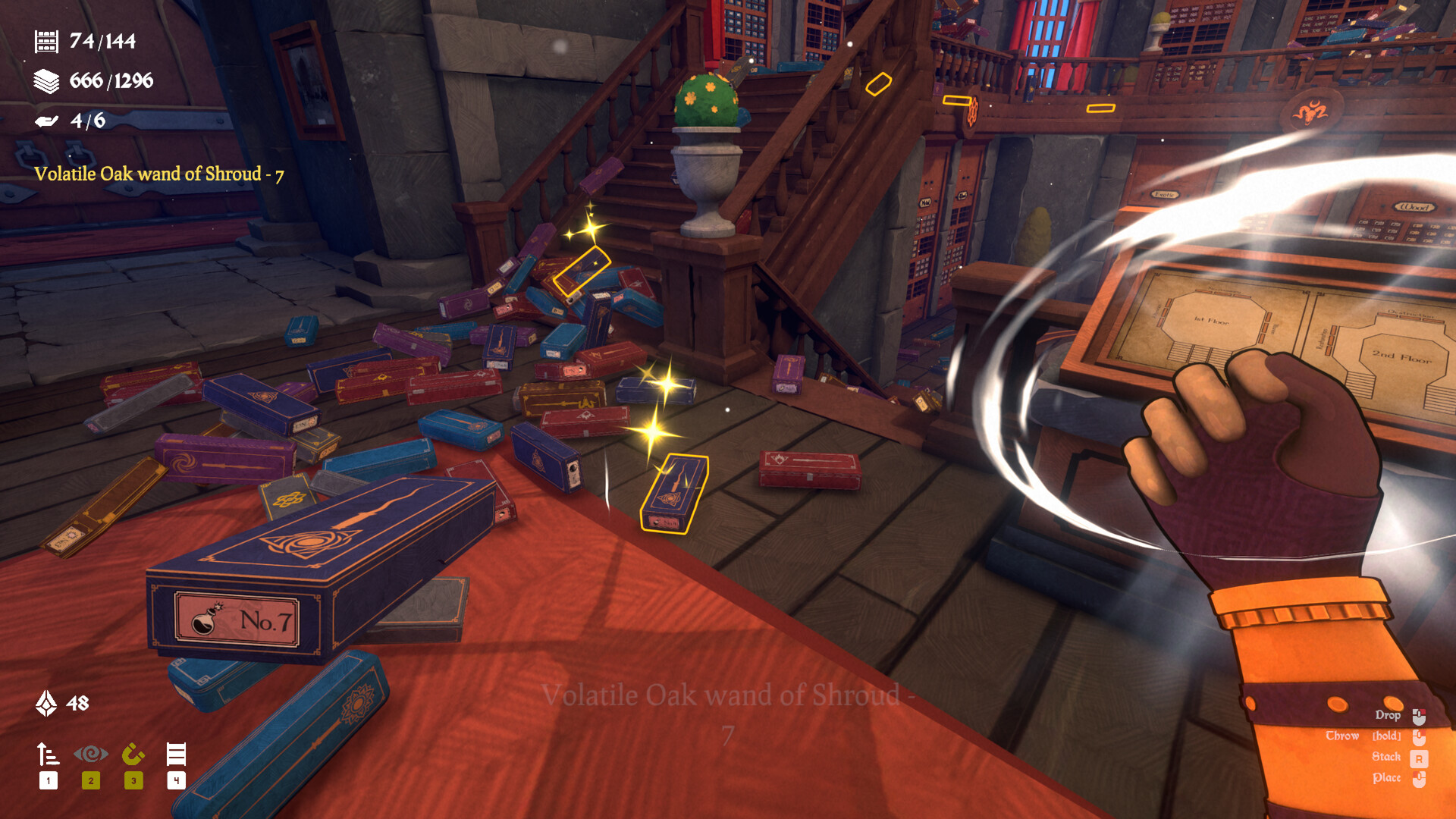
The first area, called the Archives, contains roughly 470 items. Your main task is to locate scattered tarot decks and return each to its proper shelf. Sorting is done by selecting items and clicking to stack them neatly. The zone’s layout emphasizes a tidy visual cue: correctly stacked decks form a neat stack, reinforcing the game’s satisfying organization loop.
- Look for visual patterns in deck backs to speed identification.
- Use the click‑to‑stack method for quick placement.
02 / THE GUIDE
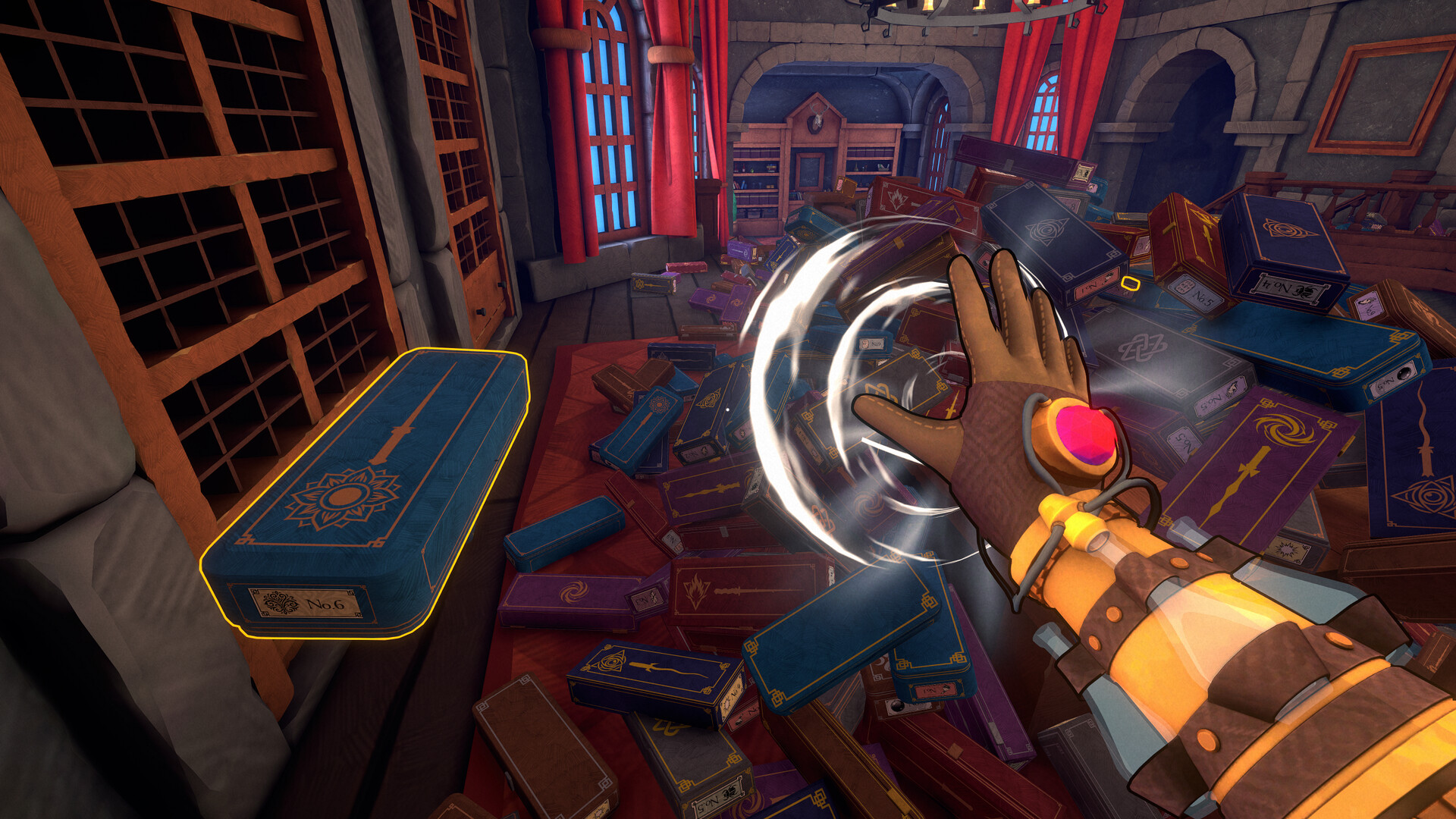
Zone 2 – The Wand Workshop
In the Wand Workshop you face about 1,300 wands made from varied materials and linked to different magic schools. Each wand must be placed on its matching display, again using the select‑and‑click stacking system. The diversity of wand types adds a layer of visual discrimination, encouraging careful observation before placement.
- Group wands by material color before sorting.
- Confirm the correct display spot before clicking.
03 / THE GUIDE
Zone 3 – The Alchemy Lab
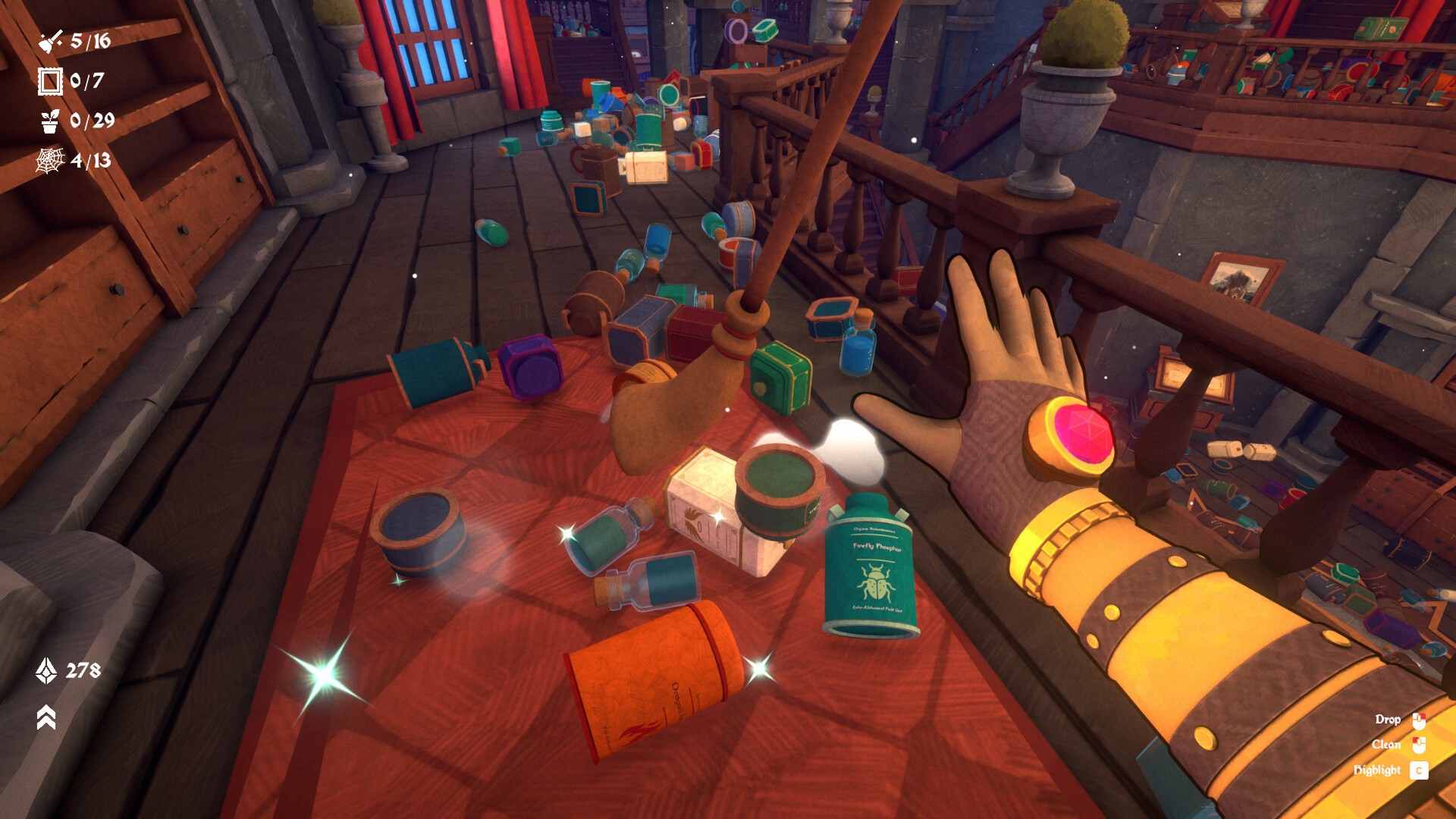
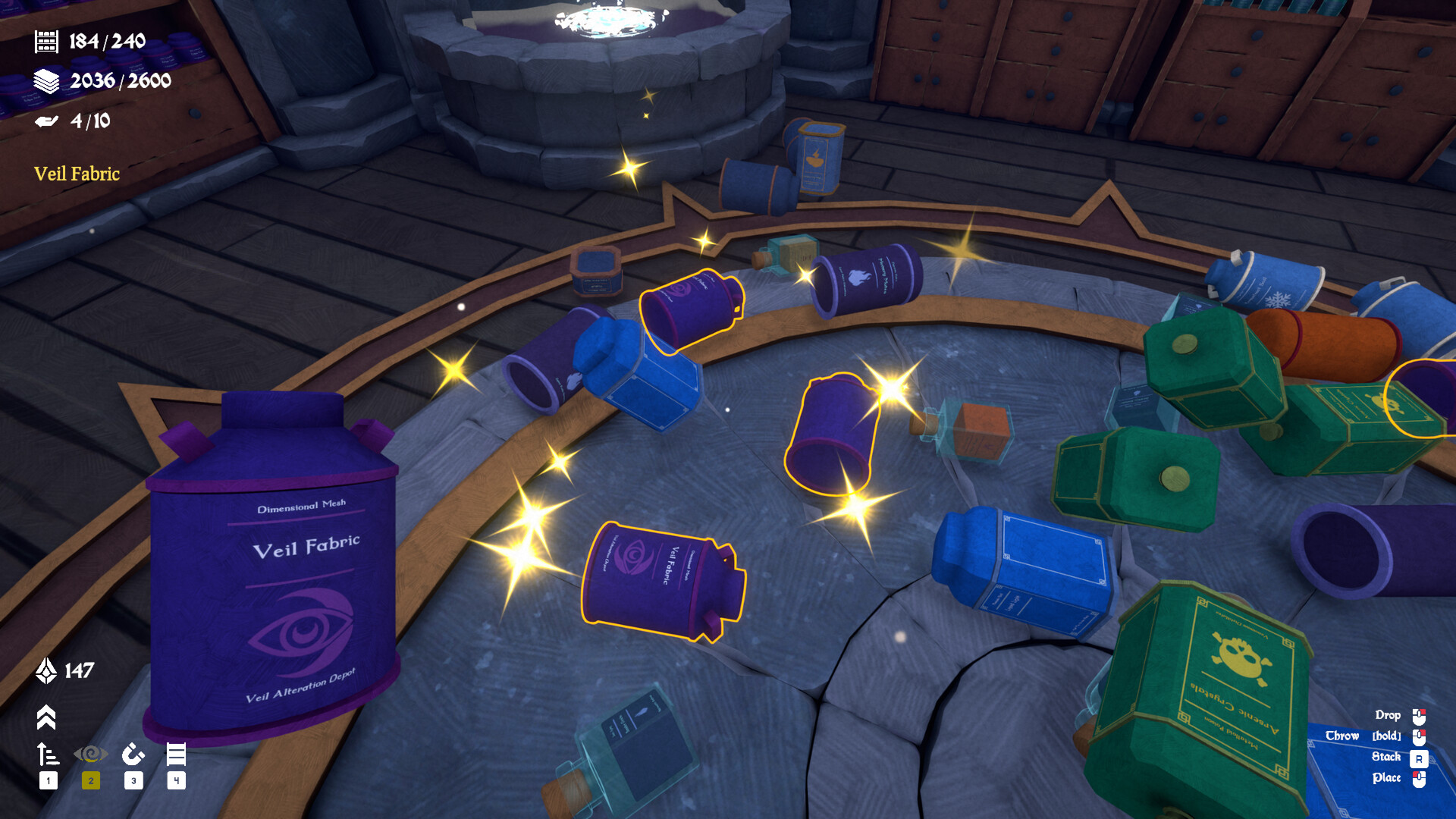
The final zone, the Alchemy Lab, holds over 2,200 potions, ingredients, and containers. Items appear in tin cases, jars, and glass bottles, each needing placement in its proper category. The sheer volume tests your sorting speed, but the same click‑to‑stack mechanic applies, keeping the process consistent across zones.
- Prioritize larger containers to clear space faster.
- Use visual cues on labels to differentiate ingredients.
04 / THE GUIDE
Unlockable Cleaning Spells
Progress awards points that unlock functional cleaning spells such as Alchemical Vision, Magnetic Vacuum, and Auto‑Place Magic. These spells highlight sets, attract matching items, or instantly place held items onto correct spots, respectively. Upgrading spells gradually increases sorting speed, letting you handle larger item counts with less manual clicking.
- Activate Alchemical Vision when searching for a specific set.
- Combine Magnetic Vacuum with Auto‑Place for rapid batch sorting.
05 / THE GUIDE
Co‑op and Multiplayer Options
The game supports solo play or cooperative clean‑up with up to three friends online. All players share the same sorting tasks, allowing teamwork to divide zones or item types. In co‑op, each participant still selects items and clicks to stack, keeping the tidy experience across multiple controllers.
- Assign each player a specific zone for focused effort.
- Communicate which spells are active to avoid overlap.

COMMUNITY
Player discussion