 GameWiki
GET YOUR BEARINGS
About Waltz of the Wizard
Waltz of the Wizard is billed as a Reality Experience, letting players act freely in a world where characters converse and react to countless actions. It runs on Windows and can be played with mouse, keyboard, controller, or on a Steam Deck, and supports both VR and non‑VR play.
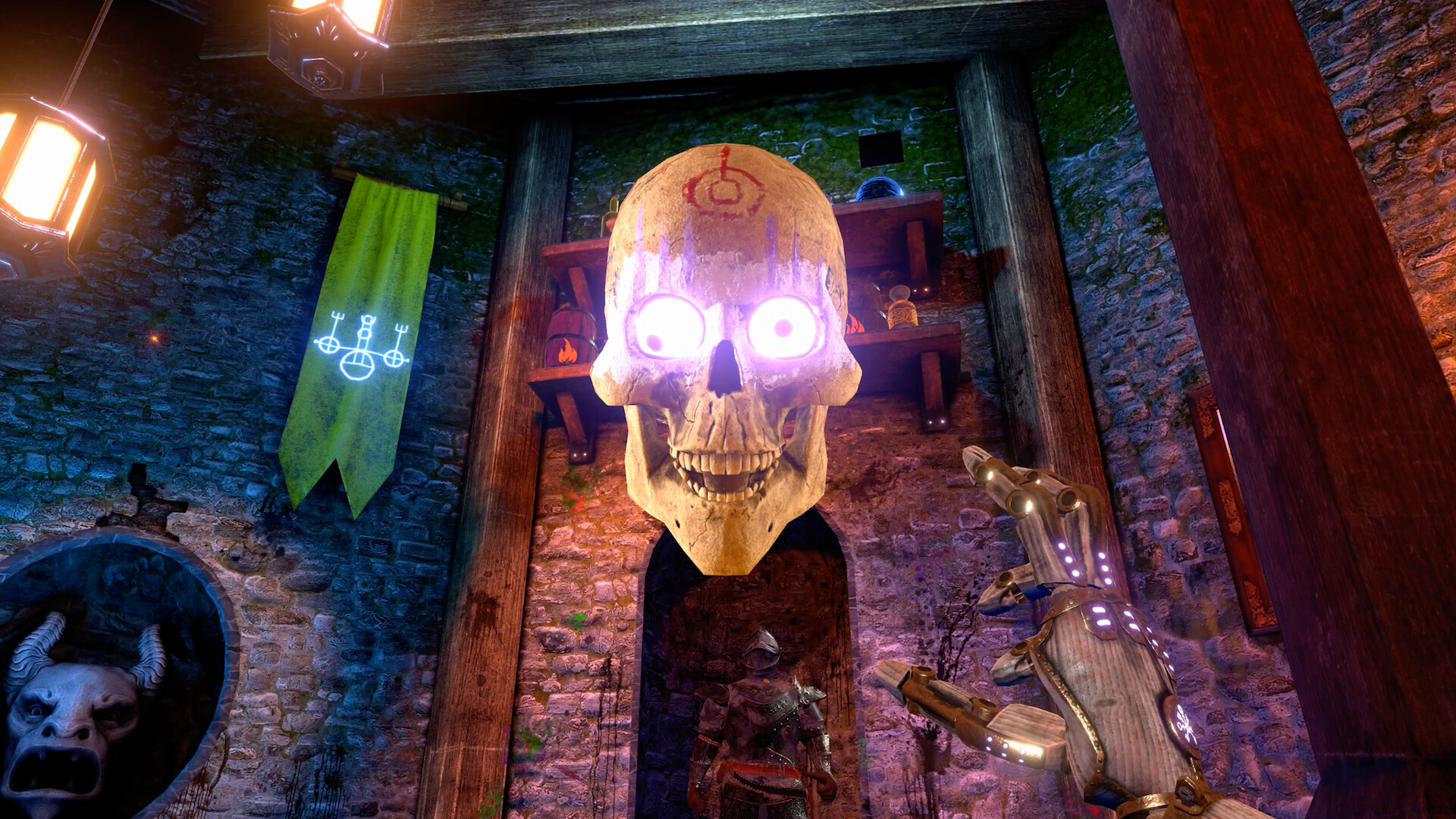
The game features an on‑device AI companion named Skully, a vast array of magic spells, and interactive artifacts that respond uniquely. It offers single‑player, multiplayer, and split‑screen co‑op modes, and has earned several awards for innovation and updates since launch.
01 / THE GUIDE
Reality Experience and Input Options
The title describes itself as a Reality Experience, meaning players can do anything and characters will react. Interaction is possible via mouse, keyboard, controller, or Steam Deck, and the game also supports VR headsets, giving many ways to engage with the world.
Full controller support is listed alongside tracked controller and DualSense/DualShock compatibility, indicating a broad range of hardware can be used without limiting the experience to a single input method.
- Try switching between mouse/keyboard and controller to see which feels more natural for spell casting.
- If you have a VR headset, experiment with gaze‑based interactions for extra immersion.
02 / THE GUIDE
Skully – The On‑Device AI Companion
Skully is an AI character with thousands of voice‑acted lines and reactions. It reacts not only to spoken words but also to the player’s gaze, gestures, and environmental events, creating a mischievous and unpredictable dialogue experience.
The AI’s awareness means even playful or odd actions can trigger darkly humorous outcomes, making each encounter feel unique and encouraging experimentation.
- Observe Skully’s reactions to different gestures; they can be surprisingly varied and entertaining.
- Experiment with voice commands to see how Skully responds to different phrasings.

03 / THE GUIDE
Magic Abilities and Spellcasting
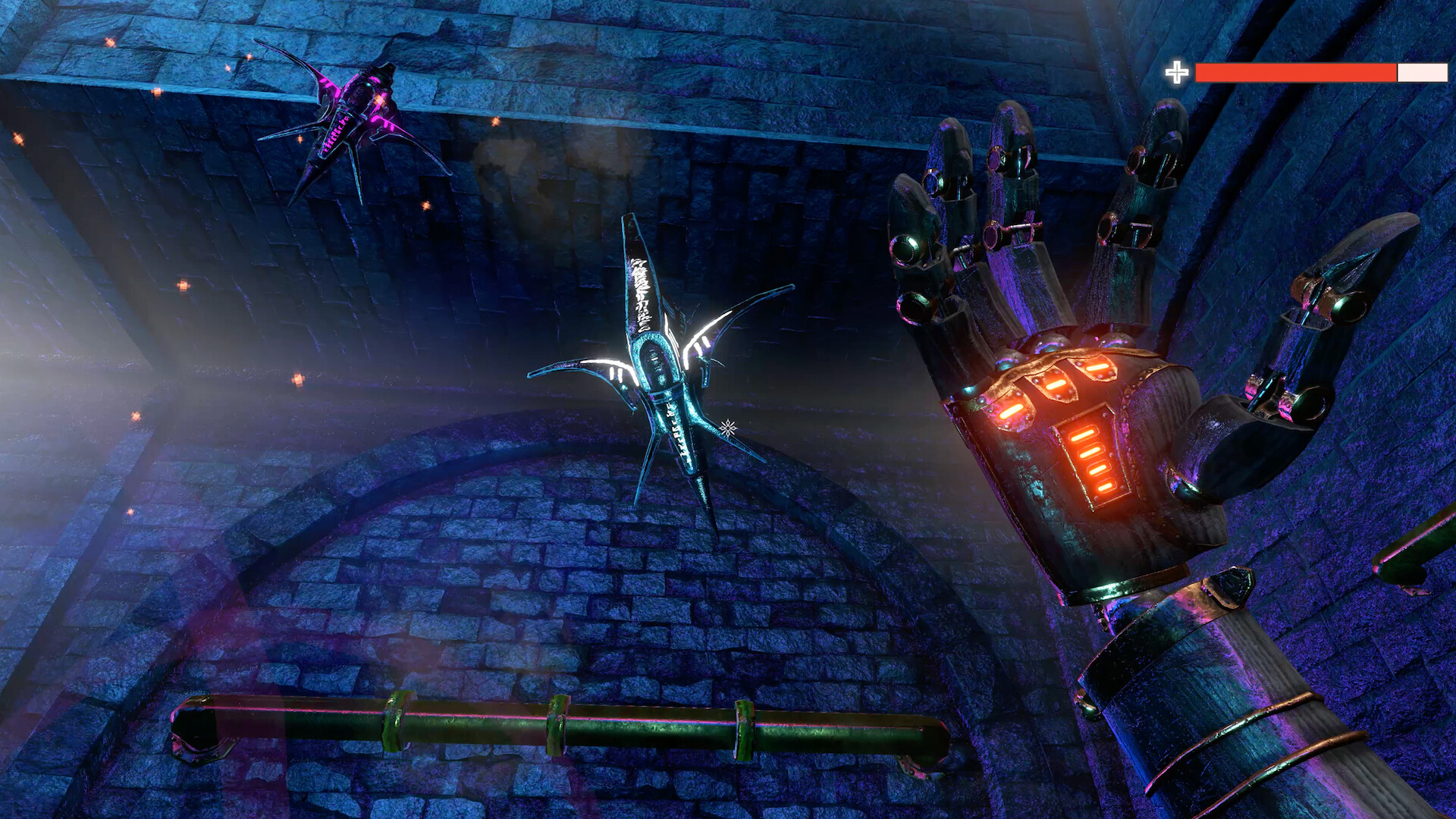
Players wield a diverse set of magical powers, from firing storms of fireballs to manipulating time and transforming objects into frogs. These abilities are described as “dazzlingly diverse,” allowing creative problem‑solving and combat.
Voice interaction can be used to issue magical commands quickly, though a “Type to Talk” option exists for those who prefer silence.
- Try pairing time‑manipulation with fireball spells to see what effects you can create.
- Test object transformation on harmless items first to gauge the AI’s response.
04 / THE GUIDE
Mystical Artifacts and Interactive Objects
The world contains relics and potions that react uniquely to player interaction. Some ancient relics whisper, while certain potions can enlarge the player, adding layers of discovery and experimentation.
These items respond to both voice commands and physical actions, reinforcing the game’s emphasis on player agency and reality‑bending consequences.
- Listen closely to whispered relics; they may reveal intriguing secrets.
- Use the giant‑size potion in open spaces to avoid accidental collisions.
05 / THE GUIDE
Multiplayer and Co‑op Play
Waltz of the Wizard supports single‑player, multiplayer, and shared/split‑screen co‑op modes, allowing friends to explore together. Remote Play Together and Family Sharing are also listed, expanding the ways players can join.
Beyond co-op, the game offers whimsical activities such as navigating Skully’s memories, hunting for glory in the Observer Fortress, or attaching Skully to unstable medieval rockets.
- Coordinate spell usage with a partner to make experimenting with magic more fun together.
- Try split‑screen mode for a shared view of the game’s whimsical experiments.


COMMUNITY
Player discussion